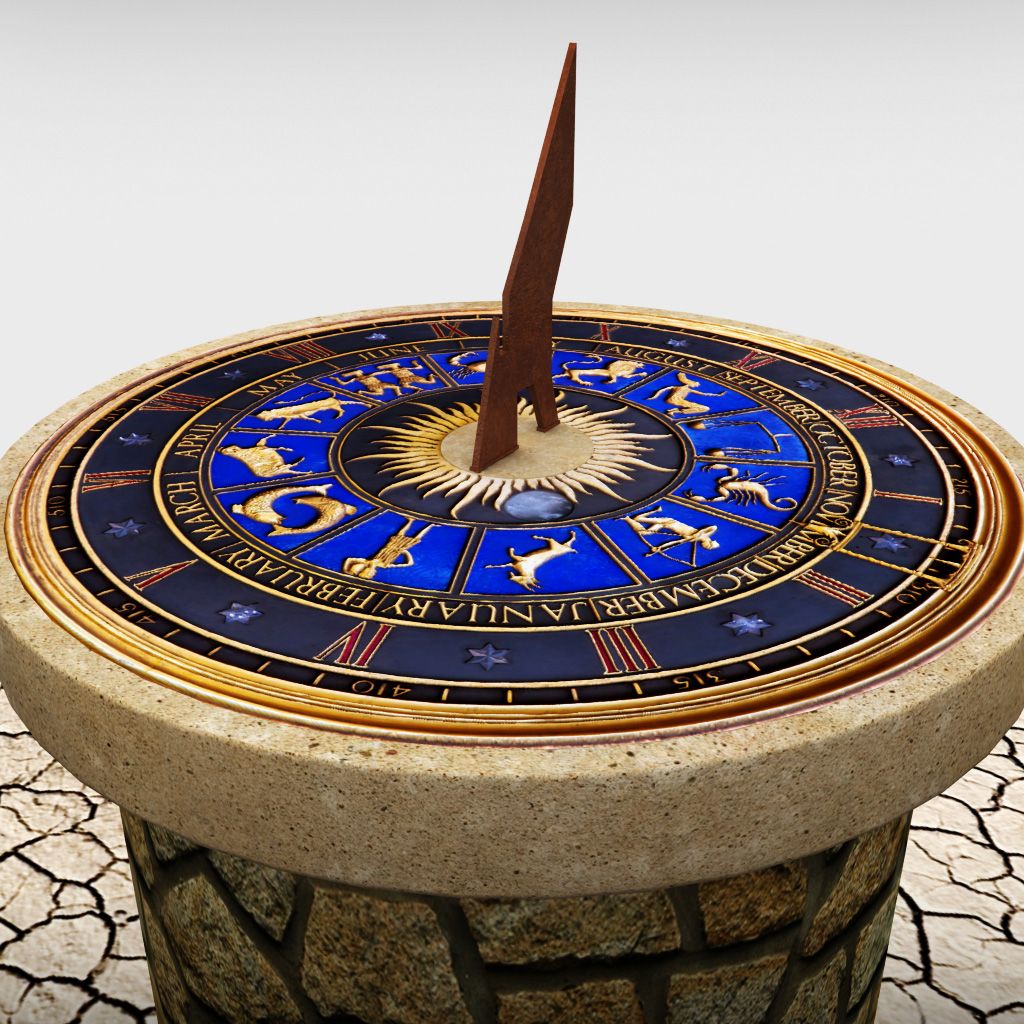




时间墓可设定表时钟 3D模型
0


0
访问量

提交者
IClarity
规格
- 几何polygonal_quads only
- 多边形1,647
- 顶点1,684
- 纹理Yes
- 索具化No
- 动画No
- 适合3D打印No
- 适合游戏(低多边形)No
- UV映射Yes
- 未封装UVnon-overlapping
描述
The Time Tomb settable table digital clock is a nice and luxury addition for any home or office work table. The model allows you to change displayed time and its appearance right within Blender without getting out to prepare new textures and stuff.
How to set time:
Navigate to Clock -> ClockBackPlane; each of five objects there represents one number or a delimiter sign and has corresponding material; after choosing a digit that you want to change, in Node Editor in Image Texture pick a file with proper name. There are numbers 0..9, OFF state (to turn this digit completely off) and a delimiter sign. You can also adjust color or intensity of lighting for each digit separately.
I believe this is the best kind of automation and time-saving for a digital clock, that you could get in stock Blender without extra add-ons.
Specifications:
Units: Metric
Dimensions: 24 x 24 cm, height 16 cm
Materials:
Case: procedural PBR Blue Marble, all UVs unwrapped to prevent stretching.
Epitaph lettering: procedural PBR Gold with real world color value (source: PBR Rendering Encyclopedia).
Numbers & Delimiter: simple Emission shader, thus you can change color/intensity of lighting per single number the way you like. Youre also free to post-process to add glow, flares etc.
Texture resolutions:
1024x1024 for signs & numbers, 2048x2048 for the epitaph lettering. All textures put into separate archive in Supporting Items.
All imagery is done via Cycles / Filmic (Base Contrast profile), no post-processing.
Dec 21, 2019
添加日期
Mar 01, 2022
最后更新
评测
此产品当前没有评测。
为什么不做第一个评测者呢?
