

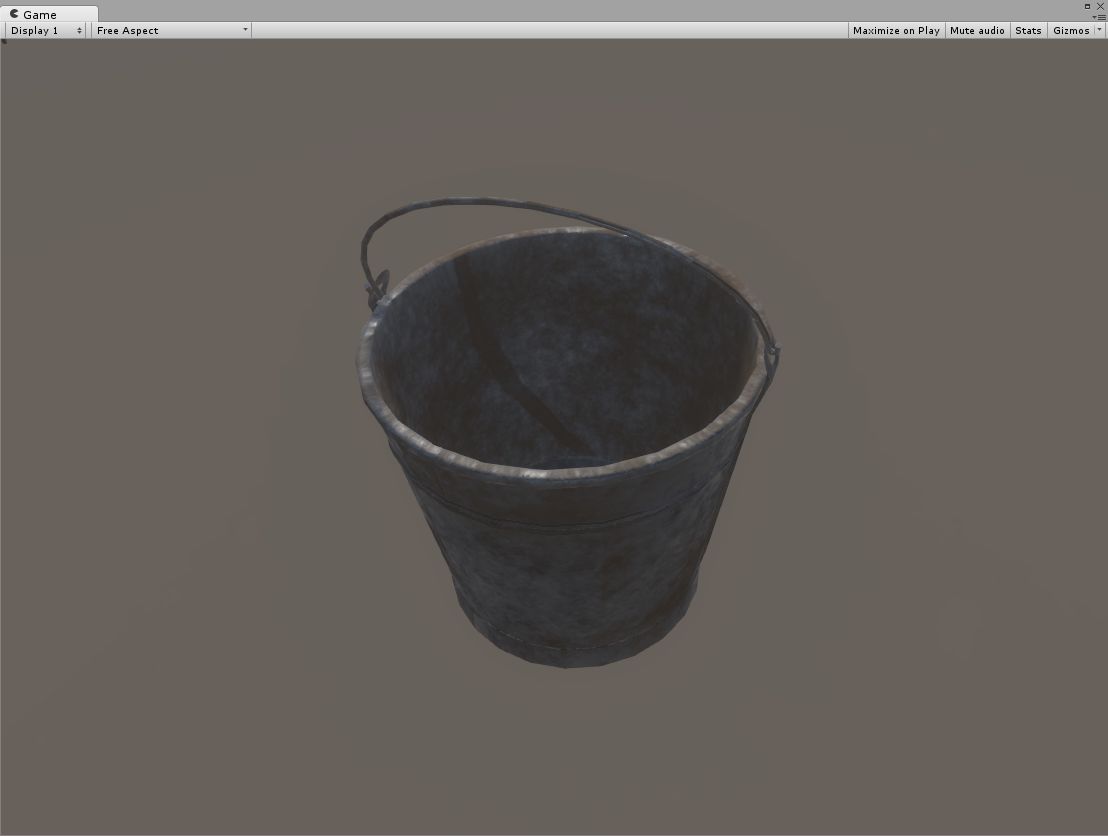


149 bucke low 3D Model
0


0
visits

Submitted by
PBR Scans
Specifications
- Geometrypolygonal
- Polygons1,092
- Vertices1,087
- TexturesYes
- RiggedNo
- AnimatedNo
- 3D Printable ReadyNo
- Game Ready (low poly)No
- UV MappedYes
- Unwrapped UVsnon-overlapping
Description
Bucket Low Poly low-poly 3d model ready for Virtual Reality (VR), Augmented Reality (AR), games and other real-time apps.
Scanned object with PBR 4K materials that are configured to the next list of renders
3DsMax Corona
3DsMax iRay
3DsMax MentalRay
3DsMax Vray
Maya Arnold
Maya Octane
Maya RedShift
Maya RenderMan
Maya Vray
(You can use the fbx format for 3D Studio Max. Our fbx files uses a standard physical shader and is correctly reproduced in all popular rendering)
You can also customize the model for other renders with the help of present maps:
albedo
bump
diffuse
gloss
metalless
normal
roughness
specularColor
PBR 3D scan is made on its own technology, retopology is manual.
You can import a model in Maya with customized materials for Arnold, RedShift, RenderMan, vRay or Octane.
1. Unzip all files from the archive zip into one folder.
(Note that .obj file and .ma must be in the same folder.)
2. Import [model name]_[you render].ma into your project.
(If you import the model into the project for the first time, it will not be inserted into the scene, import the model a second time so that it is inserted into the scene)
Jul 12, 2020
date added
Dec 28, 2021
last update
Reviews
There are currently no reviews for this product.
Why not be the first one to break the ice?