






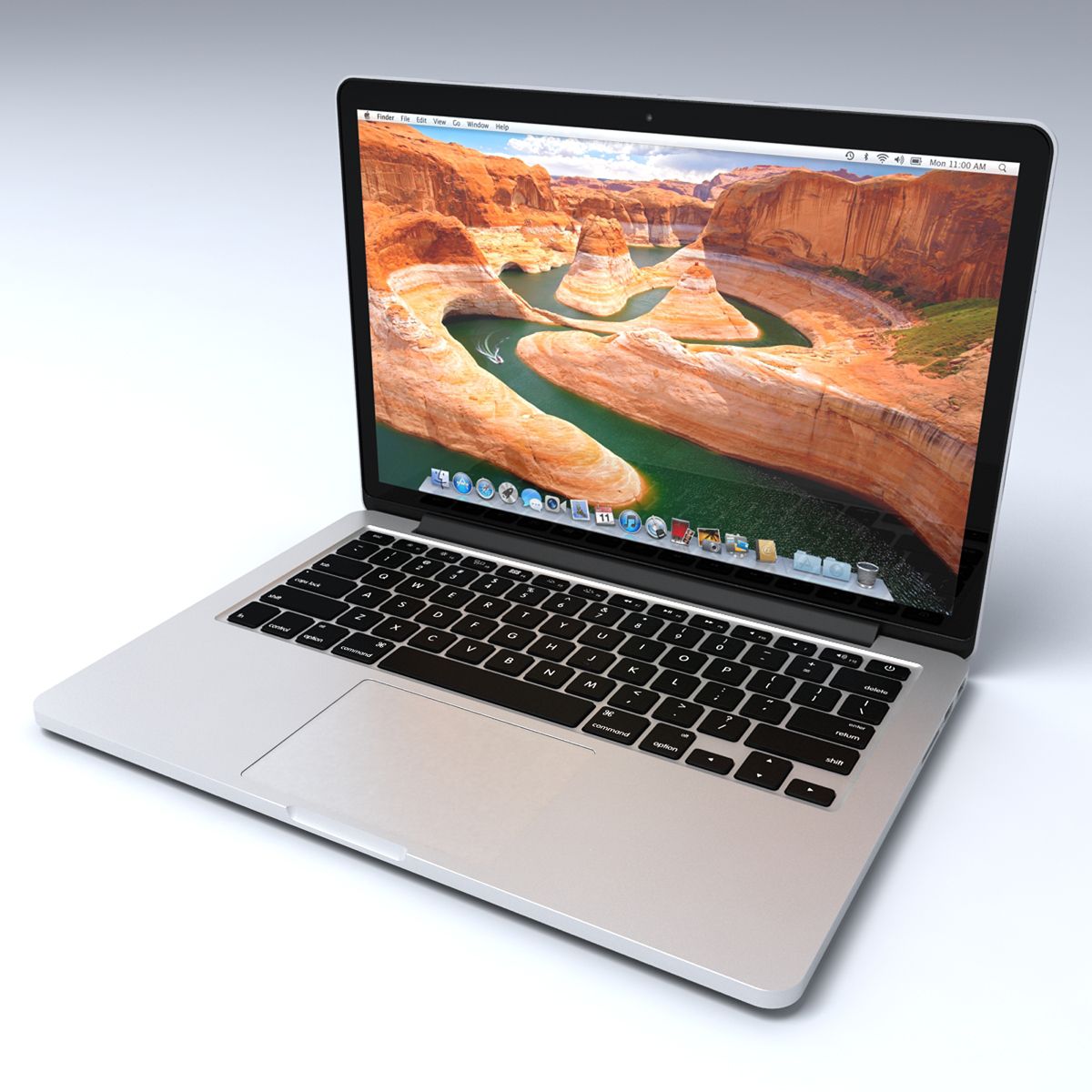
Apple Macbook Pro 13 Retina Display 3D Model
0



0
visits

Submitted by
Lauranar
Specifications
- Geometrypolygonal_quads/tris
- Polygons36,690
- Vertices37,975
- TexturesYes
- RiggedYes
- AnimatedNo
- 3D Printable ReadyNo
- Game Ready (low poly)No
- UV MappedYes
- Unwrapped UVsnon-overlapping
Description
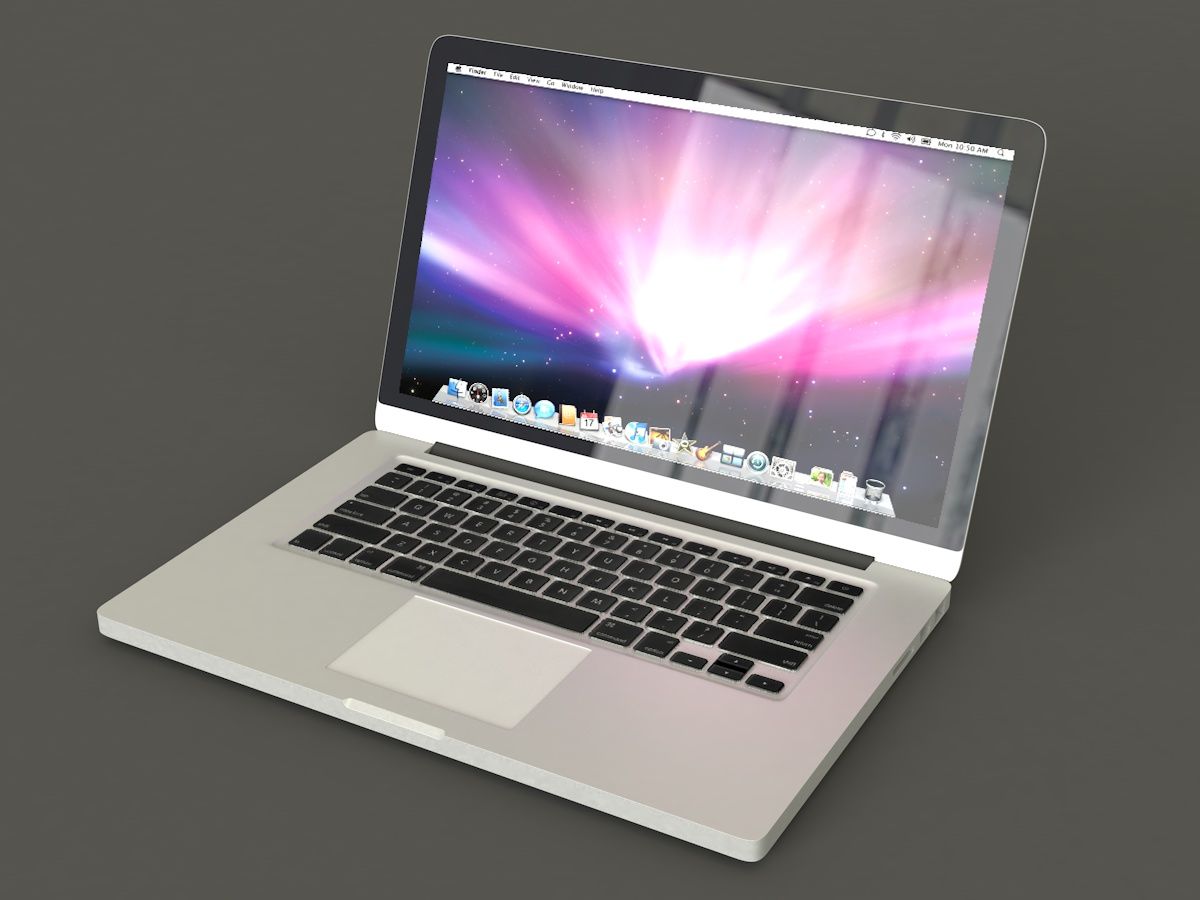
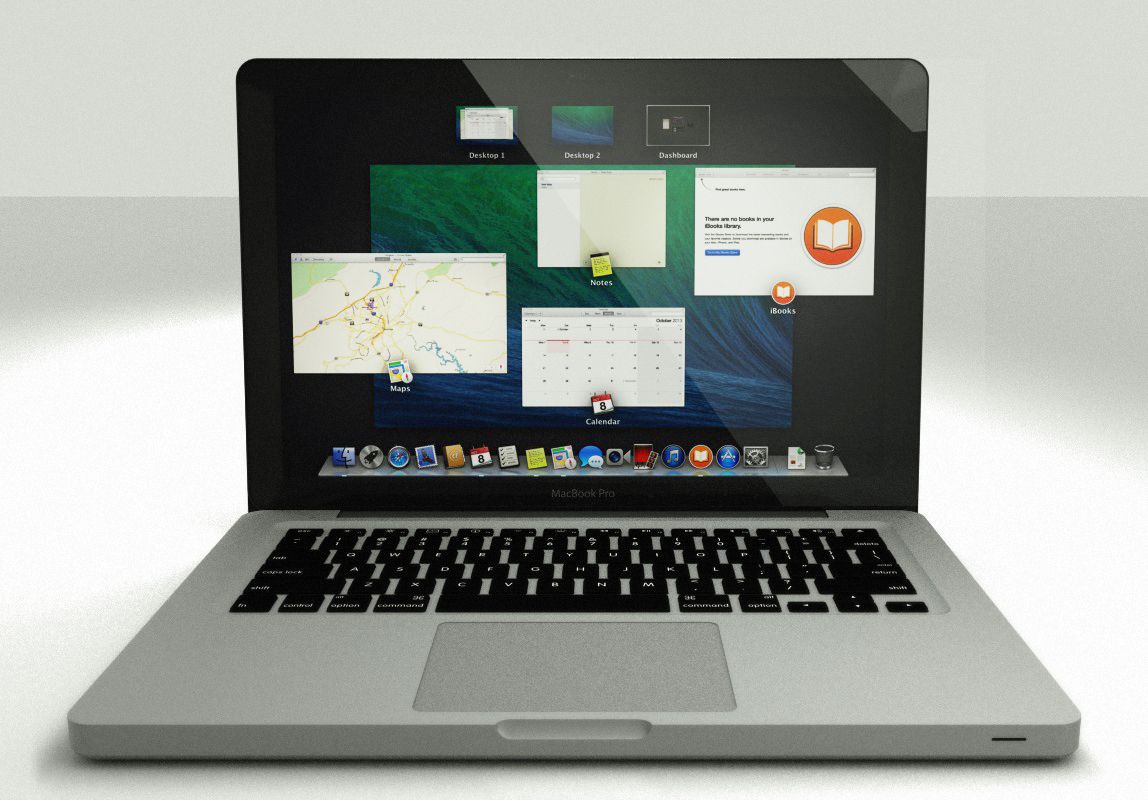
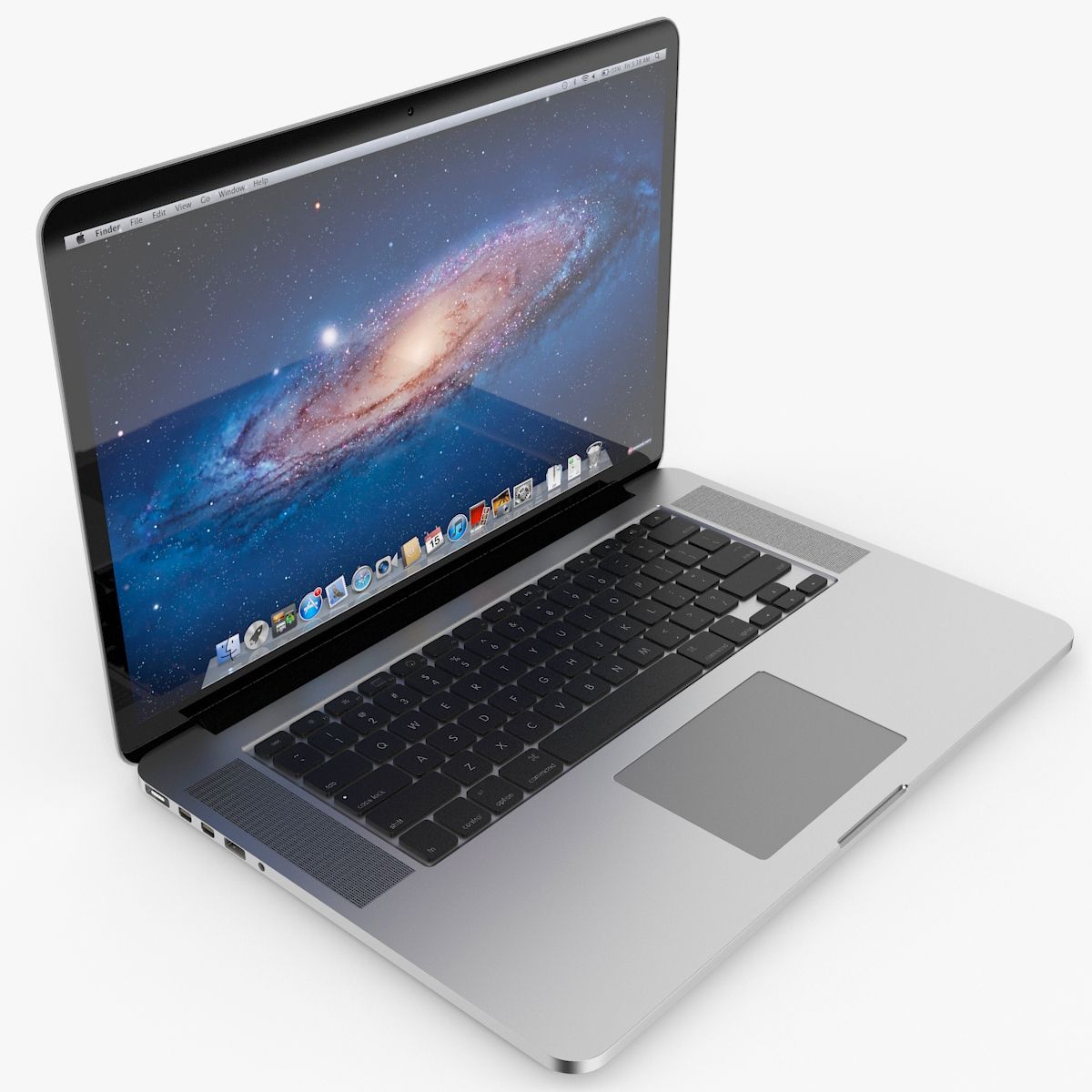
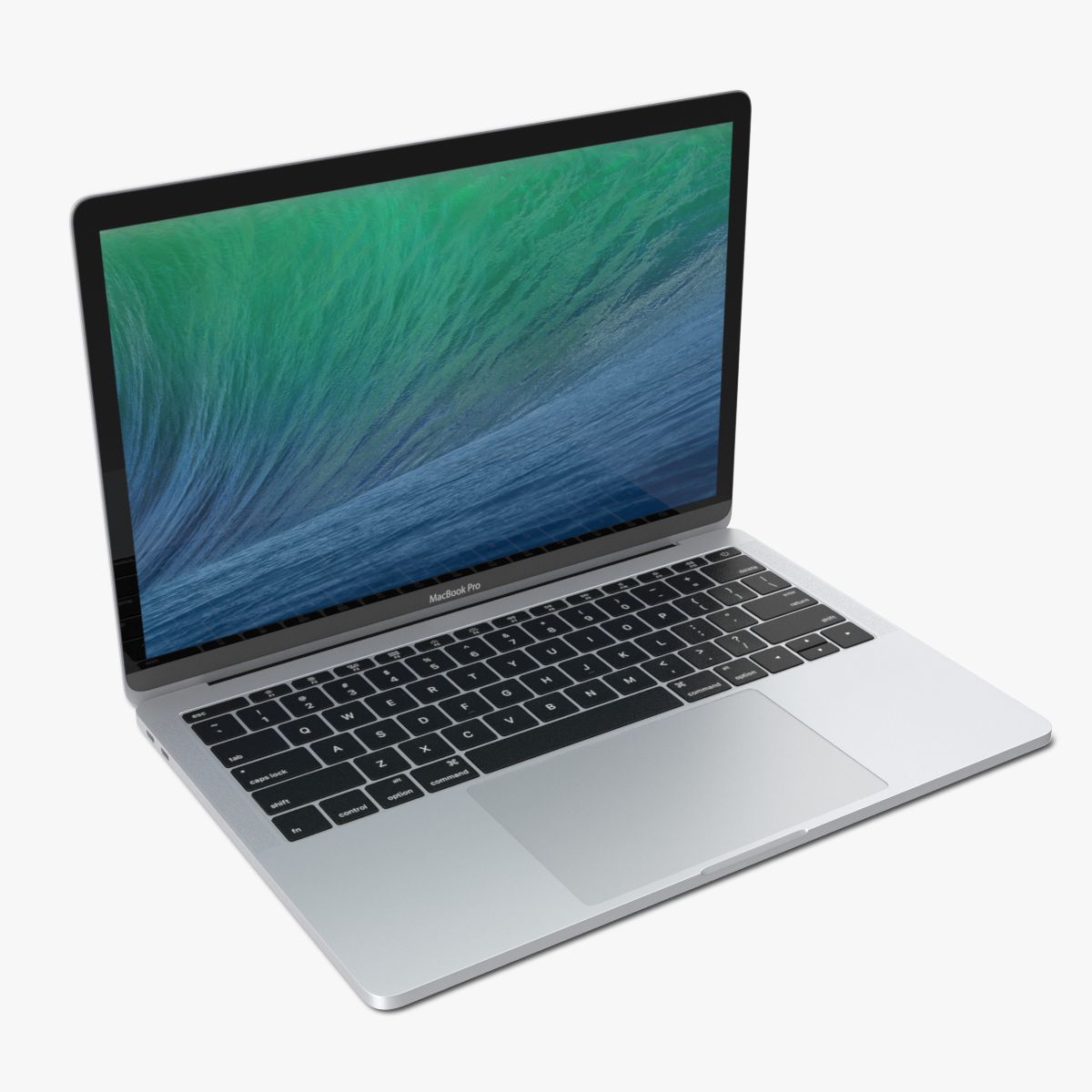
Detailed and accurate model of MacBook Pro computer 13 with Retina Display.
Polygonal modeling. Everything is modeled, little holes, hd camera, ports, buttons, Keyboard Text and Port Symbols (except the text under the Unibody, that is a texture).
All pieces are UV mapped and unwrapped (non overlapping).
3D Studio Max:
V-Ray and mental ray version.
V-Ray version is 1.50.SP5.
The model is a Group, to be easy merged in new scenes.
When Group is Open, all pieces are linked to the Unibody: moving it will move the entire Mac.
Change the Cover position (open/close):
Select the ROTATE object and rotate.
It is provided with rotation limits, and also it can only rotate on x axis.
Cover, Hd camera, Screen, Screen glass and borders are linked to it. (See Schematic view)
In the provided scene the Mac Cover is open at 90 degrees, just like in the Thumbnail image.
Each Zip contains:
- 1 Complete scene with Mac, lights and materials
- 3 Textures: Screen 2730 x1791, Back text 2800 x 467, Noise (for subtle surface bump) 1000x750
V-ray scene includes a Plane, mental ray scene includes a sphere and a plane as environment.
Thumbnail image is rendered with V-ray.
Lightwave:
Zip contains 3 versions of Macbook object and 3 scenes, textures
- 1 Complete scene with Macbook in 2 layers (1 for Unibody, 1 for Cover)
- 1 Complete scene with Macbook in 1 layer with cover open at 90 degrees
- 1 Complete scene with Macbook in 1 layer, cover closed
- 3 textures (Screen, Back Text and Noise)
Environment sphere and plane are included.
Change the Cover position (open/close):
In the scene with 2 layers, select the Layer2 and rotate.
It is provided with rotation limits, and also it can only rotate on Pitch.
For the object in 1 layer, in Modeler go to right or left view, select the Open Part and rotate it from the center of the Rotate piece.
Aug 13, 2020
date added
Feb 03, 2022
last update
Reviews
There are currently no reviews for this product.
Why not be the first one to break the ice?