-->
ArchitectureVehiclesCharactersAircraftFurnitureElectronicsAnimalsPlantsWeaponsSportsFoodAnatomy
Bookmarked
Bookmark removed

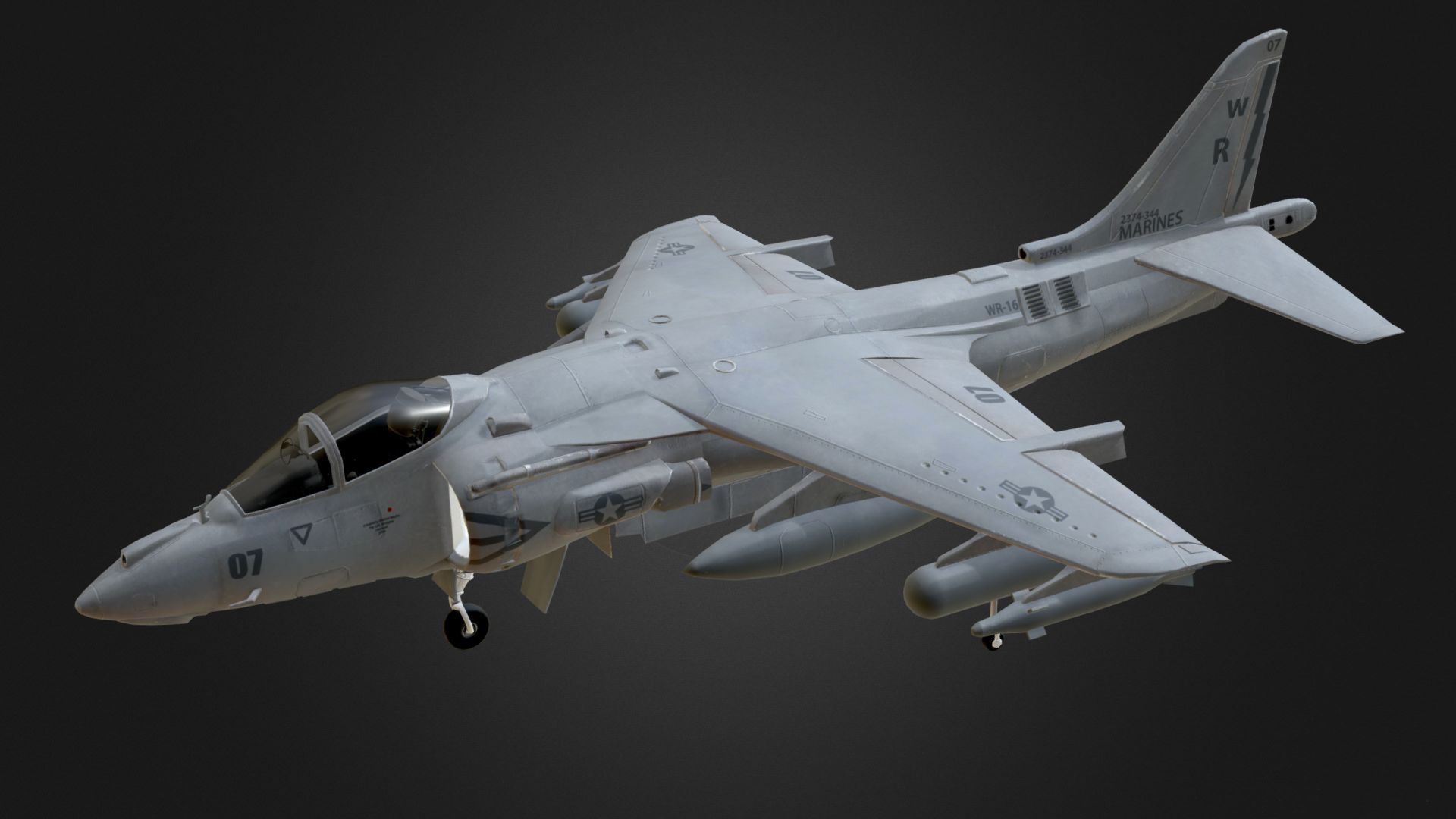
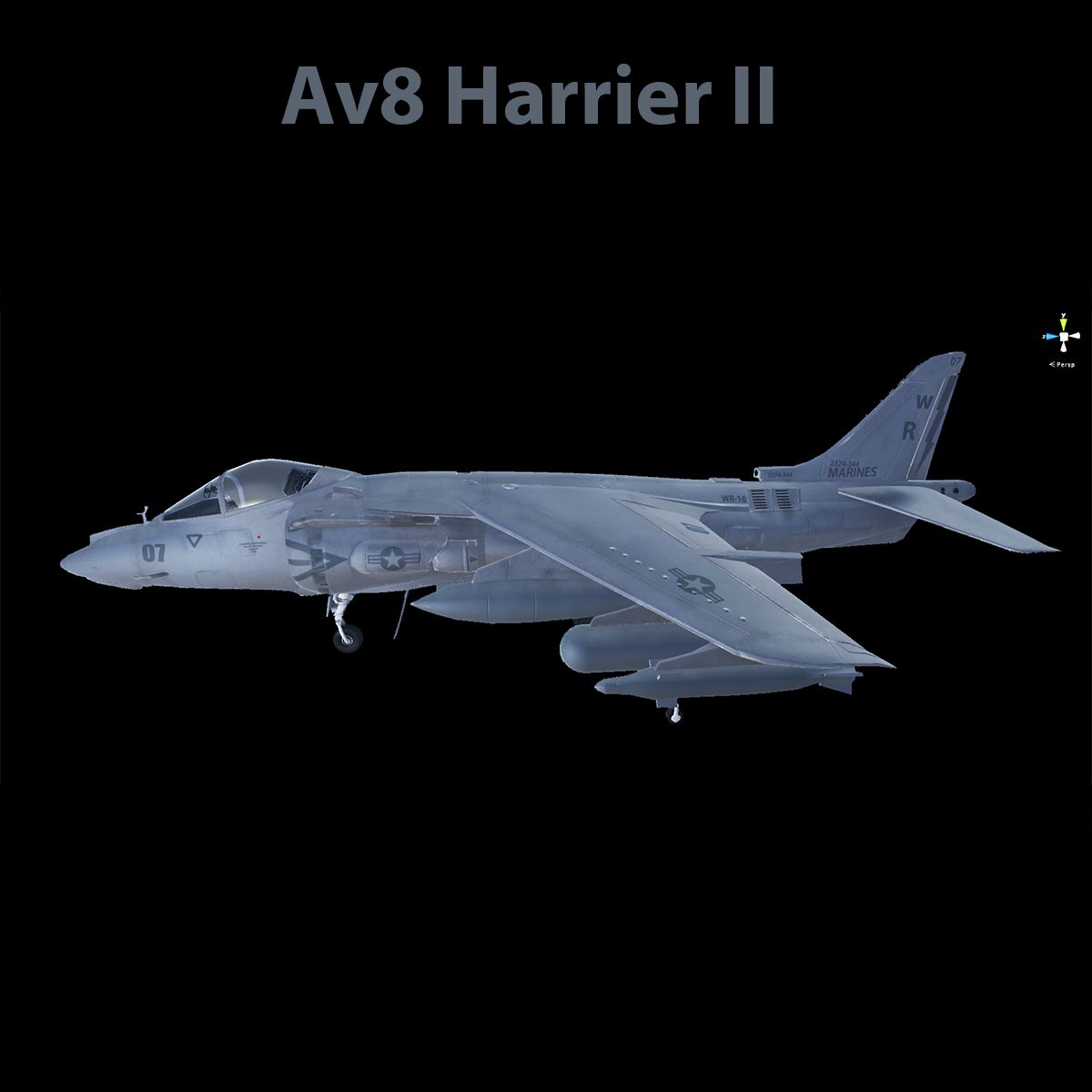
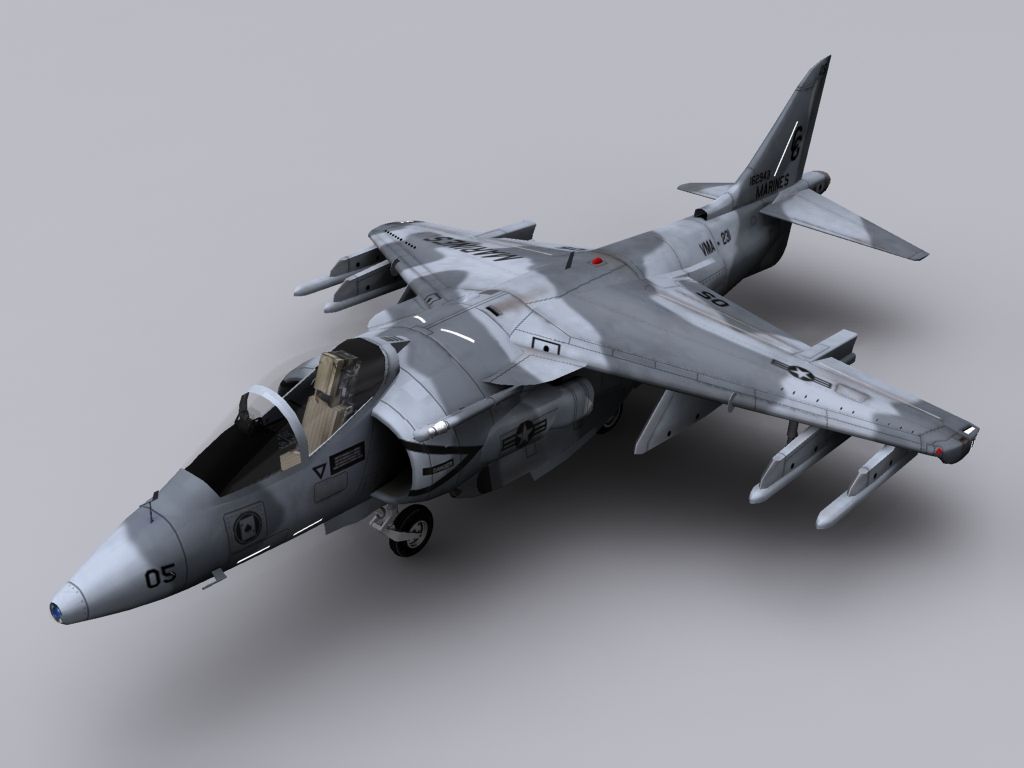
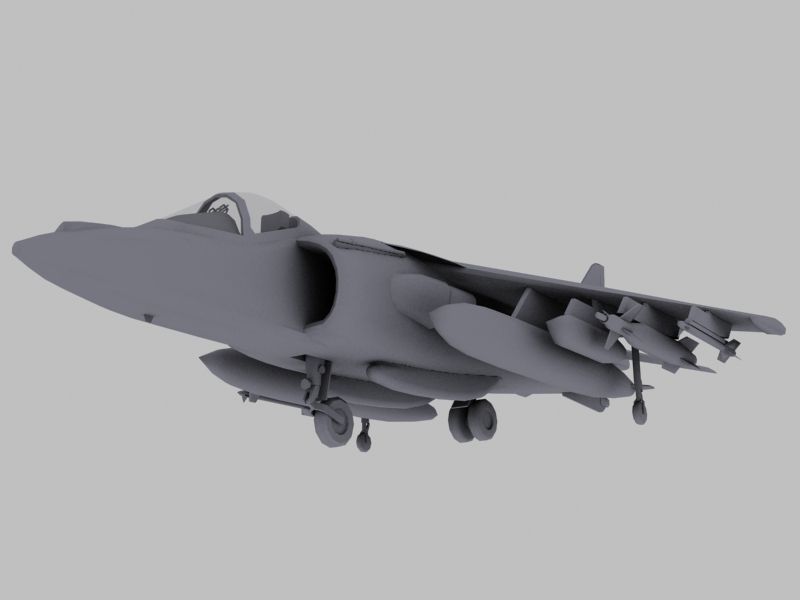
Av8 Harrier (Low res) 3D Model

0
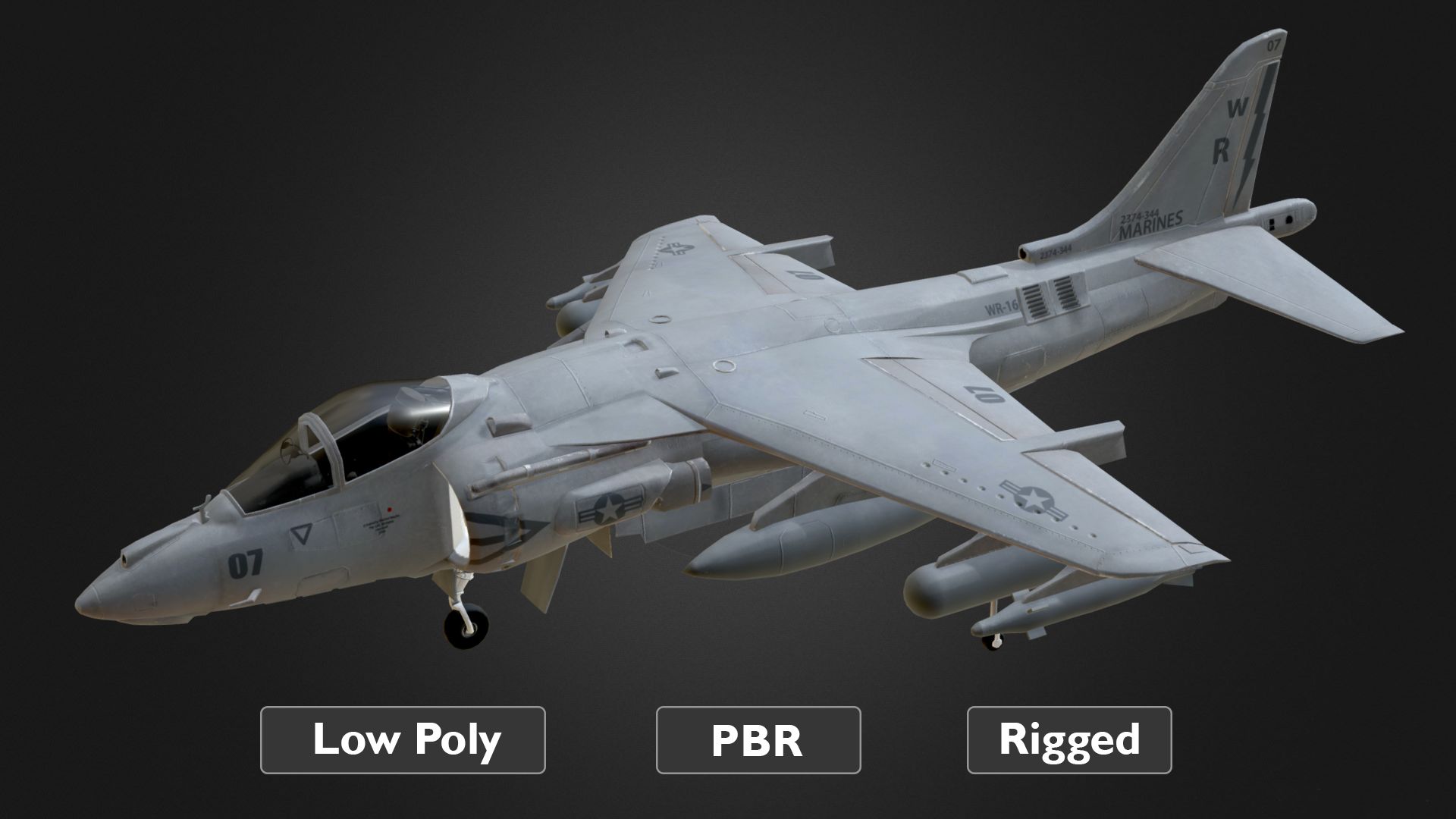
Av8 Harrier (Low res) royalty-free 3d model - Preview no. 1
Av8 Harrier (Low res) royalty-free 3d model - Preview no. 2
Av8 Harrier (Low res) royalty-free 3d model - Preview no. 3
Av8 Harrier (Low res) royalty-free 3d model - Preview no. 4
Av8 Harrier (Low res) royalty-free 3d model - Preview no. 5
Av8 Harrier (Low res) royalty-free 3d model - Preview no. 6
Av8 Harrier (Low res) royalty-free 3d model - Preview no. 7
Av8 Harrier (Low res) royalty-free 3d model - Preview no. 8
Av8 Harrier (Low res) royalty-free 3d model - Preview no. 1
Av8 Harrier (Low res) royalty-free 3d model - Preview no. 2
Av8 Harrier (Low res) royalty-free 3d model - Preview no. 3
Av8 Harrier (Low res) royalty-free 3d model - Preview no. 4
Av8 Harrier (Low res) royalty-free 3d model - Preview no. 5
Av8 Harrier (Low res) royalty-free 3d model - Preview no. 6
Av8 Harrier (Low res) royalty-free 3d model - Preview no. 7
Av8 Harrier (Low res) royalty-free 3d model - Preview no. 8
30
00
Royalty Free LicenseEditorial Only
Simple returns
Best Price Guarantee
Works out of the box
0 visits
wolves_realm

Specifications

  • Geometrypolygonal
  • Polygons25,300
  • Vertices13,465
  • TexturesYes
  • RiggedYes
  • AnimatedYes
  • 3D Printable ReadyNo
  • Game Ready (low poly)No
  • UV MappedYes
  • Unwrapped UVsmixed

Formats & Files

FBX
(.fbx)
1 MB

Av8_Harrier_II_FBX.rar
FBX
(.fbx)
1 MB

Av8_Harrier_II_FBX_animated.rar
Maya
(.ma)

maya_software
AV8_Harrier_II_Maya.rar
OBJ
(.obj)

Av8_Harrier_OBJ.rar
OBJ
119 MB

Textures.rar
OBJ

Note.rtf

Description

This aeroplane asset consists of 25300 polygons (including the cockpit and the missiles). All textures for this model are 8k. Any unwanted objects such as the wheels, can be deleted if they are irrelevant to your project. FBX format has animation for the wheels. .ma format is fully rigged. Note: If there is any rendering issue within your viewport, go to your viewport settings, under performance tab , change the transparency algorithm to "depth peeling". Also Make sure that "Alpha is luminance" is turned off in your transparency channel of your material. If you are using this asset inside a game engine like Unity, then change your rendering mode inside your material tab to "cutout".
Jul 20, 2020 date added
Sep 12, 2021 last update

Reviews

There are currently no reviews for this product.
Why not be the first one to break the ice?