


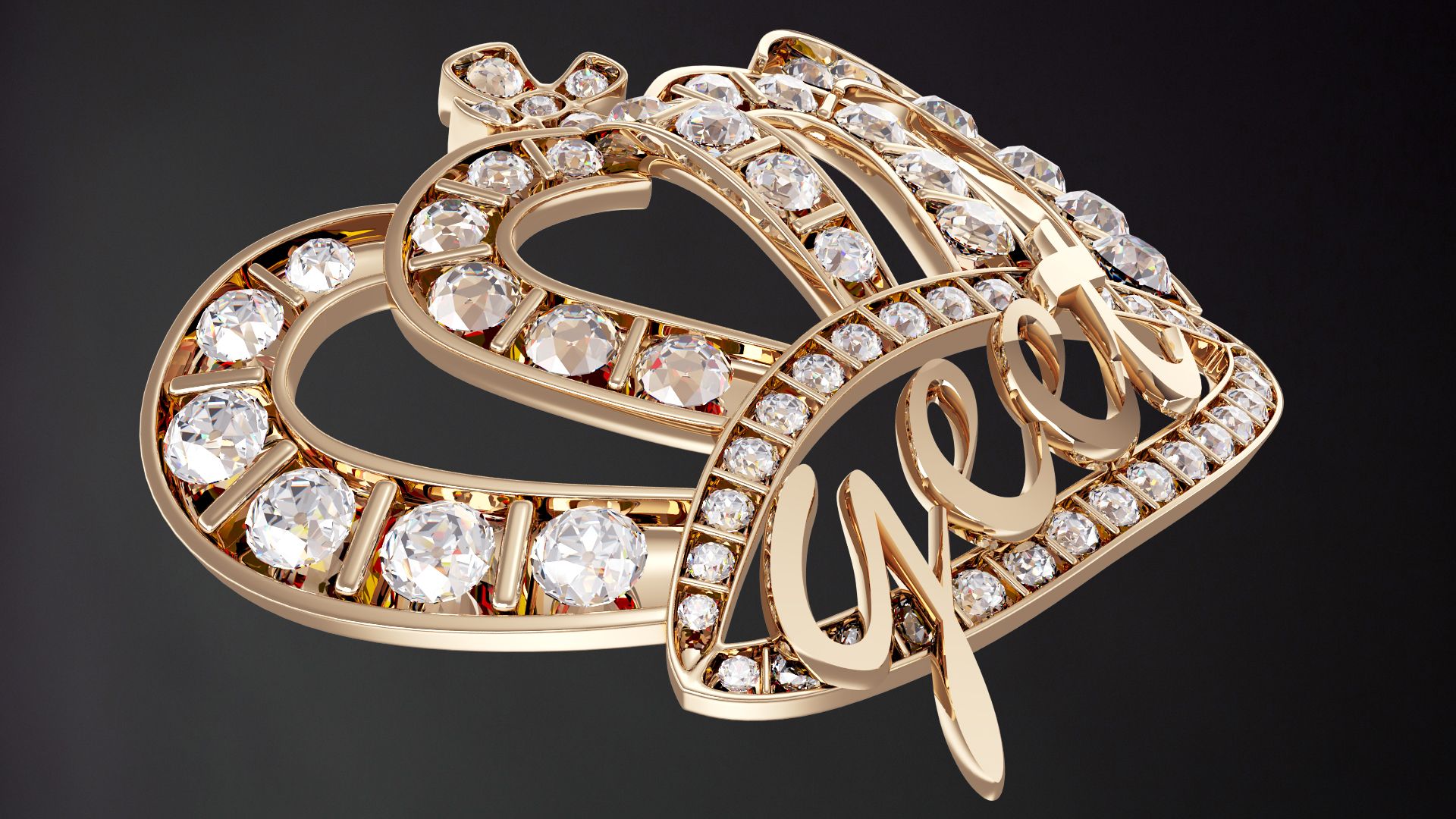


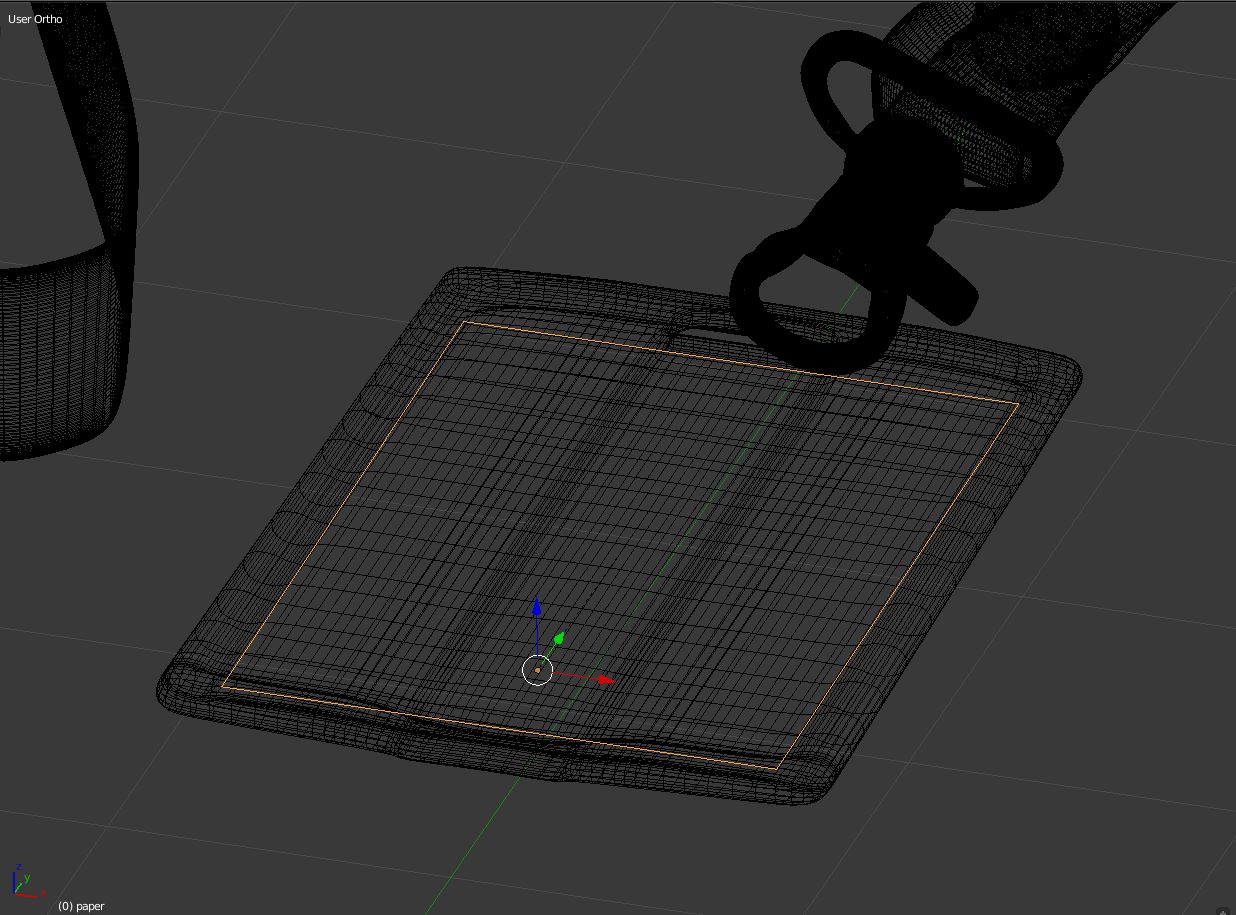
Badge 3D Model
0




0
visits

Submitted by
navel35
Specifications
- Geometrypolygonal
- Polygons334,562
- Vertices334,638
- TexturesYes
- RiggedNo
- AnimatedNo
- 3D Printable ReadyNo
- Game Ready (low poly)No
- UV MappedYes
- Unwrapped UVsnon-overlapping
Description
Badge is a high quality model to add more details and realism to your rendering projects.
Models possible to use in any project.
Originally modelled in Blender. Final images rendered with Cycles
*********************************
Features:
- High quality polygonal model - correctly scaled accurate representation of the original objects.
- Model resolutions are optimized for polygon efficiency(in Blender the subdivision surface function can be used to increase mesh resolution if necessary).
- All colors can be easily modified.
- Great for close up render.
- All materials are included and mapped in every format.
- All parts and materials are logically named.
- No part-name confusion when importing several models into a scene.
- No cleaning up necessary, just drop your models into the scene and start rendering.
- No special plugin needed to open scene.
- As you get totally free environment map for your rendering
*********************************
Models:
4 objects 1 textures:
polygons: 334562
points: 334638
*********************************
OTHER FORMATS
- Wavefront (.obj) - just simple geometry
- COLLADA (.dae) - just simple geometry
- Autodesk FBX - just simple geometry
- 3ds Max (.max) - just simple geometry
Every model has been checked with the appropriate software.
*********************************
Textures formats:
png, hdr
*********************************
Hope you like it!
Also check out my other models, just click on my user name to see complete gallery.
Aug 01, 2020
date added
Aug 13, 2021
last update
Reviews
There are currently no reviews for this product.
Why not be the first one to break the ice?