








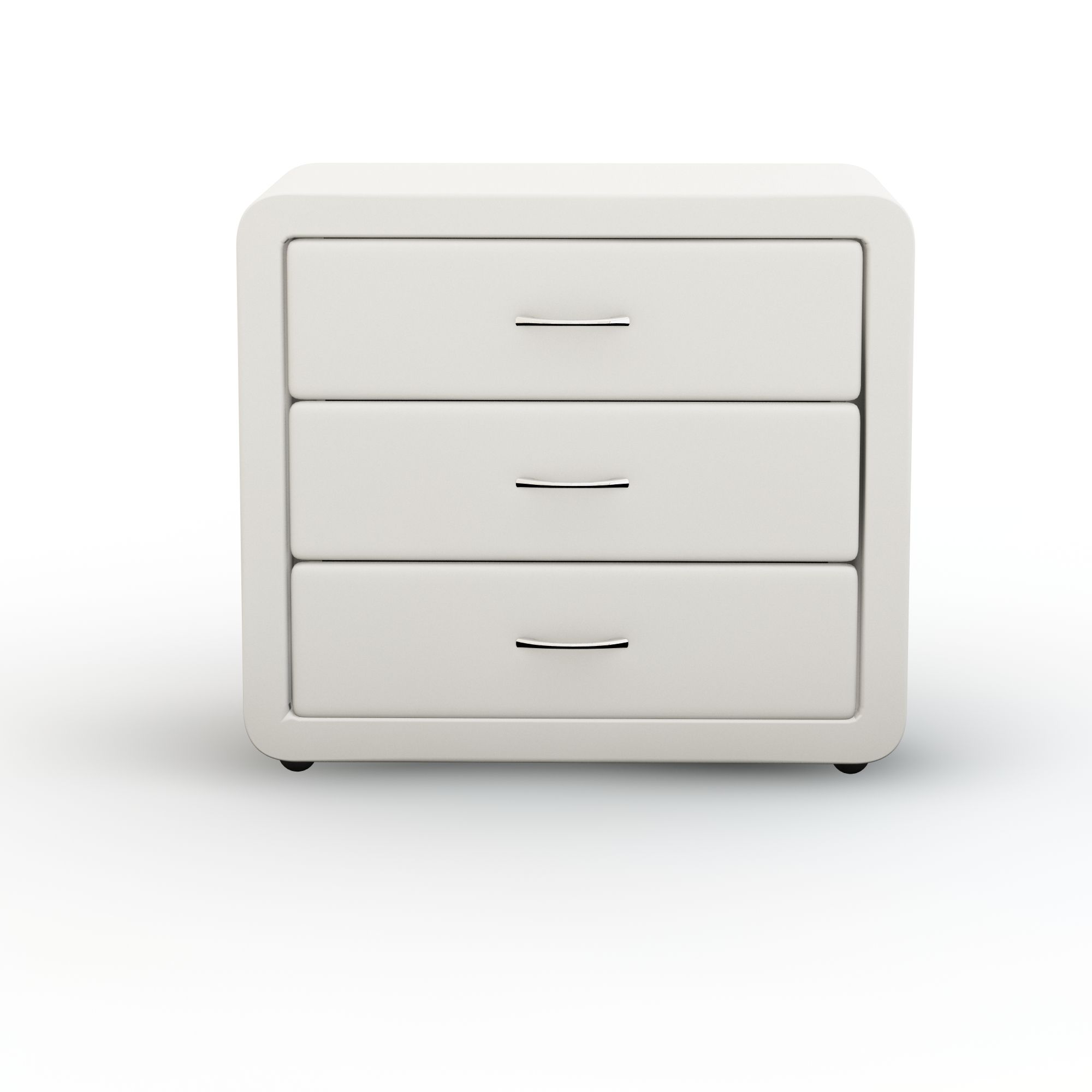
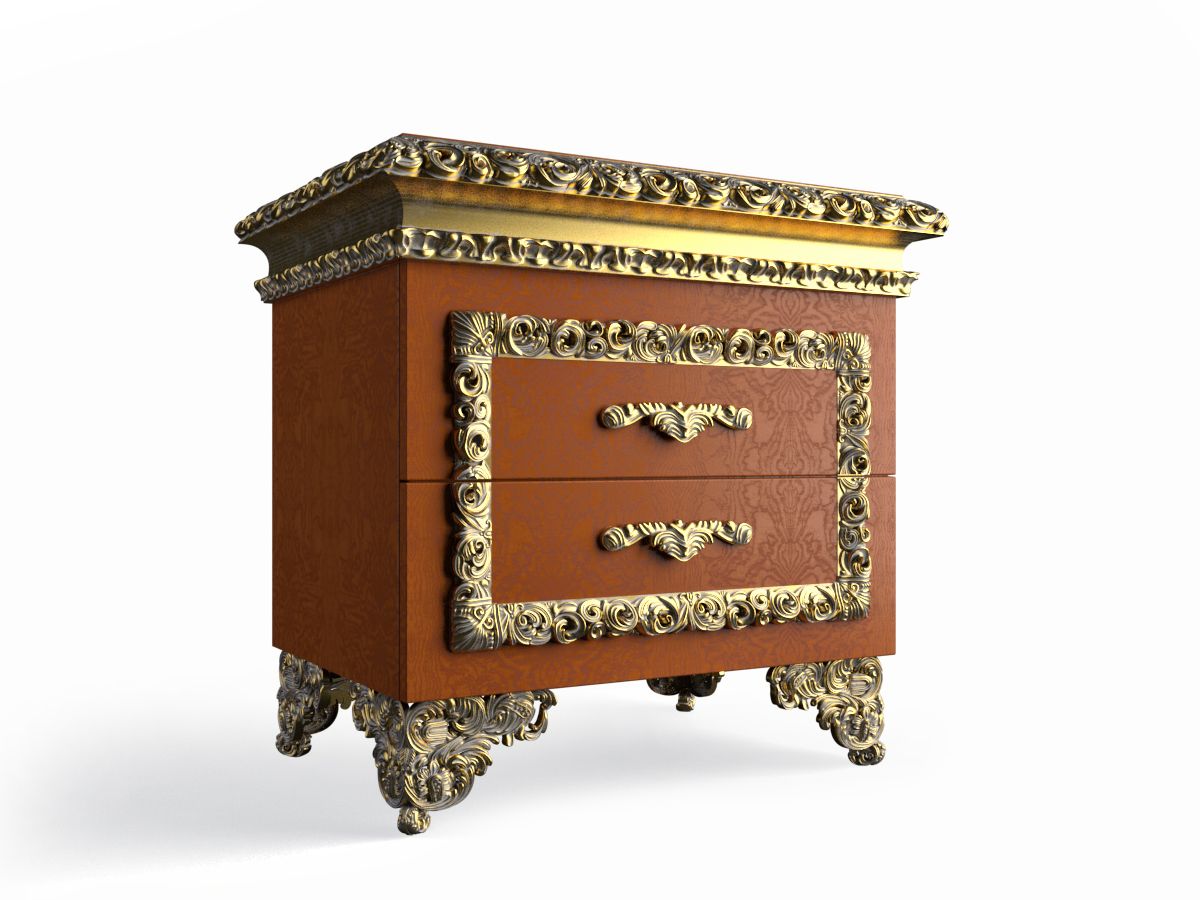
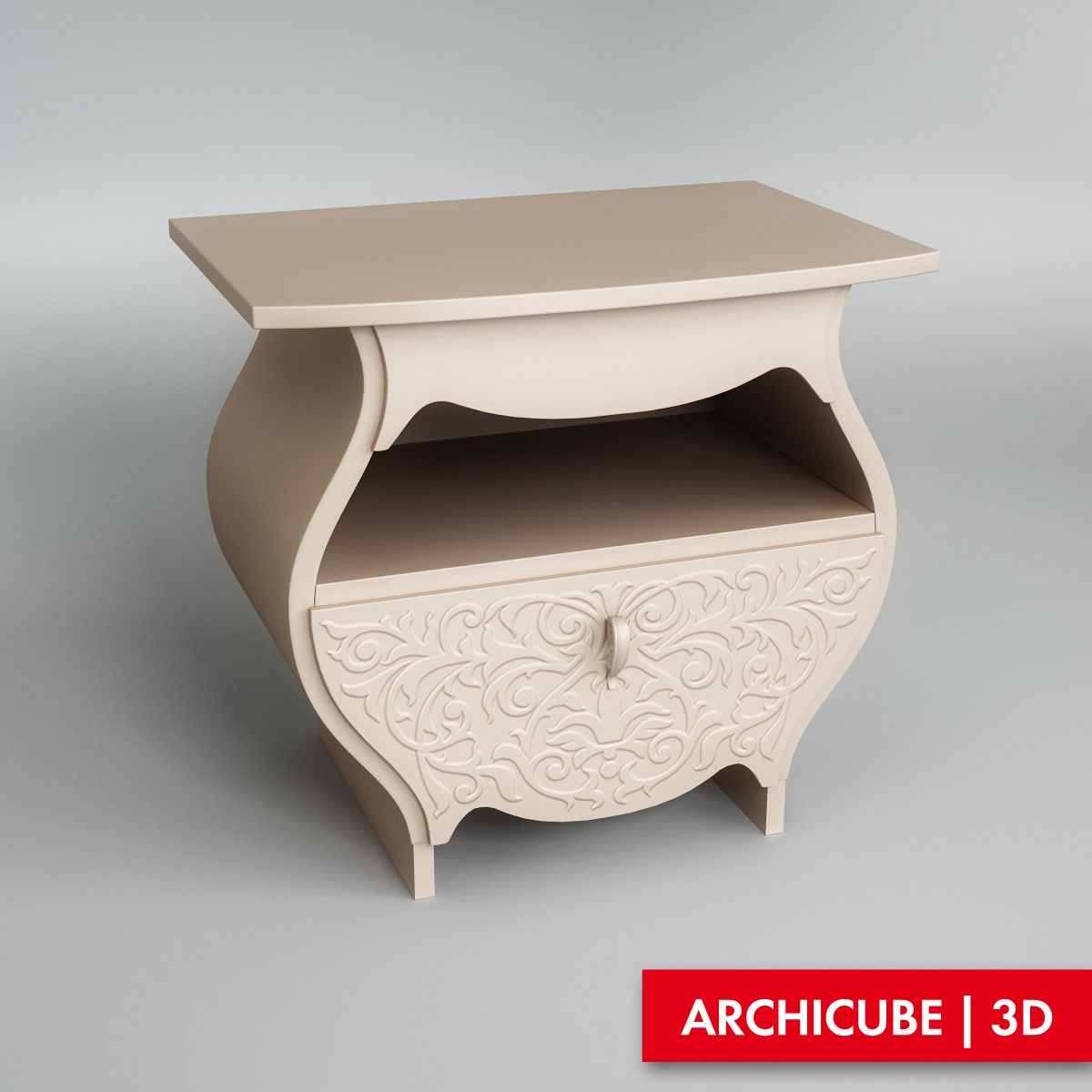
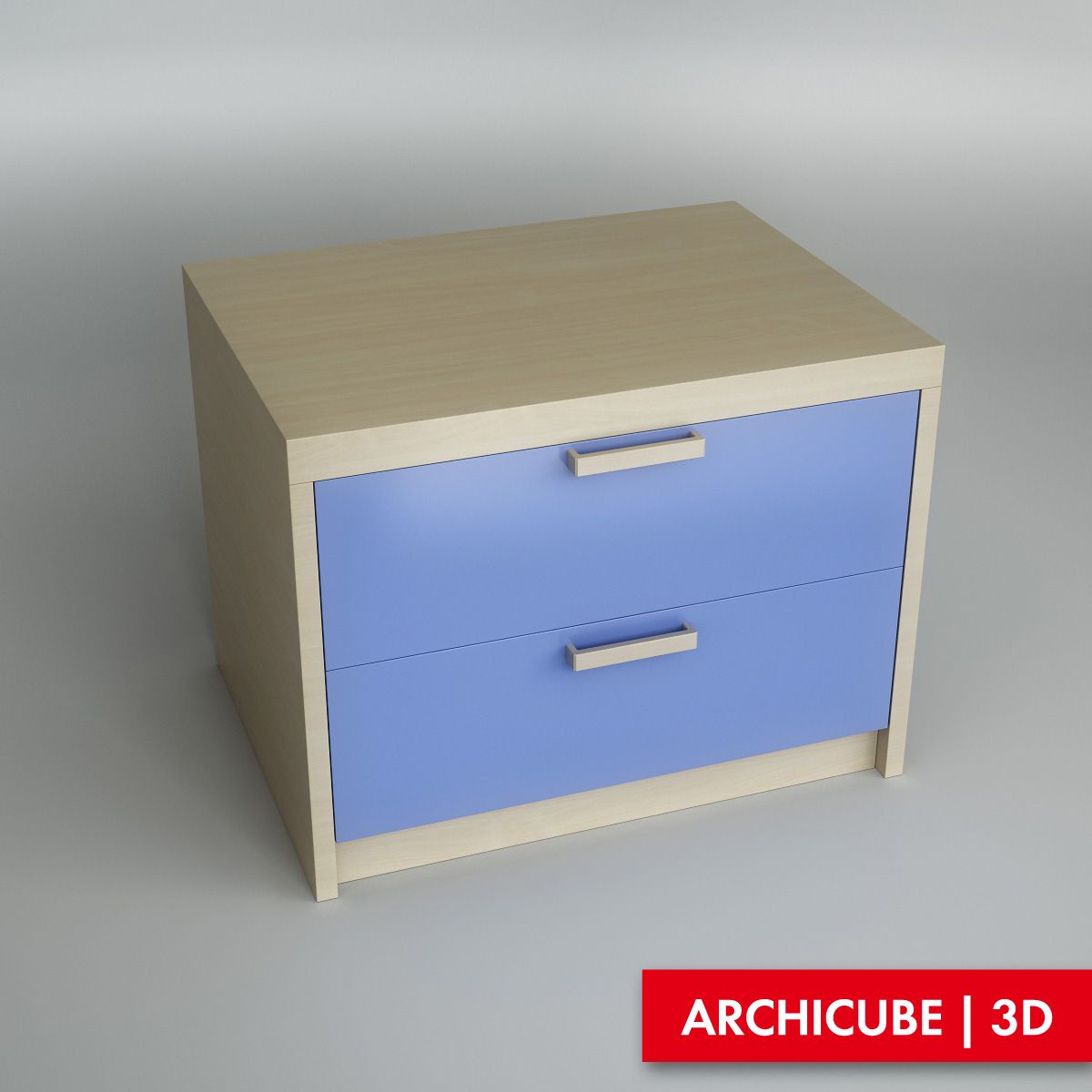
Bedside table 3D Model
0


2
visits

Submitted by
Industrial Design
Specifications
- Geometrynurbs
- Polygons29,068
- Vertices26,485
- TexturesNo
- RiggedNo
- AnimatedNo
- 3D Printable ReadyNo
- Game Ready (low poly)No
- UV MappedNo
- Unwrapped UVsunknown
Description
High level of detail 3d models, 4 assemblies 24 parts, include fasteners.
3d Model of a bedside table is designed for manufacturing from solid wood with necessary fastening of details
All parts in the 3D model are connected by means of joinery of parts
If necessary, you can easily change the joiner connections in the model by adjusting them to the existing equipment in the production.
In one click, we change the color and texture of the bedside table, while the model with the new color and texture can be dynamically rotated and moved to show the customer, all this is shown in the attached video
The modified model is easily converted into max format and other formats, everything is shown in the attached video
Rendering with Solidworks Photoview 360.
Nov 04, 2019
date added
Mar 09, 2022
last update
Reviews
There are currently no reviews for this product.
Why not be the first one to break the ice?