





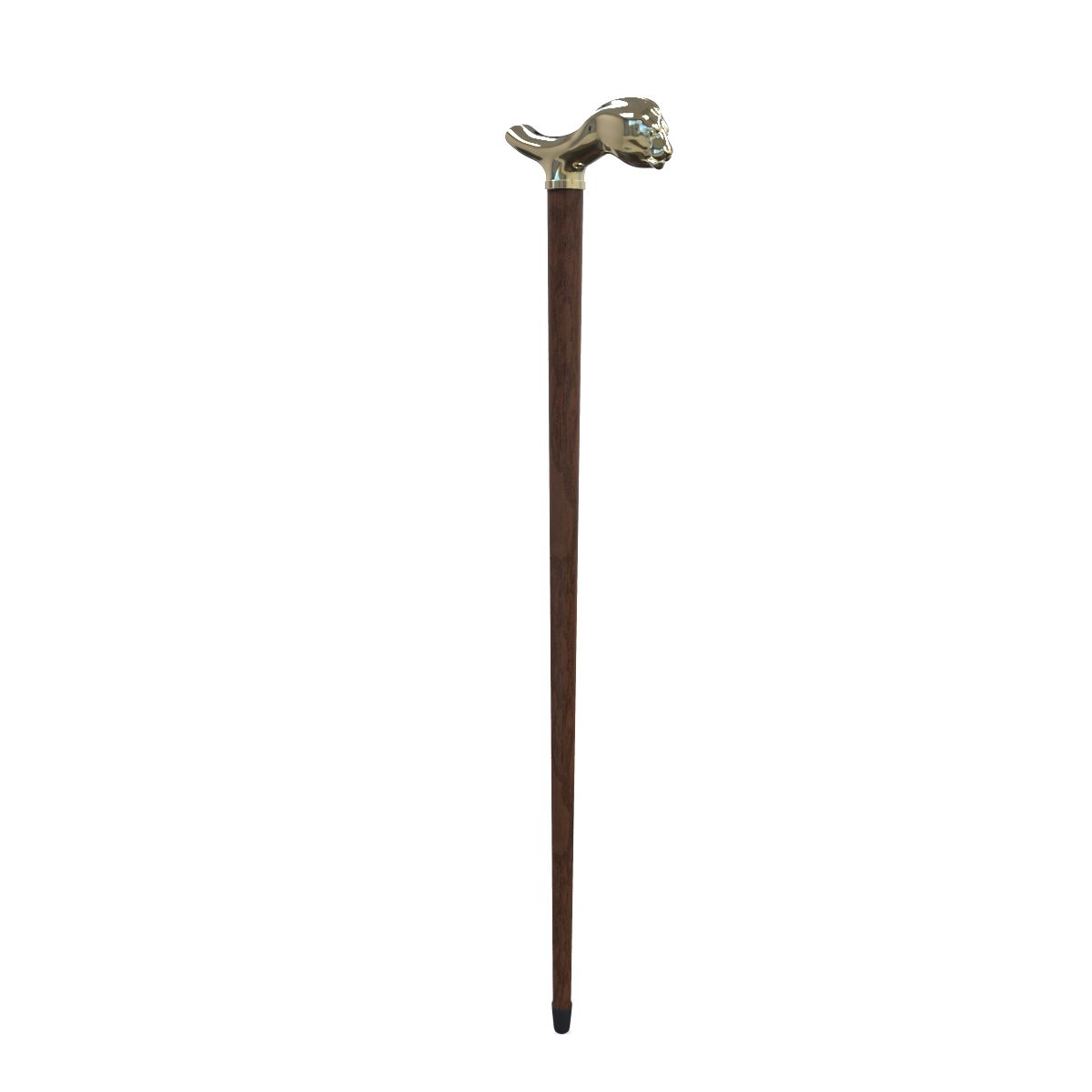
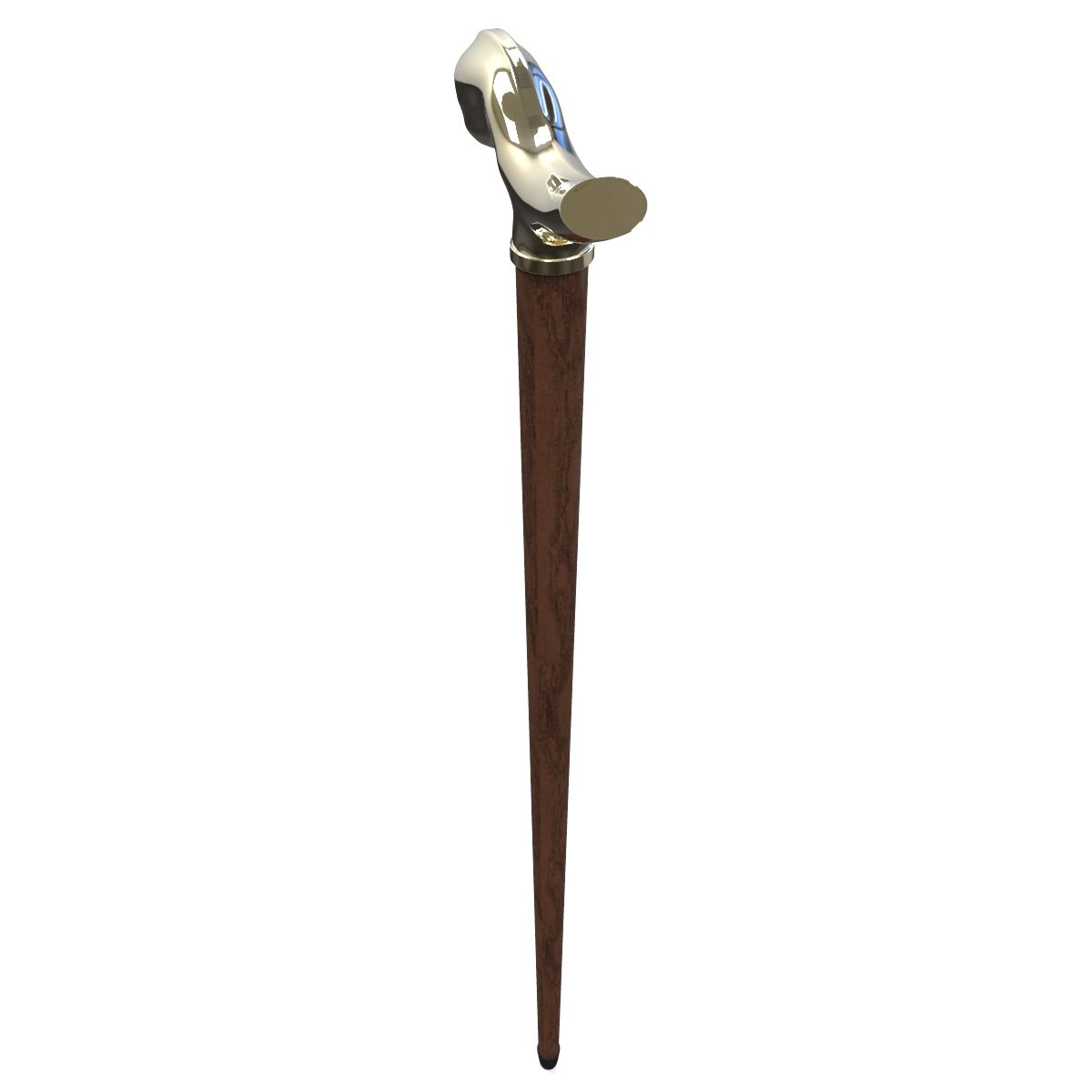
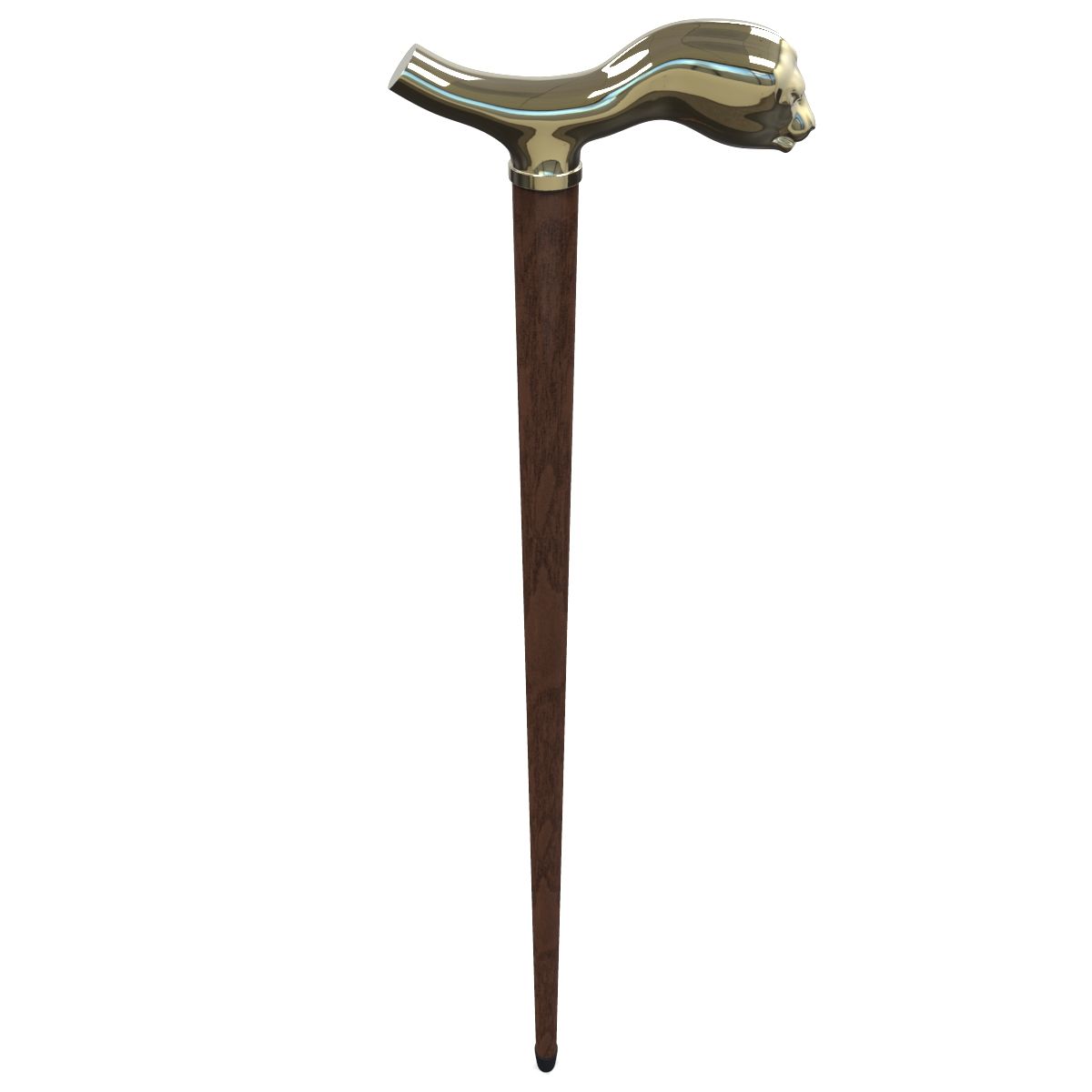
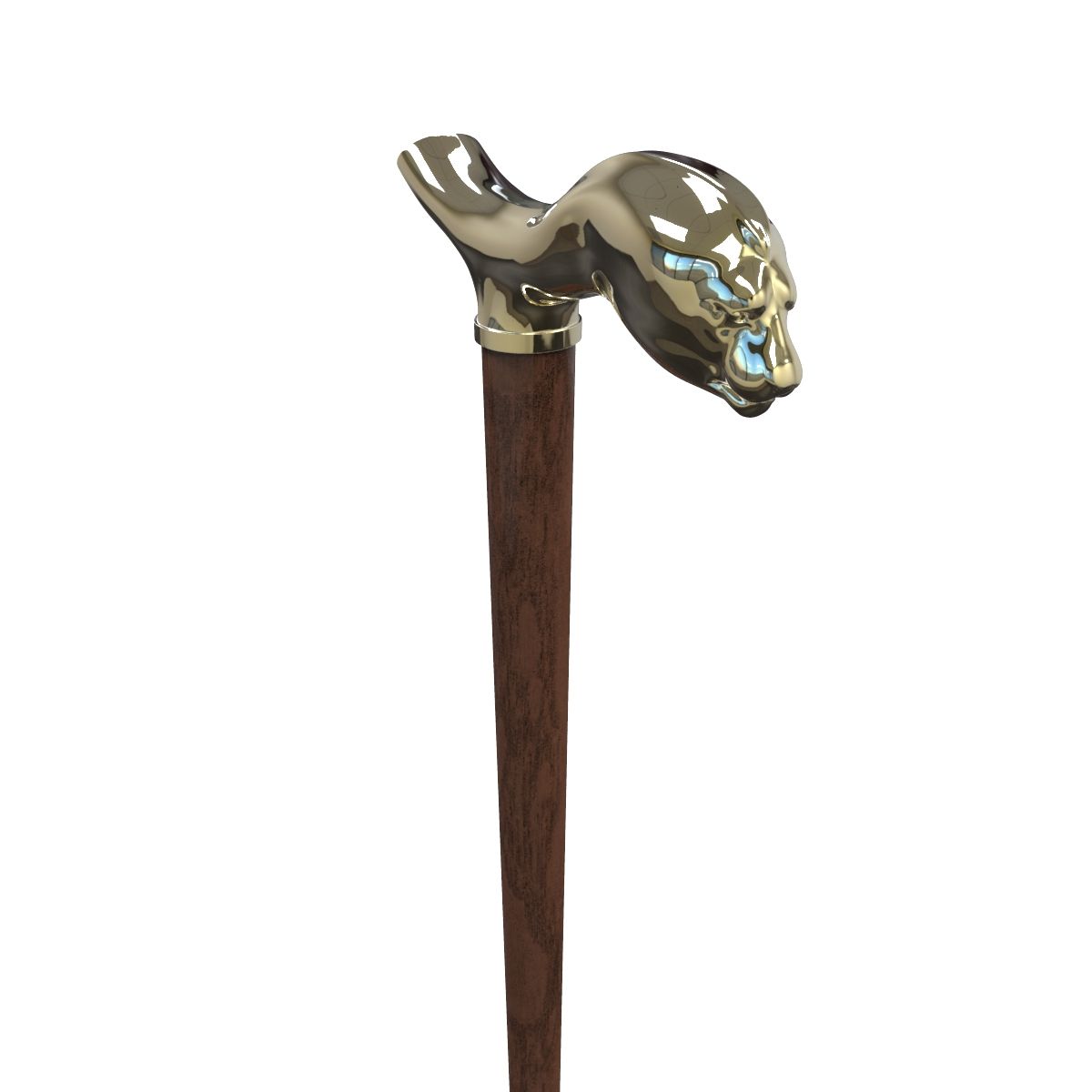
Cane 3D Model
0

43
visits

Submitted by
Newlc
Specifications
- Geometrypolygonal_quads/tris
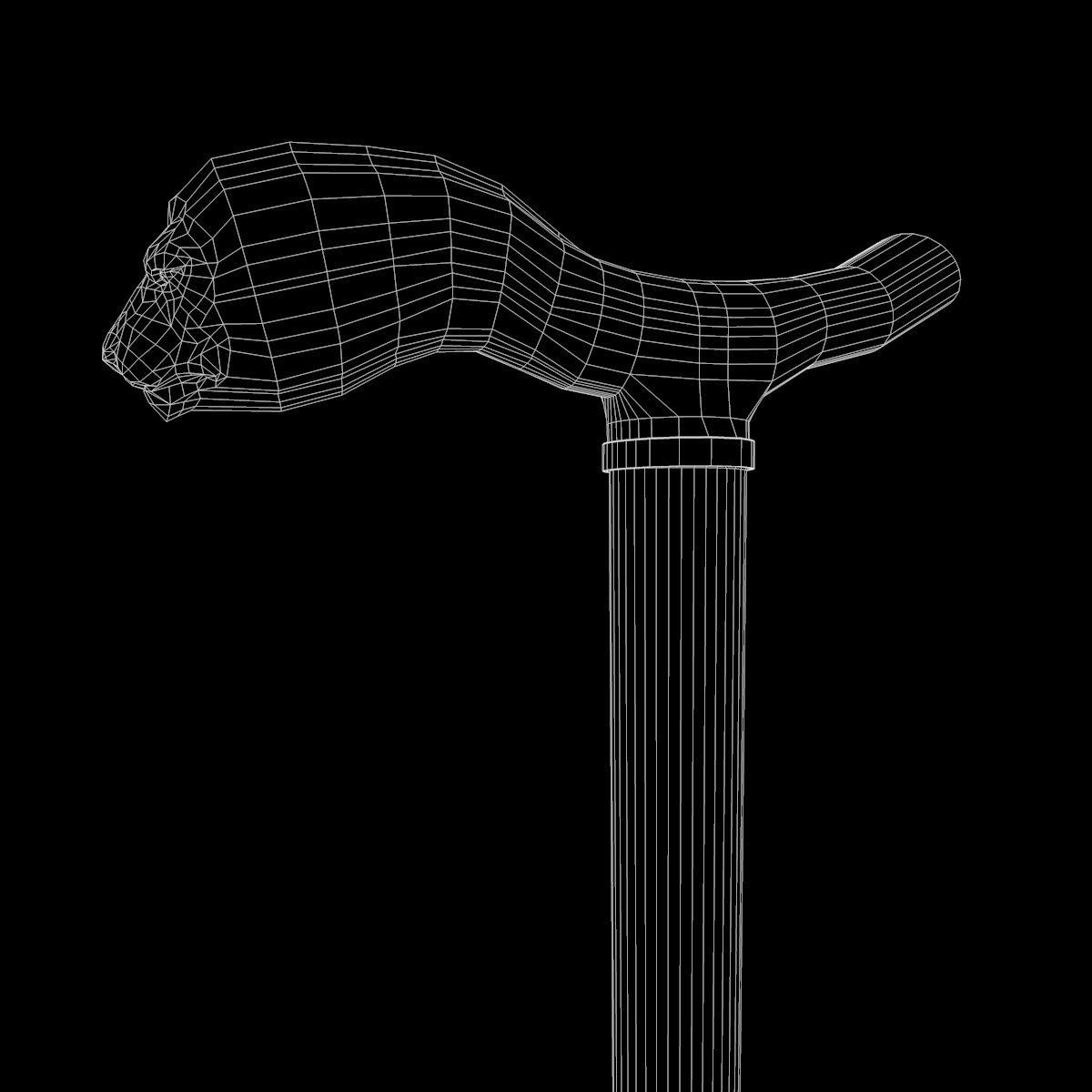
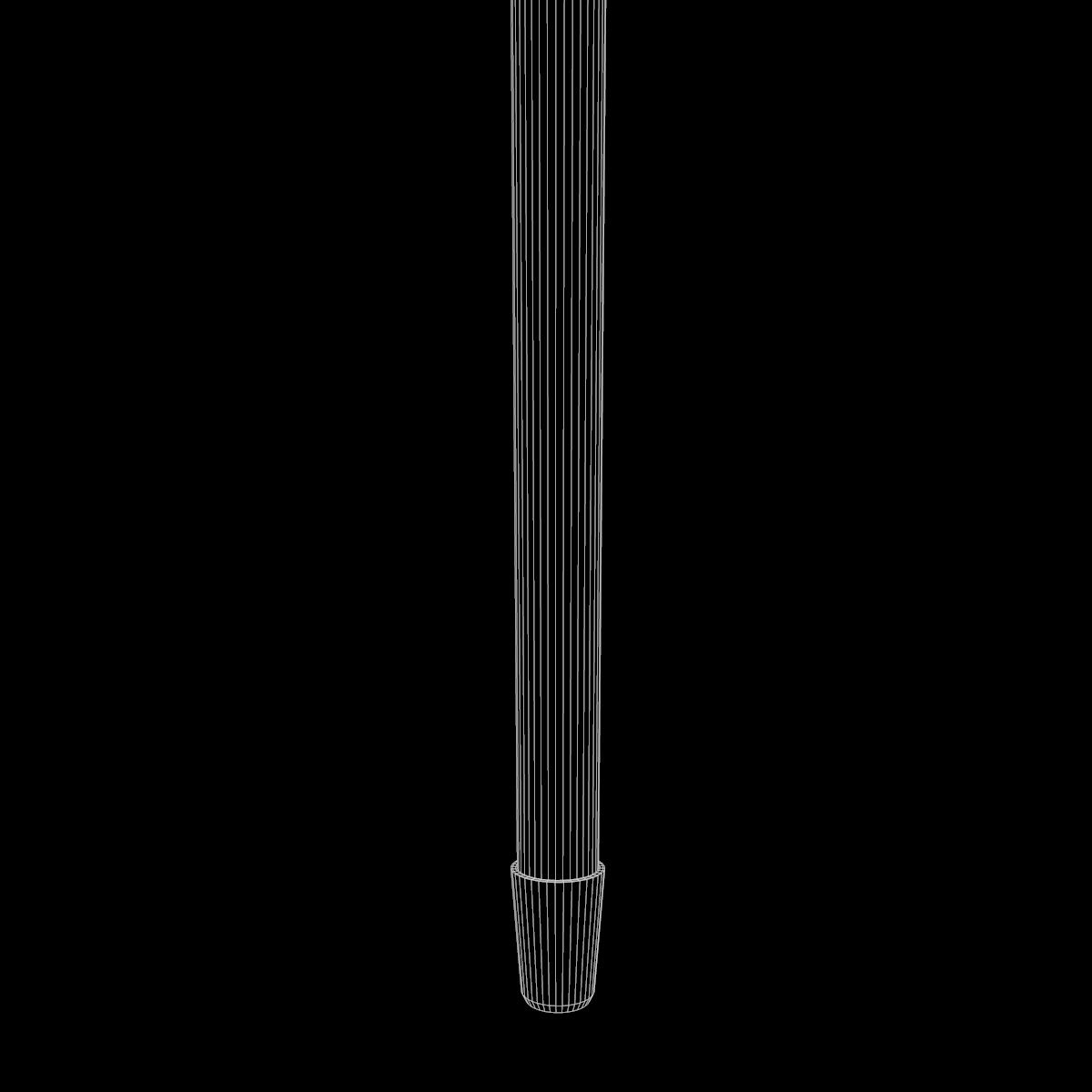
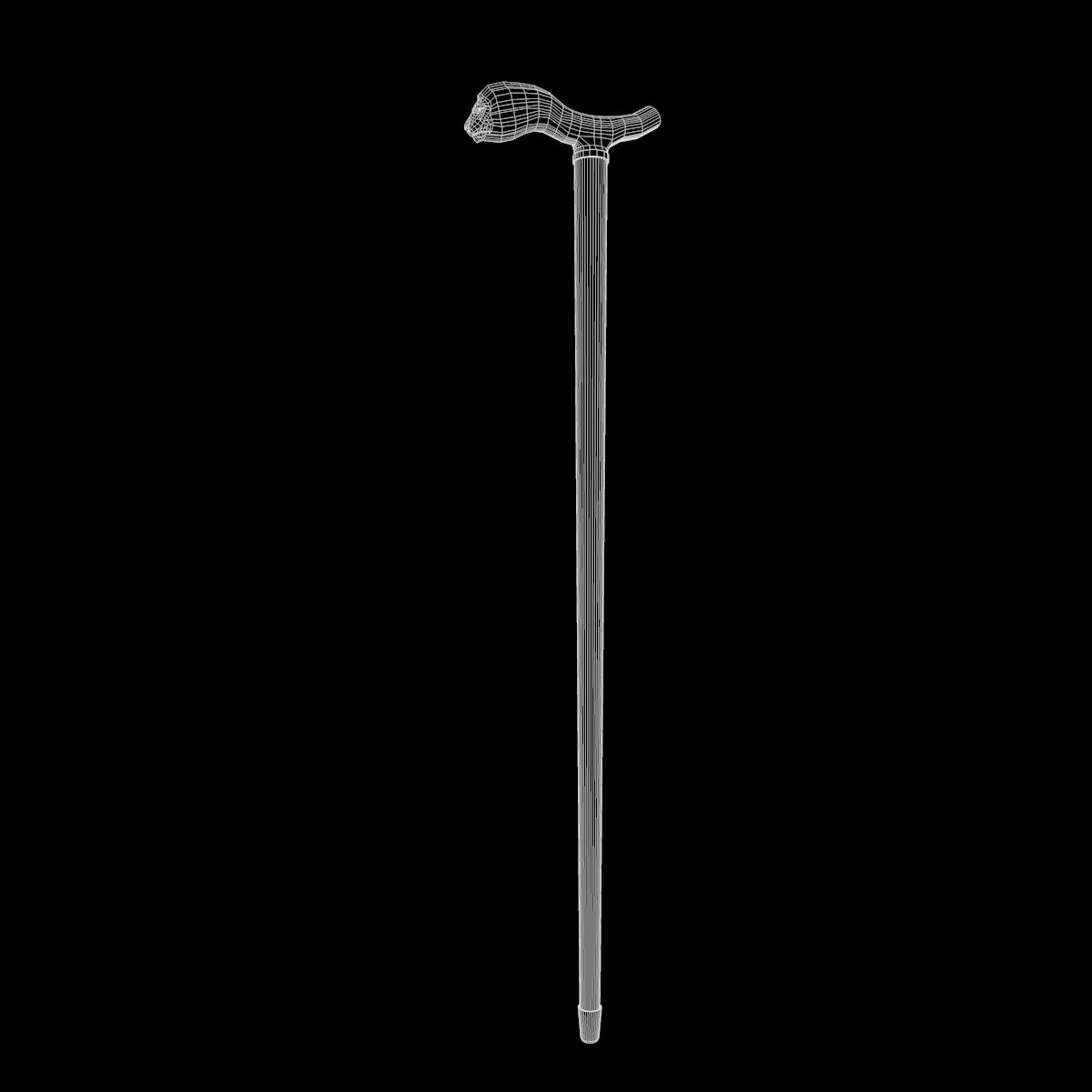
- Polygons1,713
- Vertices1,759
- TexturesYes
- RiggedNo
- AnimatedNo
- 3D Printable ReadyNo
- Game Ready (low poly)No
- UV MappedYes
- Unwrapped UVsnone
Description
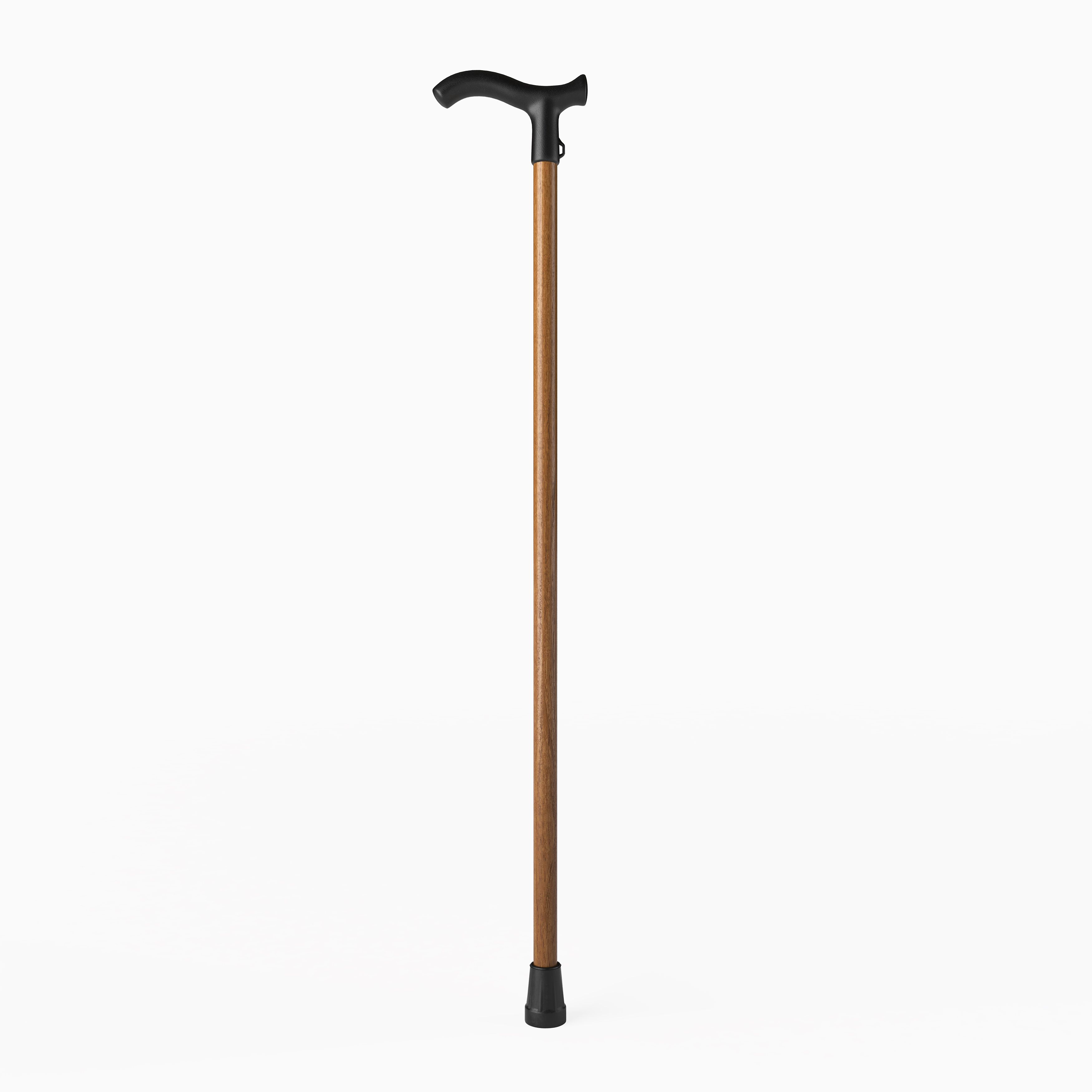
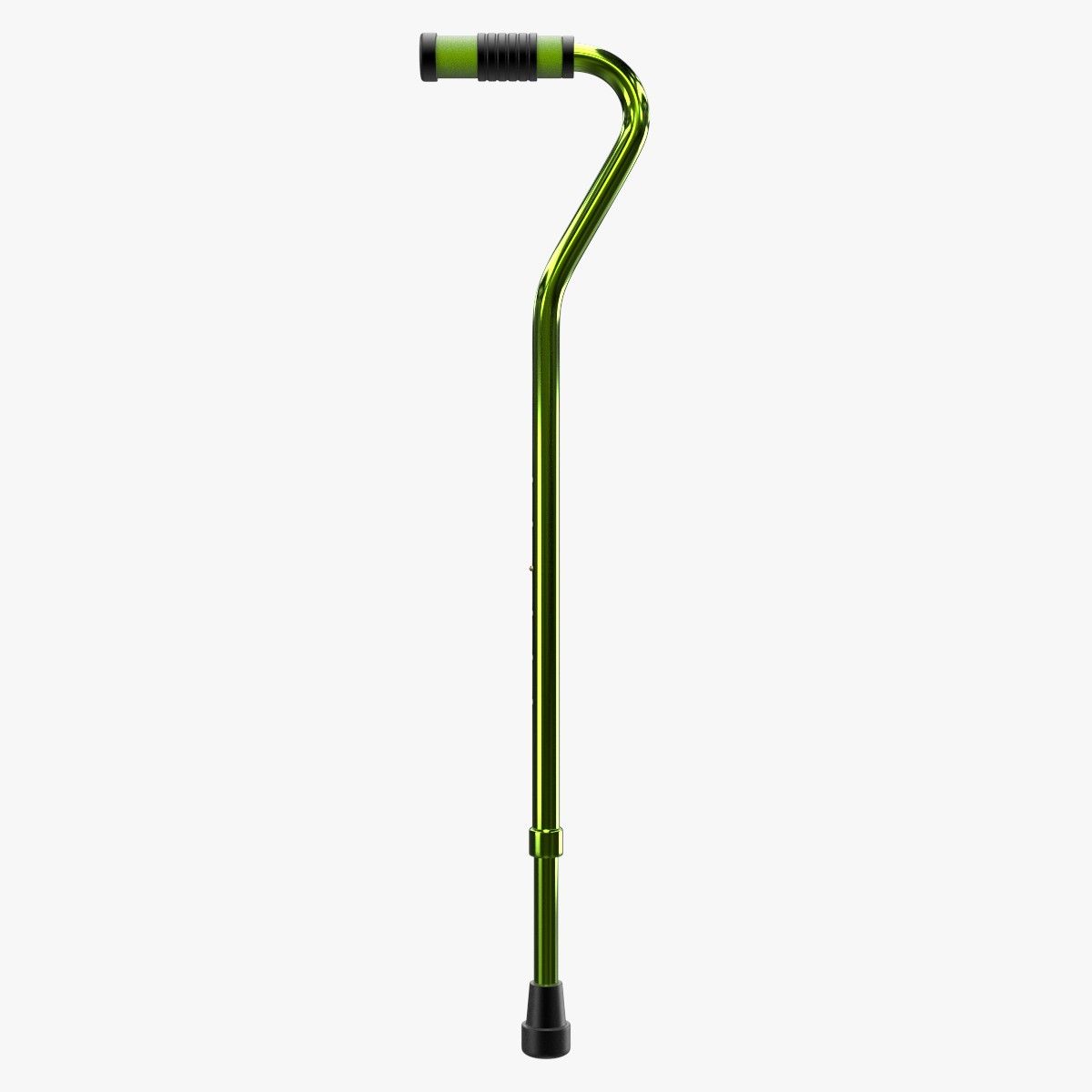
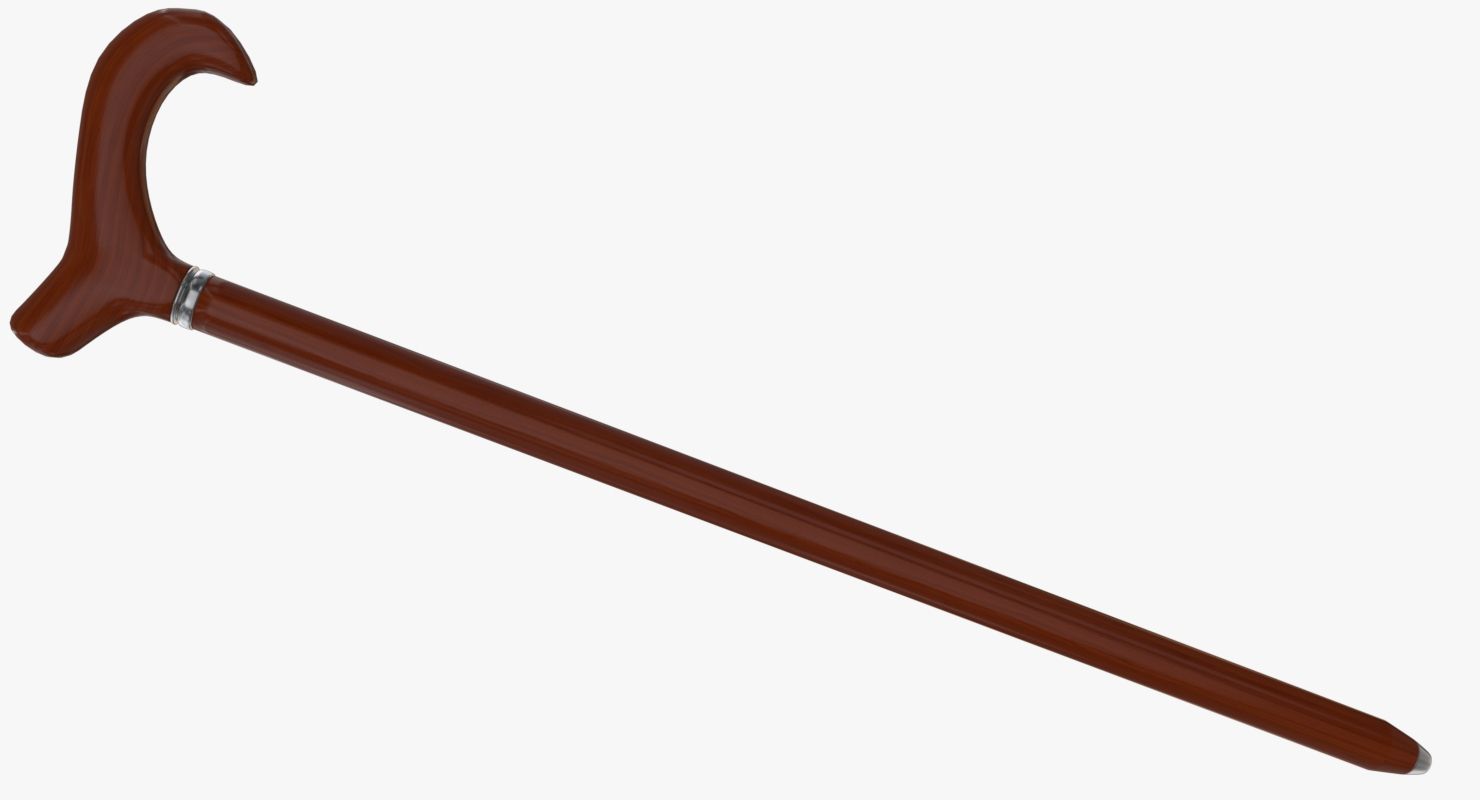
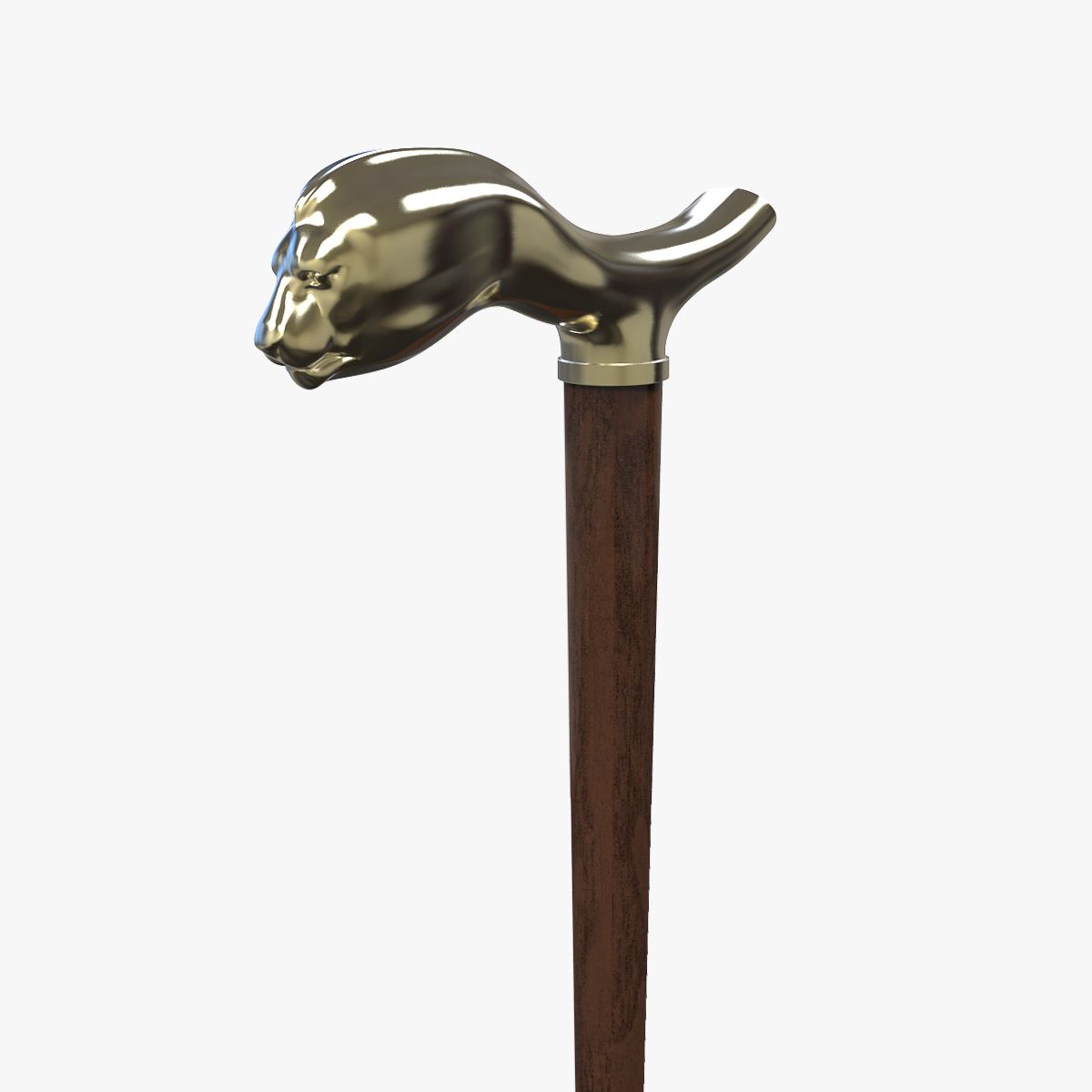
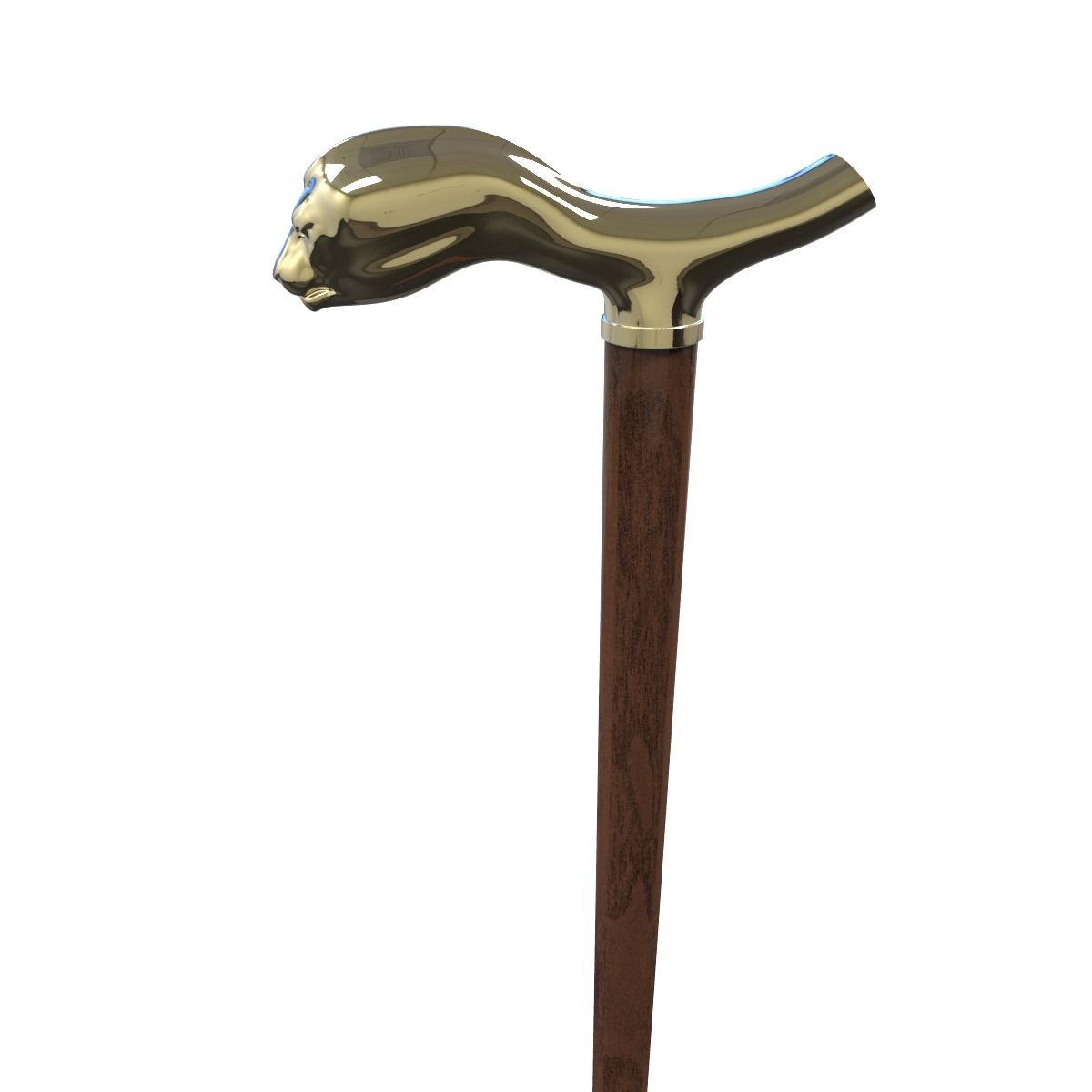
This Cane is a high quality model to add more details and realism to your projects. Detailed enough for close-up renders.
Features:
- High quality polygonal model
- Model resolutions are optimized for polygon efficiency(in 3DS MAX the meshsmooth function can be used to increase mesh resolution if necessary).
- All colors can be easily modified.
- Model is fully textured with all materials applied.
- Max models grouped for easy selection & objects are logically named for ease of scene management.
- No part-name confusion when importing several models into a scene.
- No cleaning up necessary, just drop model into your scene and start rendering.
- No special plugin needed to open scene.
*********************************
File formats:
- 3ds Max (with vray mat)
- OBJ (Multi Format)
- 3DS (Multi Format)
- FBX (Multi Format)
- Cinema 4D R15 (standart mat)
i used standart material in these software but i add 1 texture (wood) for you, available on zip file.
Every model has been checked with the appropriate software.
*********************************
Hope you like it!
Also check out my other models, just click on my user name to see complete gallery.
© Newlc - 2015
Oct 15, 2019
date added
Feb 21, 2022
last update
Reviews
There are currently no reviews for this product.
Why not be the first one to break the ice?
