-->
ArchitectureVehiclesCharactersAircraftFurnitureElectronicsAnimalsPlantsWeaponsSportsFoodAnatomy
Bookmarked
Bookmark removed

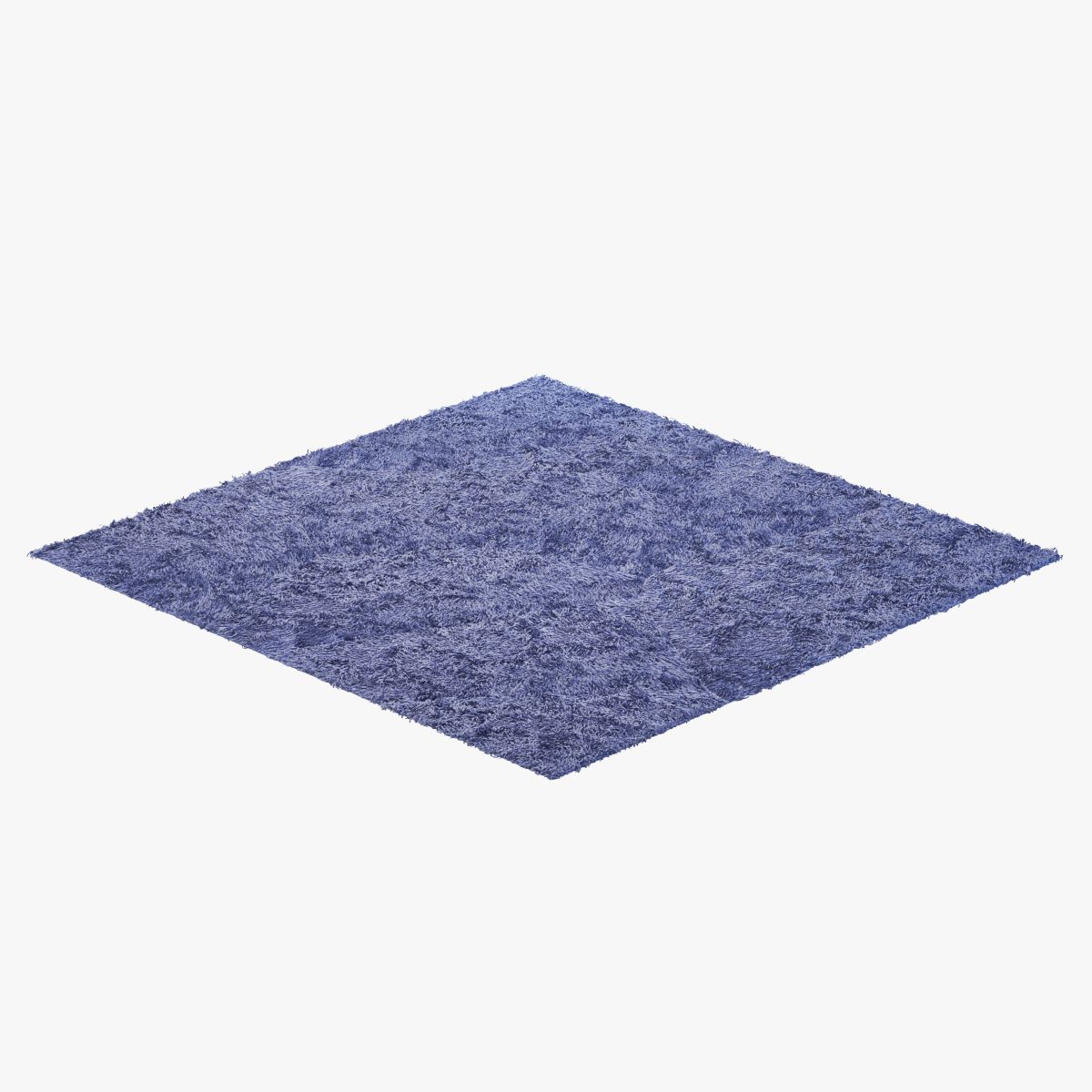
Carpet Fur Gray Shaggi 02 3D Model

0
Carpet Fur Gray Shaggi 02 royalty-free 3d model - Preview no. 1
Carpet Fur Gray Shaggi 02 royalty-free 3d model - Preview no. 2
Carpet Fur Gray Shaggi 02 royalty-free 3d model - Preview no. 3
Carpet Fur Gray Shaggi 02 royalty-free 3d model - Preview no. 4
Carpet Fur Gray Shaggi 02 royalty-free 3d model - Preview no. 5
Carpet Fur Gray Shaggi 02 royalty-free 3d model - Preview no. 1
Carpet Fur Gray Shaggi 02 royalty-free 3d model - Preview no. 2
Carpet Fur Gray Shaggi 02 royalty-free 3d model - Preview no. 3
Carpet Fur Gray Shaggi 02 royalty-free 3d model - Preview no. 4
Carpet Fur Gray Shaggi 02 royalty-free 3d model - Preview no. 5
17
00
Royalty Free LicenseAll extended uses
Simple returns
Best Price Guarantee
Works out of the box
0 visits
Evgenii Lashchenov

Specifications

  • Geometrypolygonal
  • Polygons8,000,416
  • Vertices4,800,231
  • TexturesYes
  • RiggedNo
  • AnimatedNo
  • 3D Printable ReadyNo
  • Game Ready (low poly)No
  • UV MappedYes
  • Unwrapped UVsnone

Formats & Files

FBX
(.fbx)

Carpet_Shaggi_fbx_v7300.fbx
3ds Max
(.max)
119 MB

vray 2.40.03
Carpet Shaggi_2010.zip
FBX
(.fbx)

Carpet Shaggi_fbx.zip

Description

3ds Max 2010.V-Ray 2.40.03. File formats fbx without wool. Carpet Shaggi. Dimension: 200x150 cm. Max file fur is made by geometry. You can also render the effect by removing the geometry and turning on the modifier. Before rendering, go to the Rendering - Effects tab, click on Hair and Fur and select the mr prim mode below. System units mm. If you are going to render in geometry, then in front of the render, transfer the model to a proxy. Render in Effects mode gives a more realistic result.
Jun 15, 2020 date added
Jan 02, 2026 last update

Reviews

There are currently no reviews for this product.
Why not be the first one to break the ice?