-->
ArchitectureVehiclesCharactersAircraftFurnitureElectronicsAnimalsPlantsWeaponsSportsFoodAnatomy
Bookmarked
Bookmark removed

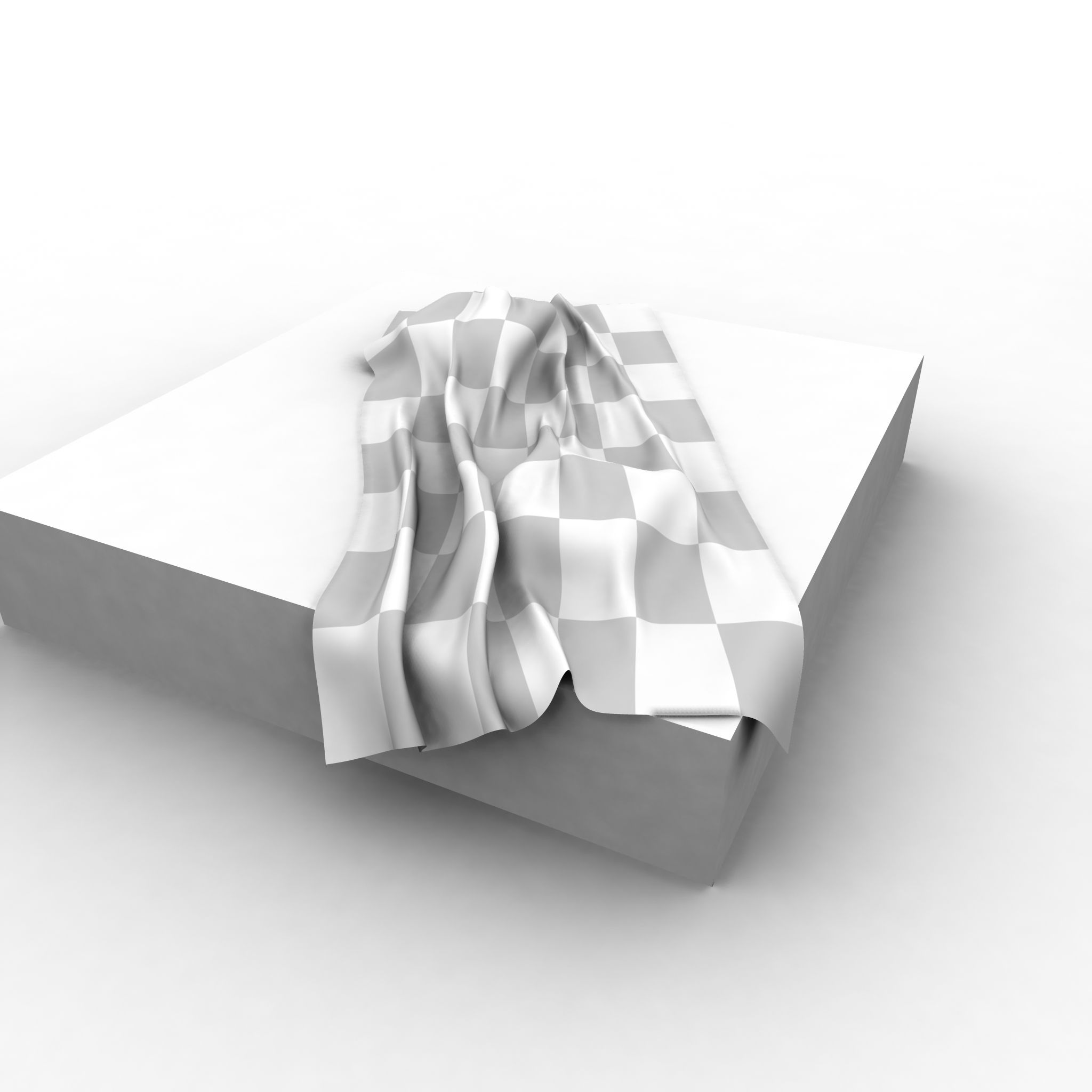
Cloth blanket Sheet simulation 3D Model

0
Cloth blanket Sheet simulation royalty-free 3d model - Preview no. 1
Cloth blanket Sheet simulation royalty-free 3d model - Preview no. 2
Cloth blanket Sheet simulation royalty-free 3d model - Preview no. 3
Cloth blanket Sheet simulation royalty-free 3d model - Preview no. 4
Cloth blanket Sheet simulation royalty-free 3d model - Preview no. 5
Cloth blanket Sheet simulation royalty-free 3d model - Preview no. 6
Cloth blanket Sheet simulation royalty-free 3d model - Preview no. 1
Cloth blanket Sheet simulation royalty-free 3d model - Preview no. 2
Cloth blanket Sheet simulation royalty-free 3d model - Preview no. 3
Cloth blanket Sheet simulation royalty-free 3d model - Preview no. 4
Cloth blanket Sheet simulation royalty-free 3d model - Preview no. 5
Cloth blanket Sheet simulation royalty-free 3d model - Preview no. 6
10
00
Royalty Free LicenseAll extended uses
Simple returns
Best Price Guarantee
Works out of the box
53 visits
biotom

Specifications

  • Geometrypolygonal
  • Polygons20,000
  • Vertices20,000
  • TexturesNo
  • RiggedYes
  • AnimatedYes
  • 3D Printable ReadyNo
  • Game Ready (low poly)No
  • UV MappedYes
  • Unwrapped UVsnon-overlapping

Formats & Files

OBJ
(.obj)
1 MB

cloth.obj
Maya
(.ma)
1 MB

other
cloth.mb
Maya
(.ma)

other
ncloth-simulation.mb
Maya
(.ma)
1 MB

mentalray
tmp.mb
Maya

cloth.jpg
Maya

cloth2.jpg

Description

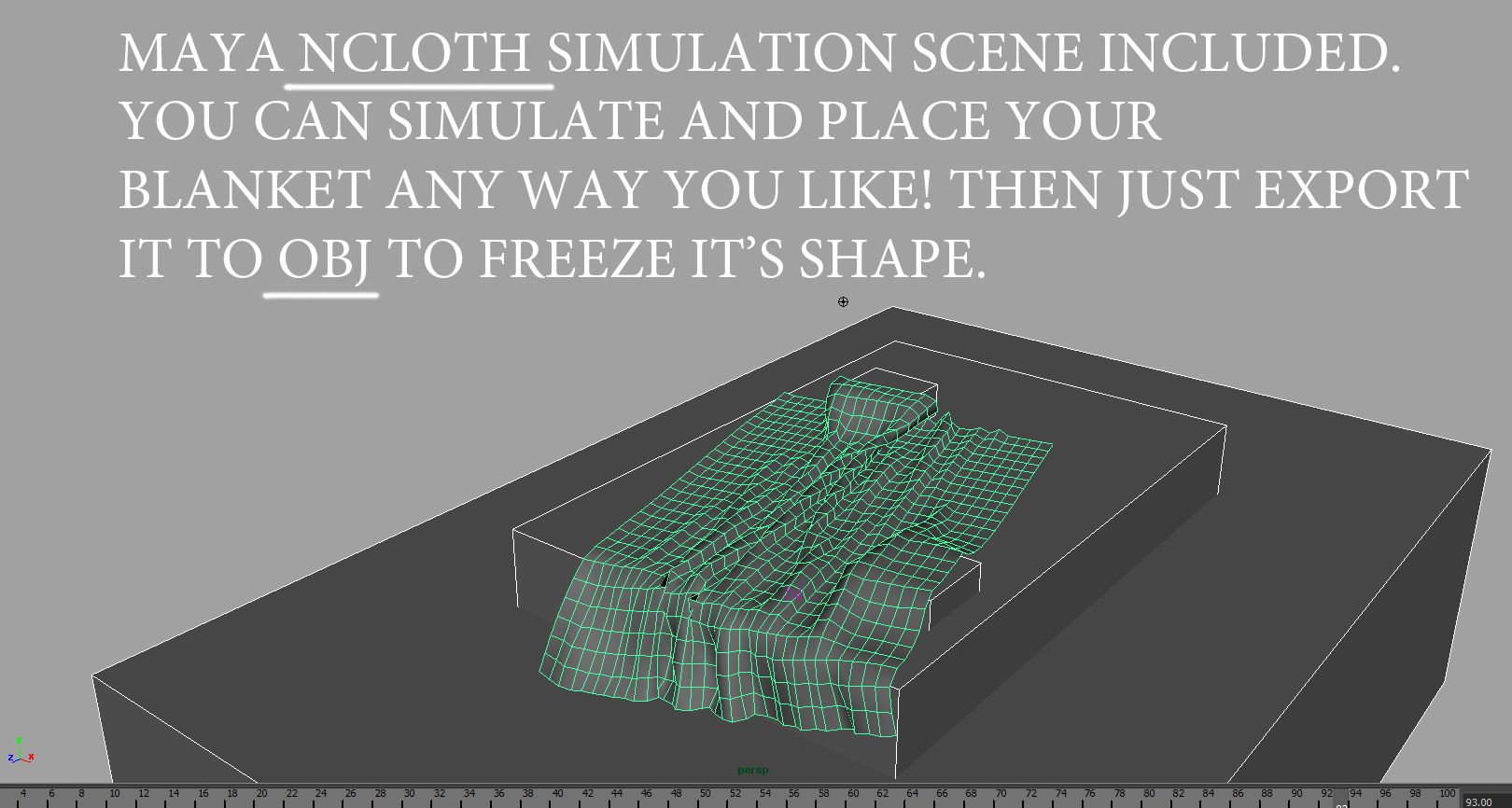
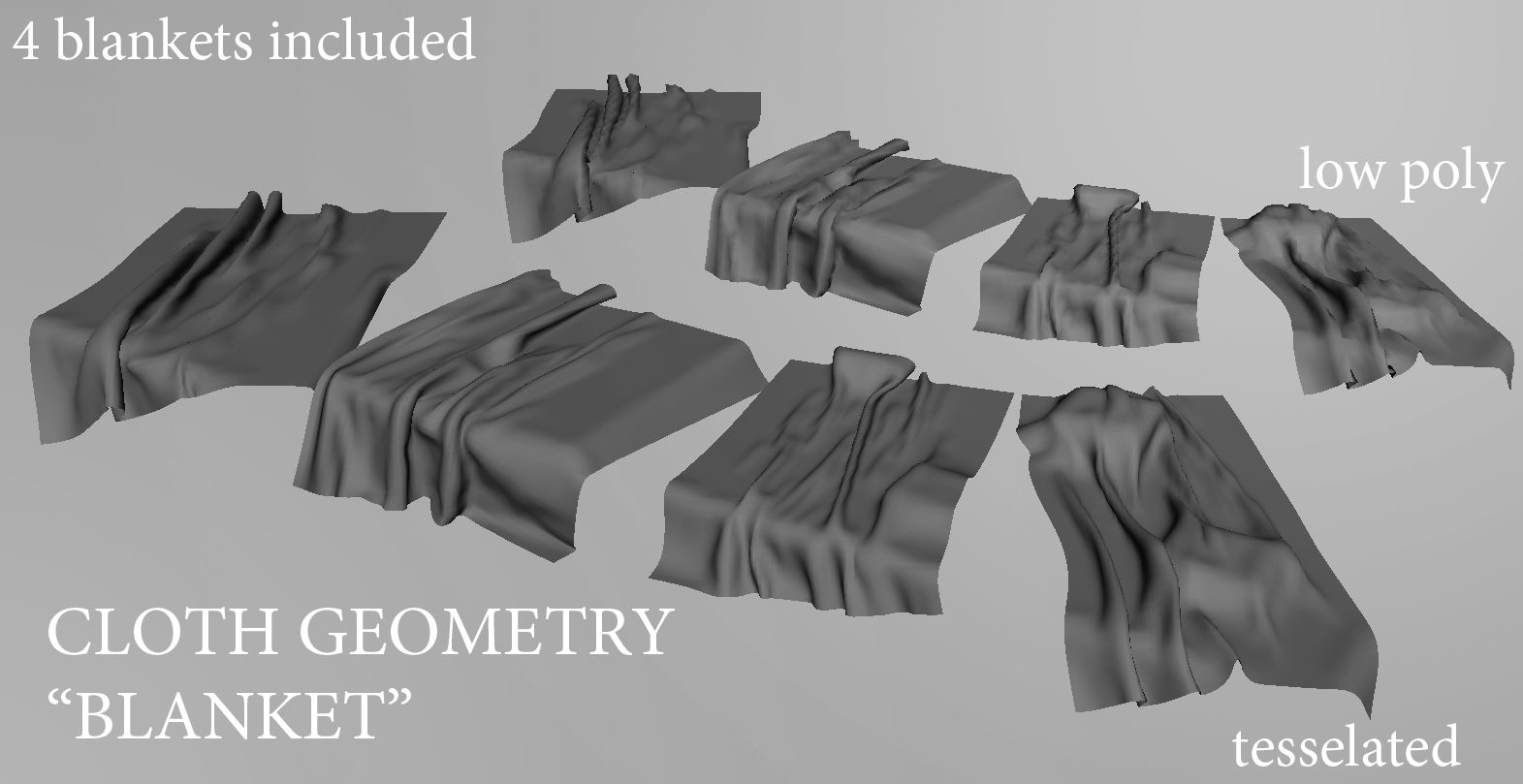
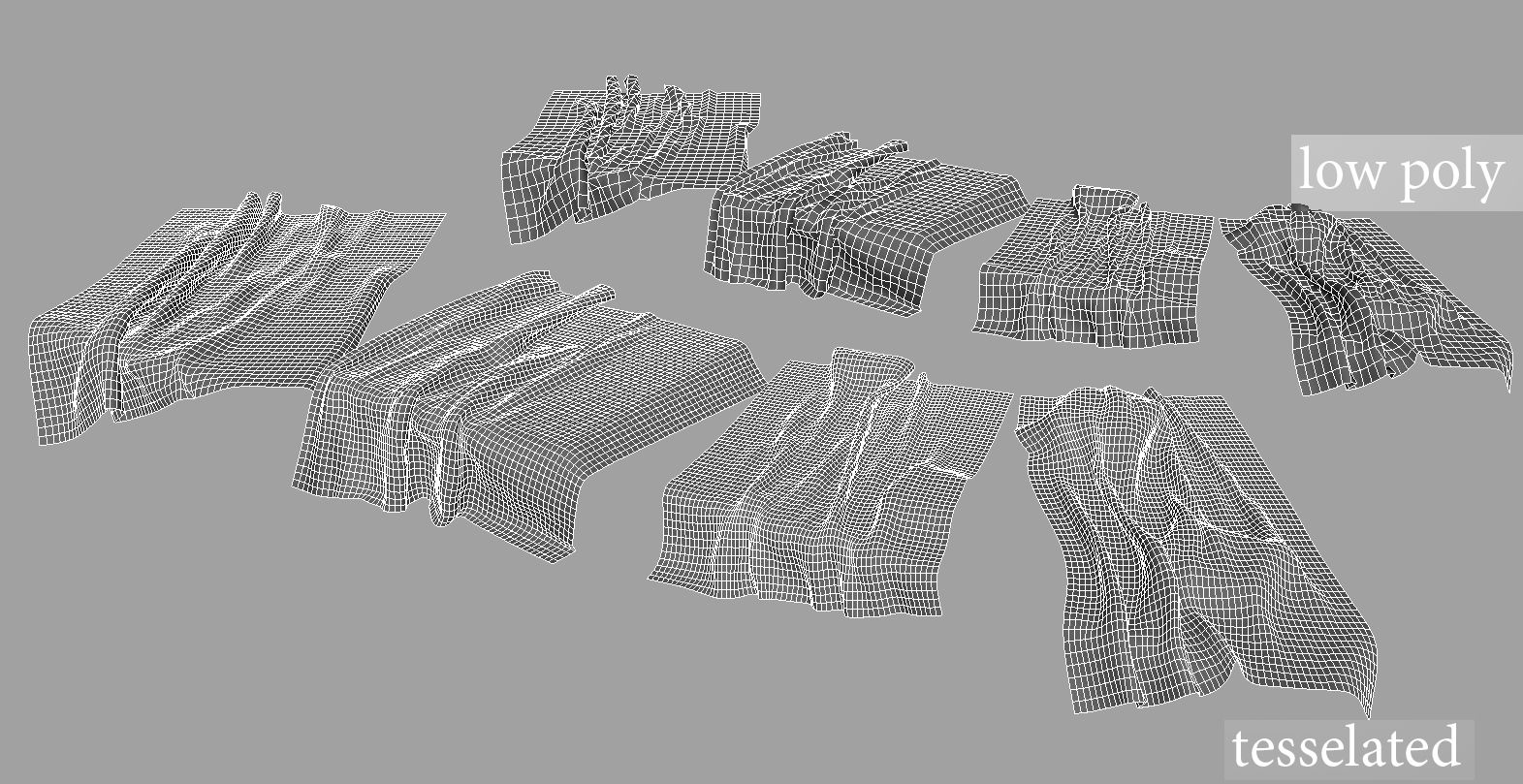
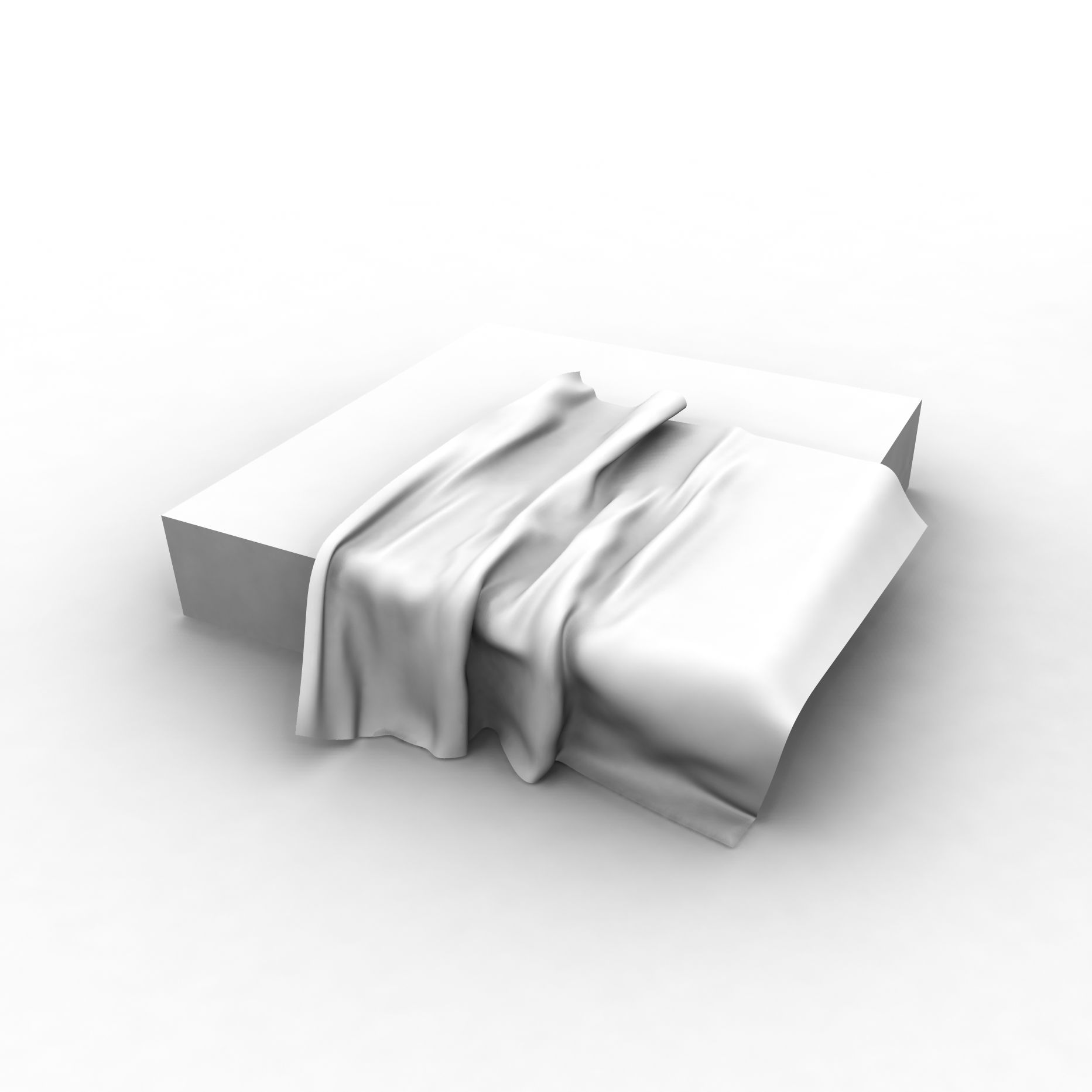
Nice cloth geometry, just add your blanket texture and place it on the bed. There are 4 different blankets freezed, without simulation. 2 of them has deformation like it is on the pillow. 2 other just laying. Also there are low poly and regular resolution meshes included. Great for any type of visualisation or any way you like. NOTE: Maya NCloth simulation scene also INCLUDED!!! So, if you have ideas in mind, just play with a simulation, add pillows, shape your bed or rotate and scale blanket. Then just run simulation to make it fall and deform realistically. After you are satisfied with deformation look, just export desired frame to OBJ file format and import it back to Maya, this is the simpliest way to freeze it.
Oct 02, 2019 date added
Jul 05, 2023 last update

Reviews

There are currently no reviews for this product.
Why not be the first one to break the ice?