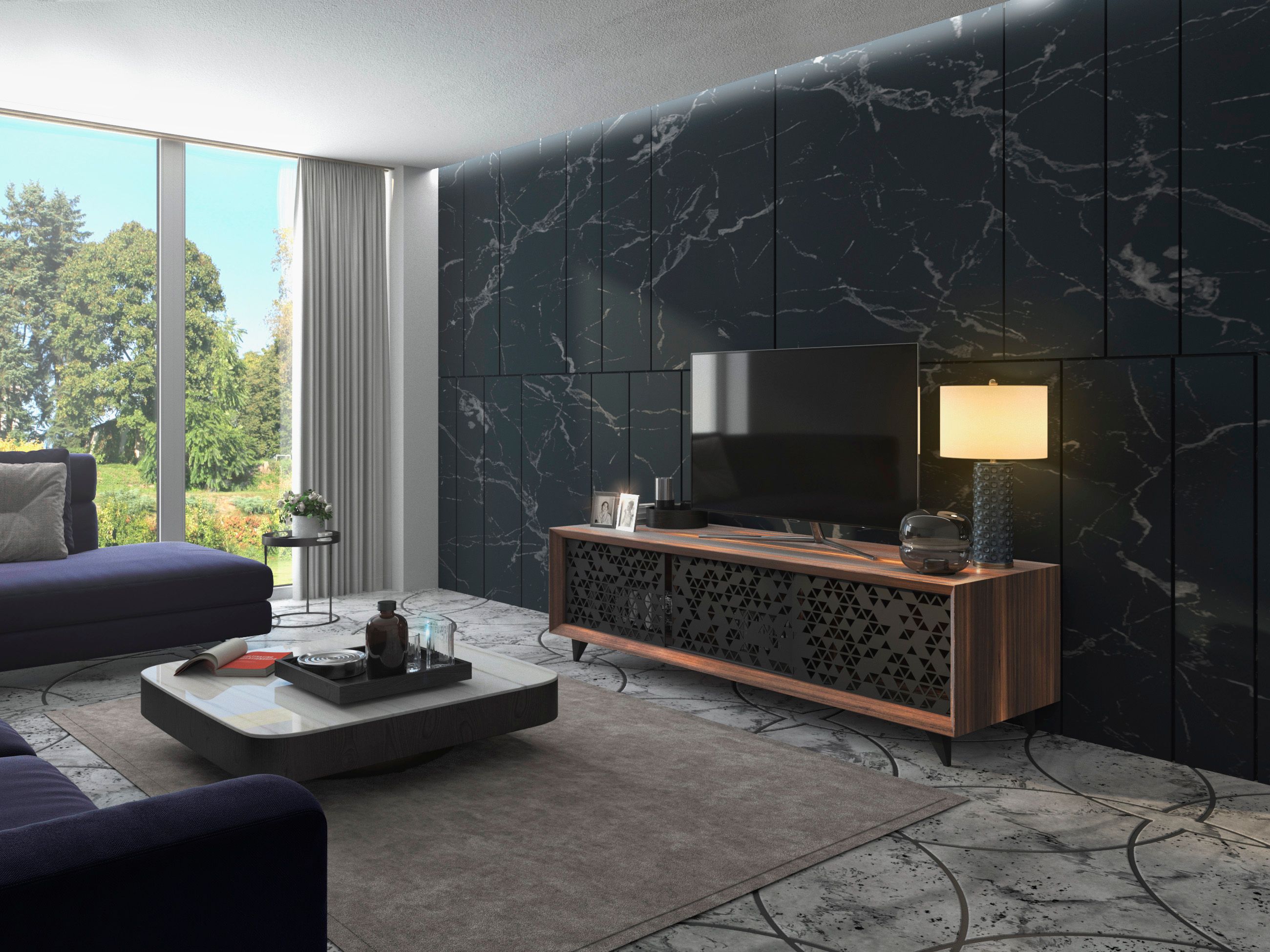


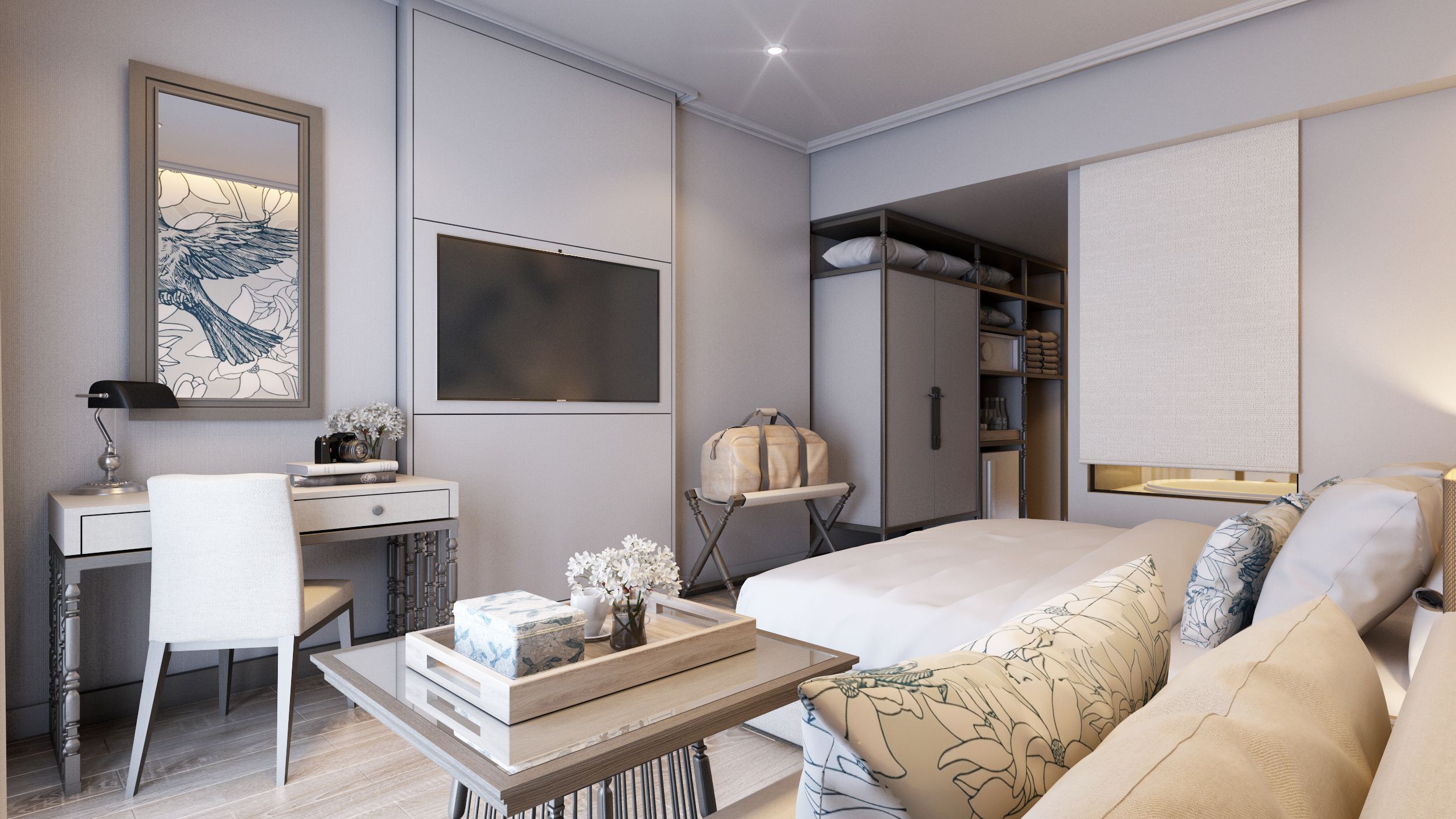
Corridor Interior Scene 3D Model
0


0
visits

Submitted by
Adrian Kulawik
Specifications
- Geometrypolygonal_quads only
- Polygons684,097
- Vertices709,621
- TexturesYes
- RiggedYes
- AnimatedNo
- 3D Printable ReadyNo
- Game Ready (low poly)No
- UV MappedYes
- Unwrapped UVsnon-overlapping
Description
Hello.
Update for Octane 4 for LightWave 2018:
AI Lights&AI denoiser Settings.
Two LWS Scene:
LightWave 2018 + Octane 3 Settings.
LightWave 2018 + Octane 4 Settings.
-AI Lights Settings
-AI Denoiser Settings
3D Scene done in LightWave 2018.
All Settings ready for LightWave and Octane 3 and 4.
You must Have got Octane to render this image.
I don't use any postproduction software!
Only hit render and You will get This Quality.
Render will go to FullHD Resolution.
What is included?
-Scene setup
-Light Setup
-Camera Setup
-Octane Render Setup
-Materials Setup
-Nodes Setup
-Rendering Nodes Setup for Octane
-Render Full Path Tracing!
Advanced Settings:
-Curve Color Gamma Lut
-Reinhard Style +Mix Expo+Gamma Set
-Color Correction
-Color Balance
-Custom LUT Settings
-Imager Settings
-Setting for 100 % Noise Free
All 3D Models done only with Quads!!!
In Layout You can change settings in Subdivision Level to have full control how much details You needed.
For Example from 0 to 3
Corridor Full Control polygon Count.
Only Change numbers of Bounce in Octane Render Nodes.
Textures in 4K.
All Elements on scene have got UV's Non-Overlapping!
UV's with different names.
Formats:
LWO+LWS (2018)
OBJ+MTL (2018)
FBX two version (2016+2018)
Version of LW used:
LightWave 2018.02 and 2018.06
Octane Render 3.08.07
Octane Render 4
Best regards.
Adrian Kulawik
Nov 13, 2021
date added
Jun 09, 2026
last update
Reviews
There are currently no reviews for this product.
Why not be the first one to break the ice?