-->
ArchitectureVehiclesCharactersAircraftFurnitureElectronicsAnimalsPlantsWeaponsSportsFoodAnatomy
Bookmarked
Bookmark removed

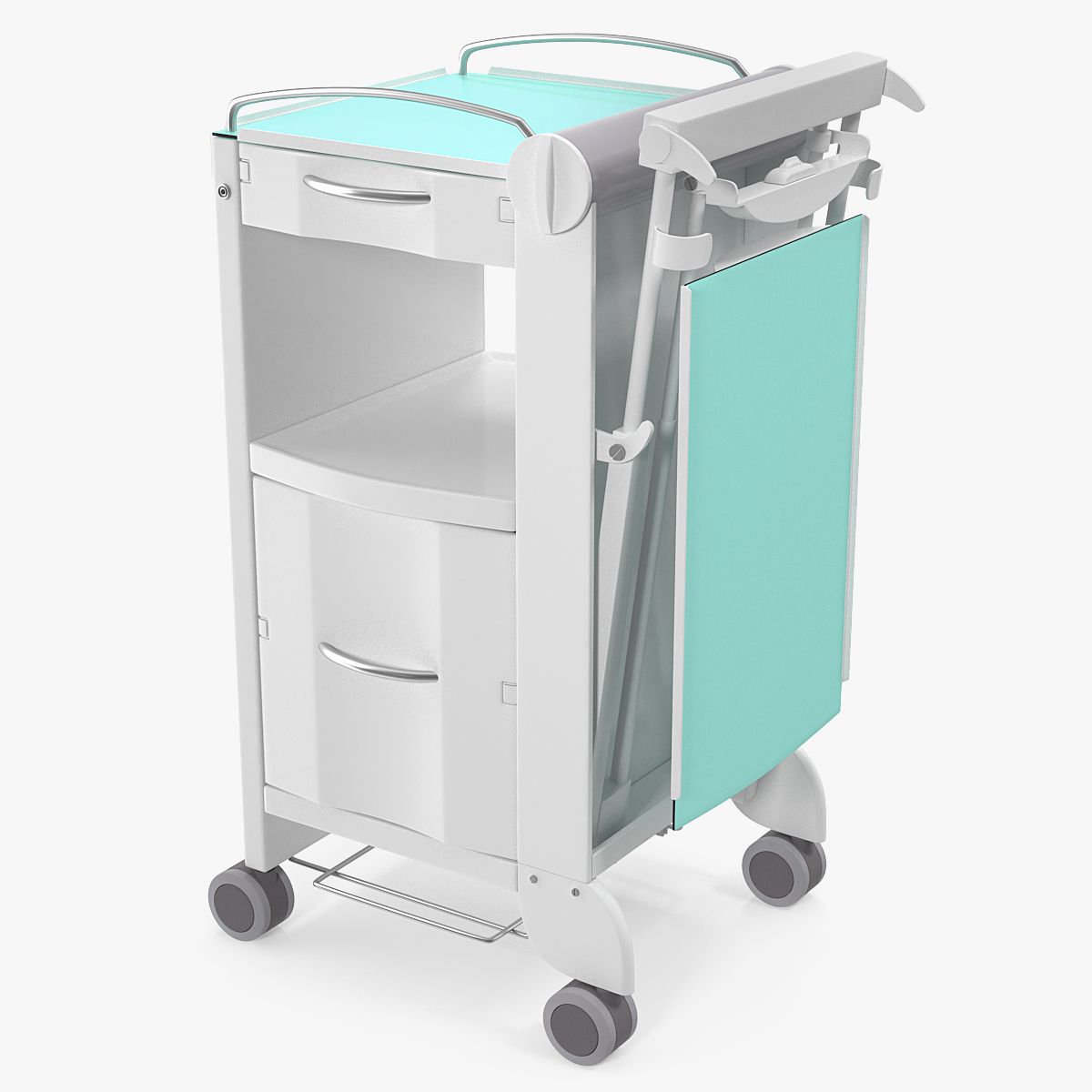
customisable bedside cabinet 3D Model

0
customisable bedside cabinet royalty-free 3d model - Preview no. 1
customisable bedside cabinet royalty-free 3d model - Preview no. 2
customisable bedside cabinet royalty-free 3d model - Preview no. 3
customisable bedside cabinet royalty-free 3d model - Preview no. 4
customisable bedside cabinet royalty-free 3d model - Preview no. 5
customisable bedside cabinet royalty-free 3d model - Preview no. 6
customisable bedside cabinet royalty-free 3d model - Preview no. 7
customisable bedside cabinet royalty-free 3d model - Preview no. 8
customisable bedside cabinet royalty-free 3d model - Preview no. 1
customisable bedside cabinet royalty-free 3d model - Preview no. 2
customisable bedside cabinet royalty-free 3d model - Preview no. 3
customisable bedside cabinet royalty-free 3d model - Preview no. 4
customisable bedside cabinet royalty-free 3d model - Preview no. 5
customisable bedside cabinet royalty-free 3d model - Preview no. 6
customisable bedside cabinet royalty-free 3d model - Preview no. 7
customisable bedside cabinet royalty-free 3d model - Preview no. 8
10
00
Royalty Free LicenseAll extended uses
Simple returns
Best Price Guarantee
Works out of the box
0 visits
vizdom

Specifications

  • Geometrypolygonal_quads only
  • Polygons5,446
  • Vertices5,450
  • TexturesYes
  • RiggedYes
  • AnimatedNo
  • 3D Printable ReadyNo
  • Game Ready (low poly)No
  • UV MappedYes
  • Unwrapped UVsnone

Formats & Files

Cinema 4D
(.c4d)

other corona
cabinet.c4d
Cinema 4D

scratches.jpg

Description

Stylish cabinet (bedside cabinet) modeled in Cinema 4D R17 and rendered with corona alpha 5. Size: w 60cm h 72,5cm d 49cm The cabinet drawers are rigged You can easily swap materials via a drop down menu. There are 5 different colors for the body and 6 colors for the feet predefined. Of course you can swap the predifined materials with your own ones (AR or vray) if you like. Simply drag your material on the xpresso node you want to change and rename it in the user data.
Aug 01, 2020 date added
Mar 02, 2022 last update

Reviews

There are currently no reviews for this product.
Why not be the first one to break the ice?