





E3D - 3D APPLE BIG COLLECTION 2017 3D Model
0















0
visits

Submitted by
beeocean
Specifications
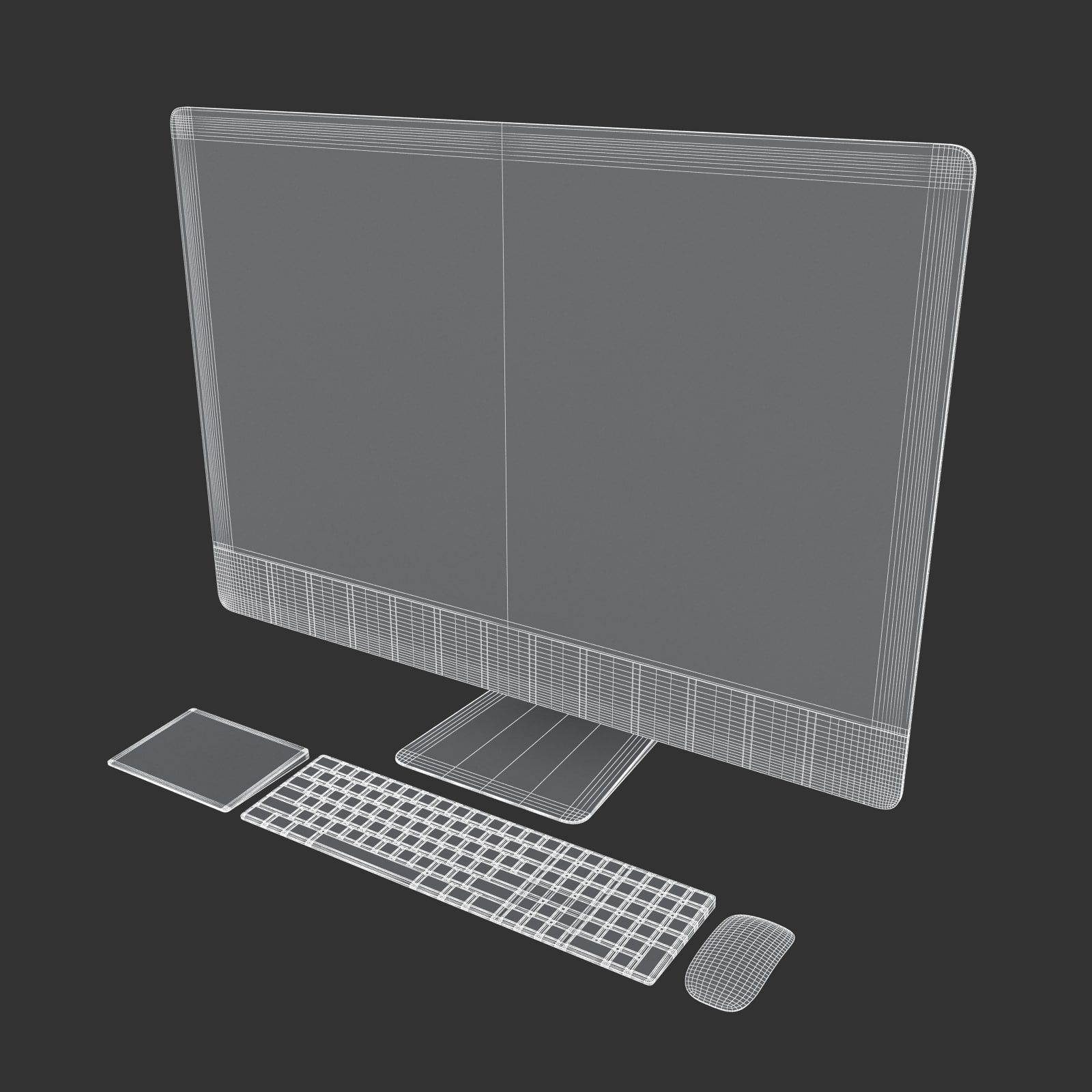
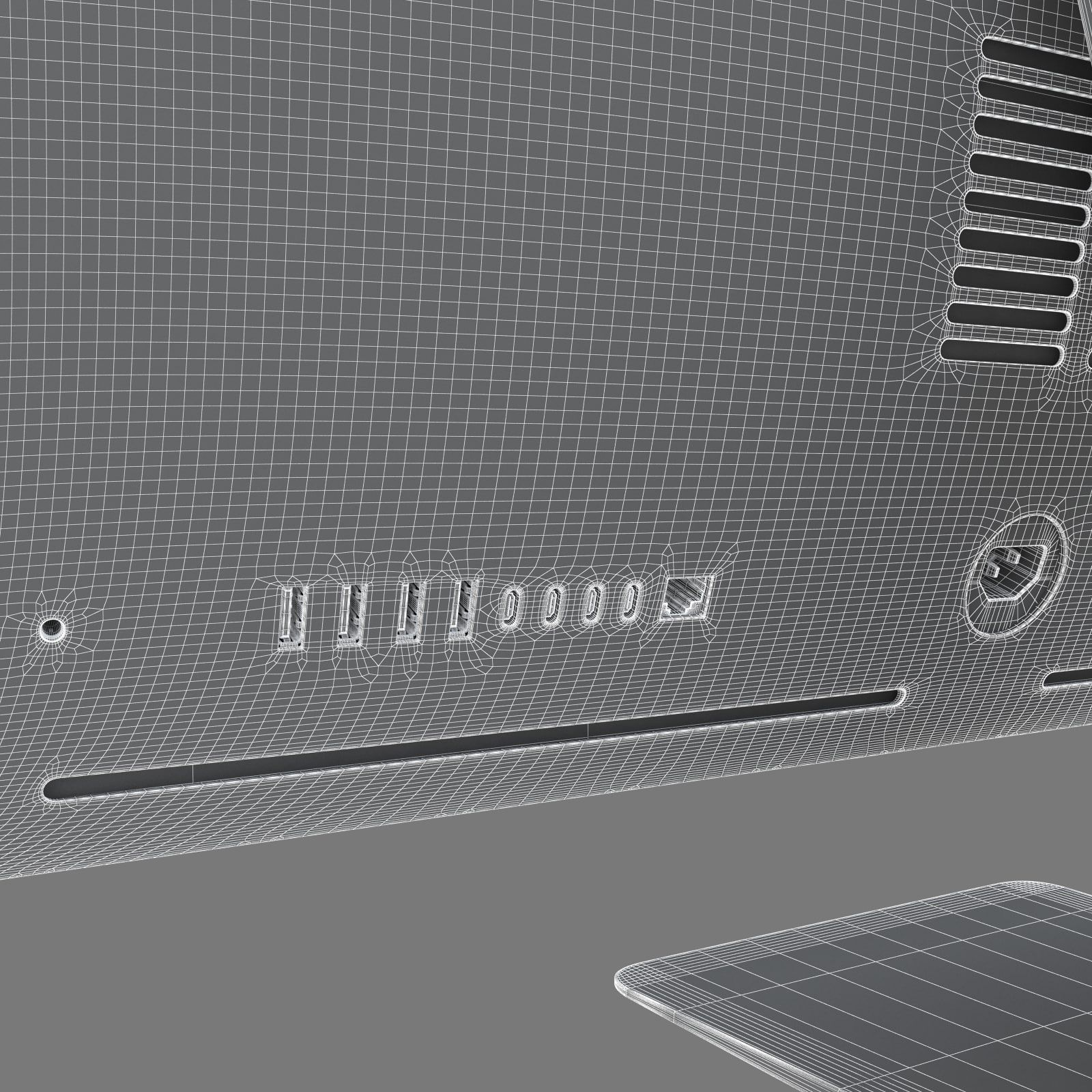
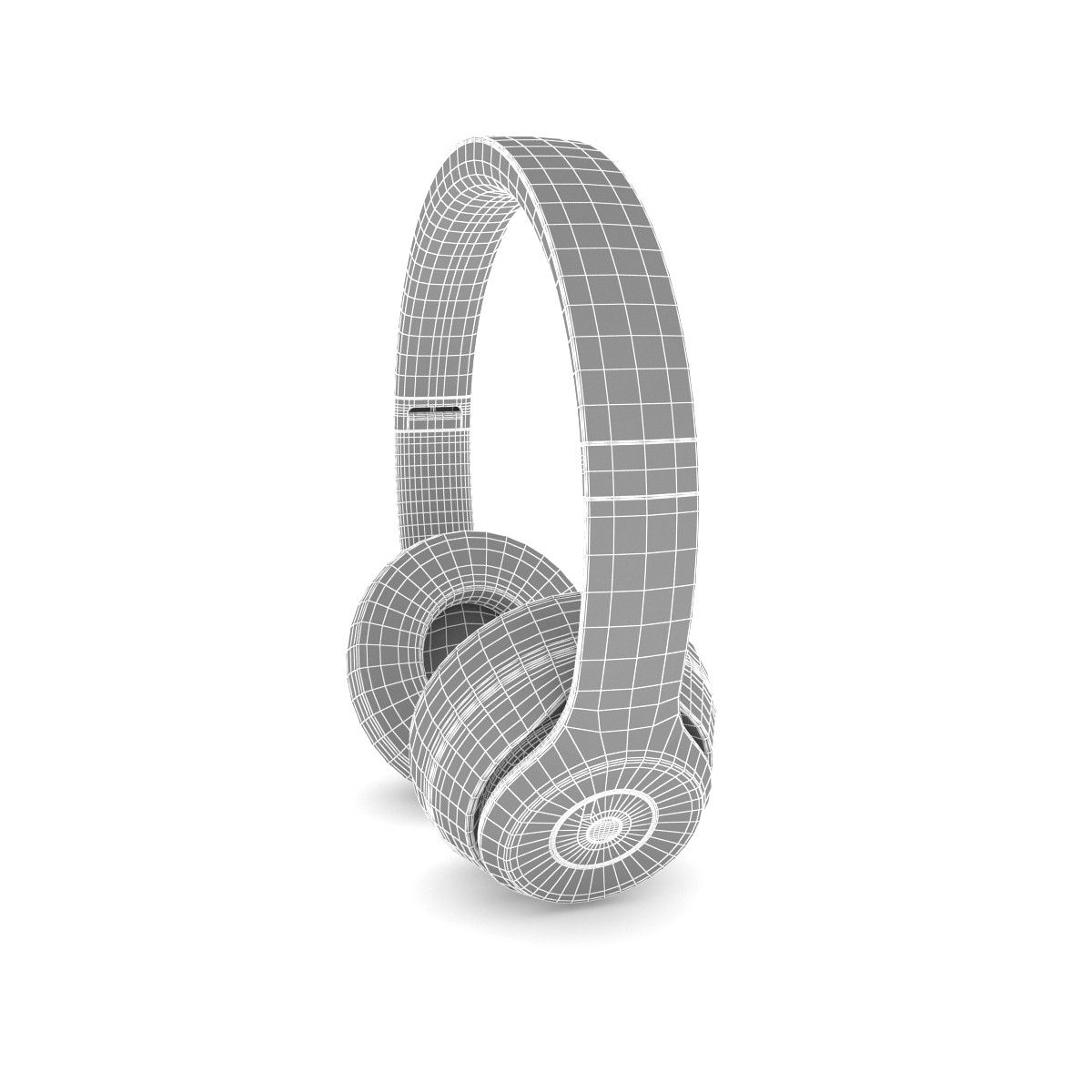
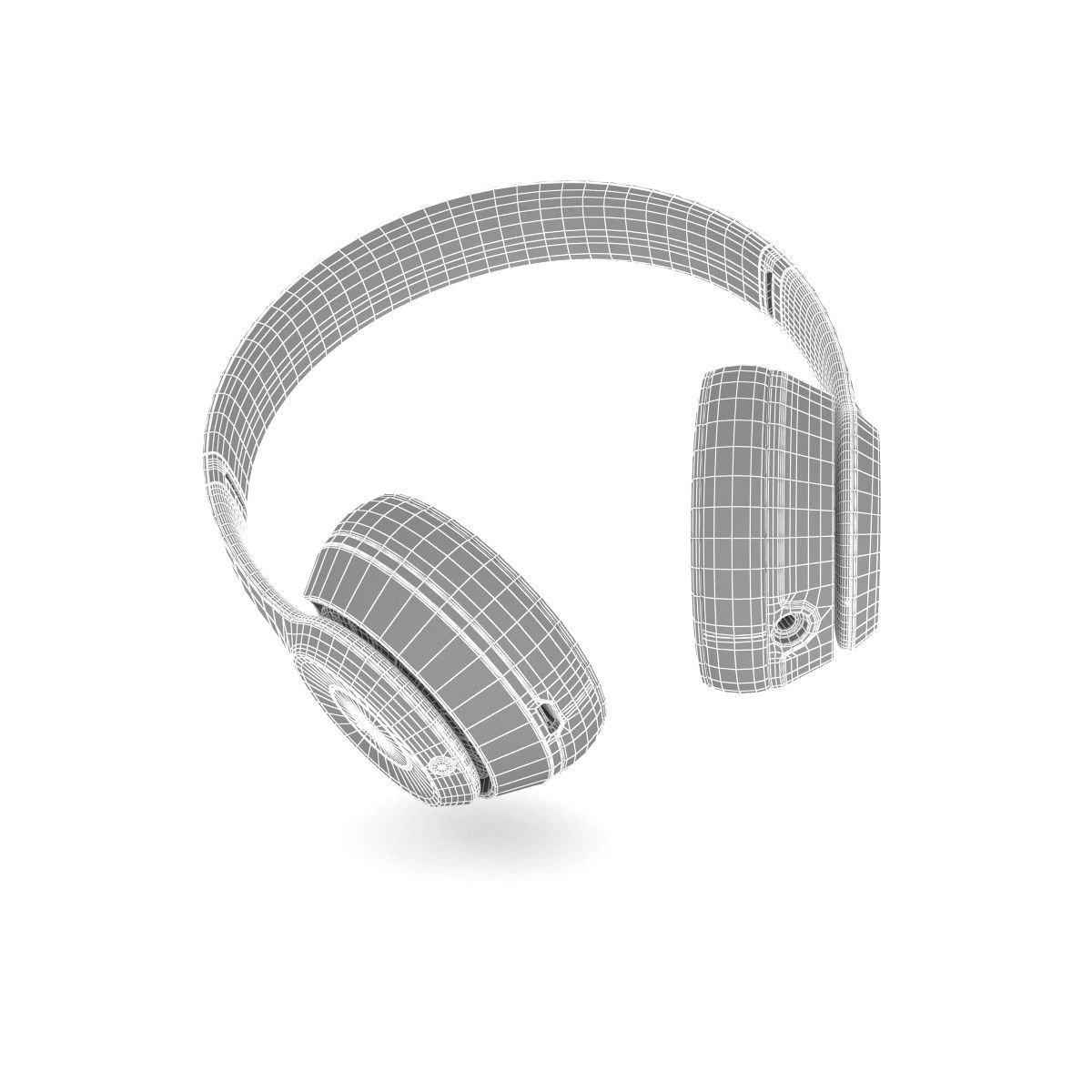
- Geometrypolygonal_quads/tris
- Polygons1
- Vertices1
- TexturesYes
- RiggedNo
- AnimatedNo
- 3D Printable ReadyNo
- Game Ready (low poly)No
- UV MappedYes
- Unwrapped UVsmixed
Description
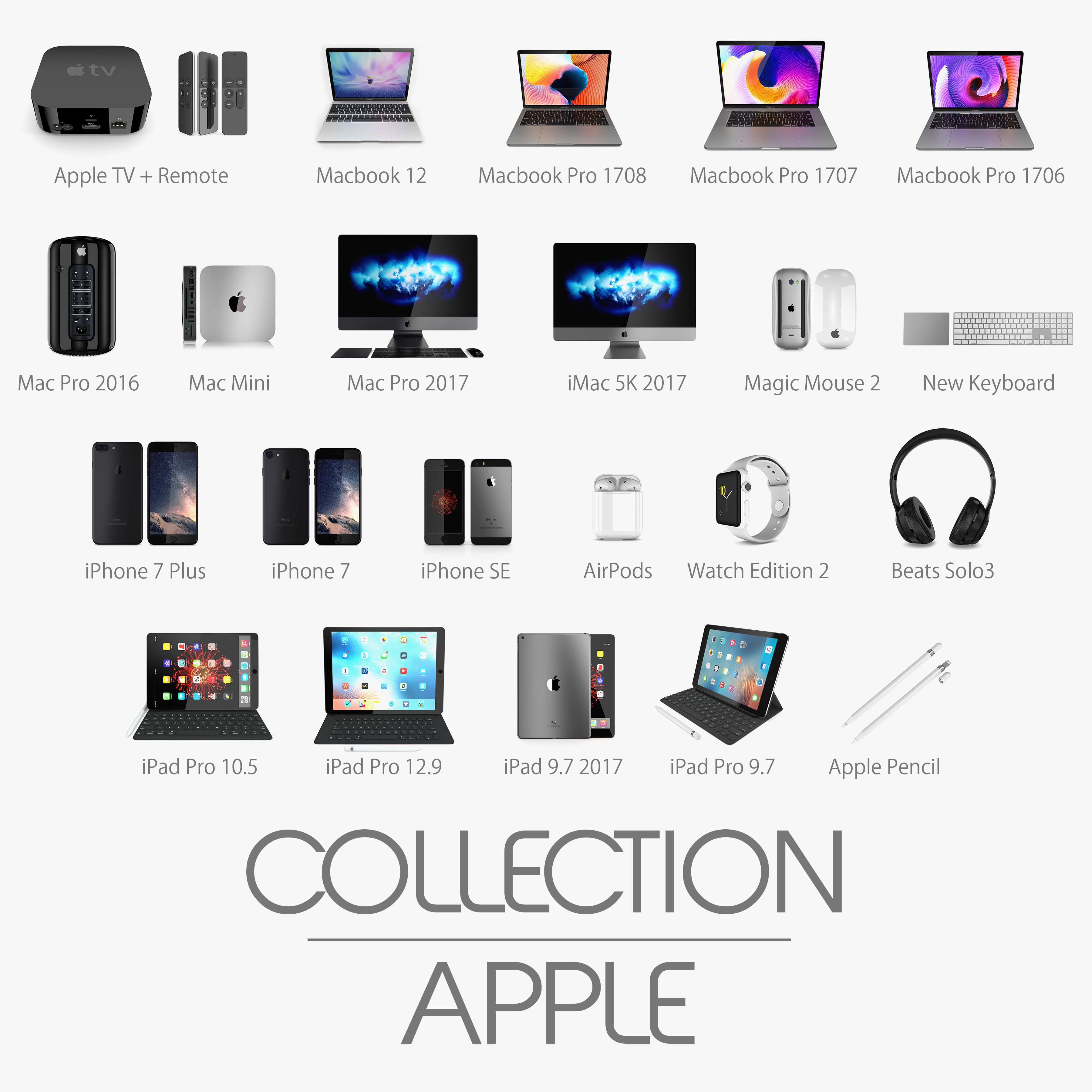
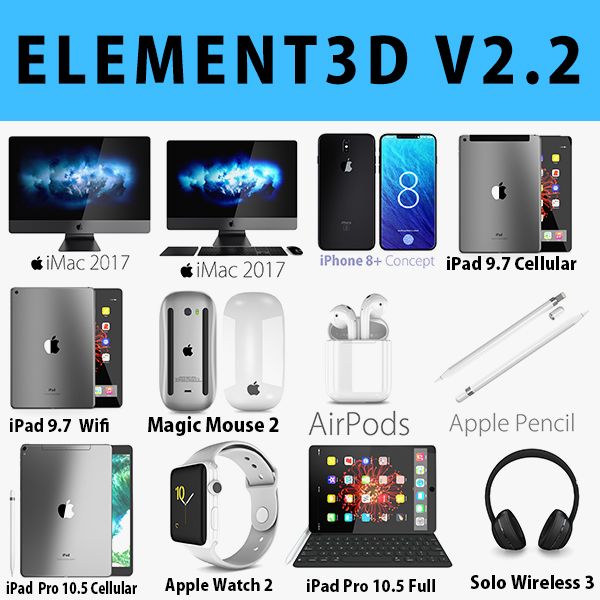
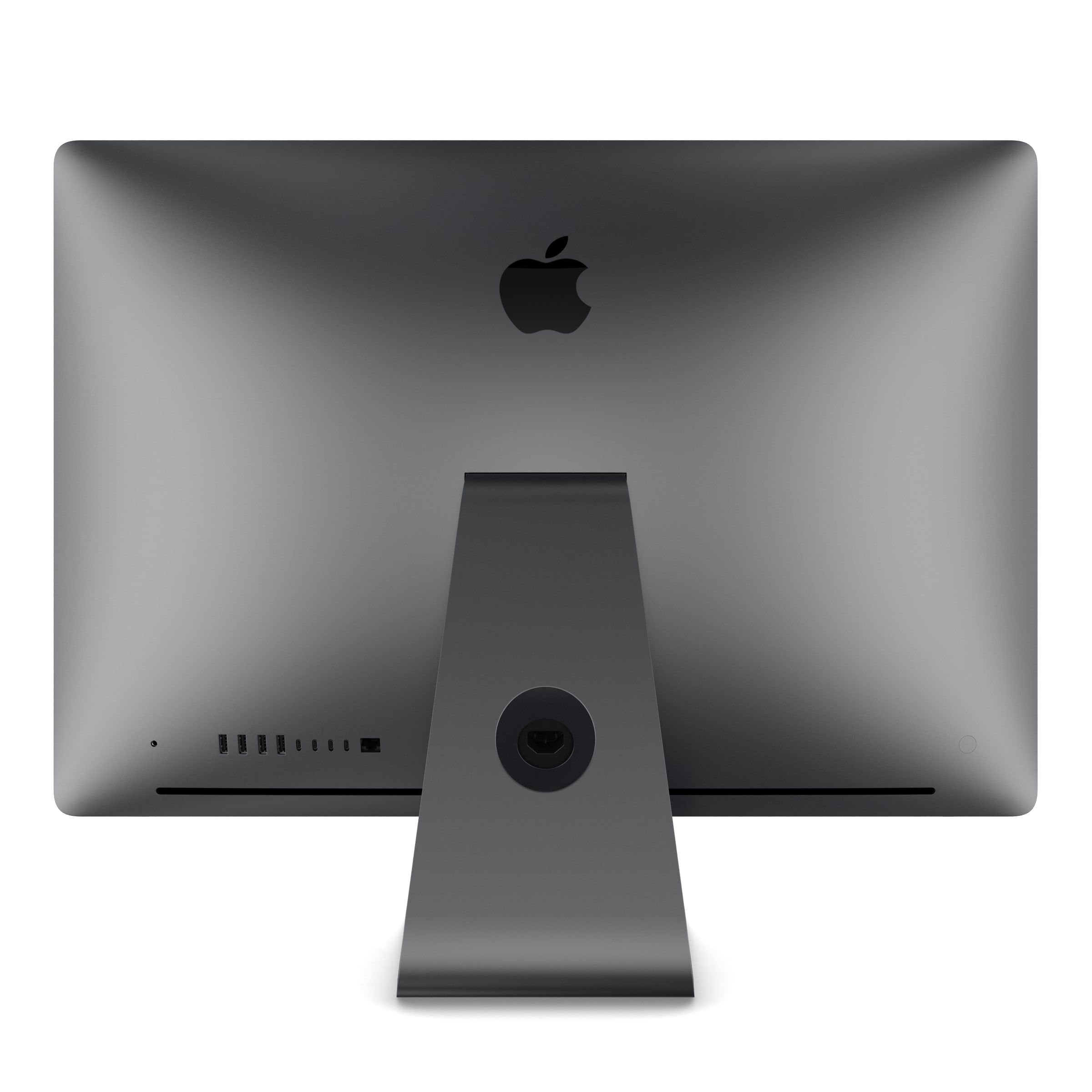
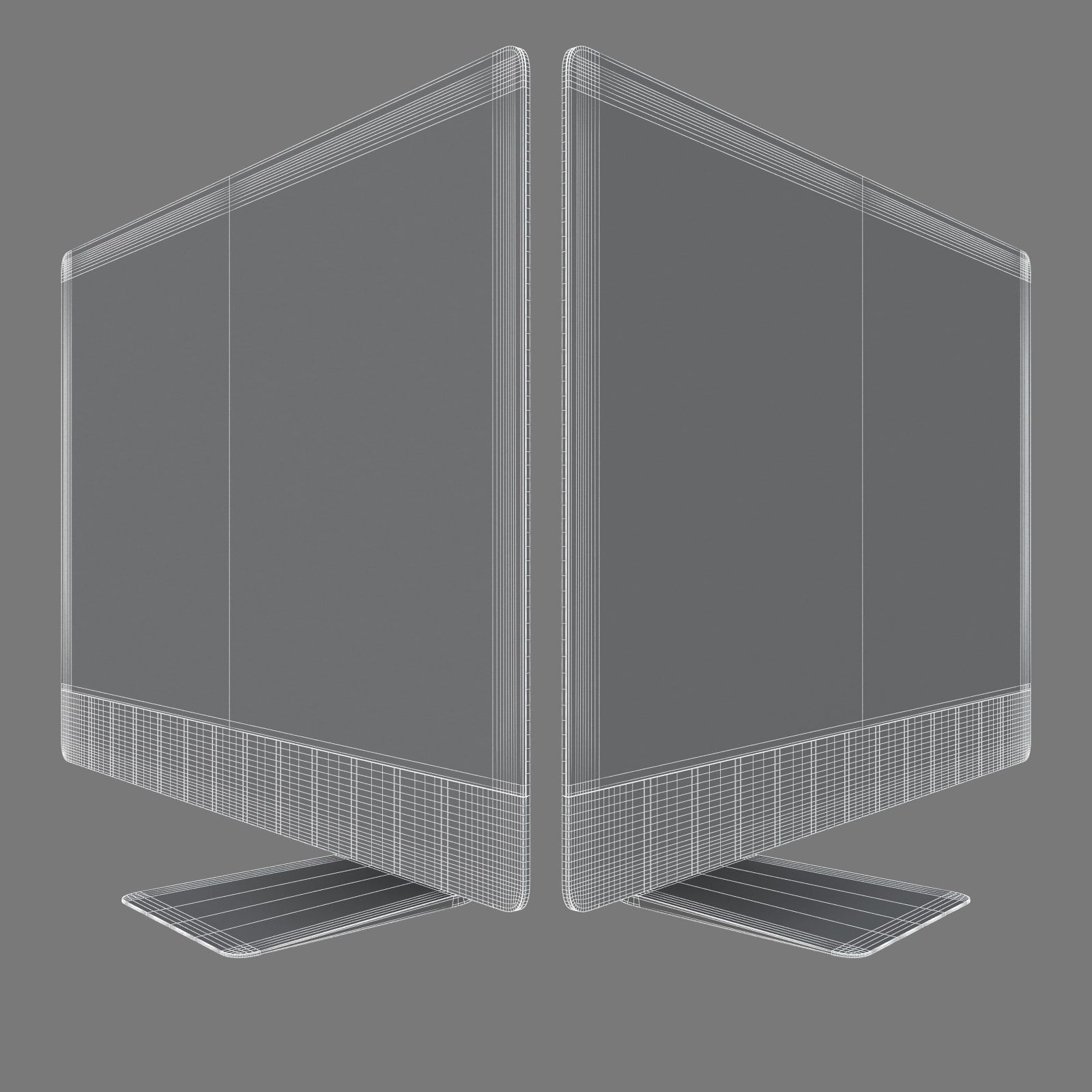
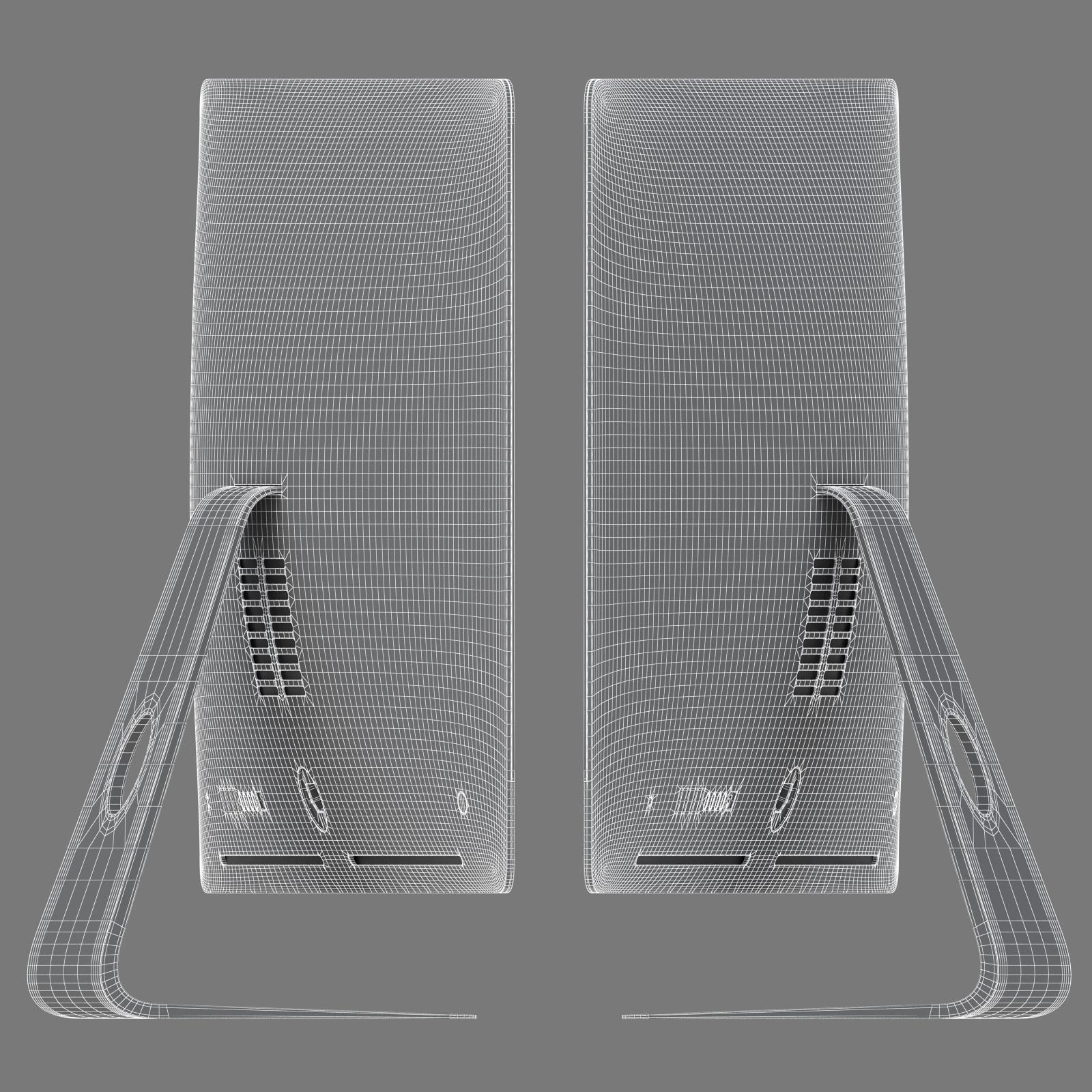
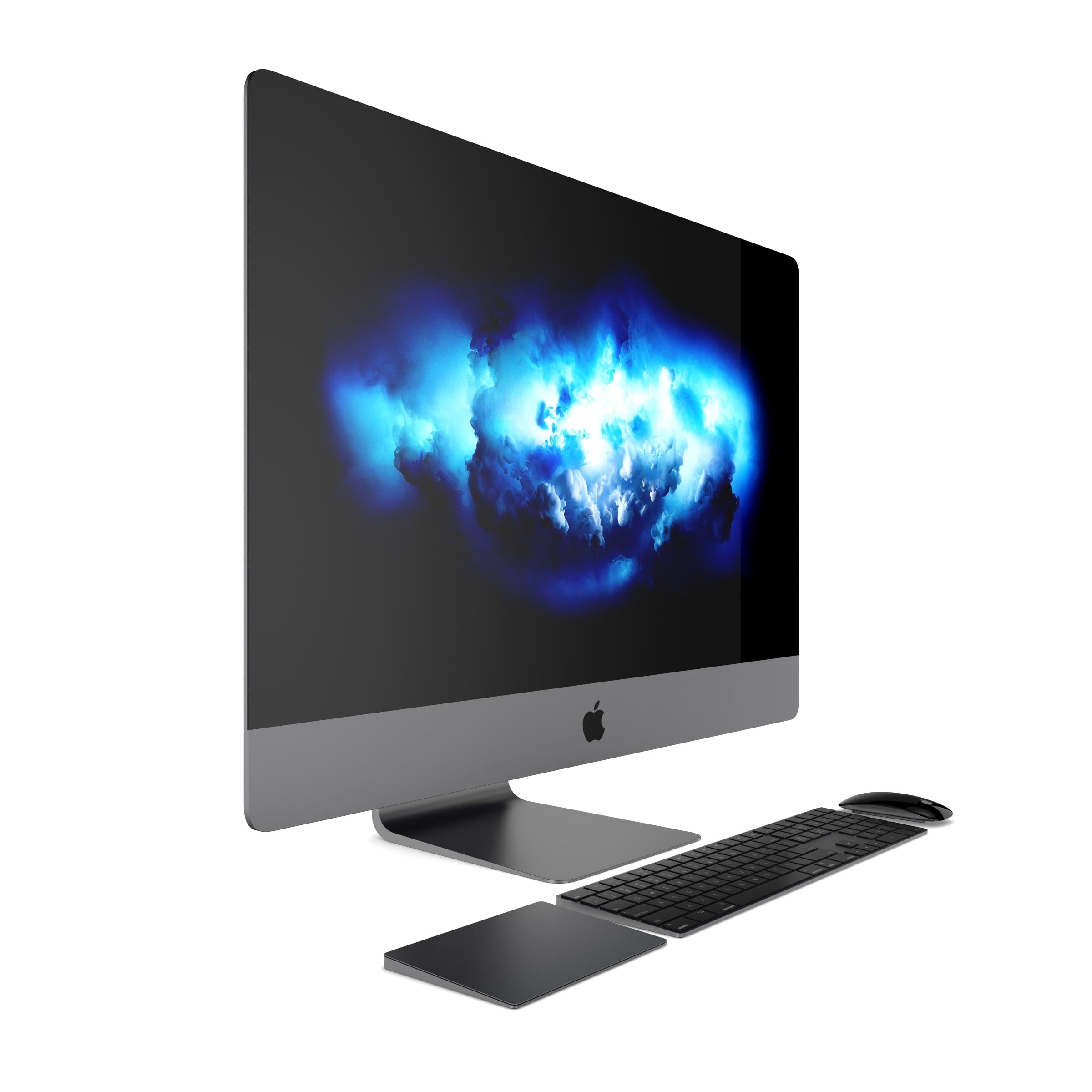
1.iMac 5K 2017
2.Mac Pro 2017
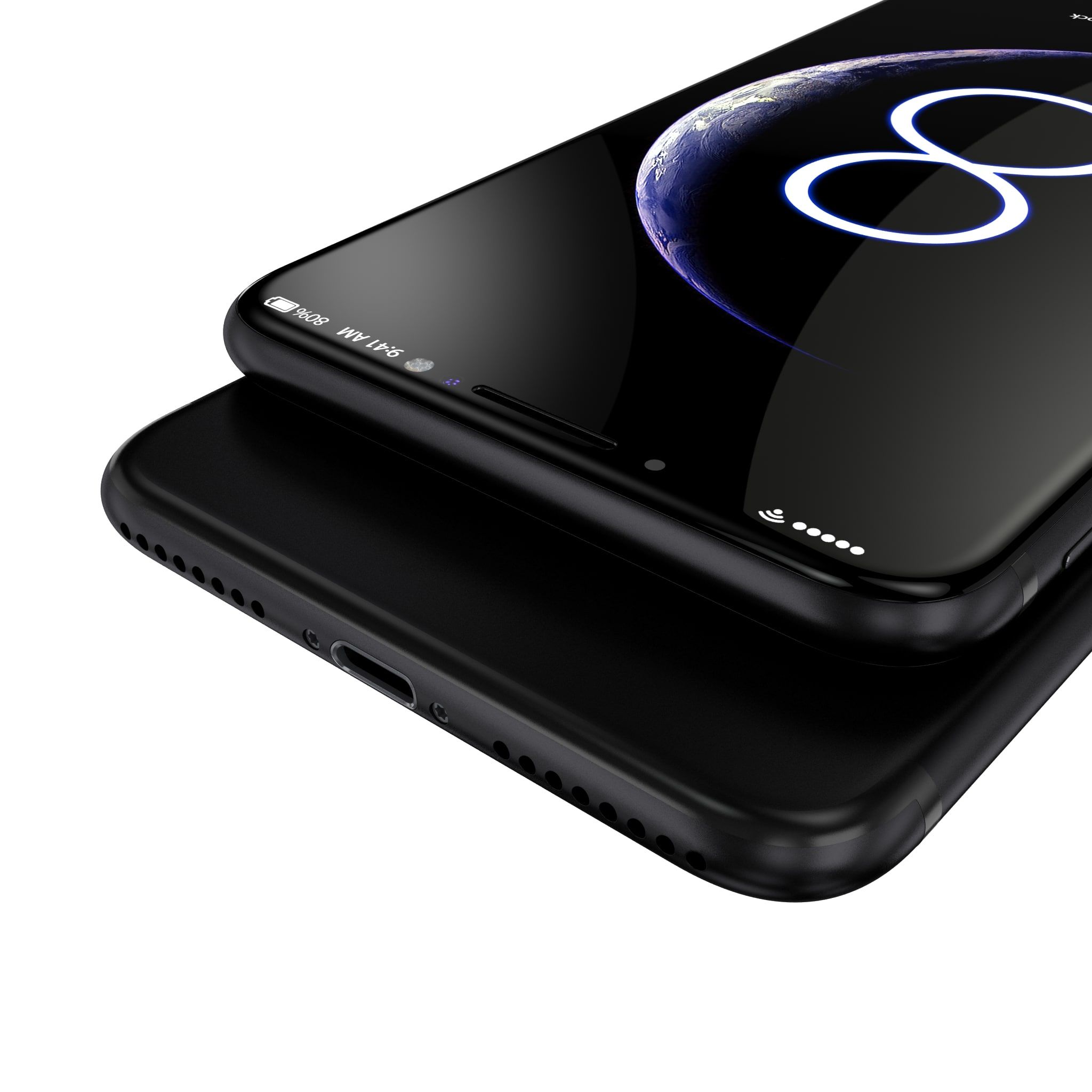
3.iPhone 8+ concept
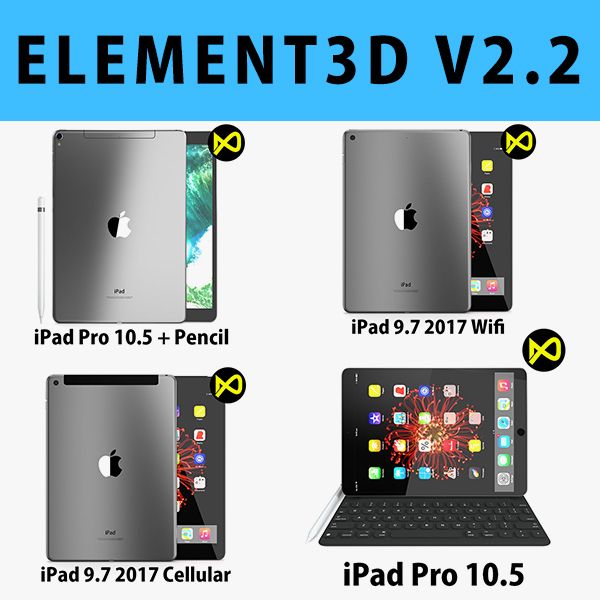
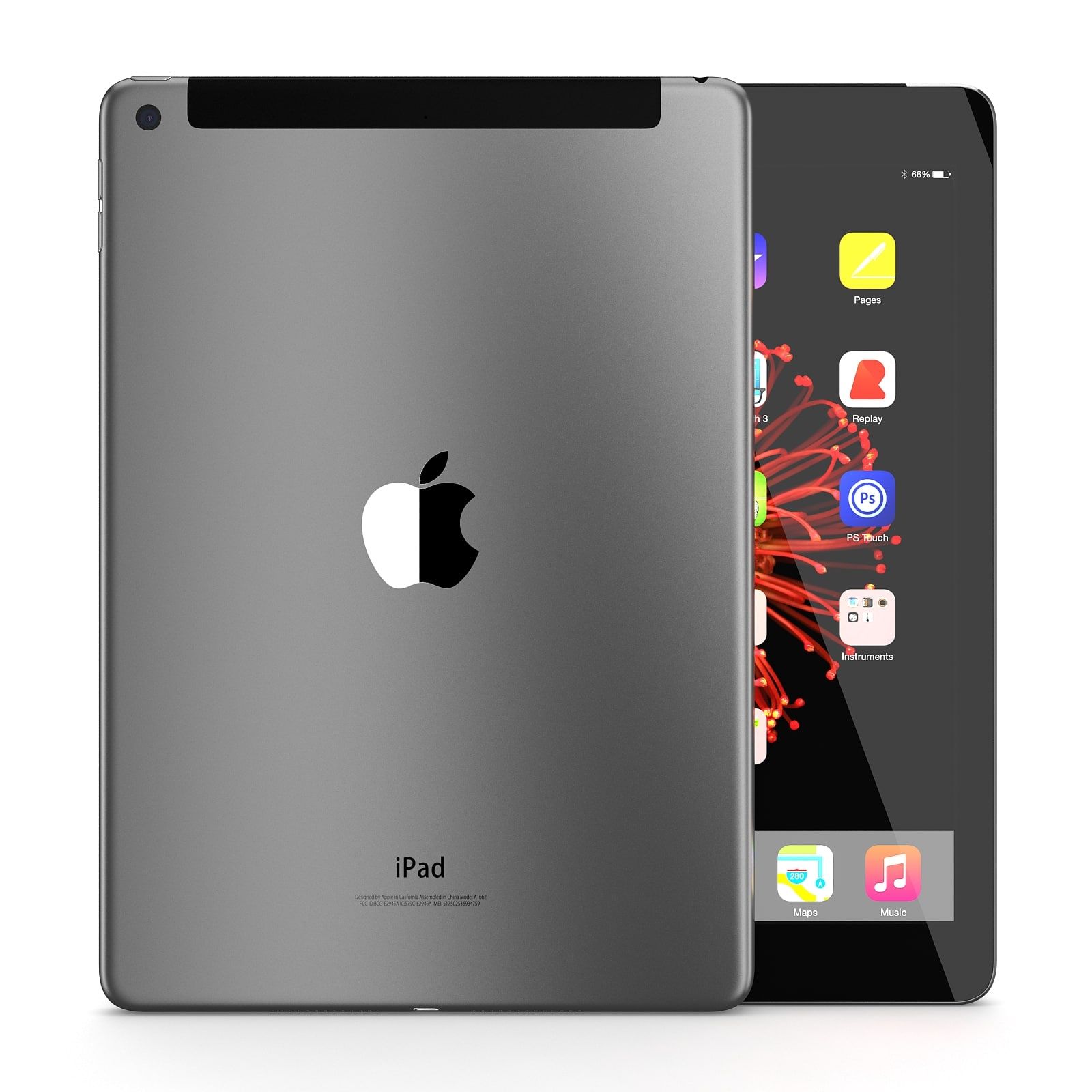
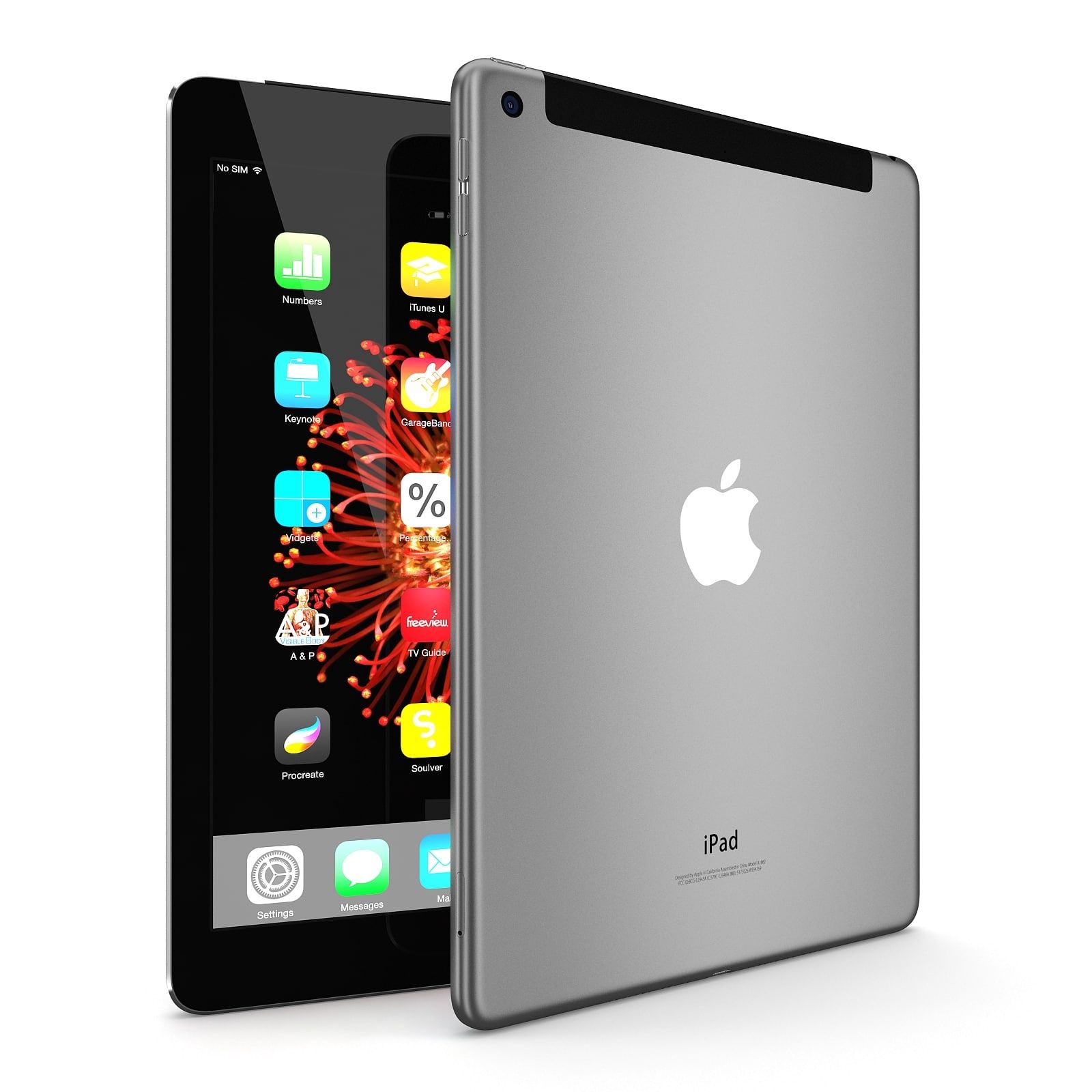
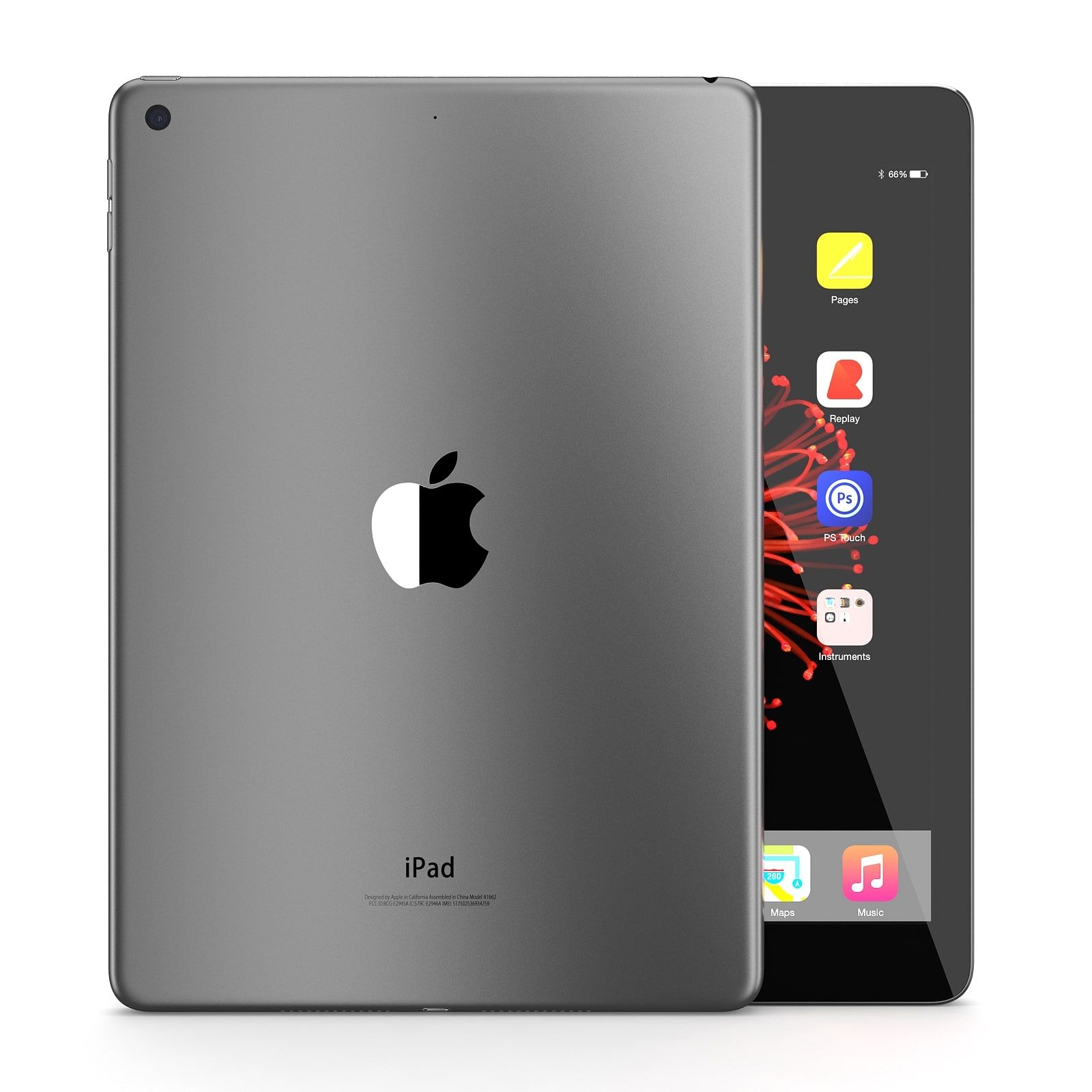
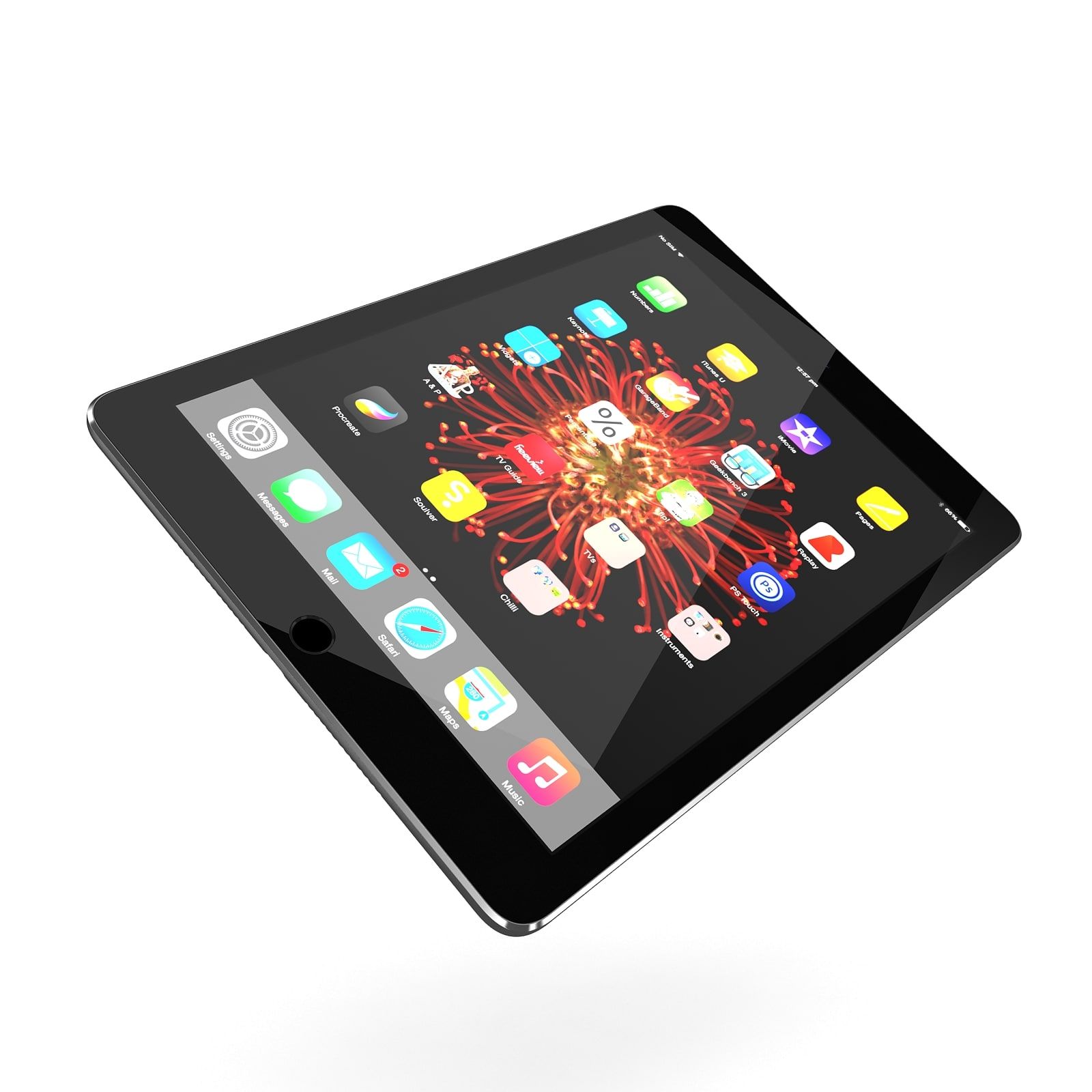
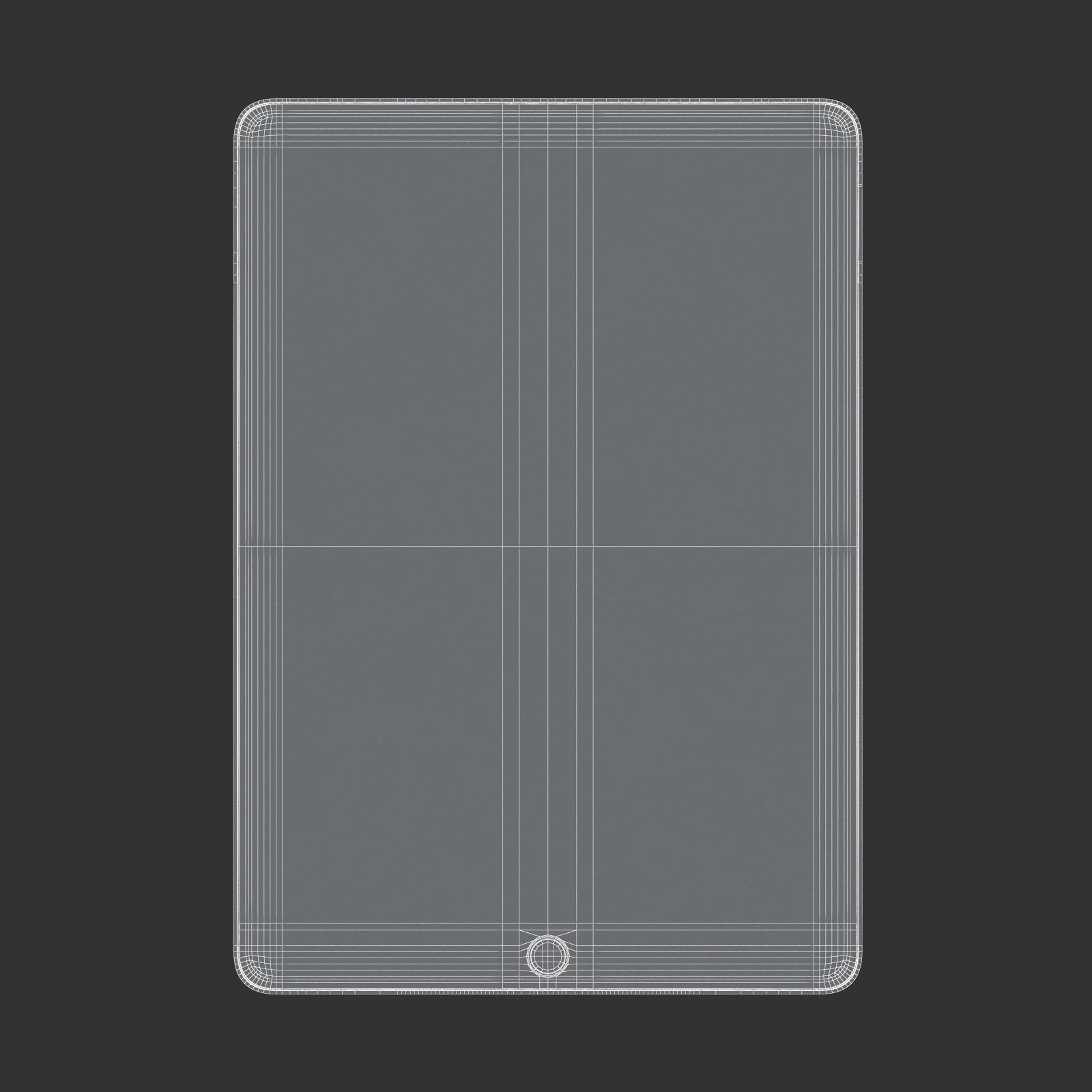
4.iPad 9.7 Cellular
5.iPad 9.7 Wifi
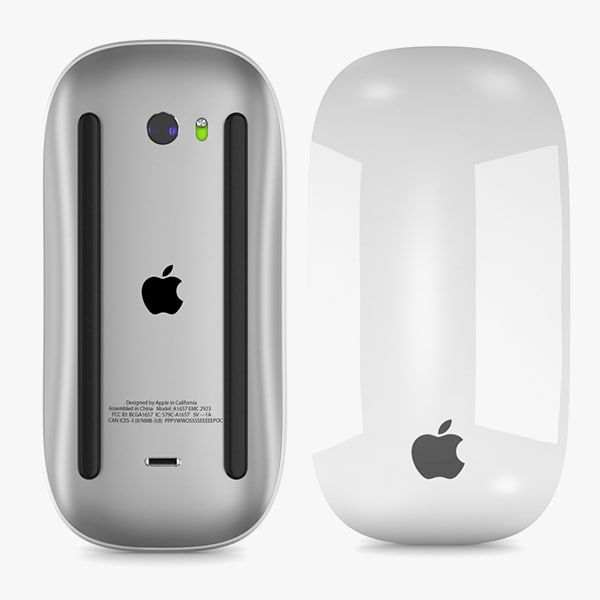
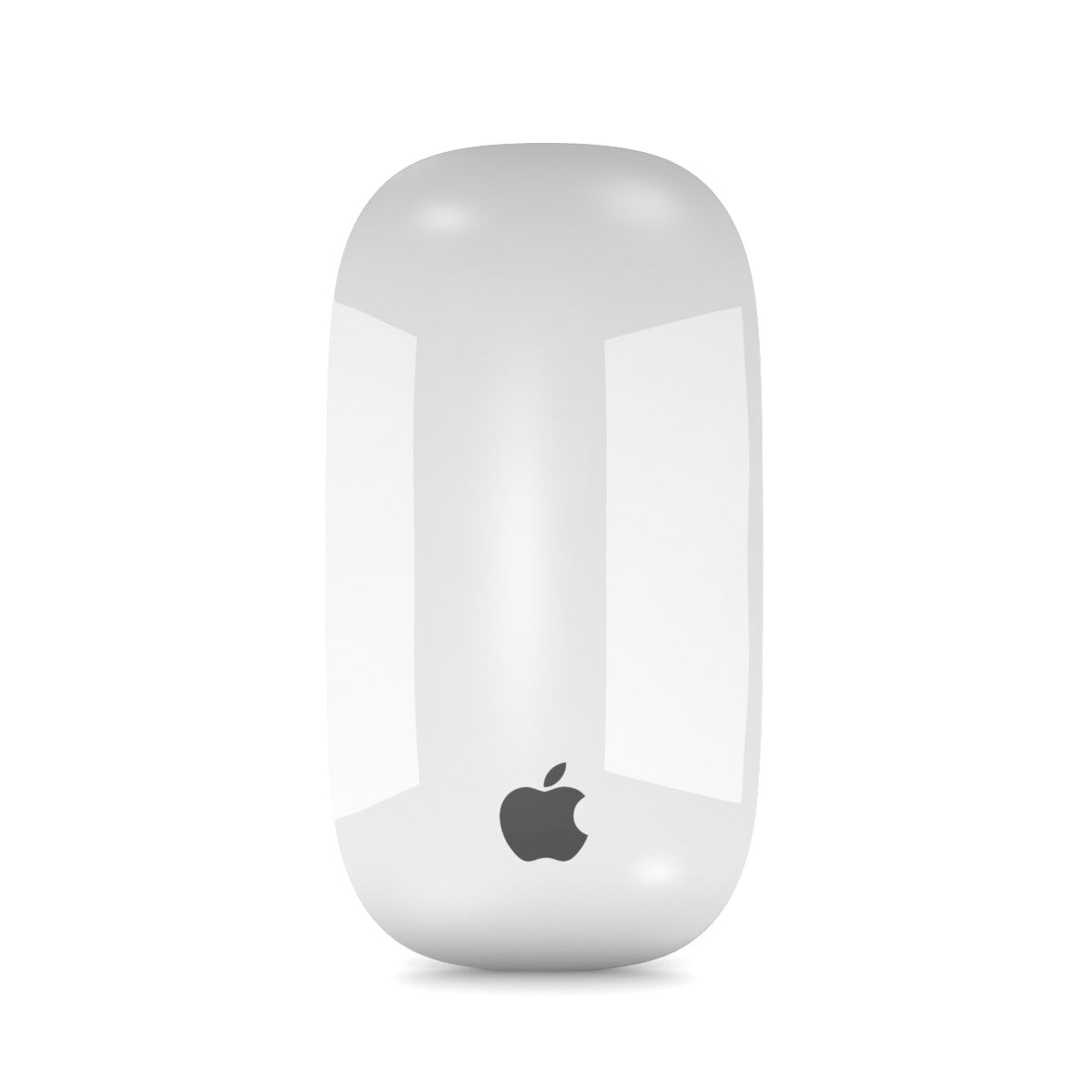
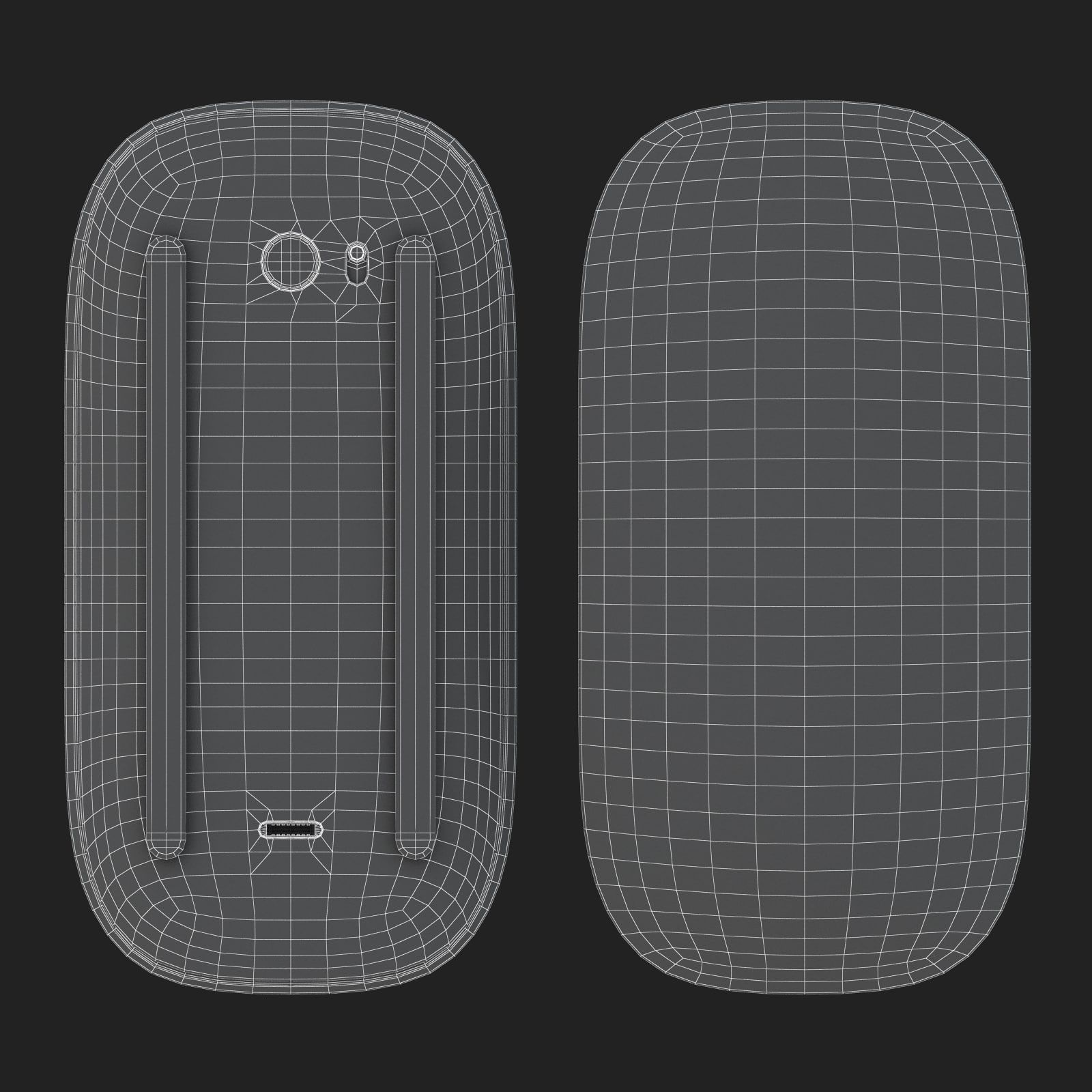
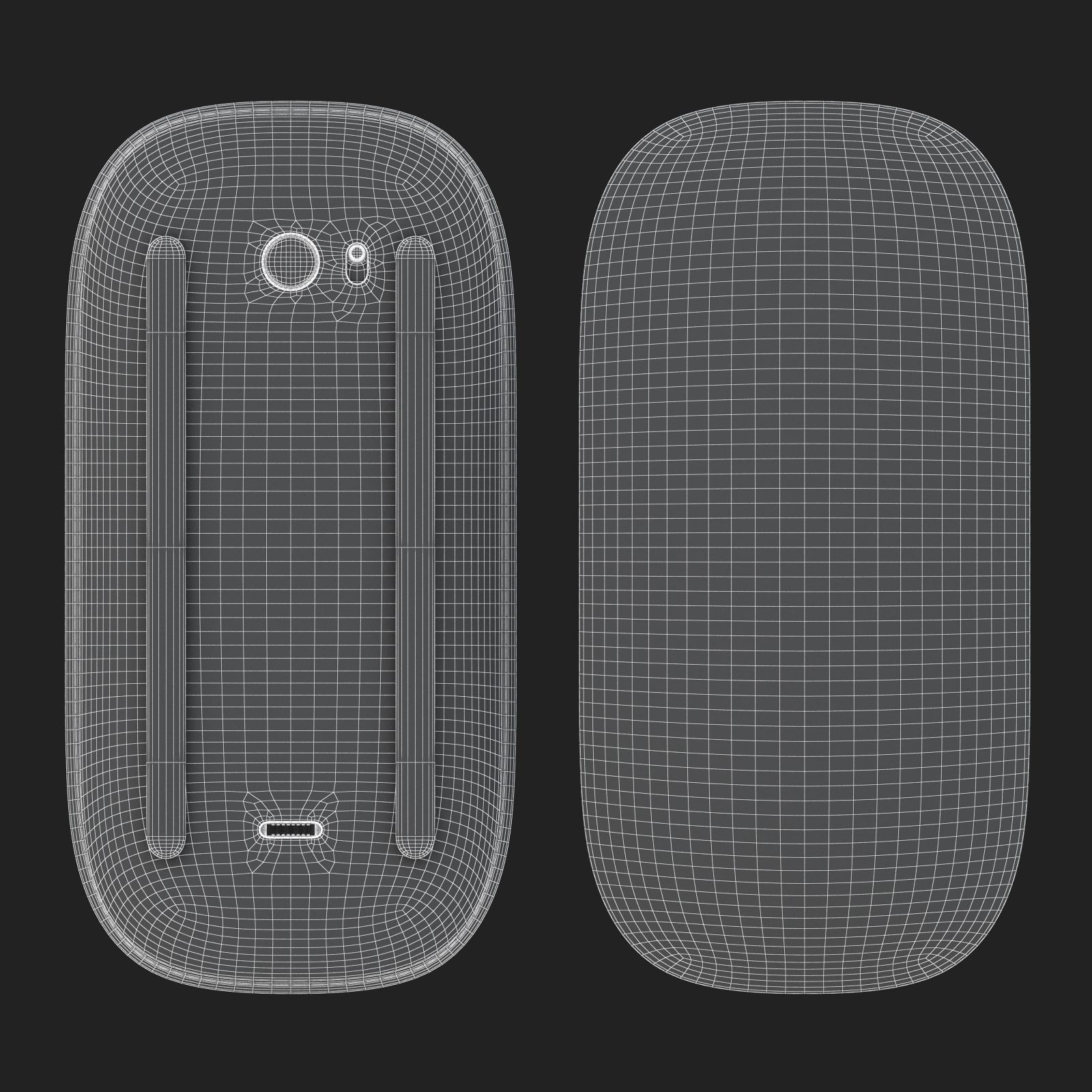
6.Magic Mouse 2
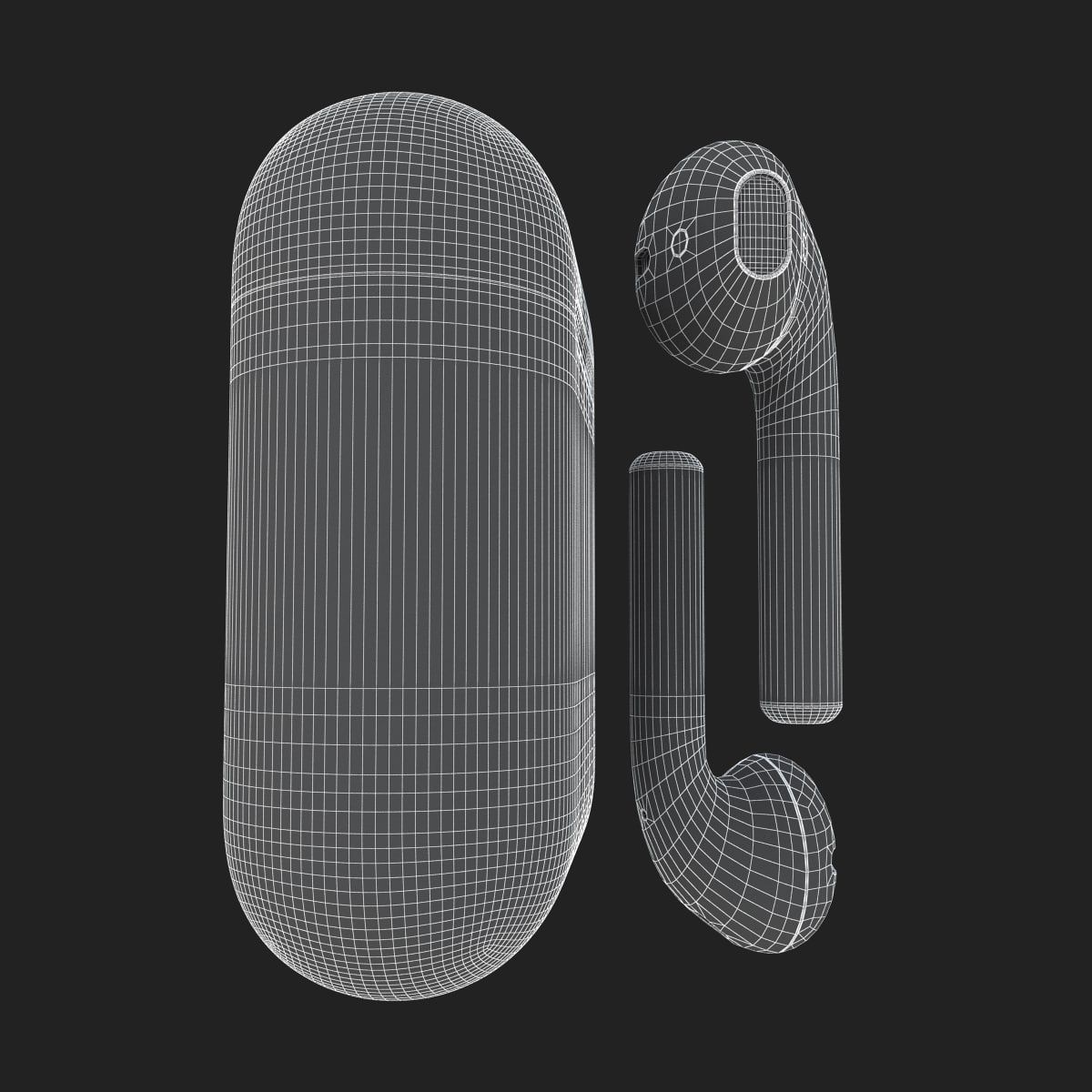
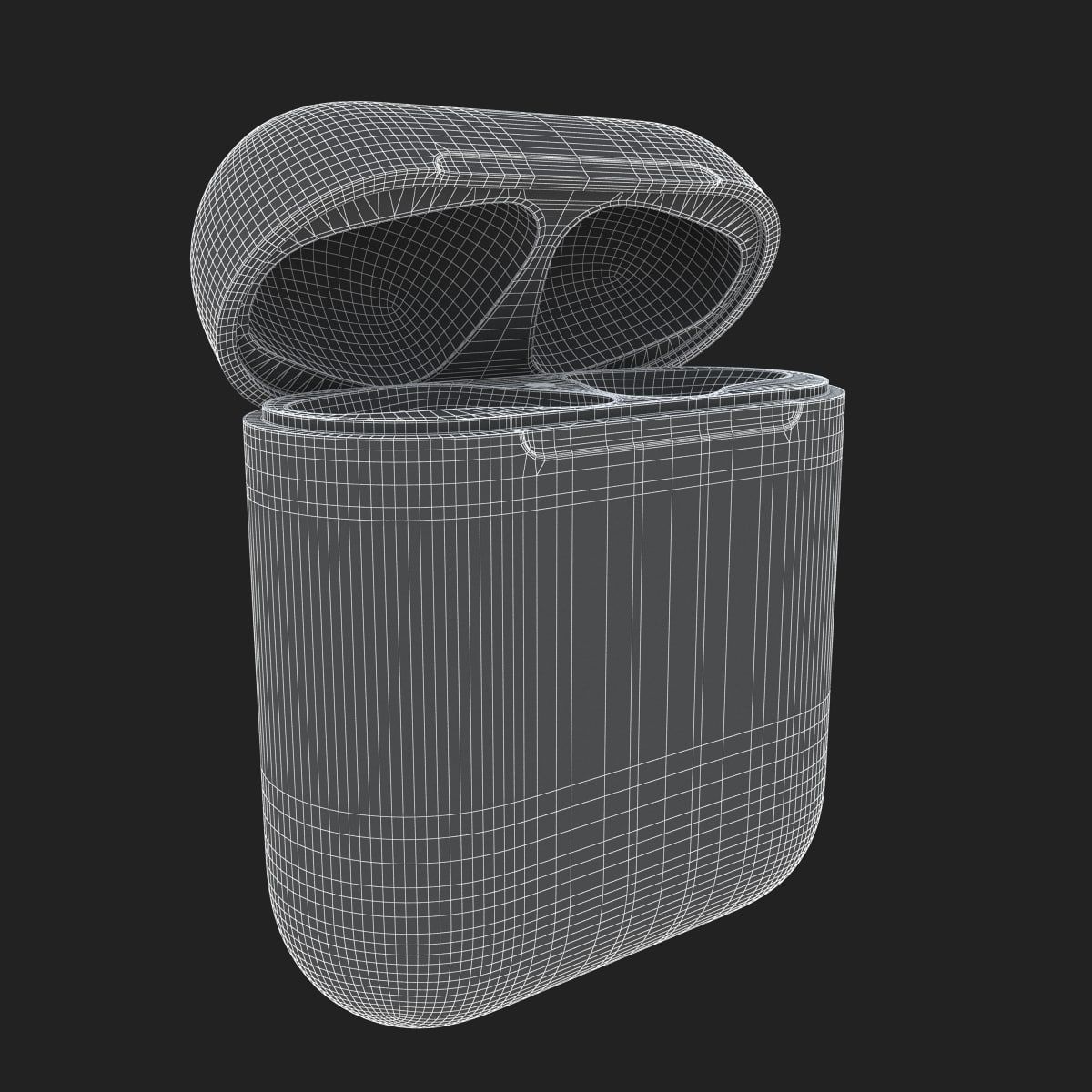
7.AirPods
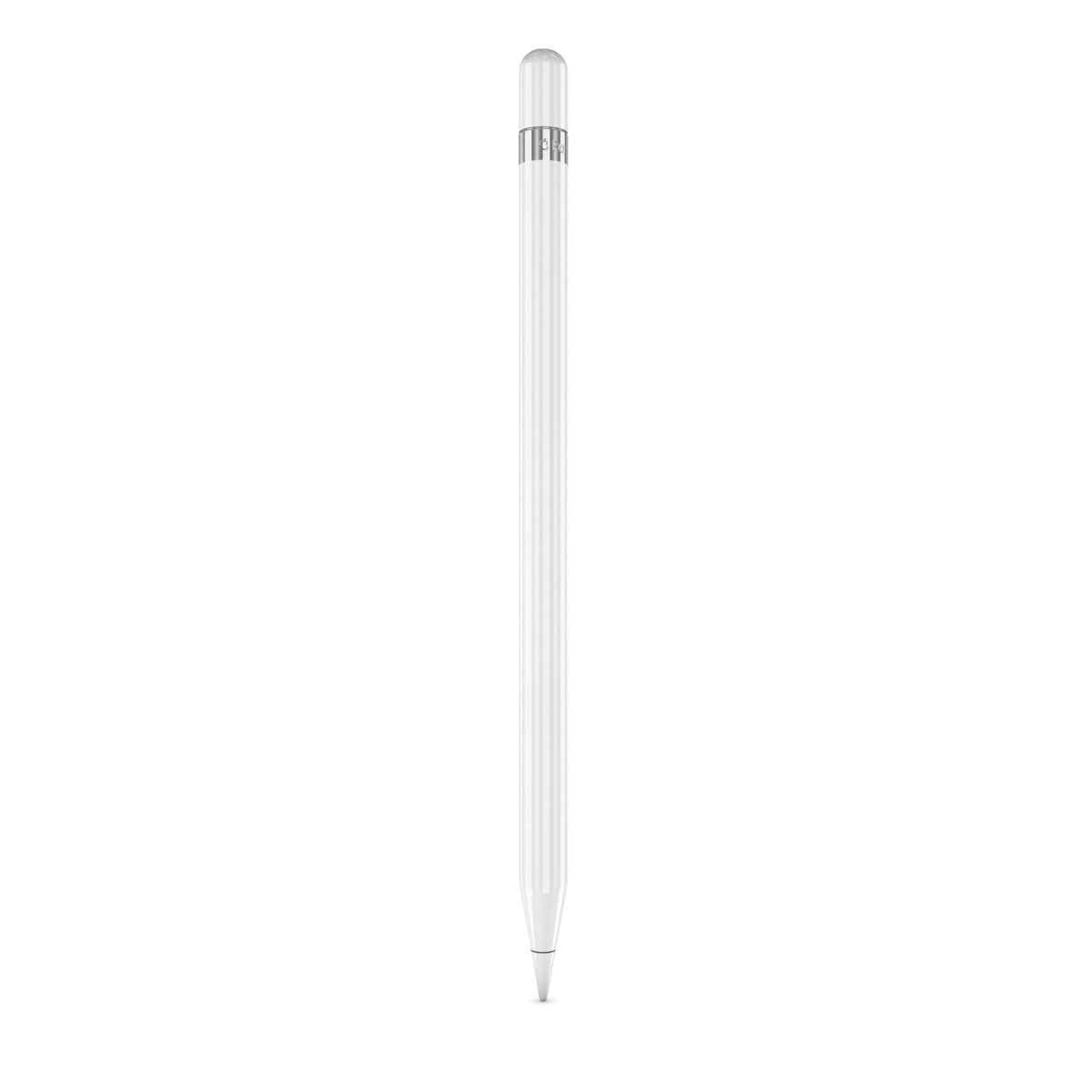
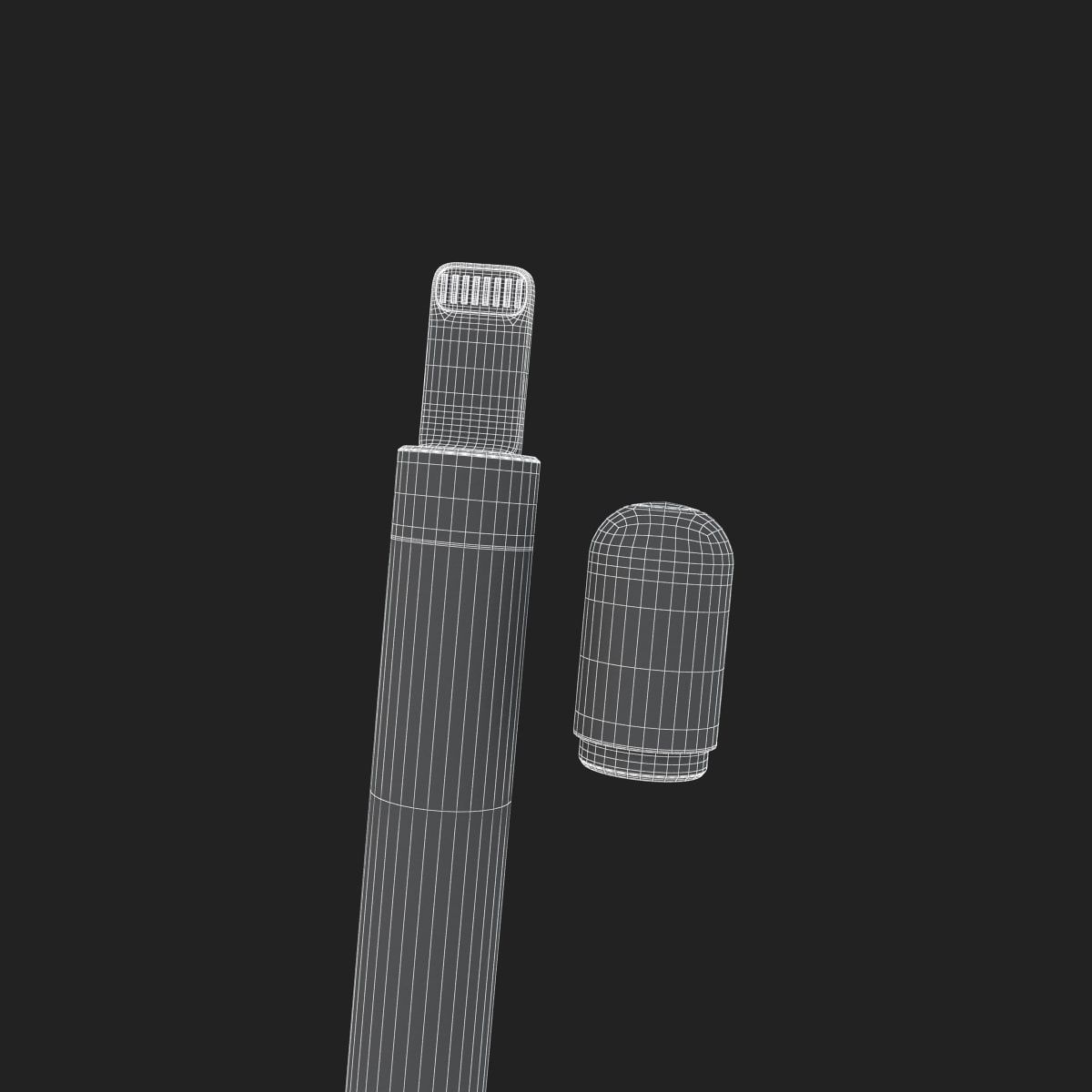
8.Apple Pencil
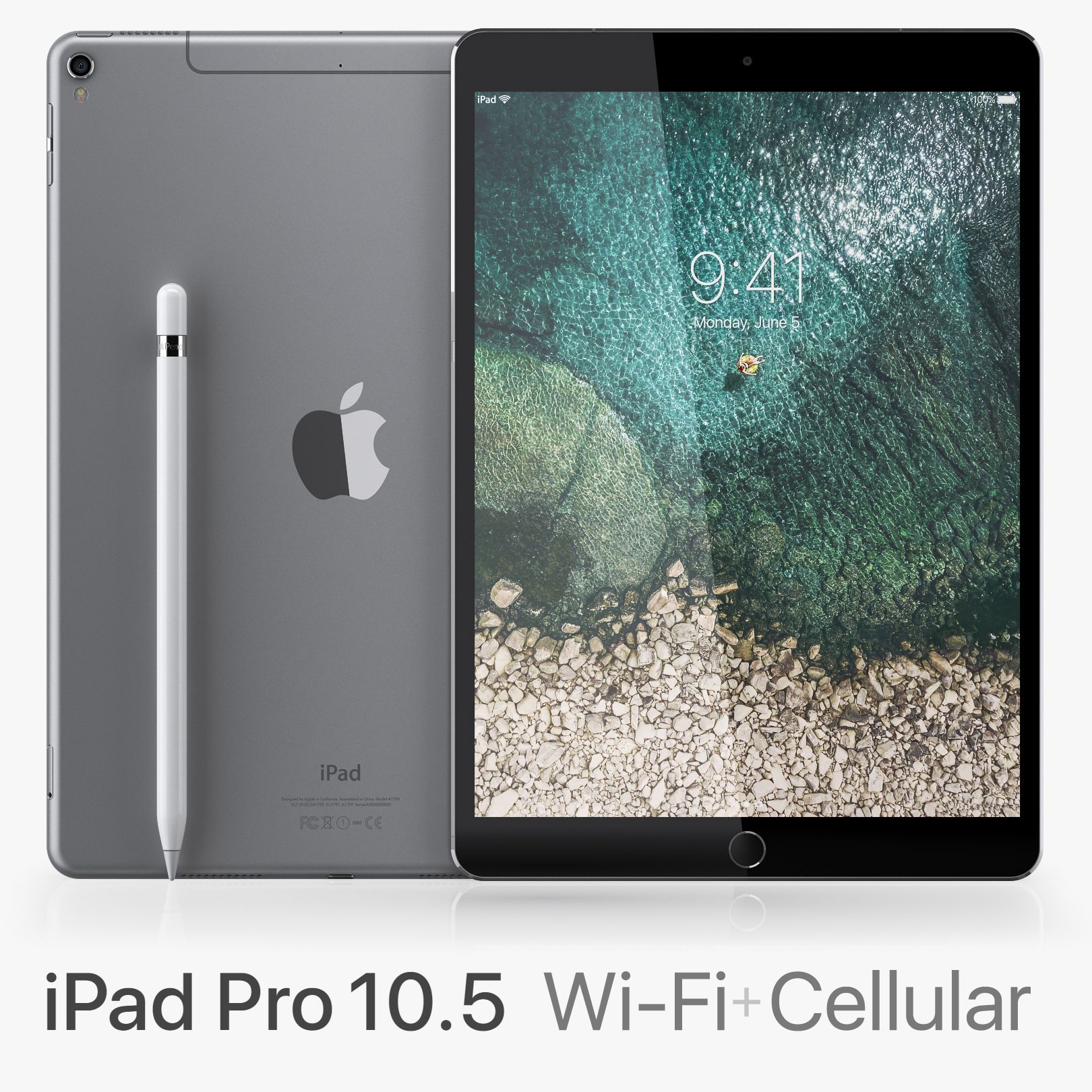
9.iPad Pro 10.5 Cellular
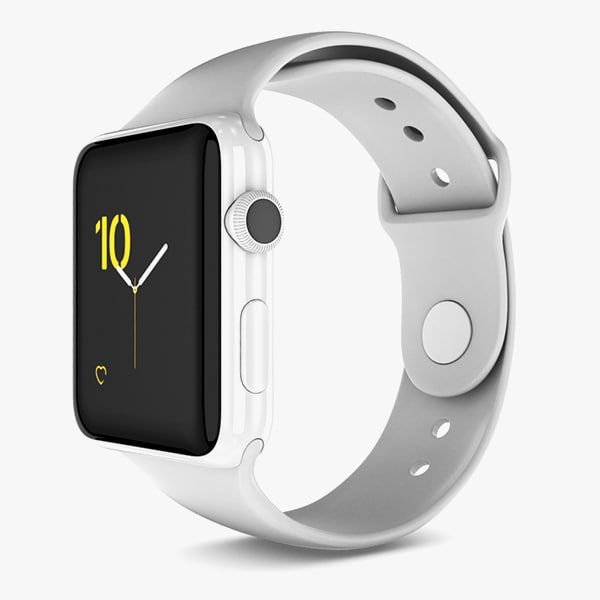
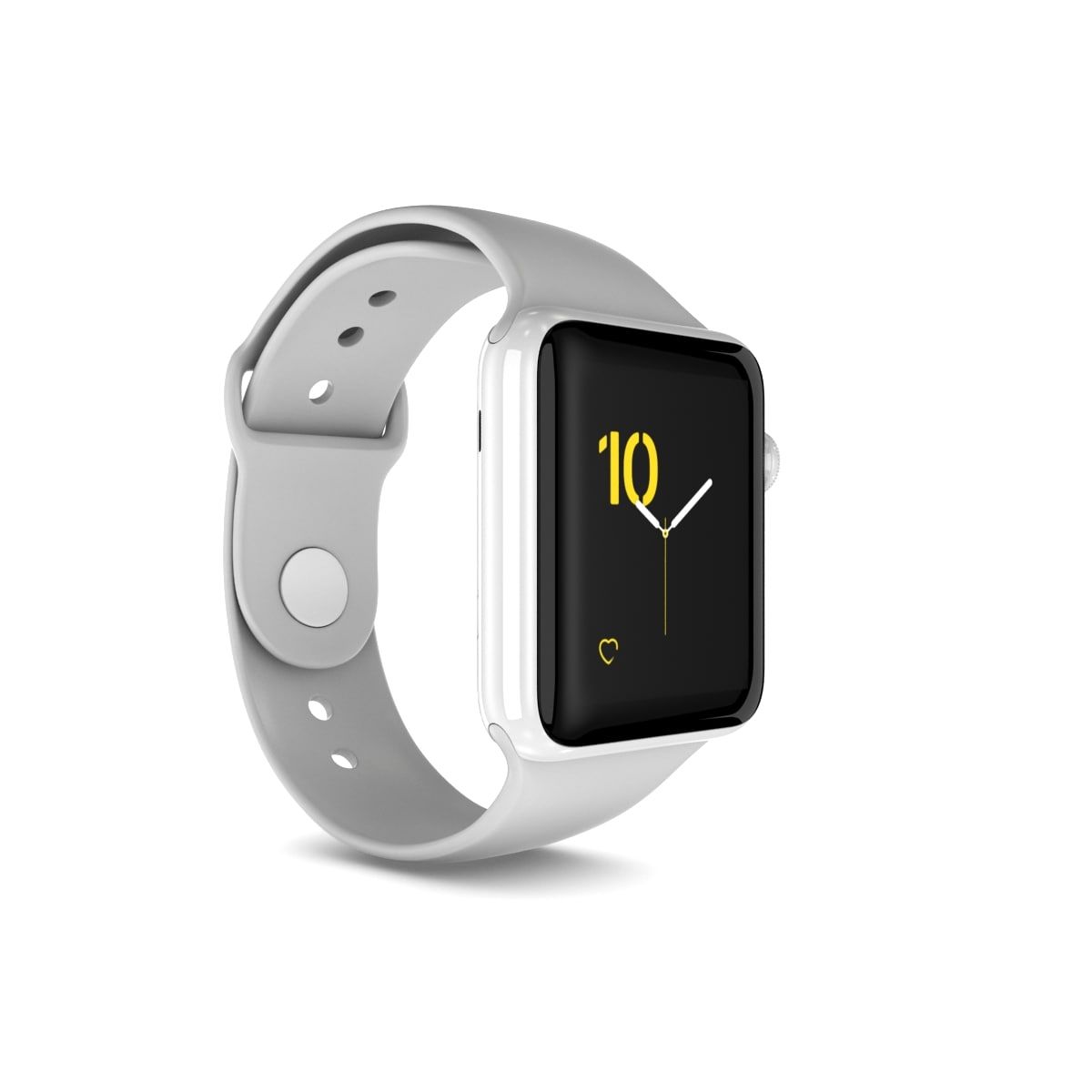
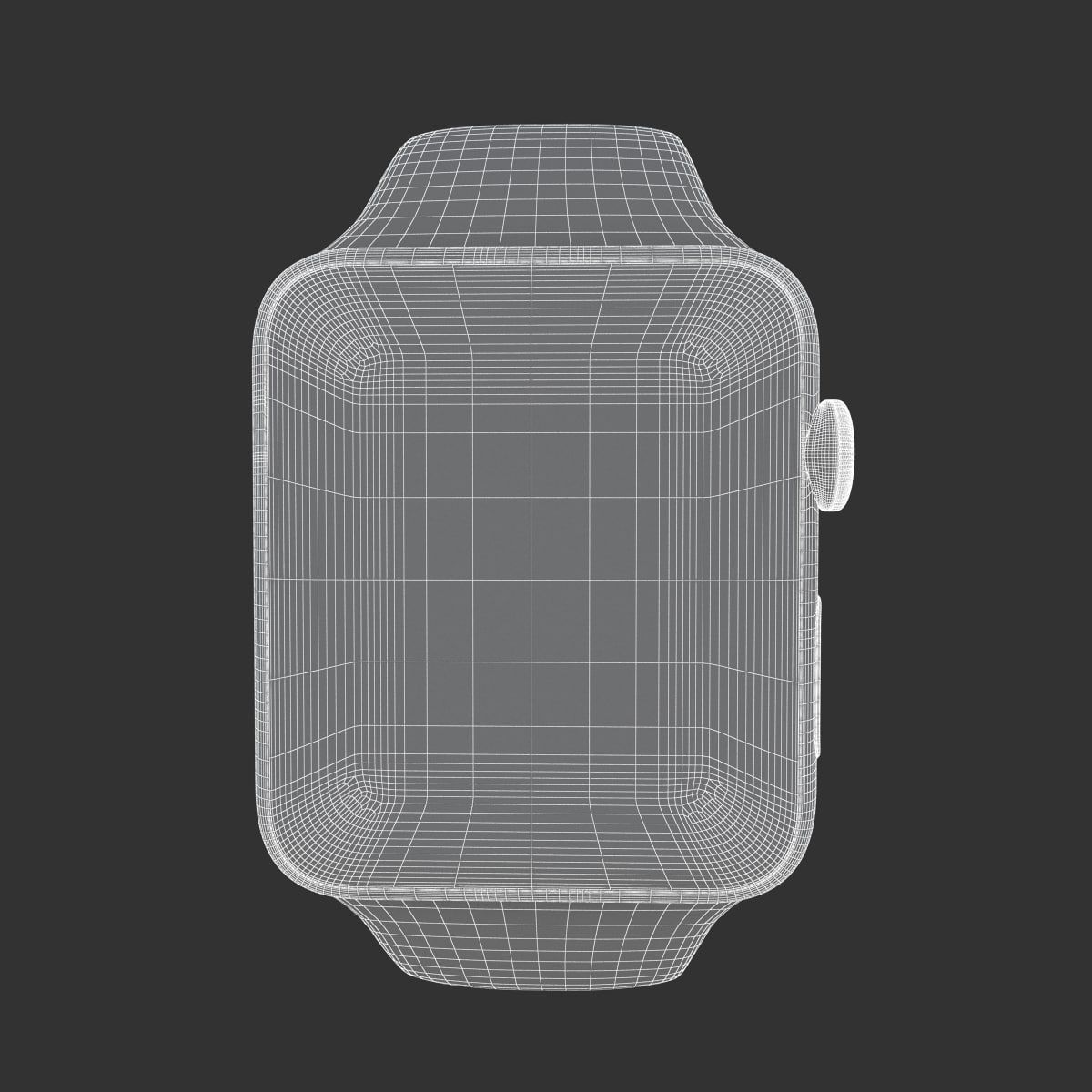
10.Apple Watch Edition Series 2
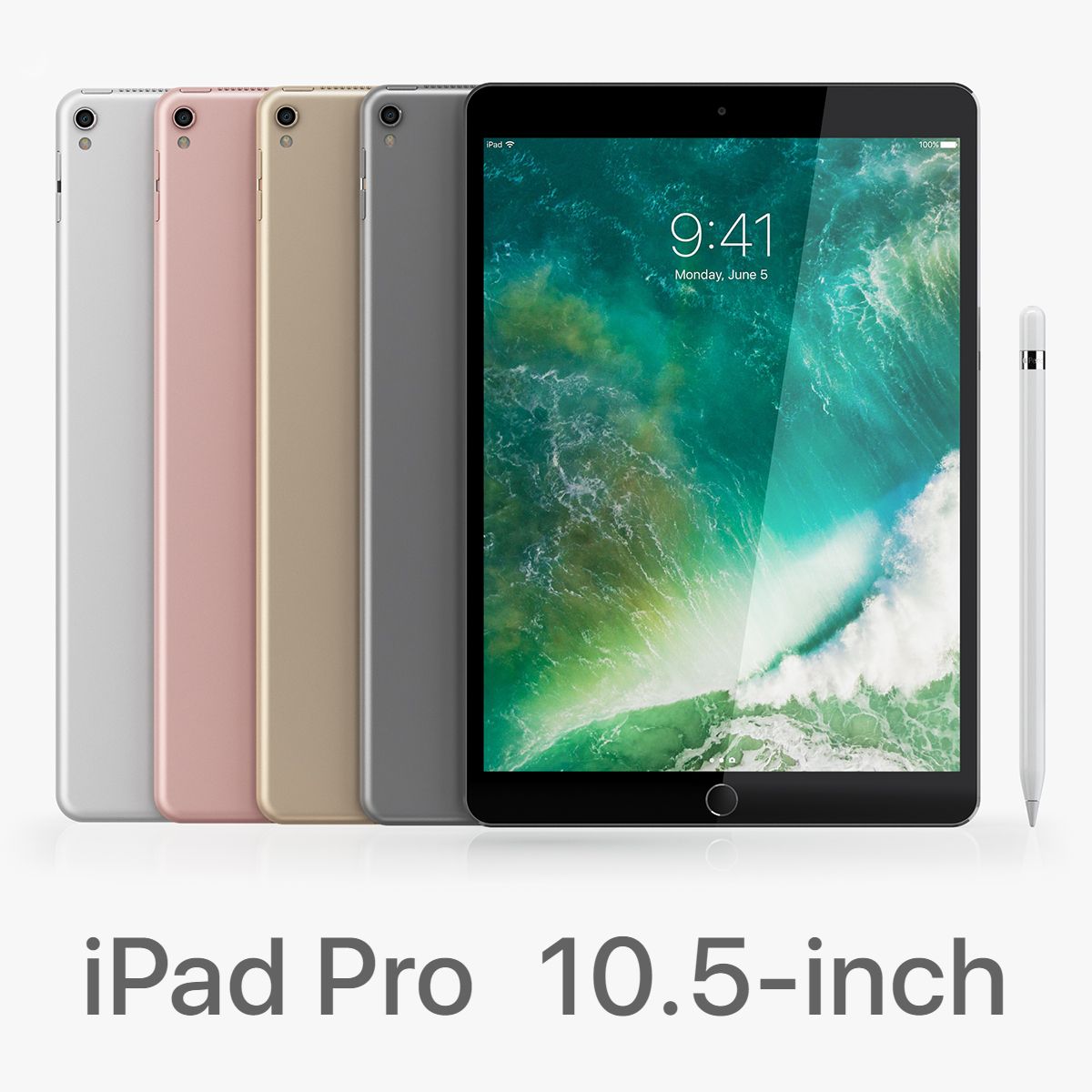
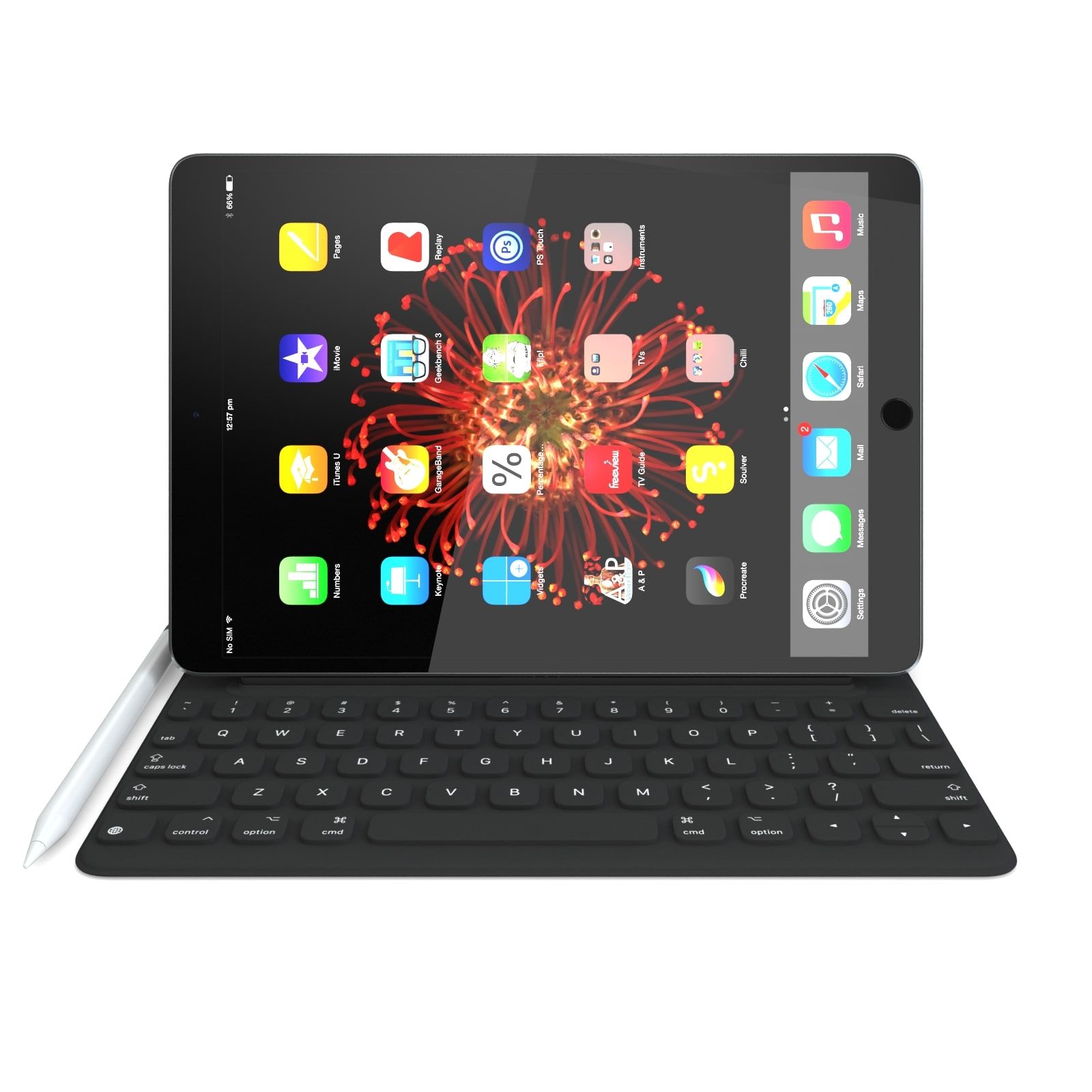
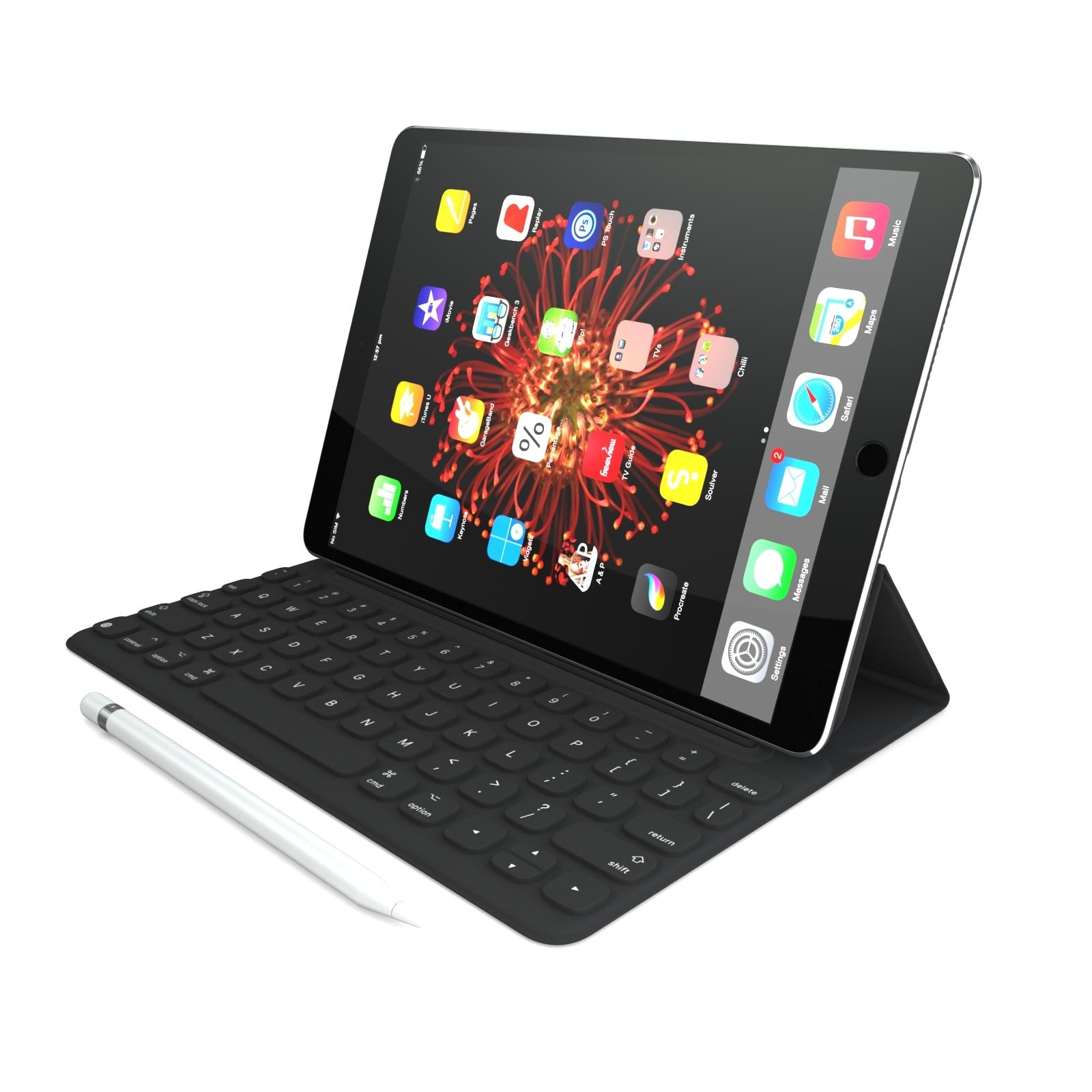
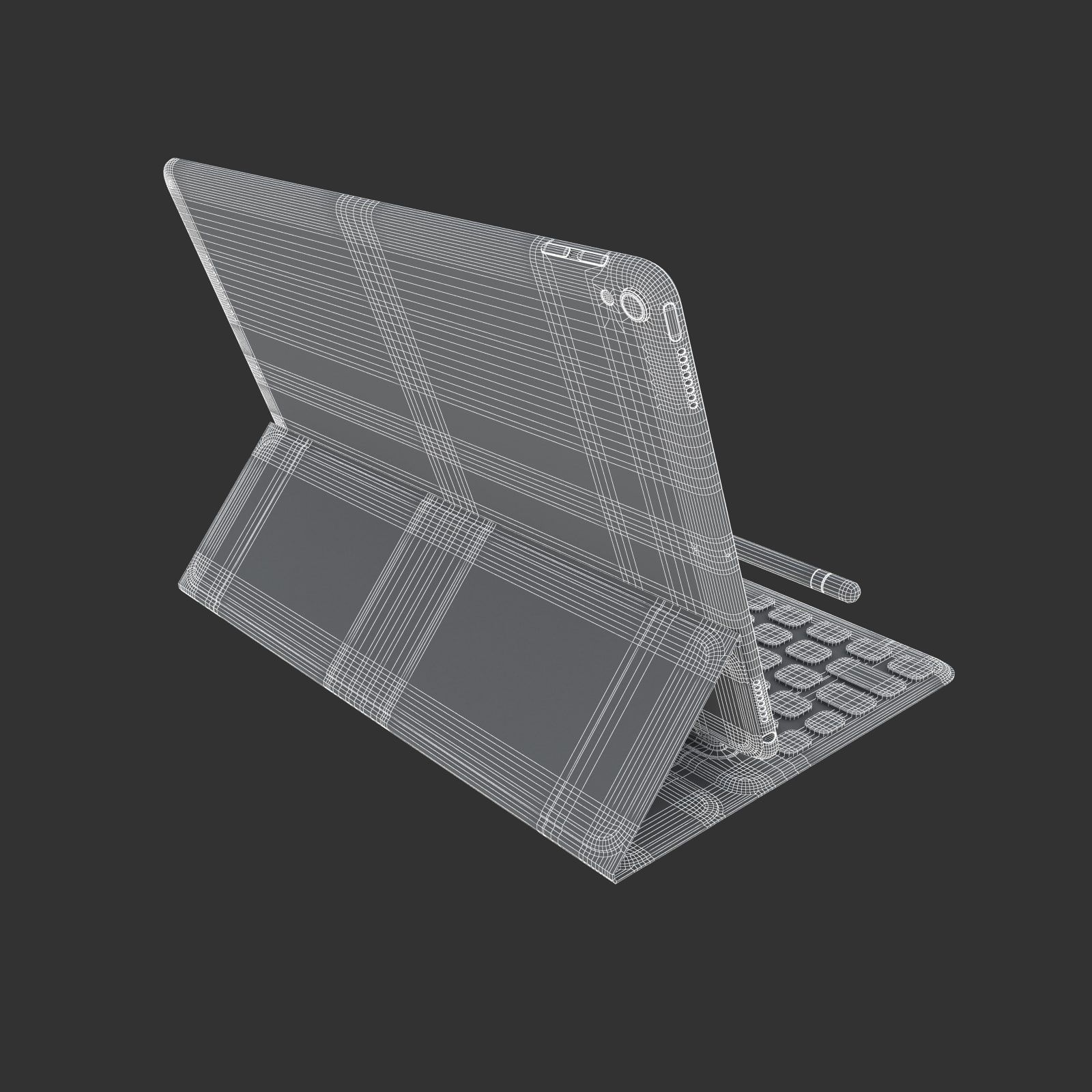
11.iPad Pro 10.5 Full
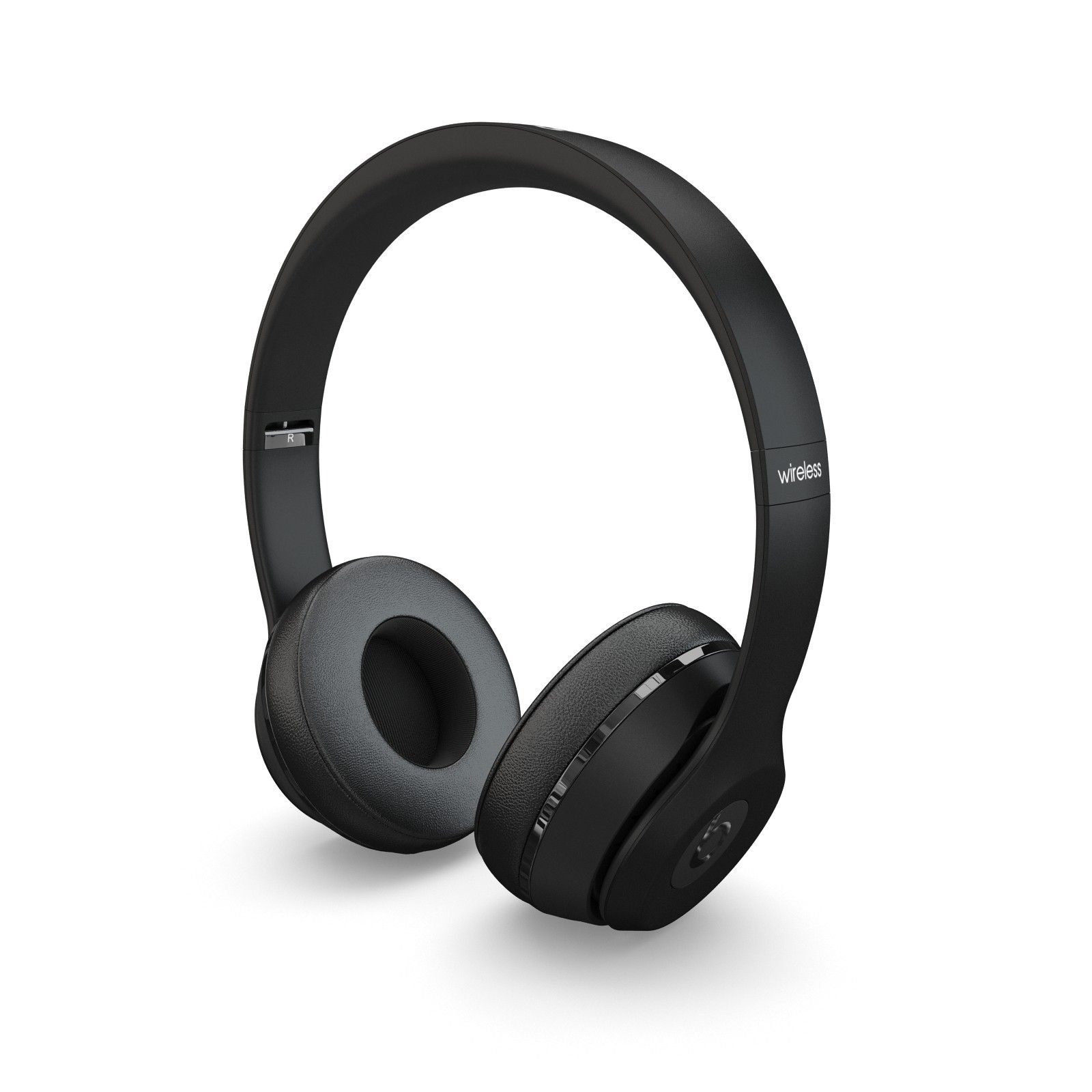
12.Beats Solo3 Wireless
This pack:
Element 3D V2.2 ( All colors )
models preset easy to use
- 1 file OBJ High poly
- 1 file OBJ standard
- 1 file C4D R12 standard render
- 1 file 3ds max 2012 standard material
- E3D file full materials set up like previews
How to use it?
1. Open After Effects CC 2014 ( or higher) and create new composition ( You need Element3D V2.2 to use )
2. Create new Solid layer and add Element effect. ( Effect/Video Copilot/ Element )
3. Click Scene Setup
4. Click on IMPORT inside Element3D scene setup
5. Choose my .e3d preset for the model and press Open.
If you dont see the model do not forget to right click on the model name and press Replace model then select the .obj model file in the respective models folder.
Nov 12, 2021
date added
Nov 12, 2021
last update
Reviews
There are currently no reviews for this product.
Why not be the first one to break the ice?