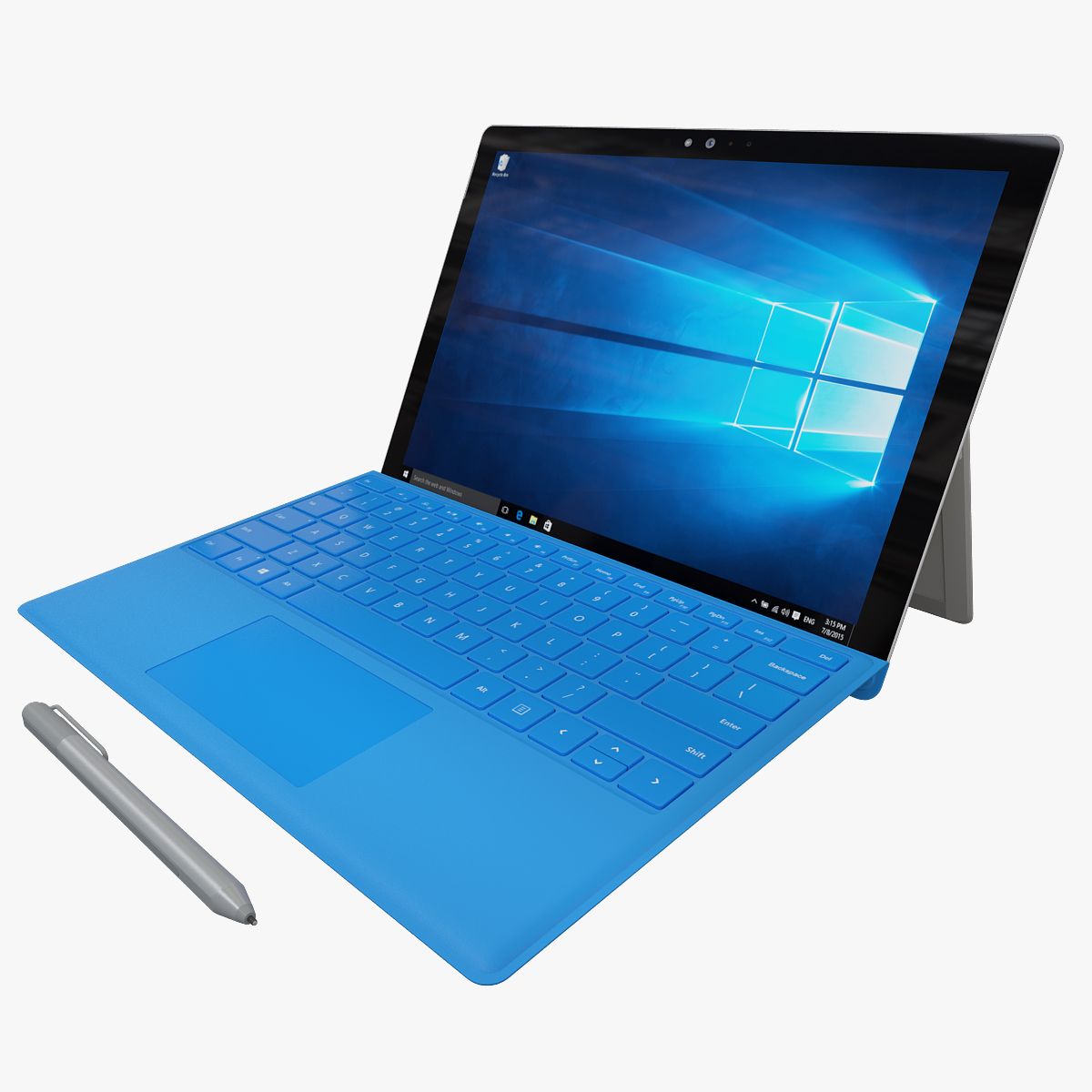


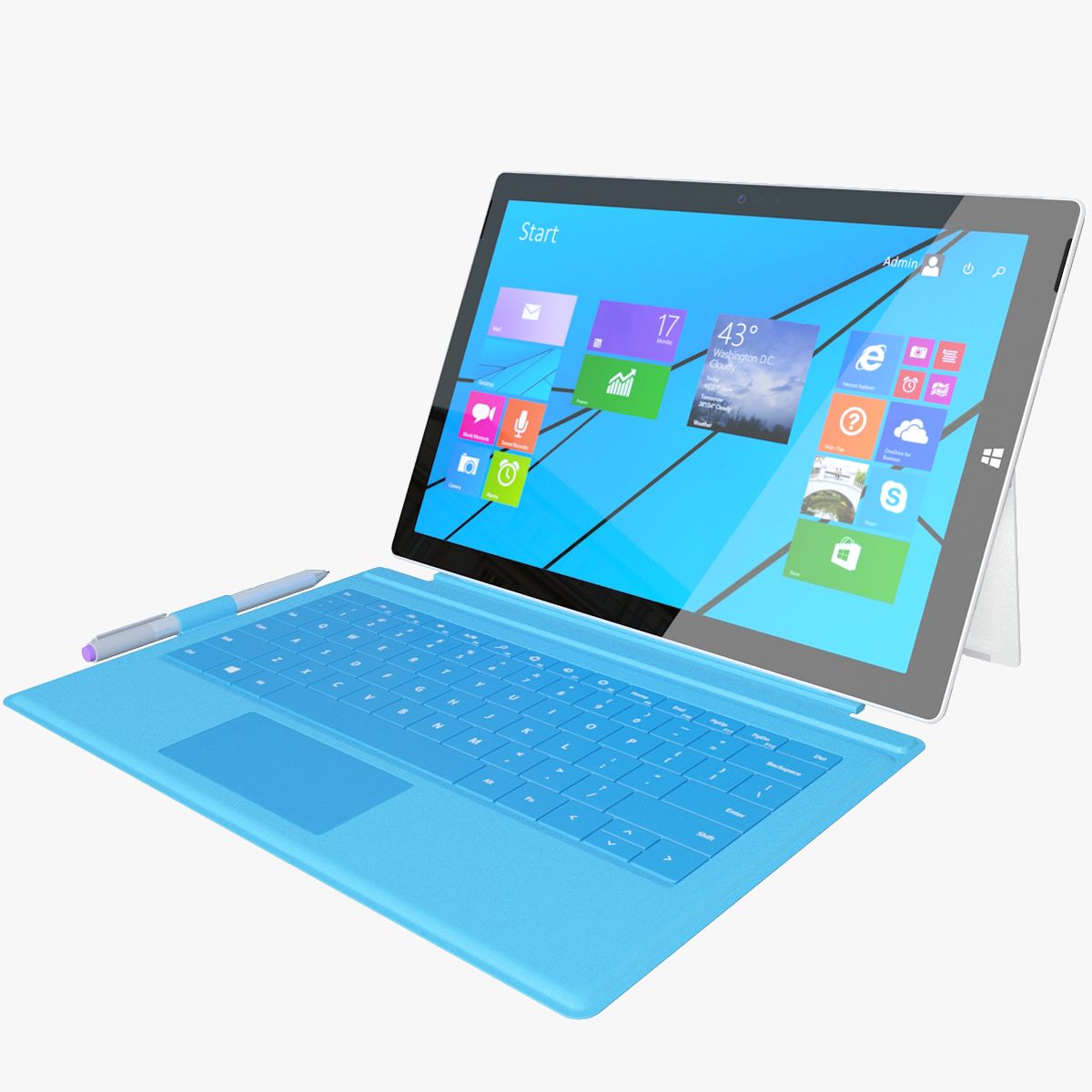
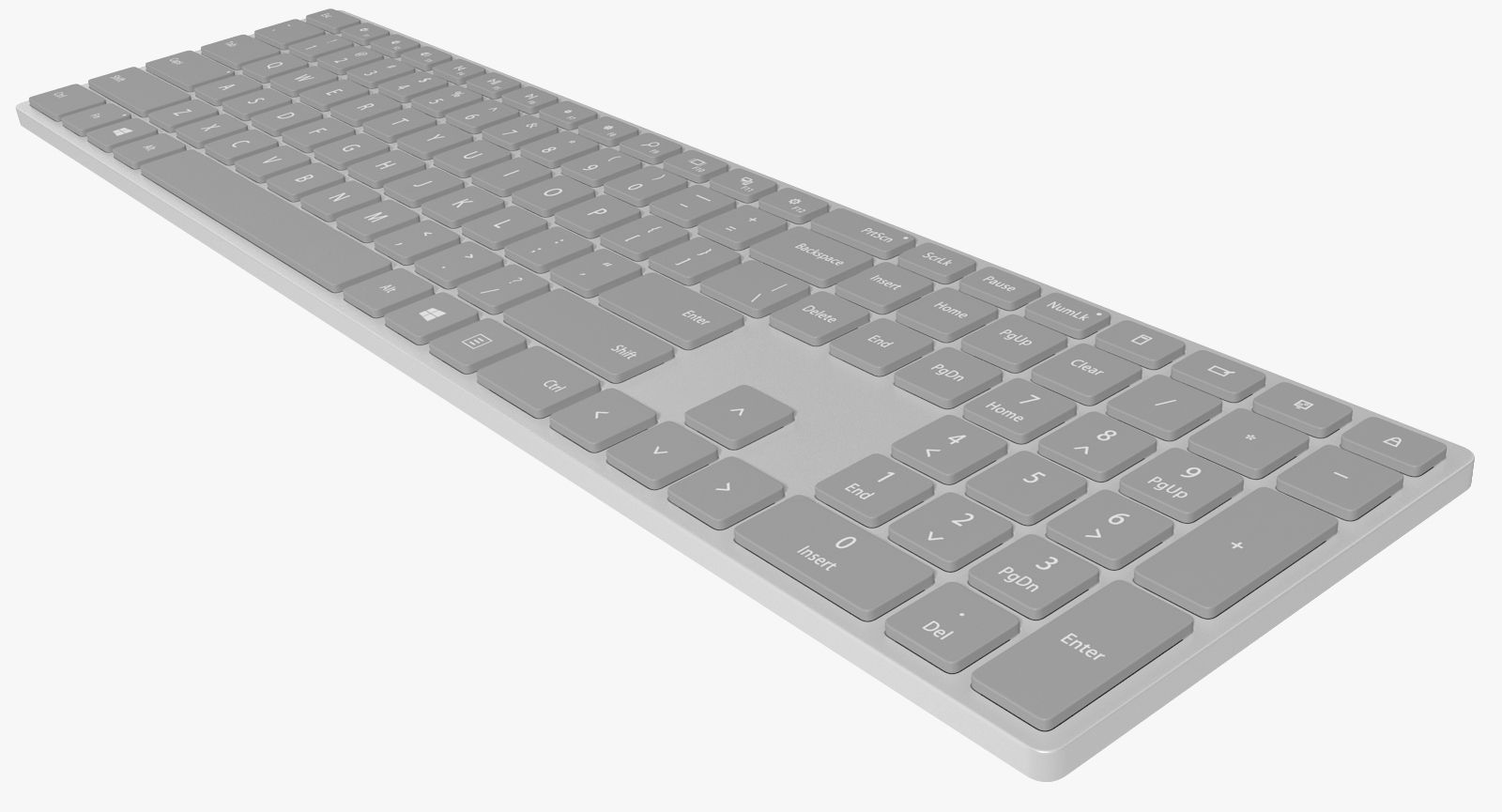


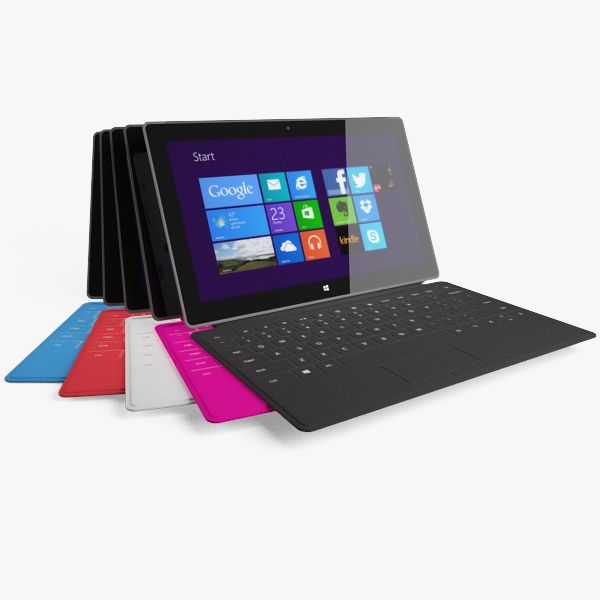

Element 3D Microsoft Suraface Pro 4 3D Model
0


0
visits

Submitted by
3D Galaxy
Specifications
- Geometrypolygonal
- Polygons1
- Vertices1
- TexturesYes
- RiggedNo
- AnimatedNo
- 3D Printable ReadyNo
- Game Ready (low poly)No
- UV MappedYes
- Unwrapped UVsnon-overlapping
Description
- Realistic, Detailed Element 3D model of Microsoft Surface Pro 4 with type cover and pen.
- The screen was separated.
- The preview images were rendered on Aftereffects Element3D V2.2.
Short guide:-
1- Copy E3D, C4D, OBJ files and tex folder to: C:\Users\computer name\Documents\VideoCopilot\Models
2- Open After Effects.
3- click > Composition> New Composition-> Ok.
4-click-> Layer-> New-> Solid-> Ok.
5-click-> Effect-> Video Copilot-> Element-> Scene Setup.
6- In Model browser tab click models folder and select E3D file,Enjoy.
NOTE:- uncheck draft textures from element 3d to render high quality images.
Available in the following file formats:
- Element 3D (.e3d) V2.2.
- Cinema 4D R14 (.c4d).
- OBJ (.obj).
- All the materials are named.
- Thanks for purchasing, Please rate if you like it.
Nov 13, 2021
date added
Feb 27, 2022
last update
Reviews
There are currently no reviews for this product.
Why not be the first one to break the ice?