


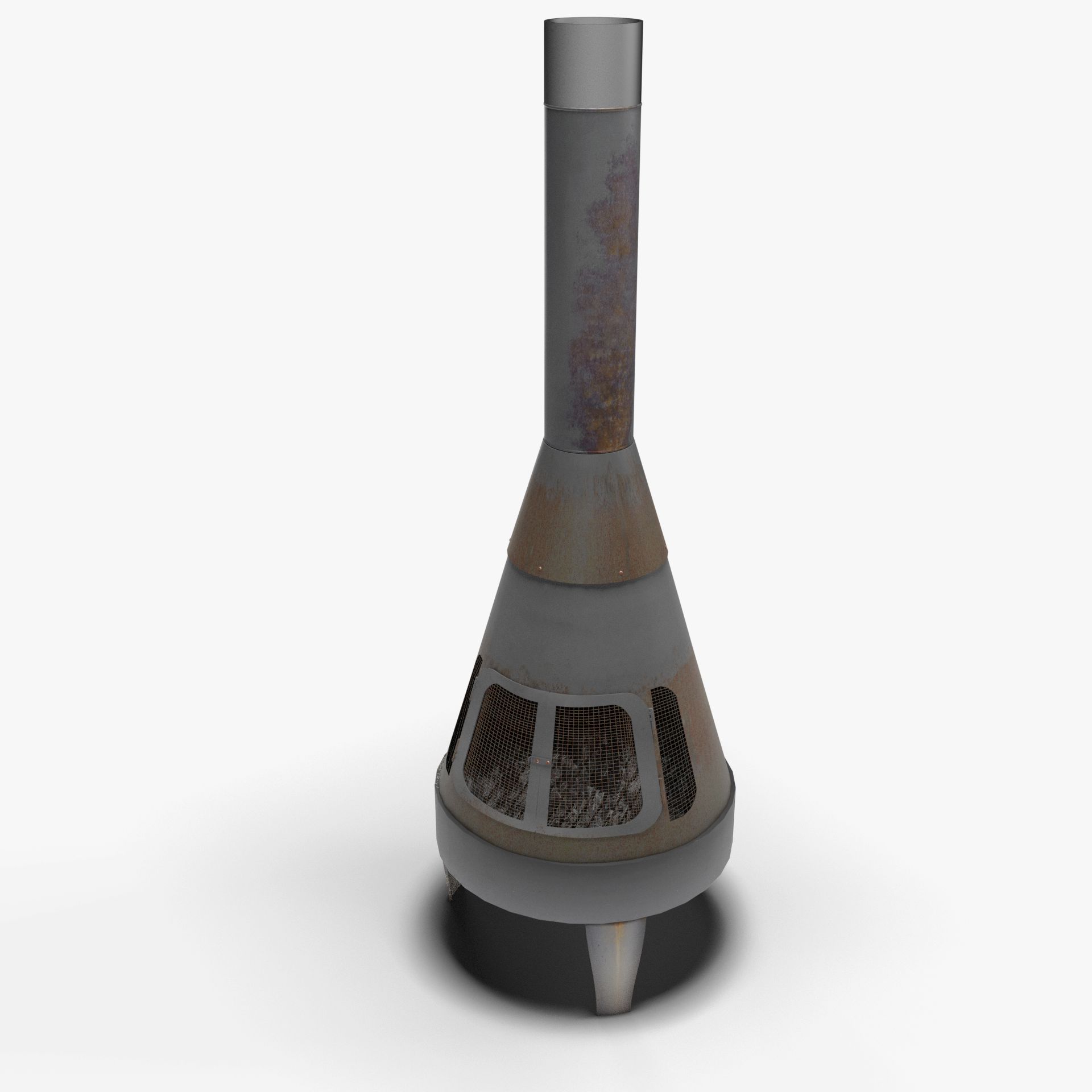


Fireplace 3D Model
0


0
visits

Submitted by
MatVic
Specifications
- Geometrypolygonal
- Polygons11,684
- Vertices11,284
- TexturesYes
- RiggedNo
- AnimatedNo
- 3D Printable ReadyNo
- Game Ready (low poly)No
- UV MappedYes
- Unwrapped UVsnon-overlapping
Description
3D model of a fireplace modelled in Blender v2.72.
The model is completed of materials and textures.
You can find the UV Layout in the ZIP - see folder 'UV Layout'.
For example purposes, the scene includes the room simply made by two planes with texture applied.
The fire is made by physical effect and particle.
How to enable the fire (only for Blender):
- enable to render the object called FireDomain;
- enable to render the object called FireEmitter;
- doing the following step the first time: select the object FireDomain, go to the panel Physics, scroll down and click the button "Bake All Dynamics". This operation could take several minutes.
- move to the frame you want render.
List of textures:
- Fire1.jpg 2048x2048 px
- Fire1b.jpg 2048x2048 px
- Fire2.jpg 2048x2048 px
- Fire2b.jpg 2048x2048 px
- Fire3.jpg 2048x2048 px
- Fire3b.jpg 2048x2048 px
The model is available in the following formats:
- Blender format .BLEND;
- 3DS format (.3ds);
- COLLADA format (.dae);
- Wavefront OBJ (+ MTL file for materials);
The scene is rendered with Blender.
May 26, 2020
date added
Oct 12, 2022
last update
Reviews
There are currently no reviews for this product.
Why not be the first one to break the ice?