
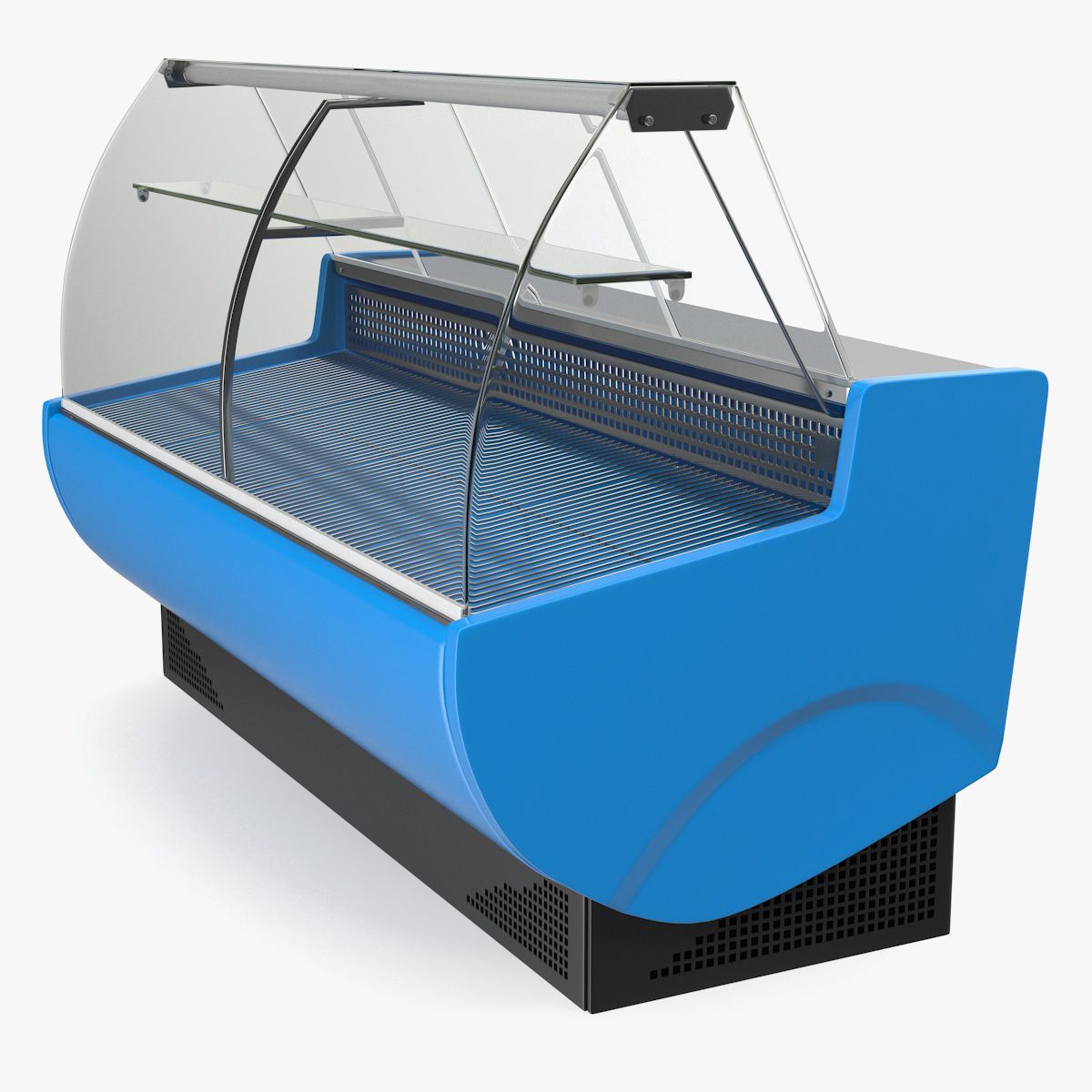


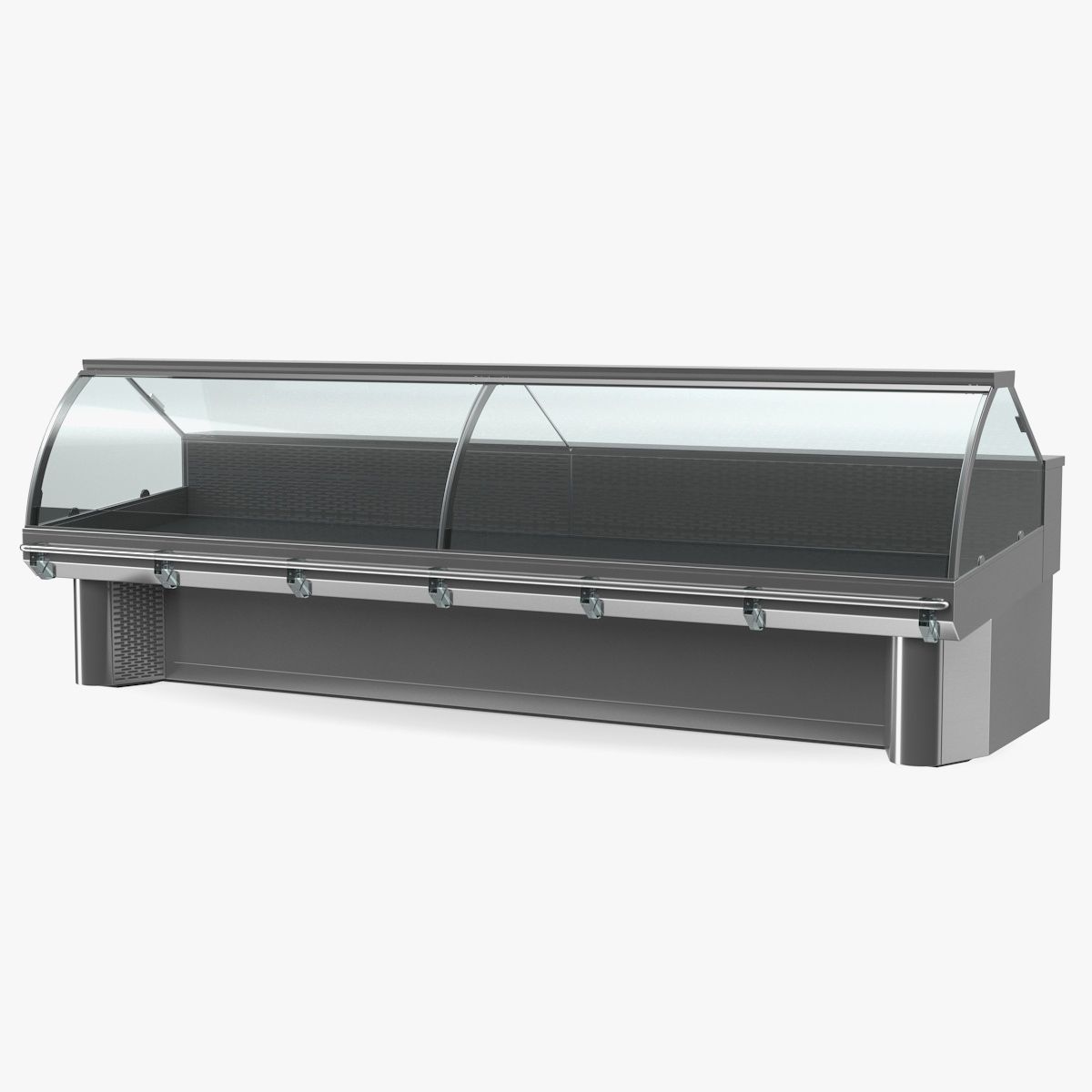



Food Display Cooler 3D Model
0


733
visits

Submitted by
DigitalX
Specifications
- Geometrypolygonal
- Polygons25,790
- Vertices12,781
- TexturesNo
- RiggedNo
- AnimatedNo
- 3D Printable ReadyNo
- Game Ready (low poly)No
- UV MappedYes
- Unwrapped UVsnone
Description
This is a food display cooler or merchandiser commonly found convenience stores, airport restaurants, etc.
When asked to produce a rendering of a restaurant interior where the kitchen will be visible, 3D artists are often at a loss. Not owning numerous models of stainless steel appliances and fixtures leaves 2 choices- 1) fill in the space with a bunch of low-poly stainless boxes, or 2) spend lots of time searching images on the web for the "perfect" photo you can cut and paste into your rendering, which rarely produces satisfactory results.
Now you can choose from 33 detailed models to populate your kitchen area, for a much more realistic result. All models are a single mesh, so merging them into your scene is as simple as can be. Additionally, all objects are named with the prefix "X031_0##" so locating the objects in the scene browser is simple as well. Materials are named similarly. No more searching for random names!!
Warning- These models ALL use Vray Materials and maps due to the overwhelming use of Stainless Steel. If you use another renderer, you will need to convert the materials or substitute in your favorite Stainless shaders.
For the exported formats (OBJ, 3DS, and FBX), we recommend the OBJ first. Please note, that the OBJ zip file contains it"s own set of textures. You don"t need to download the textures.zip file. The OBJ files will require the least amount of materials work. FBX is the 2nd recommended format, then 3DS (because of the 8 character limit in filenames).
Sep 25, 2018
date added
Nov 11, 2025
last update
Reviews
There are currently no reviews for this product.
Why not be the first one to break the ice?