




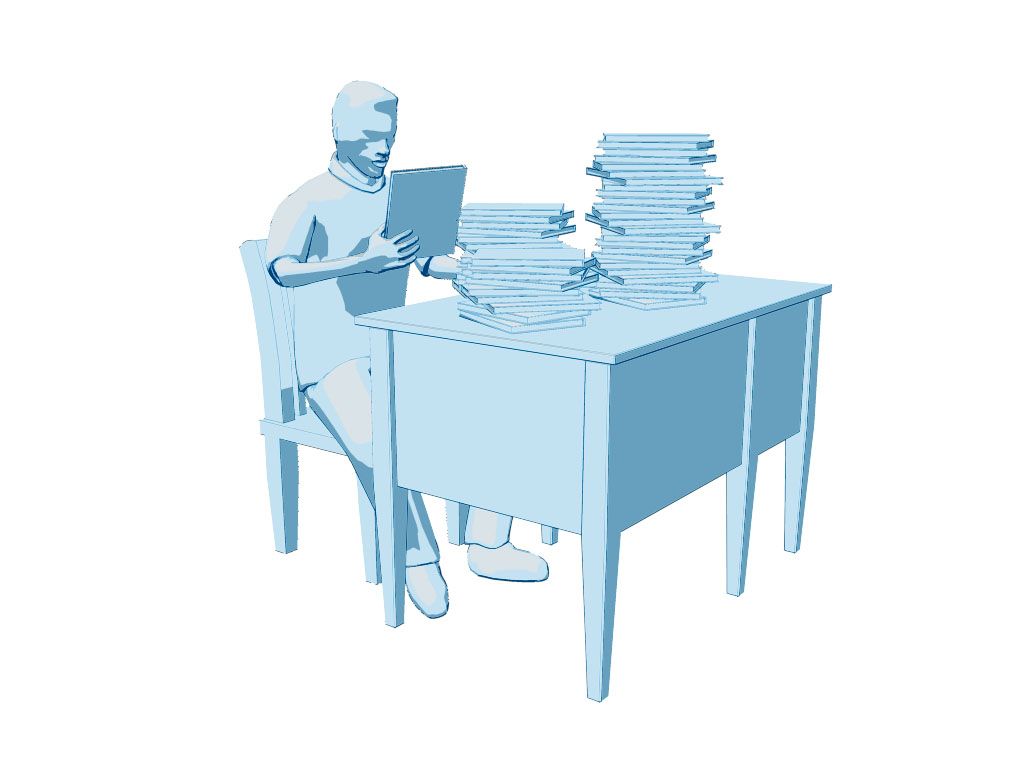
Generic Man at Desk 3D Model
0


34
visits

Submitted by
yourTurboModeler
Specifications
- Geometrypolygonal
- Polygons25,219
- Vertices24,663
- TexturesNo
- RiggedYes
- AnimatedNo
- 3D Printable ReadyNo
- Game Ready (low poly)No
- UV MappedYes
- Unwrapped UVsnone
Description
This scene was authored in Maya 2010 and rendered in Mental Ray.
The renders were done using mental ray's Toon shader. This is a stylized
generic scene that could double for educational, business, legal imaging purposes.
The UVs have not been unwrapped.
The male character is parented to a control curve called: topCtrl.
This control curve is locked but if you wish to change the character
scale, you can unlock the attributes - (MAYA only) - and the character
should scale with the rig properly. NOTE: You must use this node
if you wish to change the scale and keep the rig in tact.
As a style choice, the character was modeled without eyes and defined ears to
give only the impression of features.
Return the timeline to fame 1 or earlier to get the model back in
bind pose.
Note on smoothing.
The Ctrl top curve also contains a custom attribute called 'smooth'.
Use this smooth attribute to control subdivision levels if desired.
The smooth node allows for
multiple subdivision settings. 0 - 2. Vert and face numbers were taken from the setting 1.
There are two render layers, one for the toon colors and one for the
outlinesl. You must enable contours in the mental ray tab under
special features to render the outlines.
The images were comped using Photoshop CS6.
Toon renders were done at smooth setting 1 while outlines were done at setting 1.
The Vertice and poly counts were taken at the 0 setting.
These counts reflect the entire scene.
Verts: 24663
Faces: 25219
Sep 30, 2019
date added
Oct 23, 2021
last update
Reviews
There are currently no reviews for this product.
Why not be the first one to break the ice?