-->
ArchitectureVehiclesCharactersAircraftFurnitureElectronicsAnimalsPlantsWeaponsSportsFoodAnatomy
Bookmarked
Bookmark removed

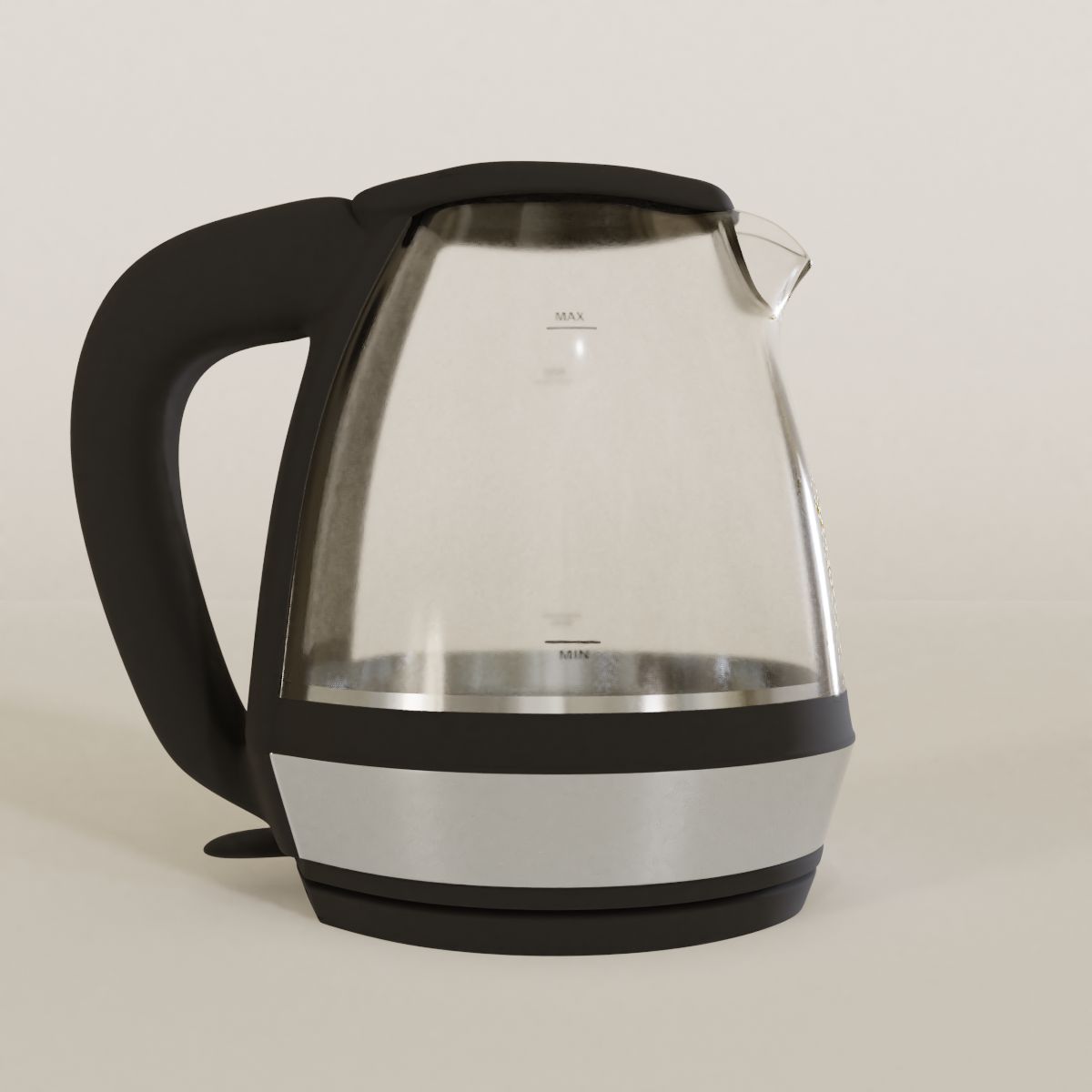
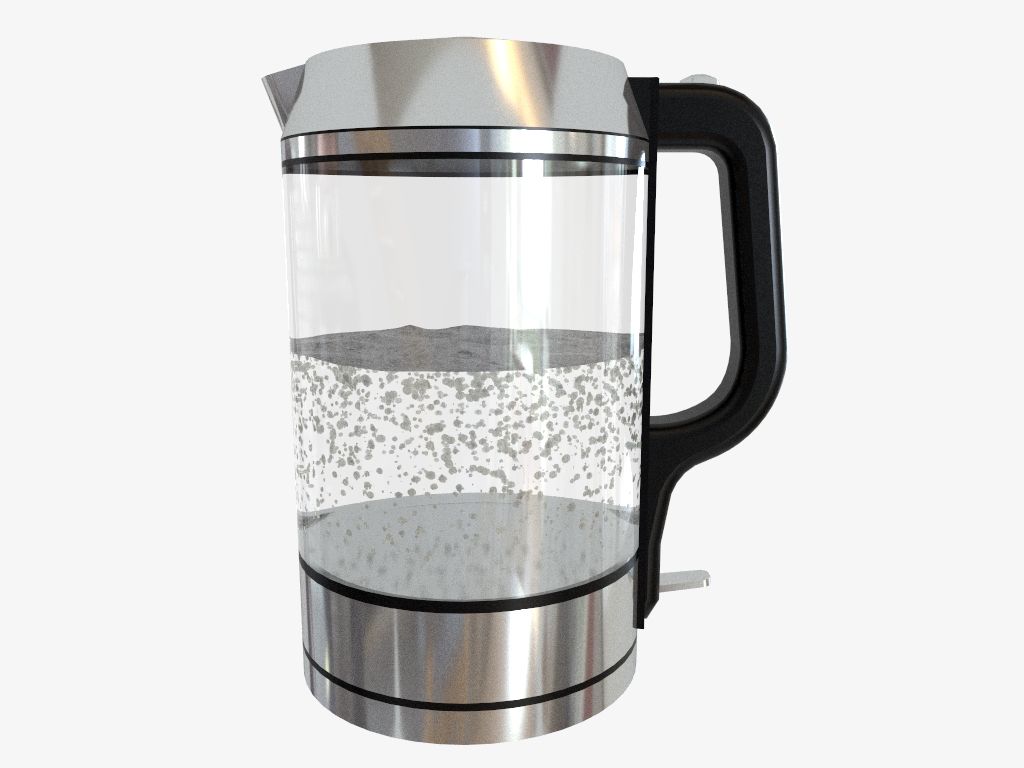
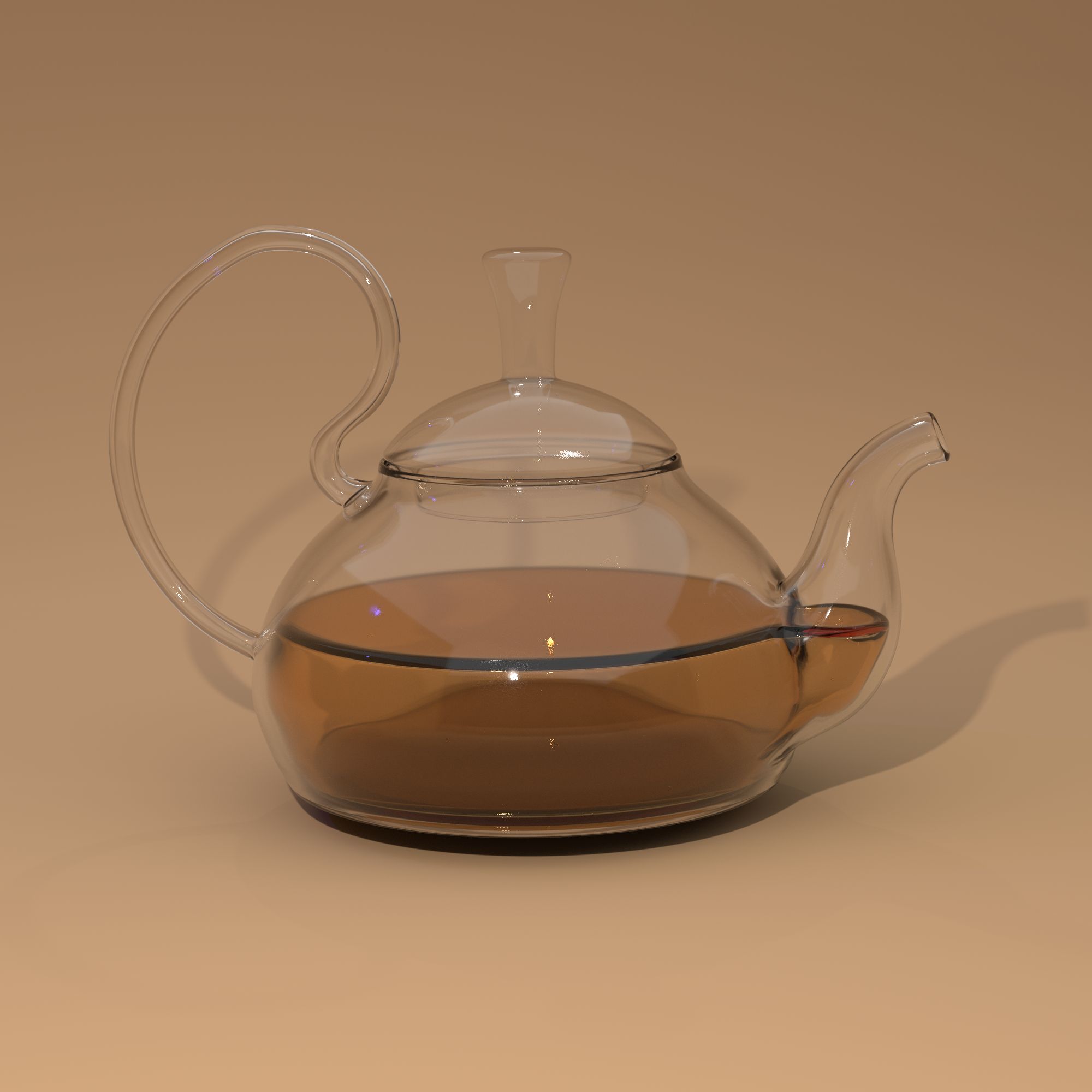
Glass Kettle 3D Model

0
Glass Kettle royalty-free 3d model - Preview no. 1
Glass Kettle royalty-free 3d model - Preview no. 2
Glass Kettle royalty-free 3d model - Preview no. 3
Glass Kettle royalty-free 3d model - Preview no. 4
Glass Kettle royalty-free 3d model - Preview no. 5
Glass Kettle royalty-free 3d model - Preview no. 6
Glass Kettle royalty-free 3d model - Preview no. 7
Glass Kettle royalty-free 3d model - Preview no. 8
Glass Kettle royalty-free 3d model - Preview no. 9
Glass Kettle royalty-free 3d model - Preview no. 10
Glass Kettle royalty-free 3d model - Preview no. 1
Glass Kettle royalty-free 3d model - Preview no. 2
Glass Kettle royalty-free 3d model - Preview no. 3
Glass Kettle royalty-free 3d model - Preview no. 4
Glass Kettle royalty-free 3d model - Preview no. 5
Glass Kettle royalty-free 3d model - Preview no. 6
Glass Kettle royalty-free 3d model - Preview no. 7
Glass Kettle royalty-free 3d model - Preview no. 8
Glass Kettle royalty-free 3d model - Preview no. 9
Glass Kettle royalty-free 3d model - Preview no. 10
15
00
Royalty Free LicenseAll extended uses
Simple returns
Best Price Guarantee
Works out of the box
0 visits
eLucive

Specifications

  • Geometrypolygonal
  • Polygons303,234
  • Vertices303,240
  • TexturesYes
  • RiggedNo
  • AnimatedNo
  • 3D Printable ReadyNo
  • Game Ready (low poly)No
  • UV MappedYes
  • Unwrapped UVsnon-overlapping

Formats & Files

Blender
(.blend)
14 MB

cycles 2.8
Glass_Kettle_BLEND.zip
FBX
(.fbx)
28 MB

Glass_Kettle_FBX.zip
OBJ
(.obj)
23 MB

Glass_Kettle_OBJ.zip

Description

SPECIAL NOTE: If you are are wanting to use this item in Unity, you will need to extract the materials in the Materials tab in the Inspector and edit the materials individually to get the transparency to work. I would not recommend this 3D model for Unity unless you have experience dealing with transparent objects in Unity. Each zip contains the rendered images, the model's file(BLEND, OBJ, or FBX), and the textures. This model was made using Blender 2.8 - so to recreate the exact images you will need to use this version of Blender. Additional information for the Blender file: The node setup is included in the Blender file for the models' materials, but the texture files will need to be added or the models will appear purple in render mode. All subdivision modifiers are present, but haven't been applied so that they can be adjusted or removed.
Jun 17, 2020 date added
Feb 17, 2022 last update

Reviews

There are currently no reviews for this product.
Why not be the first one to break the ice?