-->
ArchitectureVehiclesCharactersAircraftFurnitureElectronicsAnimalsPlantsWeaponsSportsFoodAnatomy
Bookmarked
Bookmark removed

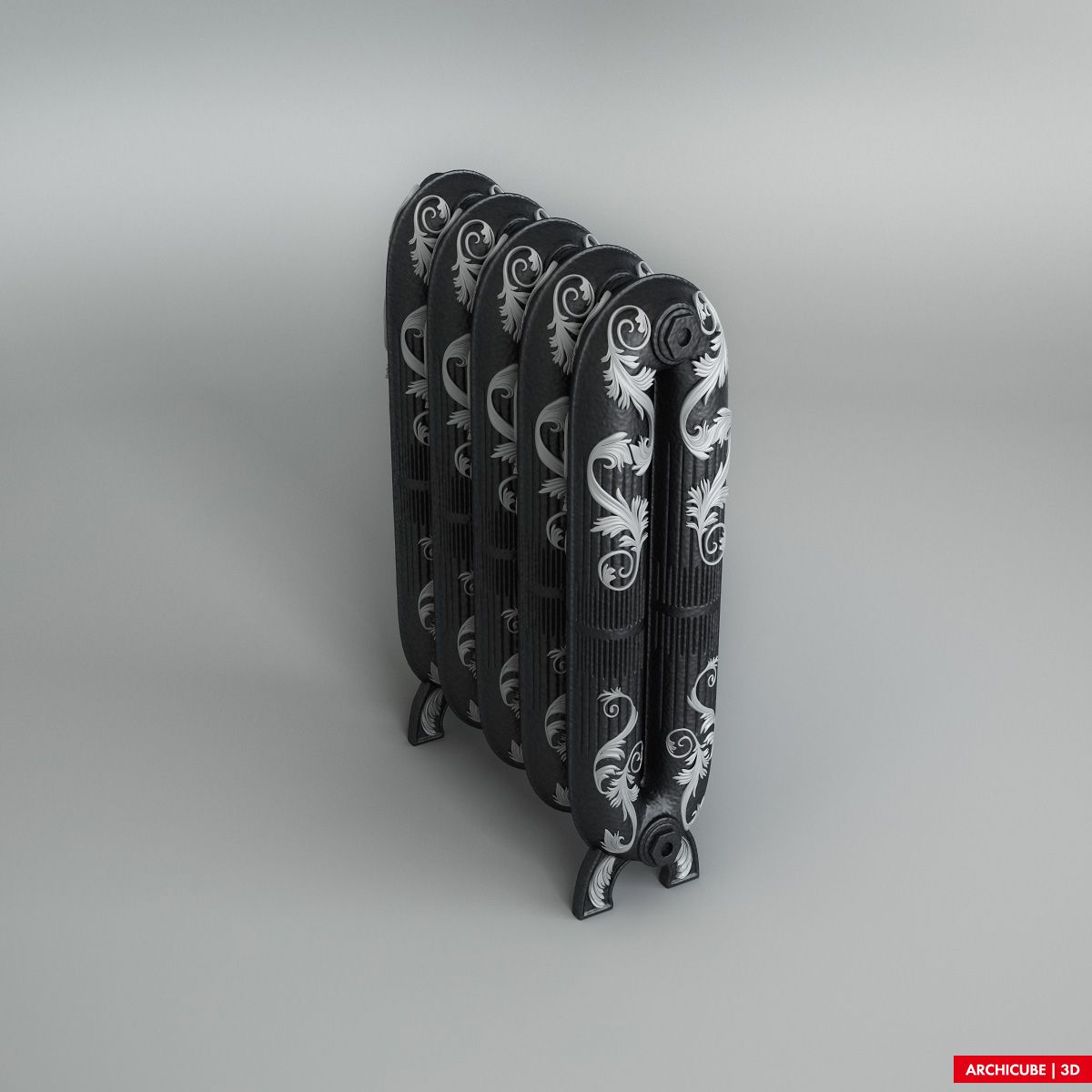
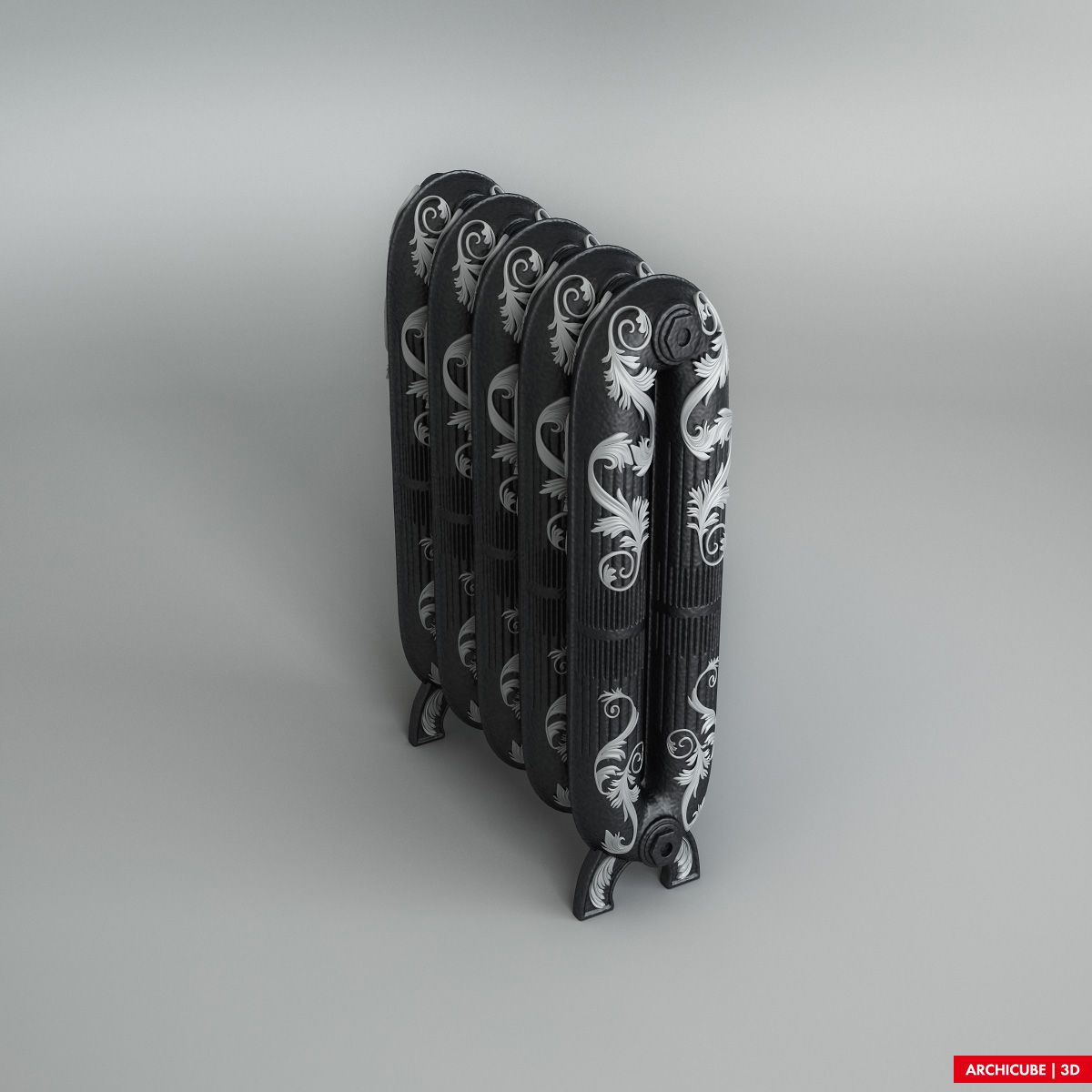
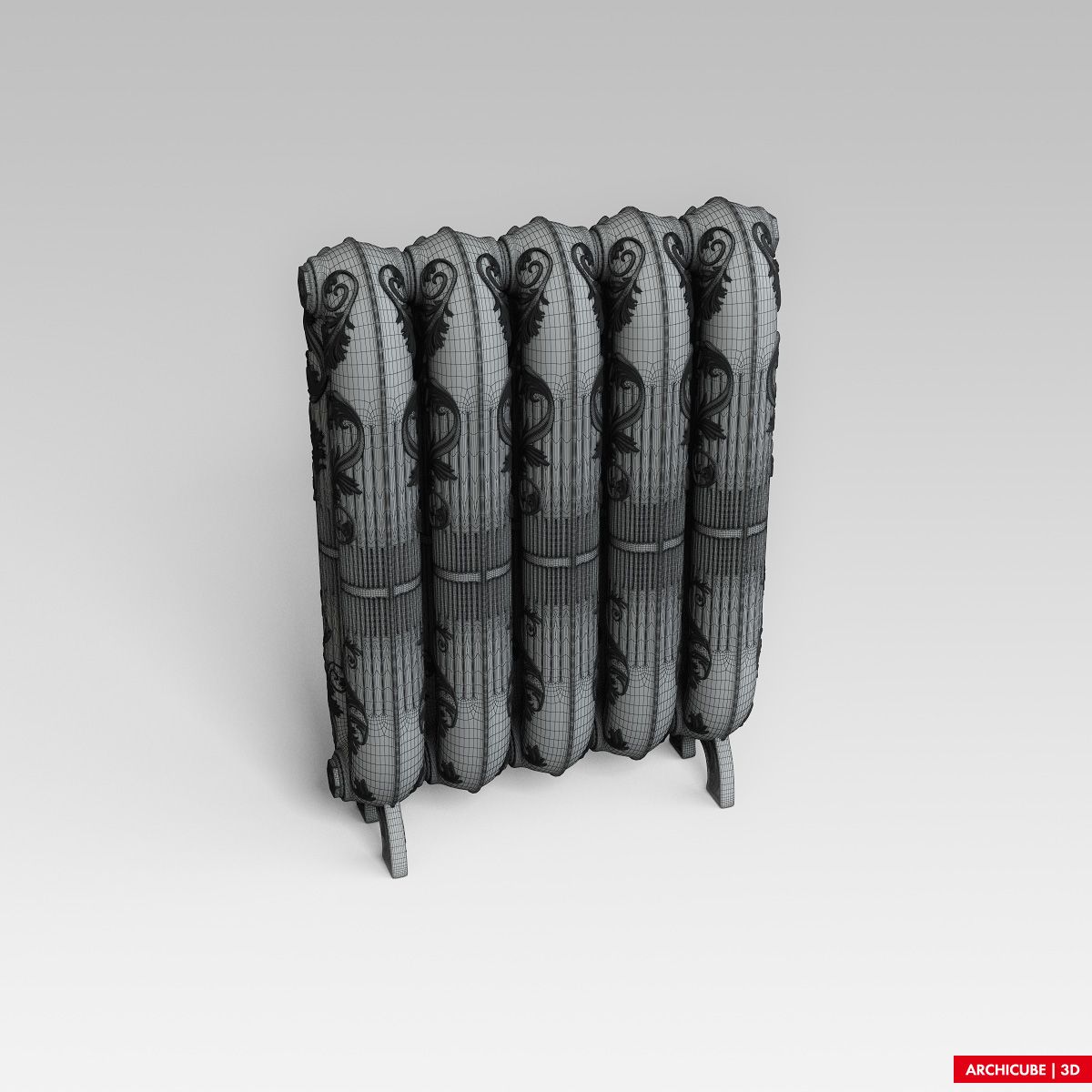
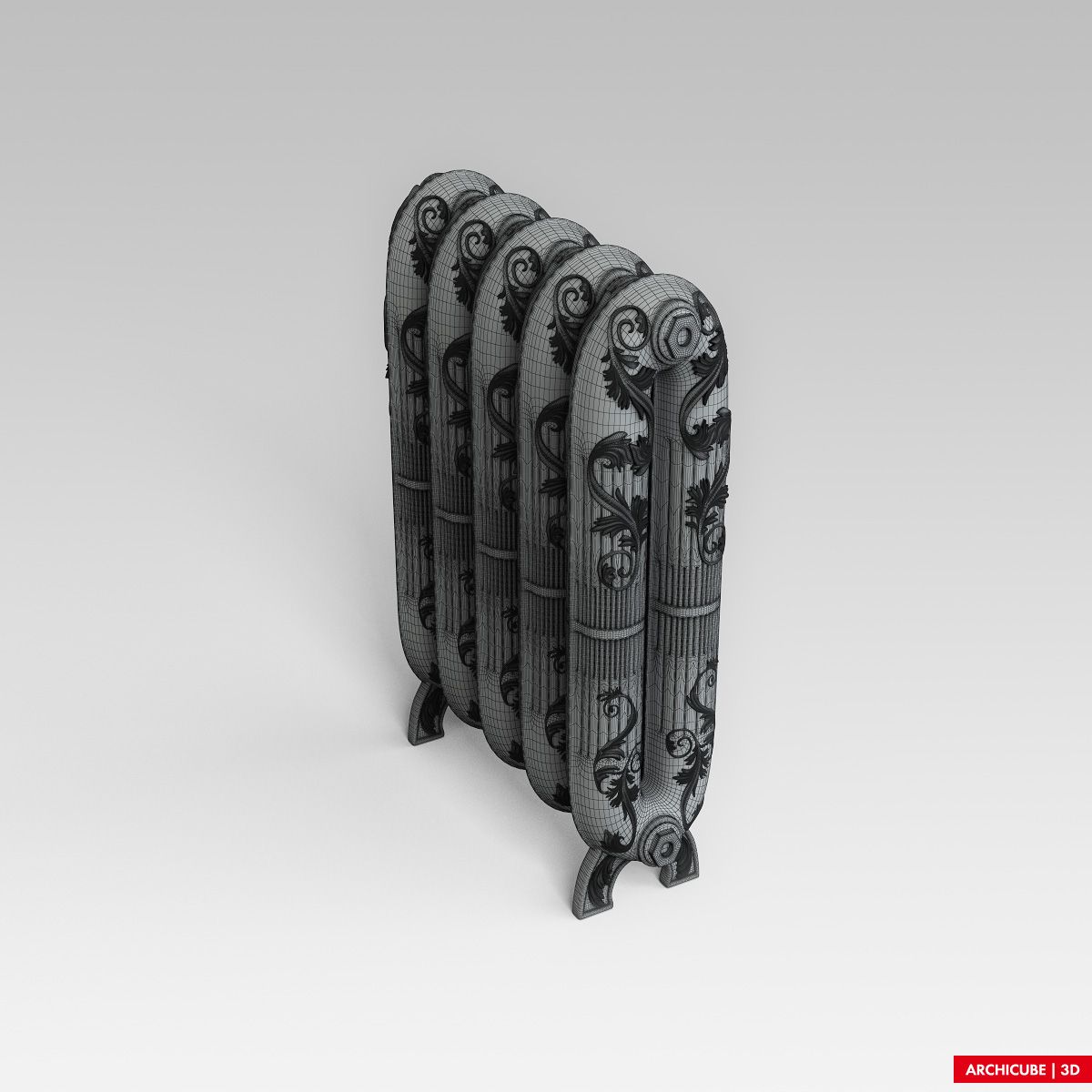
Home Classic Radiator 3D Model

0
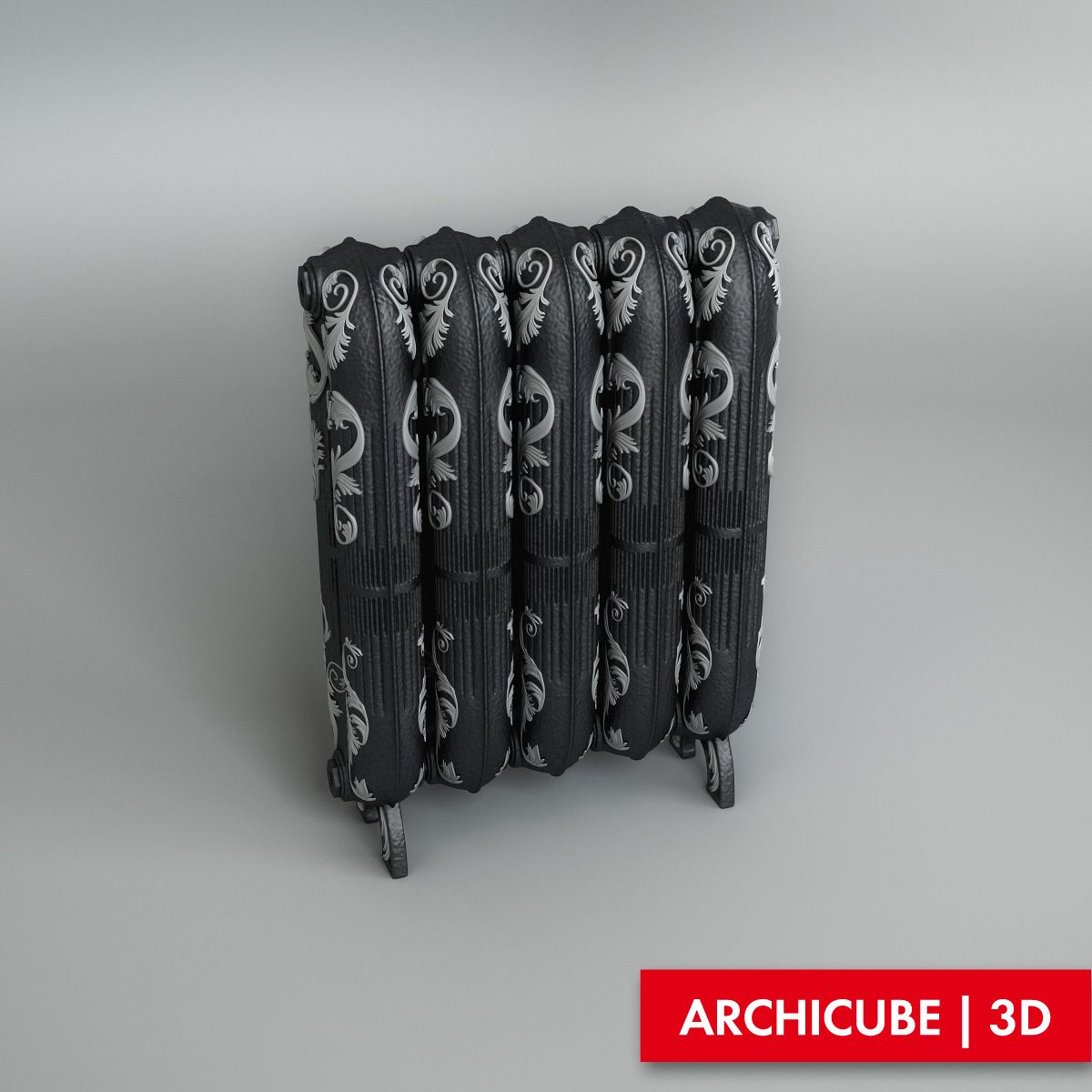
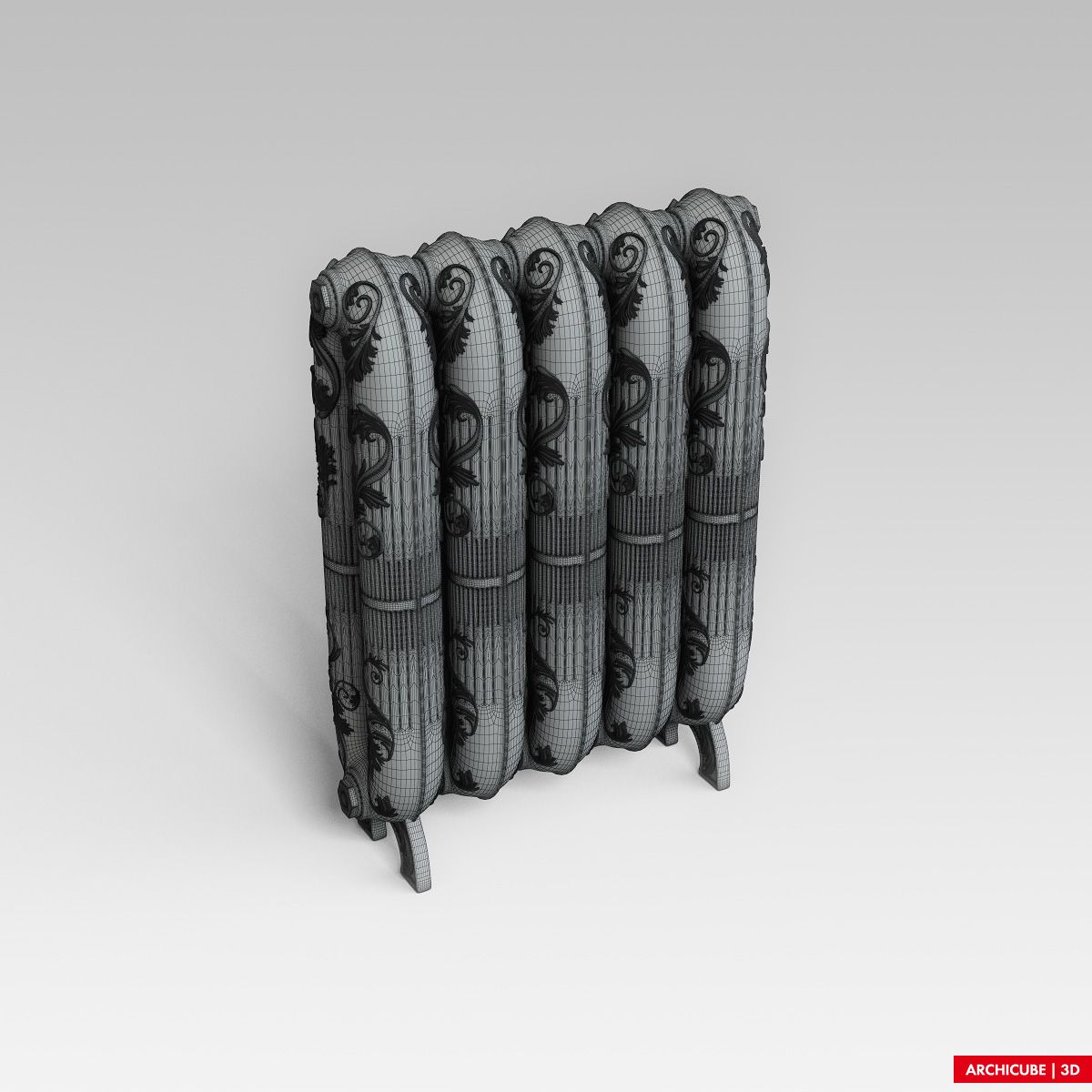
Home Classic Radiator royalty-free 3d model - Preview no. 1
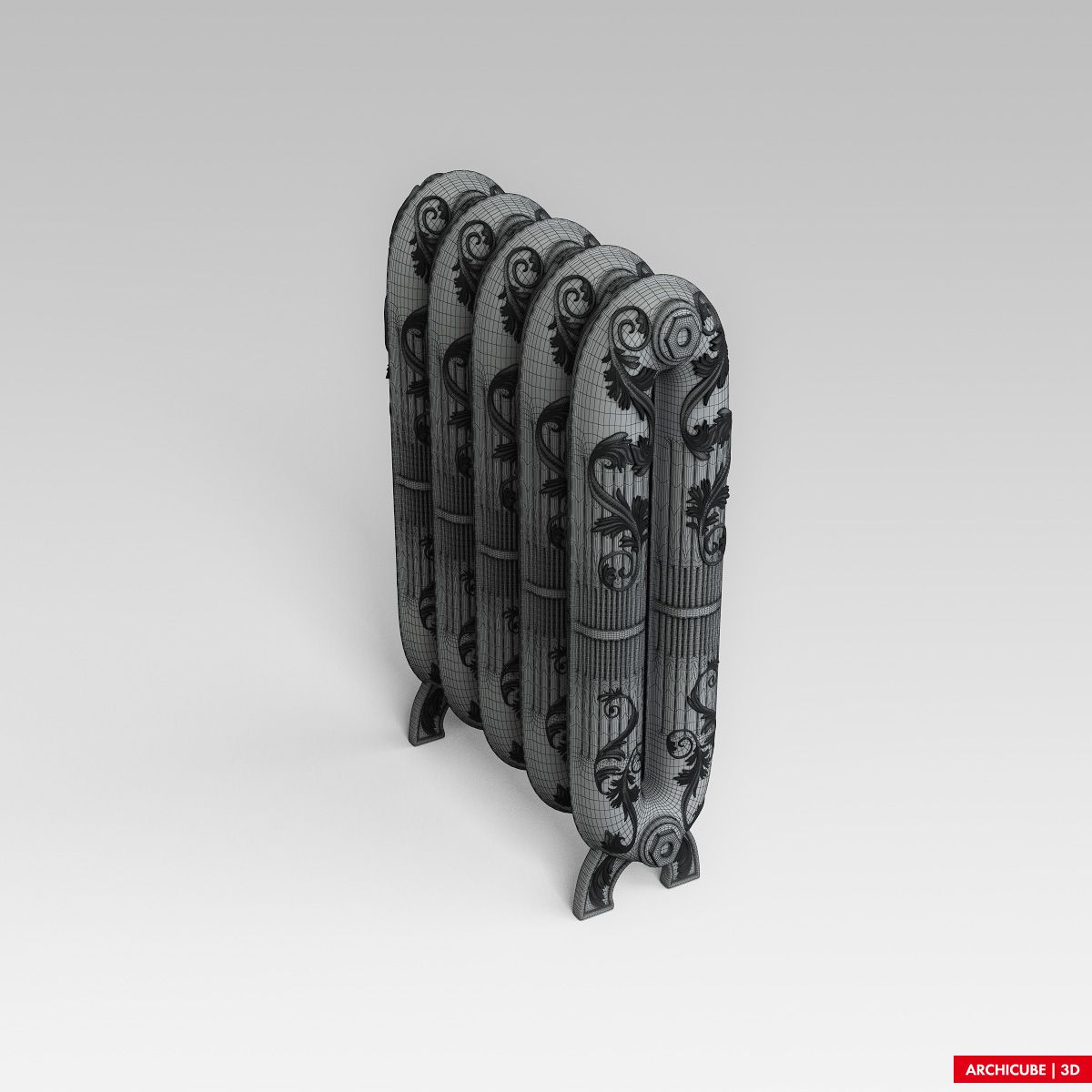
Home Classic Radiator royalty-free 3d model - Preview no. 2
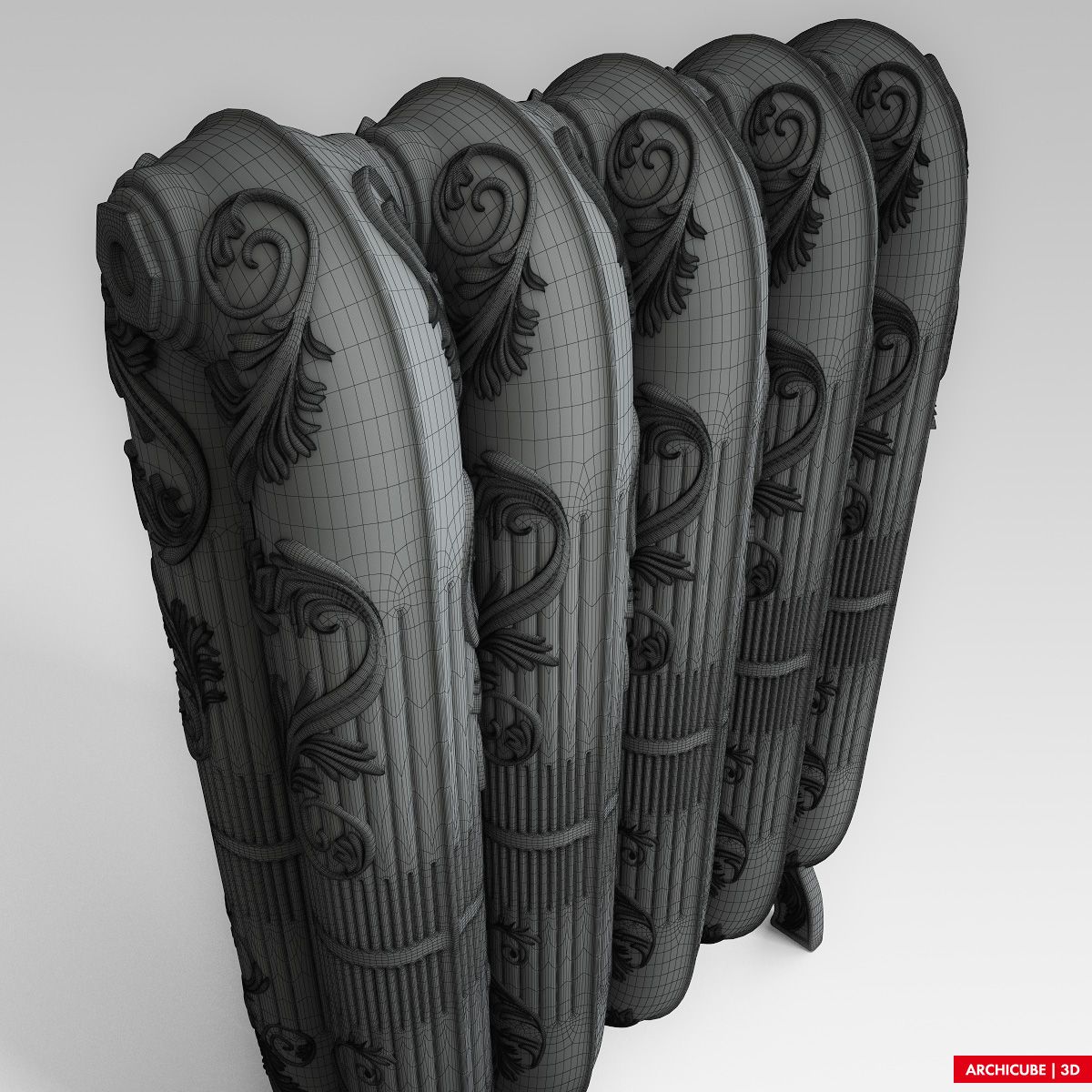
Home Classic Radiator royalty-free 3d model - Preview no. 3
Home Classic Radiator royalty-free 3d model - Preview no. 4
Home Classic Radiator royalty-free 3d model - Preview no. 5
Home Classic Radiator royalty-free 3d model - Preview no. 6
Home Classic Radiator royalty-free 3d model - Preview no. 7
Home Classic Radiator royalty-free 3d model - Preview no. 8
Home Classic Radiator royalty-free 3d model - Preview no. 9
Home Classic Radiator royalty-free 3d model - Preview no. 10
Home Classic Radiator royalty-free 3d model - Preview no. 1
Home Classic Radiator royalty-free 3d model - Preview no. 2
Home Classic Radiator royalty-free 3d model - Preview no. 3
Home Classic Radiator royalty-free 3d model - Preview no. 4
Home Classic Radiator royalty-free 3d model - Preview no. 5
Home Classic Radiator royalty-free 3d model - Preview no. 6
Home Classic Radiator royalty-free 3d model - Preview no. 7
Home Classic Radiator royalty-free 3d model - Preview no. 8
Home Classic Radiator royalty-free 3d model - Preview no. 9
Home Classic Radiator royalty-free 3d model - Preview no. 10
49
00
Royalty Free LicenseAll extended uses
Simple returns
Best Price Guarantee
Works out of the box
0 visits
Archicube_3d

Specifications

  • Geometrypolygonal
  • Polygons2,167,776
  • Vertices2,204,376
  • TexturesYes
  • RiggedNo
  • AnimatedNo
  • 3D Printable ReadyNo
  • Game Ready (low poly)No
  • UV MappedNo
  • Unwrapped UVsunknown

Formats & Files

3ds Max
(.max)
98 MB

vray 2.40.03
AC_Oth_008.zip
FBX
(.fbx)
95 MB

AC_Oth_008_fbx.zip
OBJ
(.obj)
46 MB

AC_Oth_008_obj.zip
3ds Max
(.max)
98 MB

default_scanline
AC_Oth_008_St.zip

Description

High quality model. 3DS Max with VRay materials version includes all textures. Just merge into your scene and render. FBX, OBJ and MAX-Standart Material versions includes no material definitions, but all parts has UV Coordiantes and material IDs, allowing for easy material creation using texture maps provided with VRay materials version. A freeware 3DS Max plug-in ColorCorrect might be used in this model materials to correct textures in comfortable and friendly way, but the same result can be achieved using Max built-in functions.
Nov 12, 2021 date added
Oct 09, 2022 last update

Reviews

There are currently no reviews for this product.
Why not be the first one to break the ice?