-->
ArchitectureVehiclesCharactersAircraftFurnitureElectronicsAnimalsPlantsWeaponsSportsFoodAnatomy
Bookmarked
Bookmark removed

Interactive Whiteboard 3D Model

0
Interactive Whiteboard royalty-free 3d model - Preview no. 1
Interactive Whiteboard royalty-free 3d model - Preview no. 2
Interactive Whiteboard royalty-free 3d model - Preview no. 3
Interactive Whiteboard royalty-free 3d model - Preview no. 4
Interactive Whiteboard royalty-free 3d model - Preview no. 5
Interactive Whiteboard royalty-free 3d model - Preview no. 6
Interactive Whiteboard royalty-free 3d model - Preview no. 7
Interactive Whiteboard royalty-free 3d model - Preview no. 8
Interactive Whiteboard royalty-free 3d model - Preview no. 9
Interactive Whiteboard royalty-free 3d model - Preview no. 1
Interactive Whiteboard royalty-free 3d model - Preview no. 2
Interactive Whiteboard royalty-free 3d model - Preview no. 3
Interactive Whiteboard royalty-free 3d model - Preview no. 4
Interactive Whiteboard royalty-free 3d model - Preview no. 5
Interactive Whiteboard royalty-free 3d model - Preview no. 6
Interactive Whiteboard royalty-free 3d model - Preview no. 7
Interactive Whiteboard royalty-free 3d model - Preview no. 8
Interactive Whiteboard royalty-free 3d model - Preview no. 9
19
00
Royalty Free LicenseEditorial Only
Simple returns
Best Price Guarantee
Works out of the box
1,079 visits
OceanCGI

Specifications

  • Geometrypolygonal_ngons used
  • Polygons10,150
  • Vertices12,121
  • TexturesNo
  • RiggedNo
  • AnimatedNo
  • 3D Printable ReadyNo
  • Game Ready (low poly)No
  • UV MappedYes
  • Unwrapped UVsnone

Formats & Files

3ds Max
(.max)
1 MB

vray 1.5
SIWB2012.max
OBJ
(.obj)
1 MB

SIWB2012.obj

Description

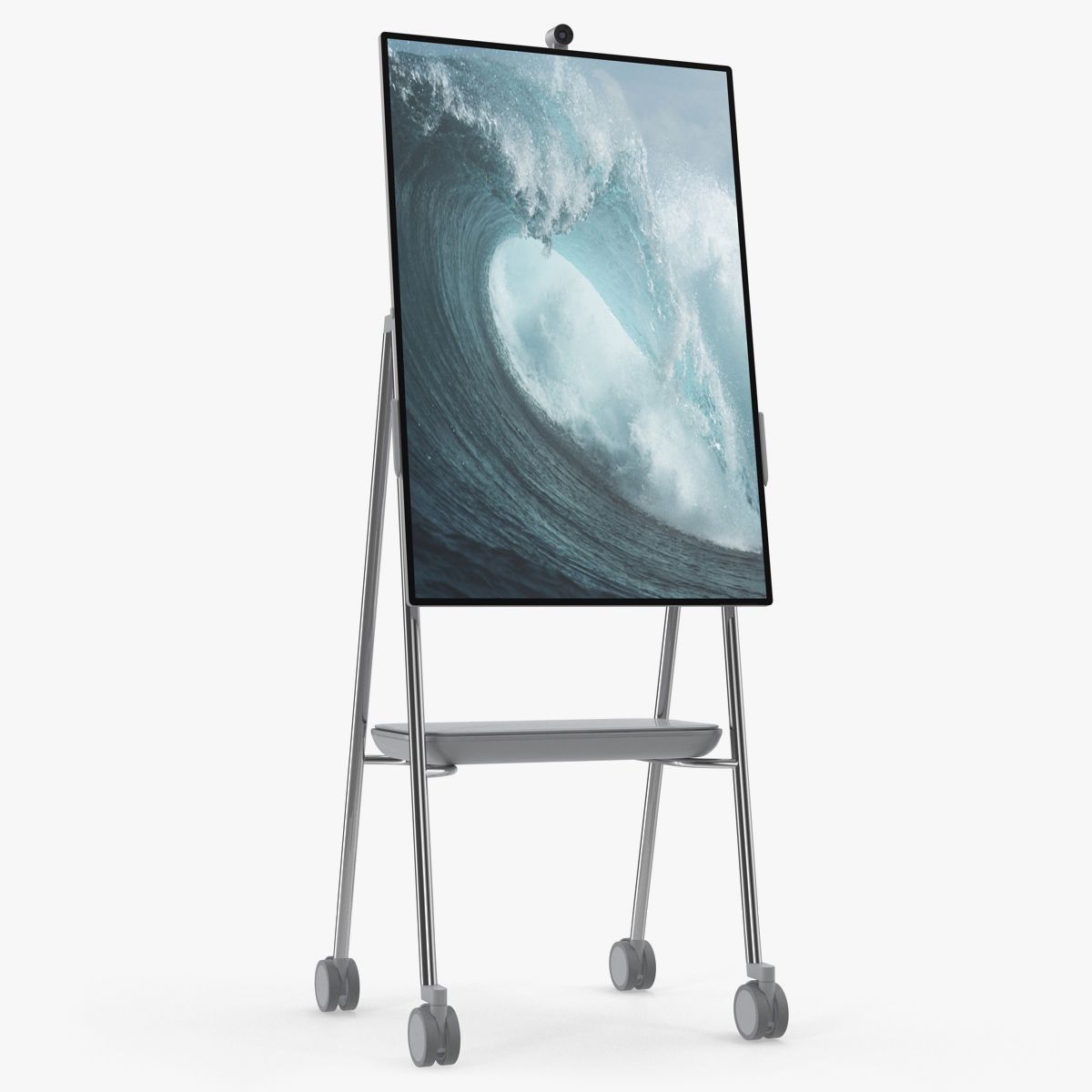
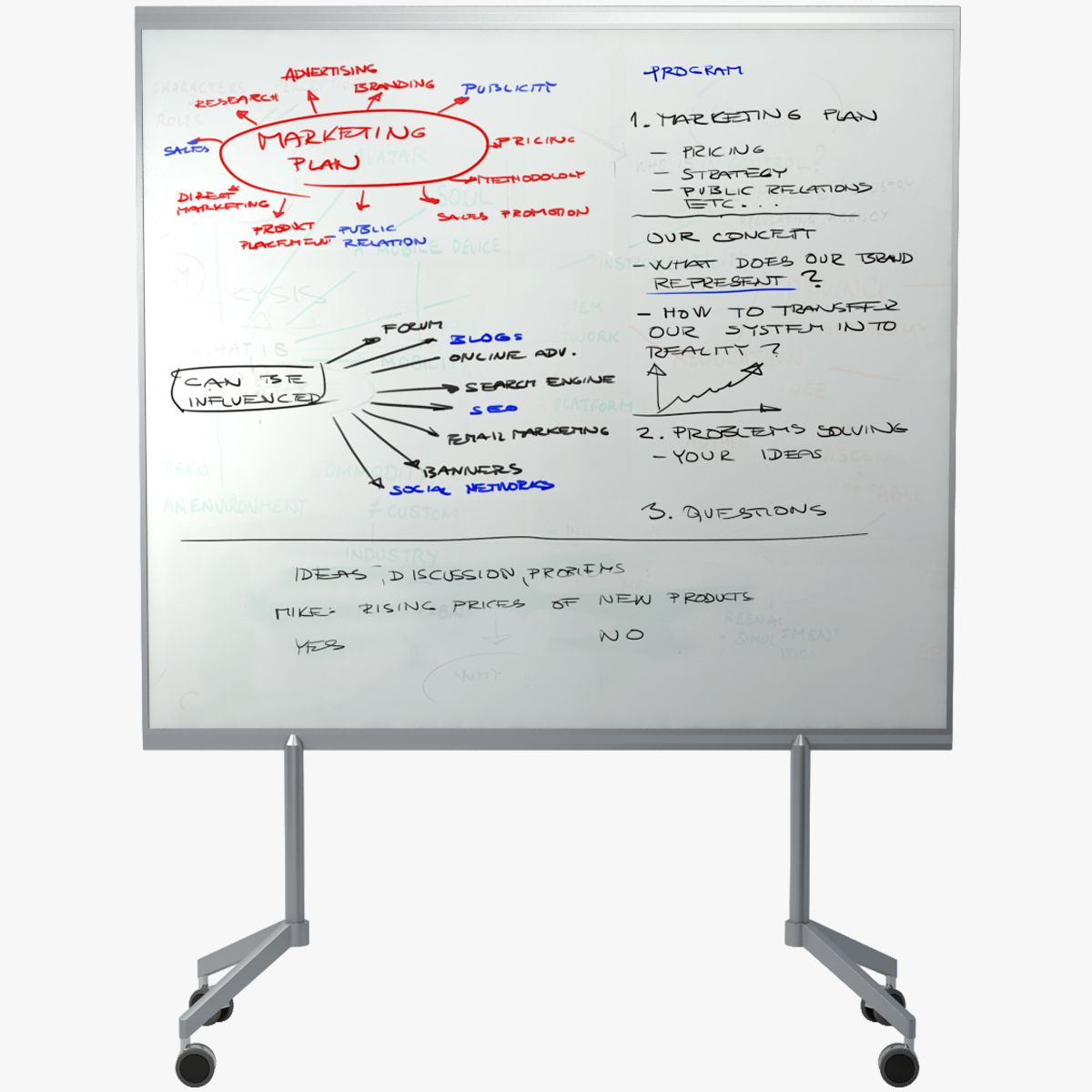
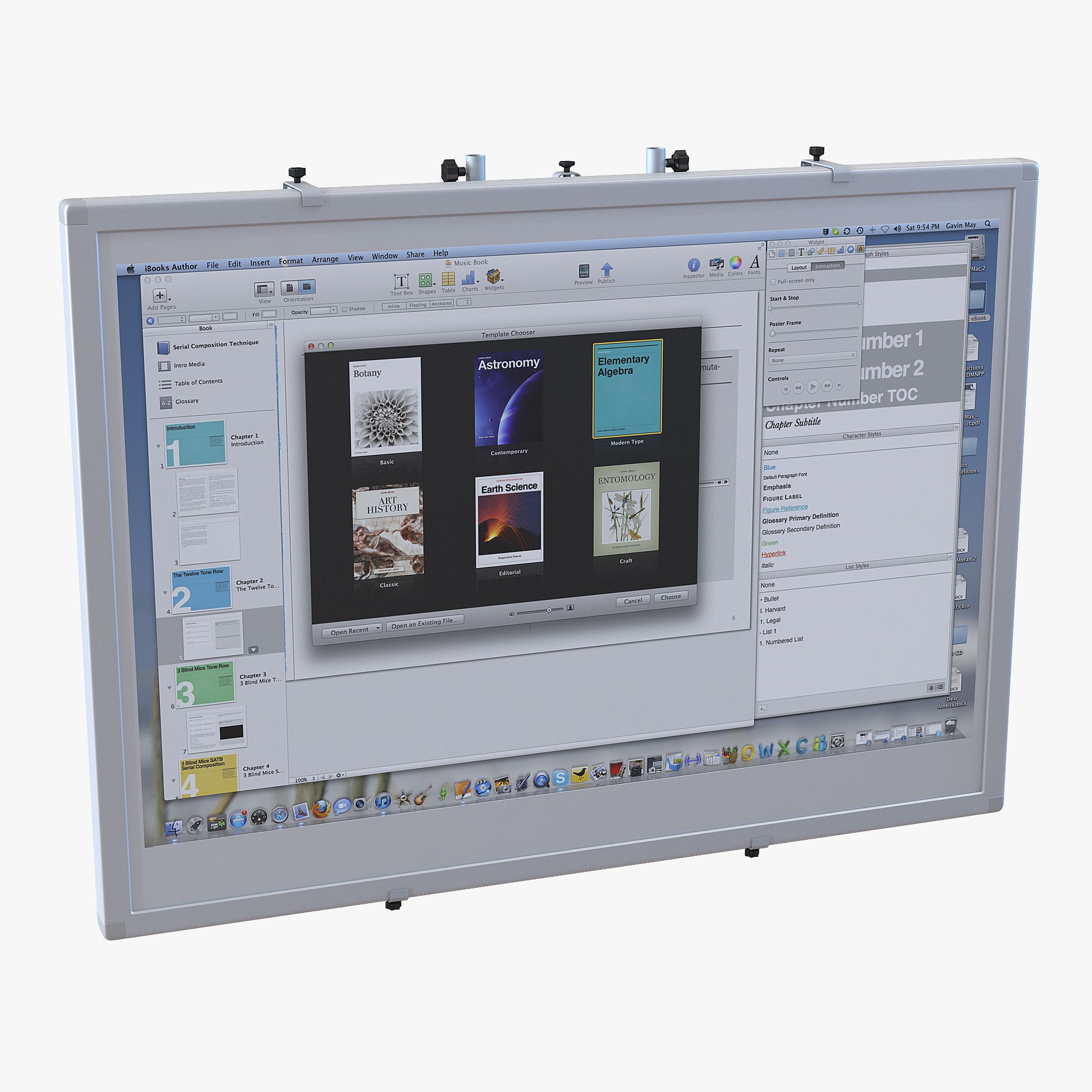
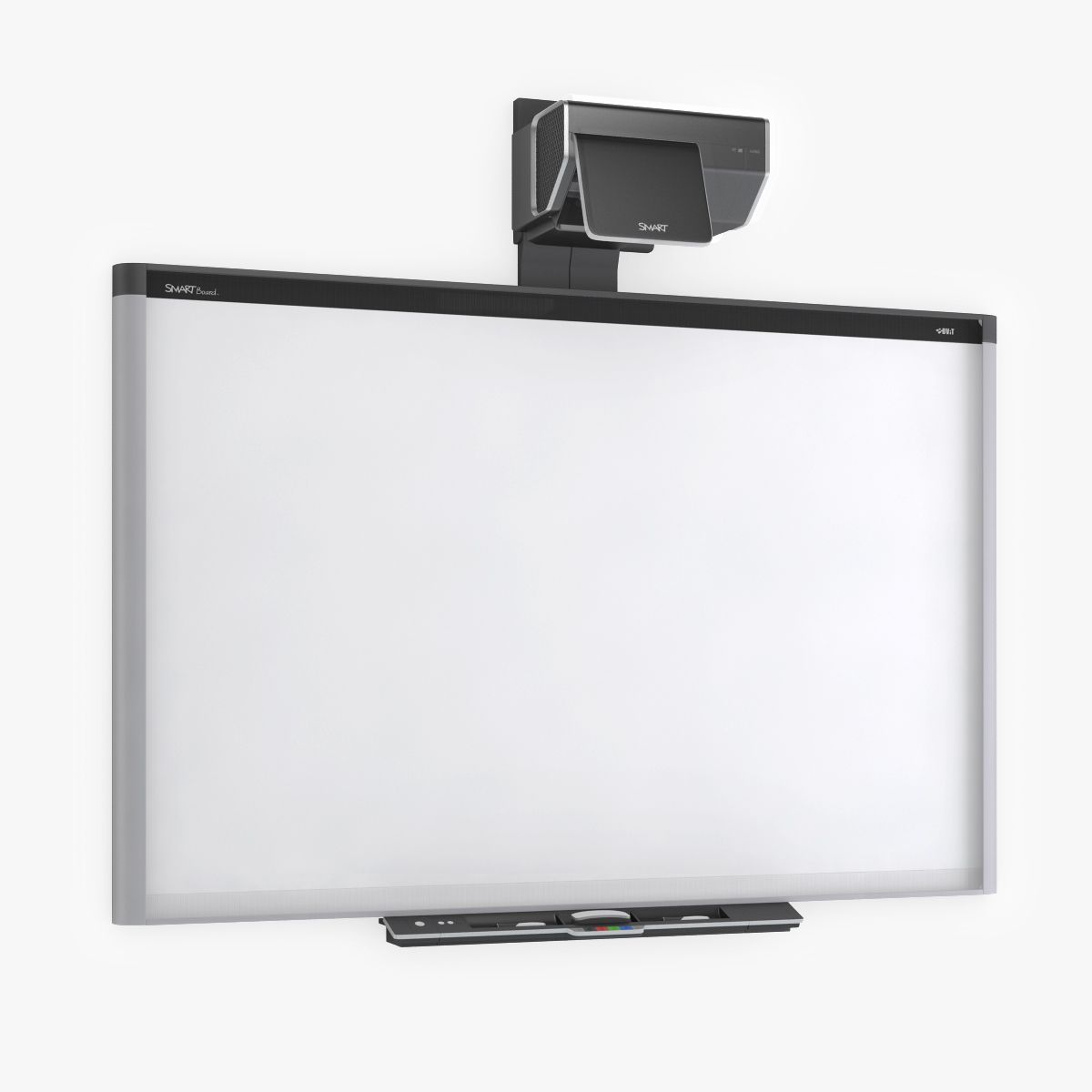
Accurate model of a Smart TM Interactive Whiteboard. This is an accurate, photo-realistic model and is a must have addition for any artists regularly visualizing academic interiors. 3ds Max Model: Some elements within the model use a TurboSmooth modifier so iterations can be lowered / increased as needed. The model is grouped and each object is usefully named. The 3ds Max model has V-Ray materials applied. OBJ model: The OBJ model was exported from 3ds Max and so does not have materials applied. Each object is usefully named. No smoothing is applied and can easily be added if required. (One object named "DETAIL_no_smooth" should not have a smooth modifier applied).
Sep 25, 2018 date added
Aug 06, 2024 last update

Reviews

There are currently no reviews for this product.
Why not be the first one to break the ice?