-->
ArchitectureVehiclesCharactersAircraftFurnitureElectronicsAnimalsPlantsWeaponsSportsFoodAnatomy
Bookmarked
Bookmark removed

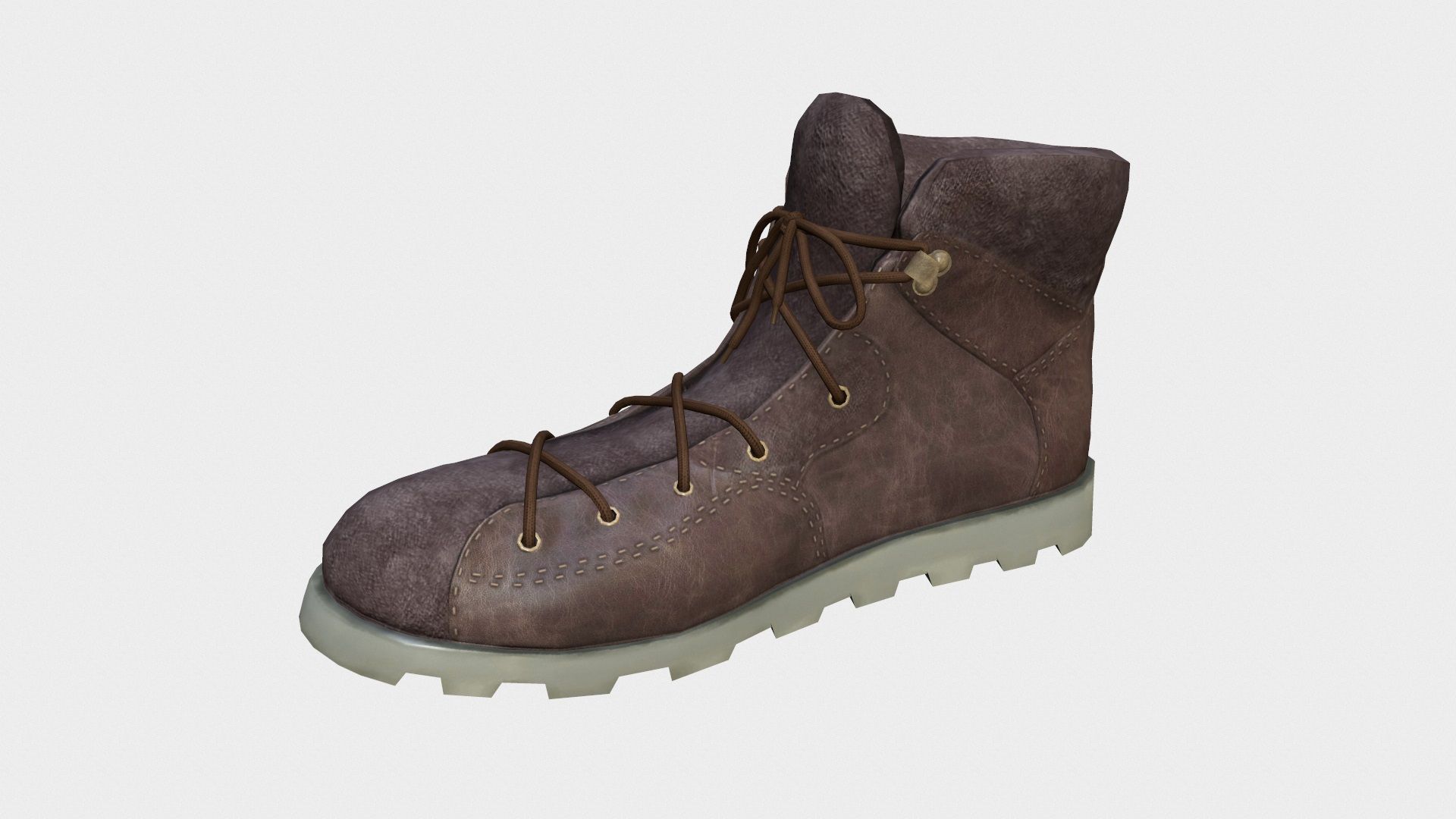
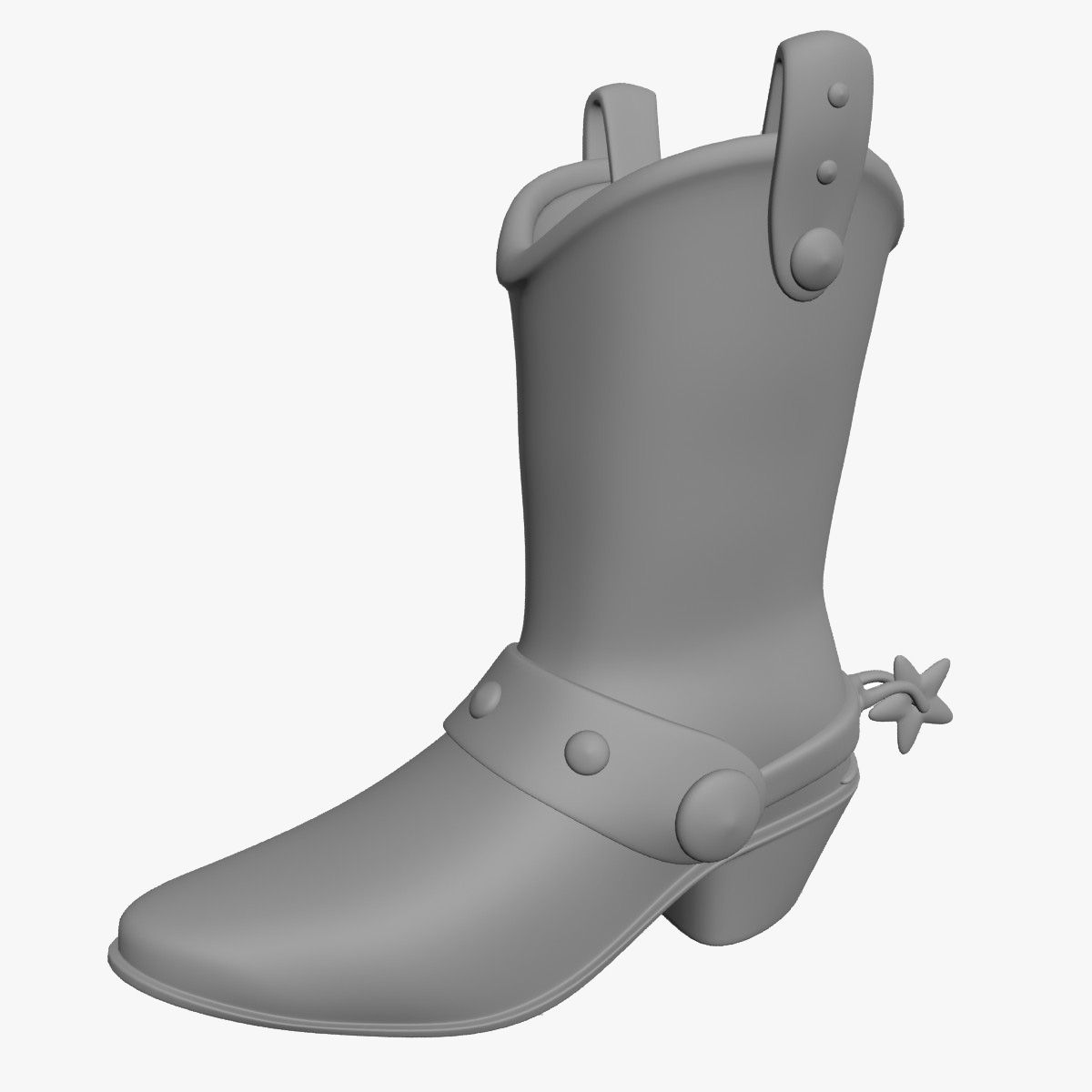
lamor boot 3D Model

0
lamor boot royalty-free 3d model - Preview no. 1
lamor boot royalty-free 3d model - Preview no. 2
lamor boot royalty-free 3d model - Preview no. 3
lamor boot royalty-free 3d model - Preview no. 4
lamor boot royalty-free 3d model - Preview no. 5
lamor boot royalty-free 3d model - Preview no. 1
lamor boot royalty-free 3d model - Preview no. 2
lamor boot royalty-free 3d model - Preview no. 3
lamor boot royalty-free 3d model - Preview no. 4
lamor boot royalty-free 3d model - Preview no. 5
Royalty Free LicenseEditorial Only
Simple returns
Best Price Guarantee
Works out of the box
58 visits
perfect wirefly

Specifications

  • Geometrypolygonal
  • Polygons61,080
  • Vertices61,632
  • TexturesYes
  • RiggedYes
  • AnimatedNo
  • 3D Printable ReadyNo
  • Game Ready (low poly)No
  • UV MappedYes
  • Unwrapped UVsnon-overlapping

Formats & Files

3ds Max
(.max)
34 MB

default_scanline
ladysarmortubo.max
FBX
(.fbx)
1 MB

lamorFBX.FBX
Shockwave 3D
(.w3d)
1 MB

lamorW3D.W3D
Collada
(.dae)
10 MB

lamorDAE.DAE
OBJ
(.obj)
3 MB

lamorOBJ.obj
3DS
(.3ds)
1 MB

lamor3DS.3DS
3ds Max
(.max)
34 MB

default_scanline
ladysarmortubo2010.max
Collada
(.dae)
10 MB

lamor-not rigged-R-dae.DAE
Collada
(.dae)
10 MB

lamor-not rigged-L-dae.DAE
Collada
(.dae)
11 MB

lamor-normal-R-dae.DAE
Collada
(.dae)
11 MB

lamor-normal-L-dae.DAE
Collada
(.dae)
11 MB

lamor-medium-R-dae.DAE
Collada
(.dae)
11 MB

lamor-medium-L-dae.DAE
Collada
(.dae)
11 MB

lamor-large-R-dae.DAE
Collada
(.dae)
11 MB

lamor-large-L-dae.DAE
Collada

ladyarmortex.jpg
Collada

lamorblue.jpg
Collada

lamorsilver.jpg
Collada
1 MB

lamorUV.jpg
Collada

lamoryellow.jpg
Collada

lasilver.jpg
Collada

layred.jpg
Collada

lsmorpurple.jpg
Collada

lamorOBJ.mtl

Description

high detailed high heel boot ,uv-unwrapped especilly for second life,you could use it in second life for your second life business. 1. High quality polygonal model 2. Model resolutions are optimized for polygon efficiency(in 3DS MAX the meshsmooth function can be used to increase mesh resolution if necessary). 3. All maps can be easily modified. 4. Model is fully textured with all materials applied. 5. Max models grouped for easy selection & objects are logically named for ease of scene management. 6. No part-name confusion when importing several models into a scene. 7. No cleaning up necessary, just drop model into your scene and start rendering. 8. No special plugin needed to open scene.
Sep 24, 2019 date added
Nov 18, 2021 last update

Reviews

There are currently no reviews for this product.
Why not be the first one to break the ice?