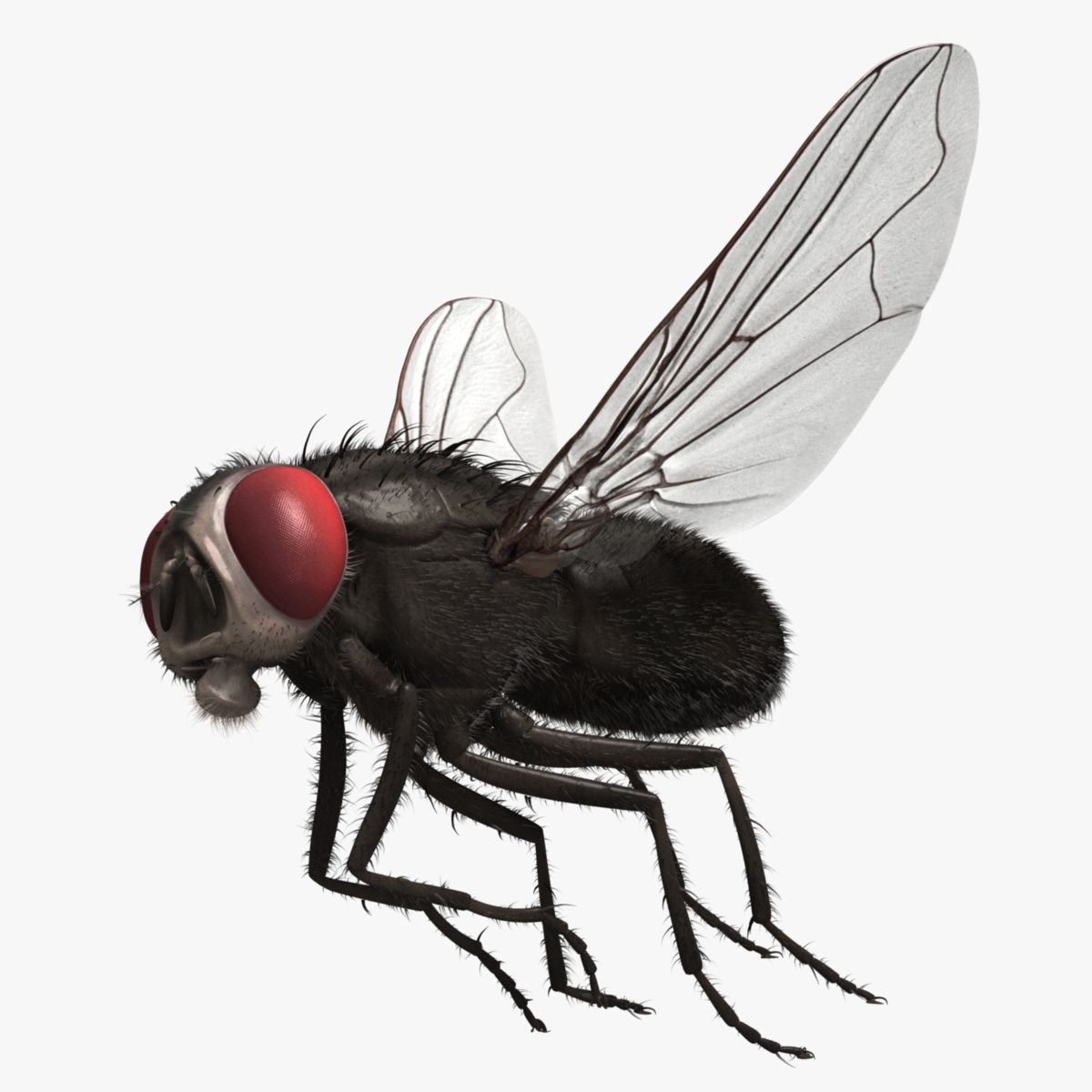

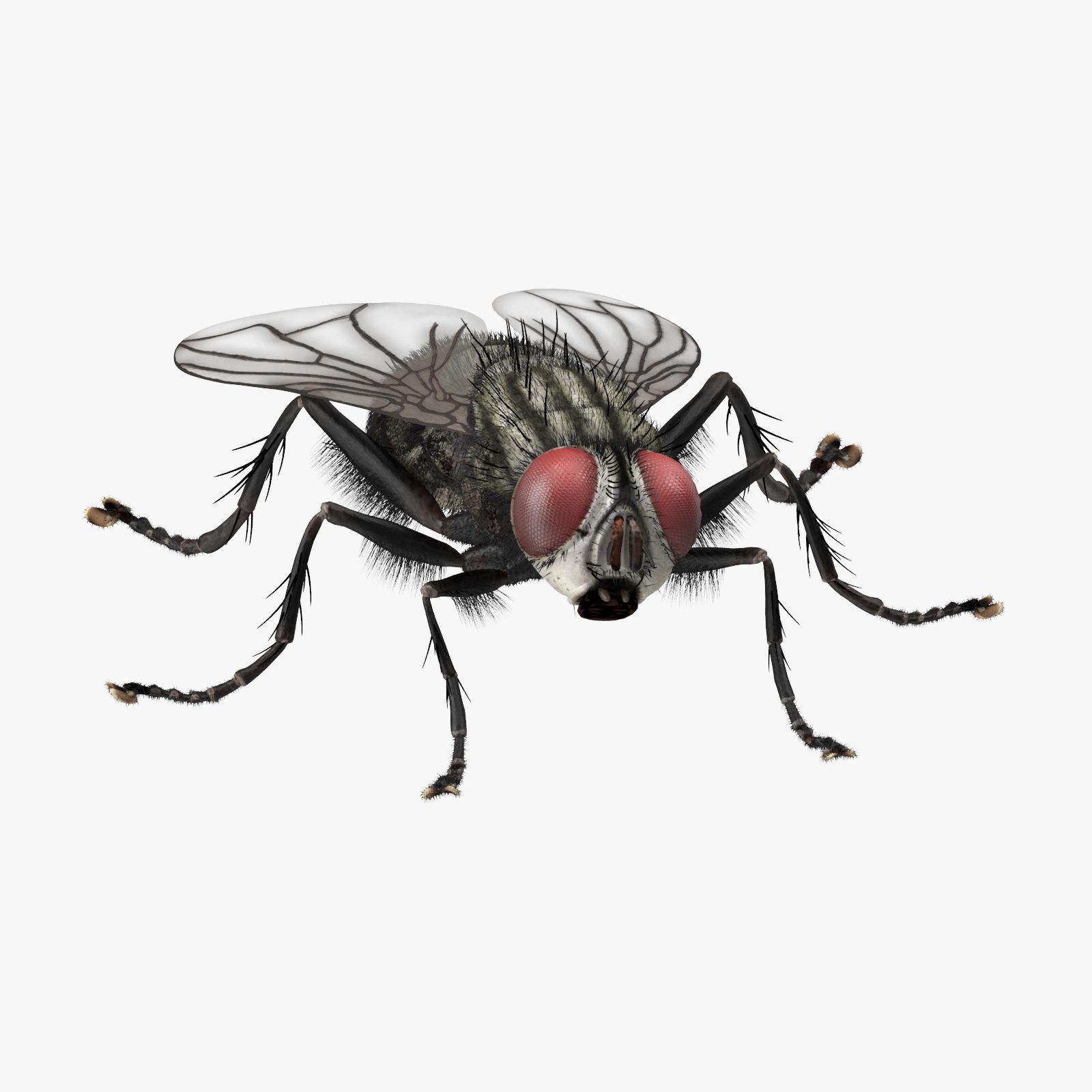


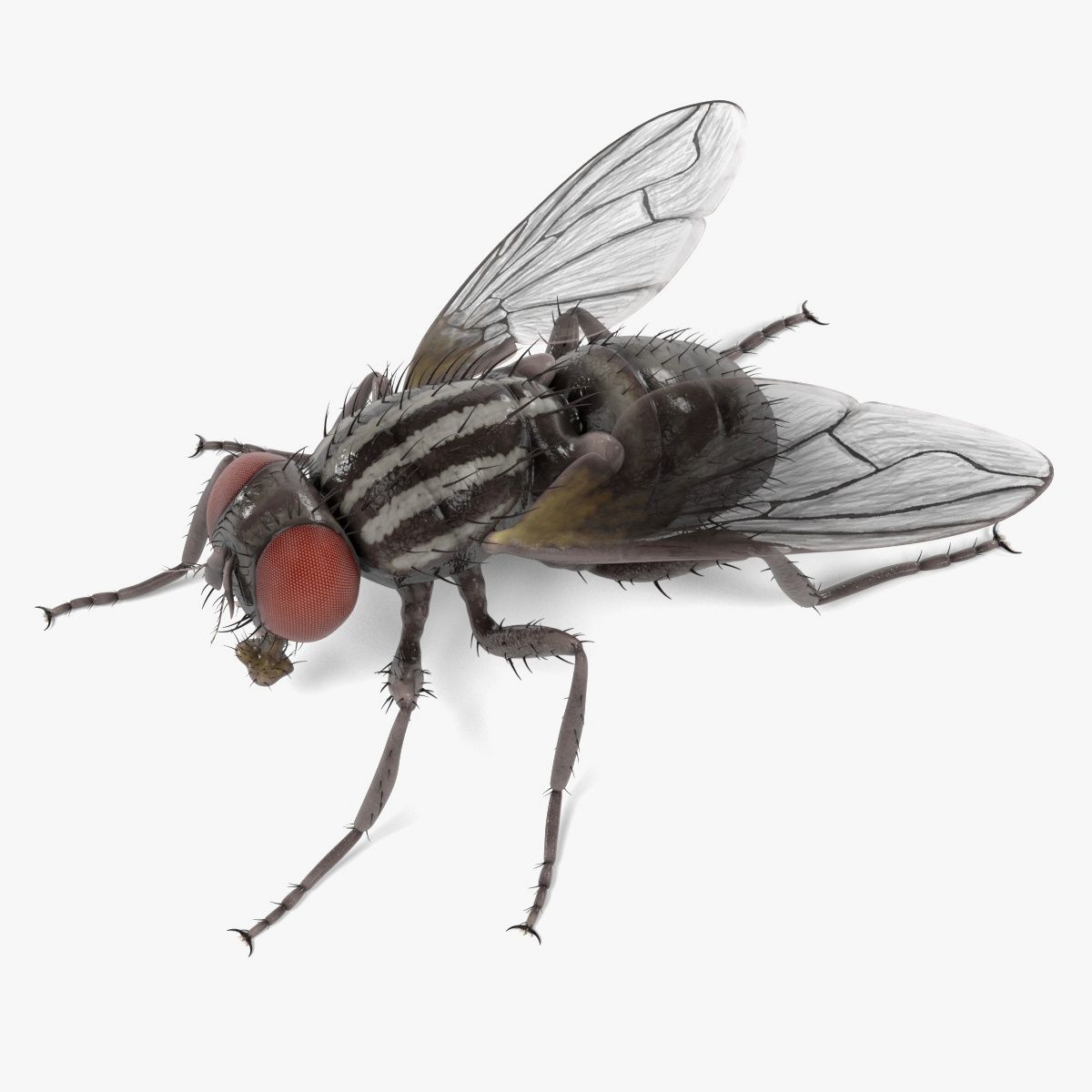
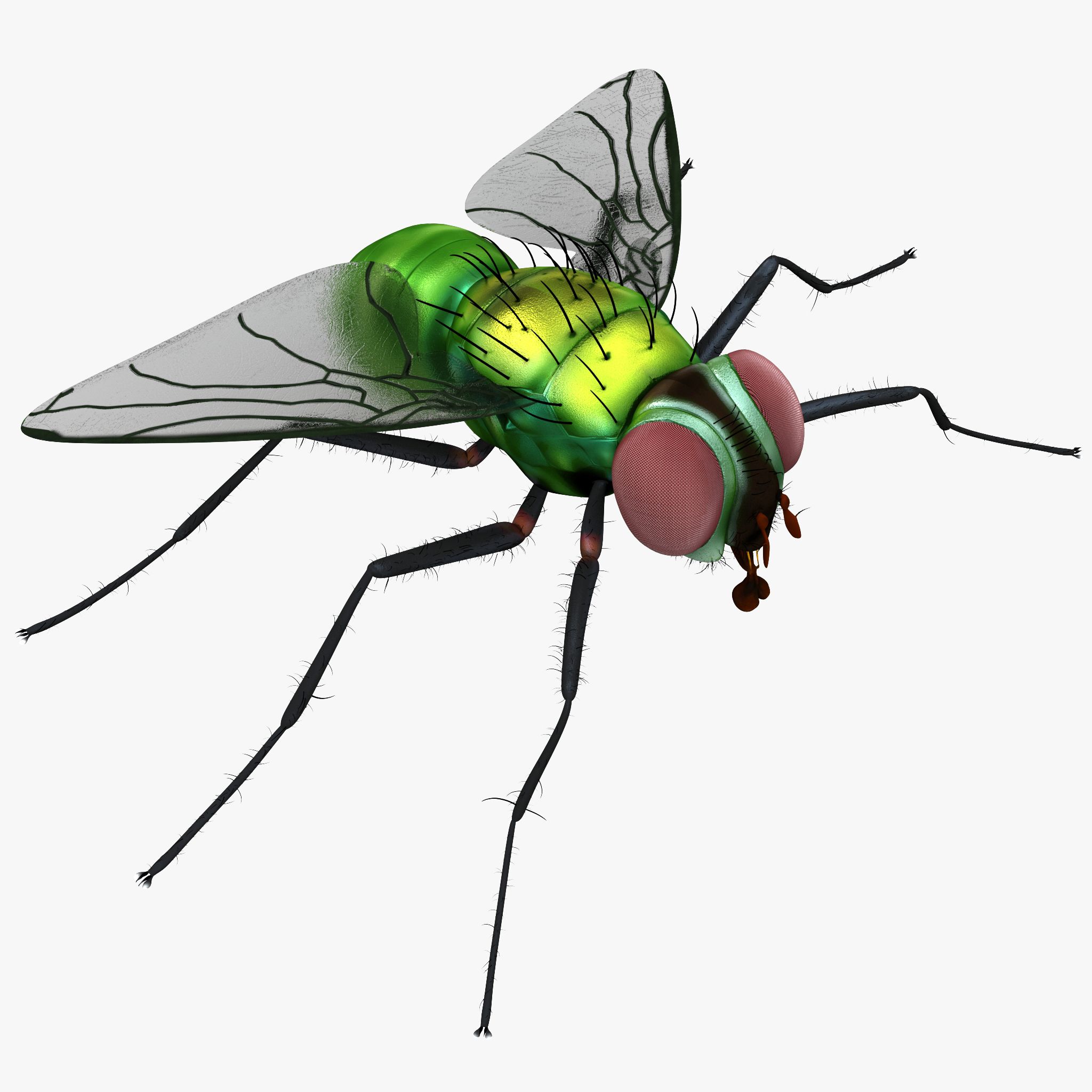
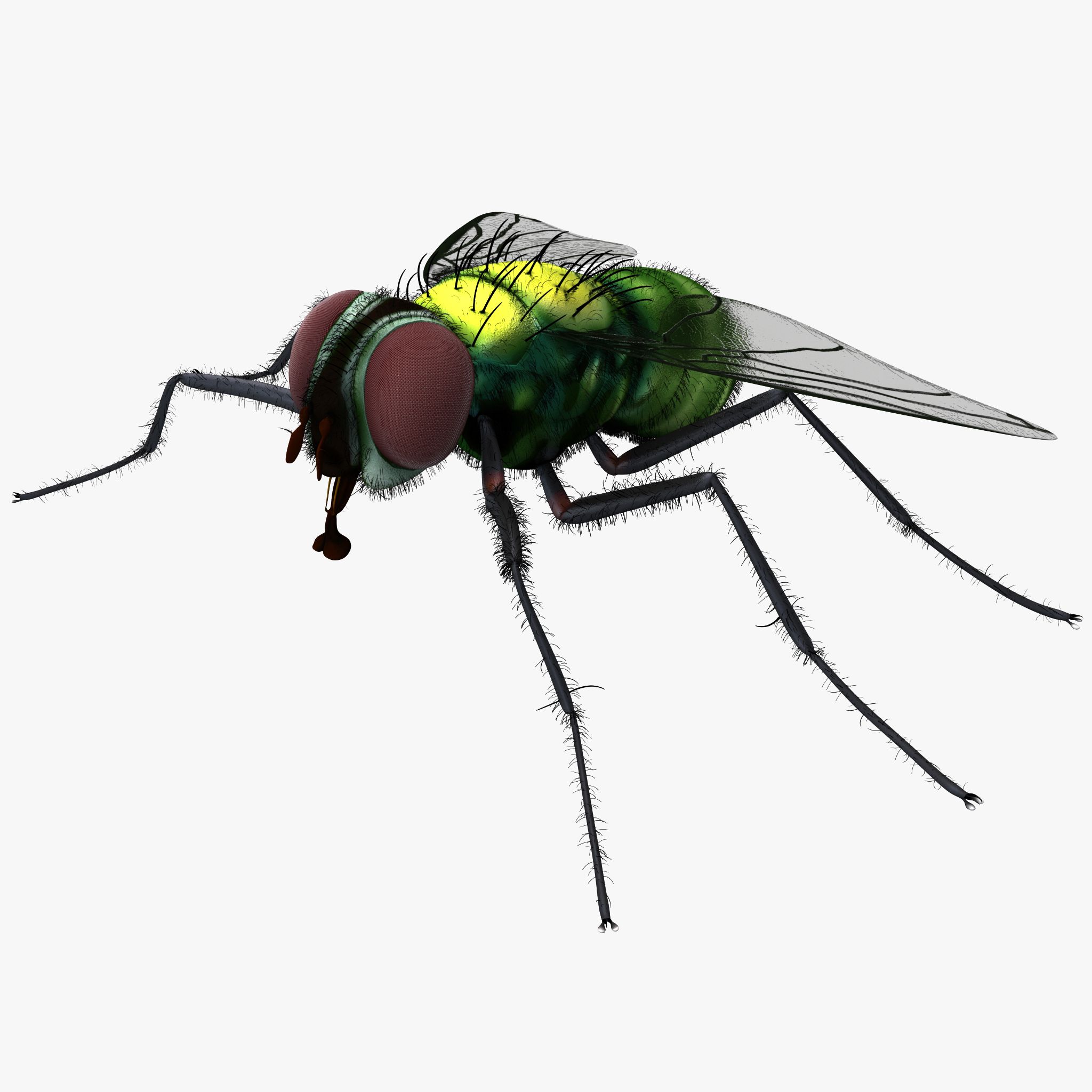
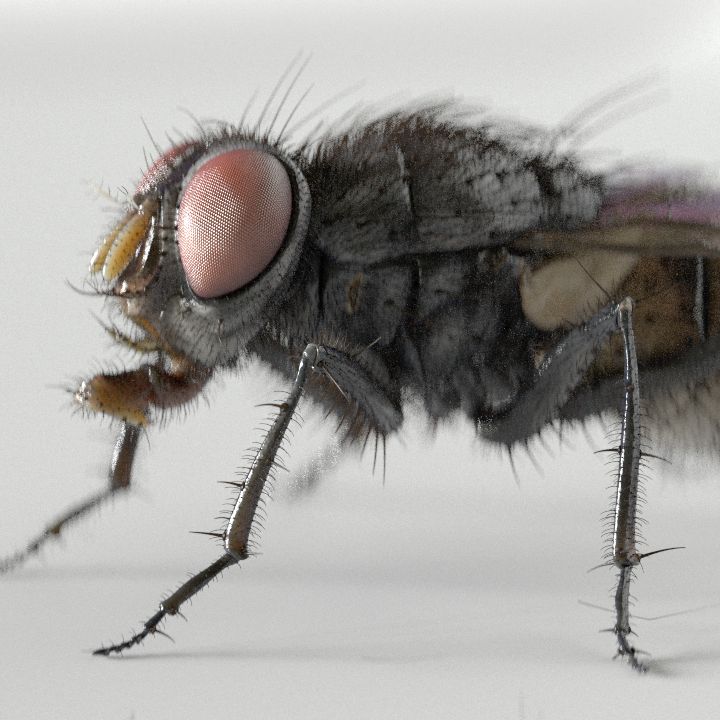


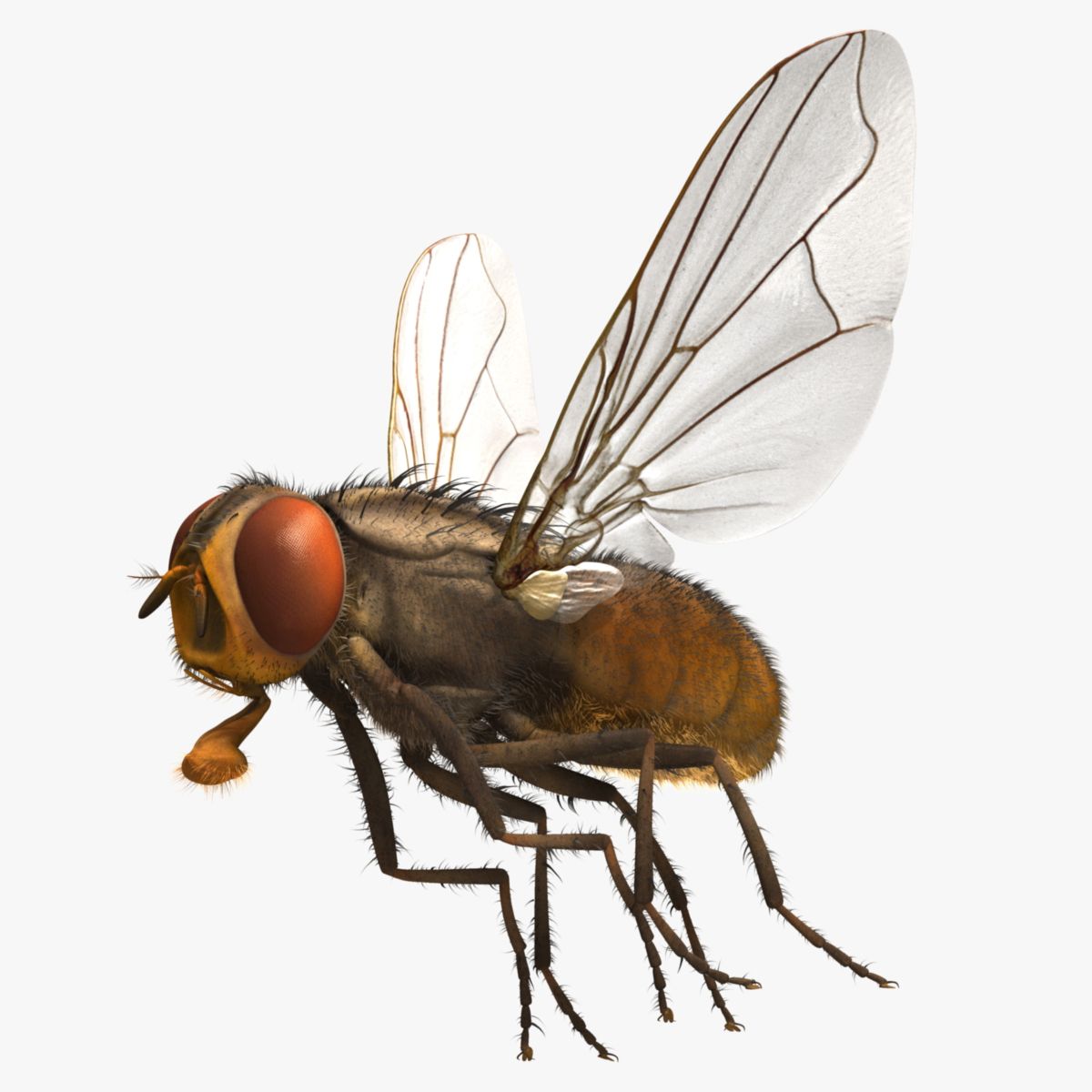
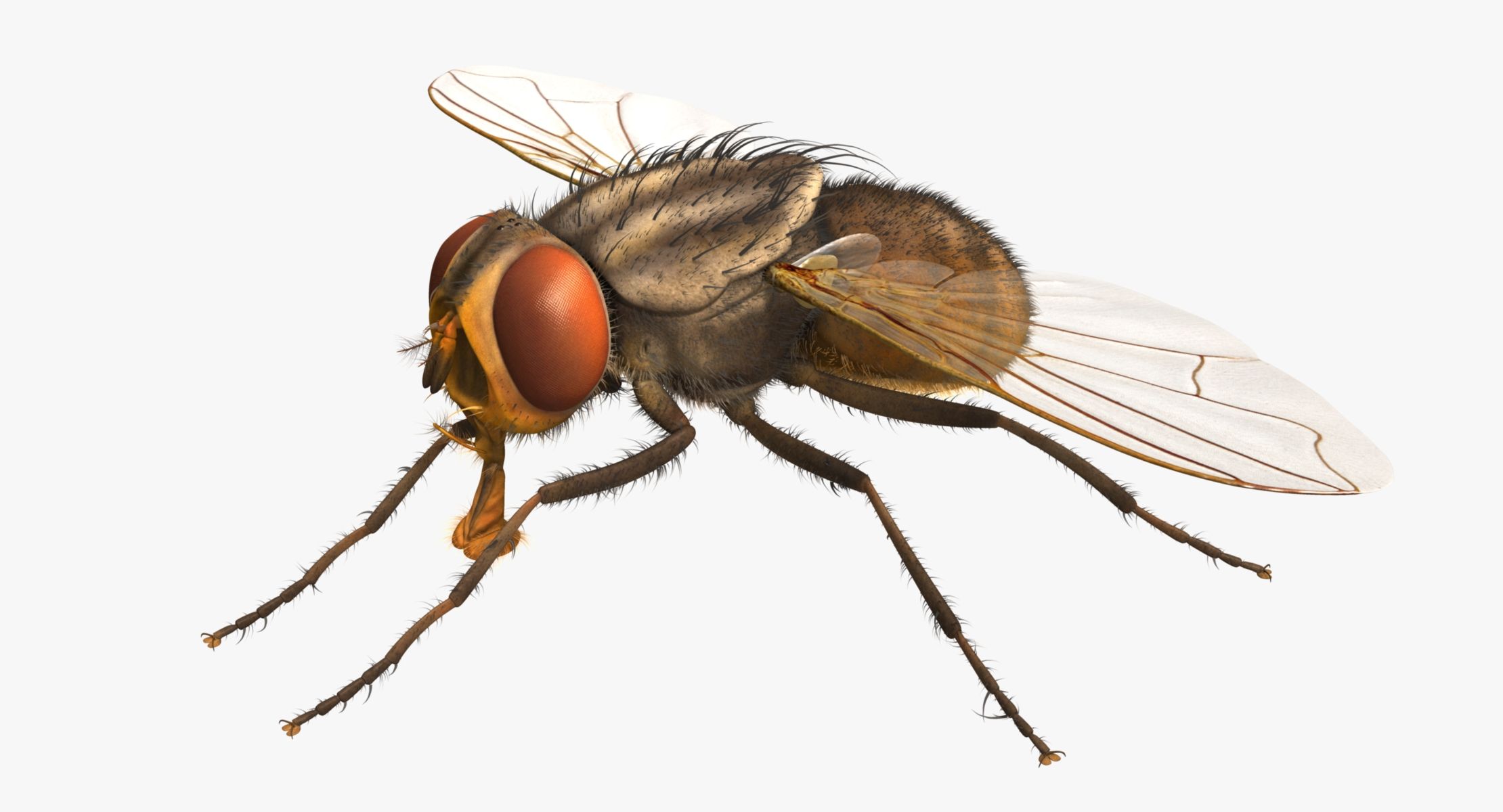
Musca Domestica 'House Fly' 3D Model
0





0
visits

Submitted by
triduza
Specifications
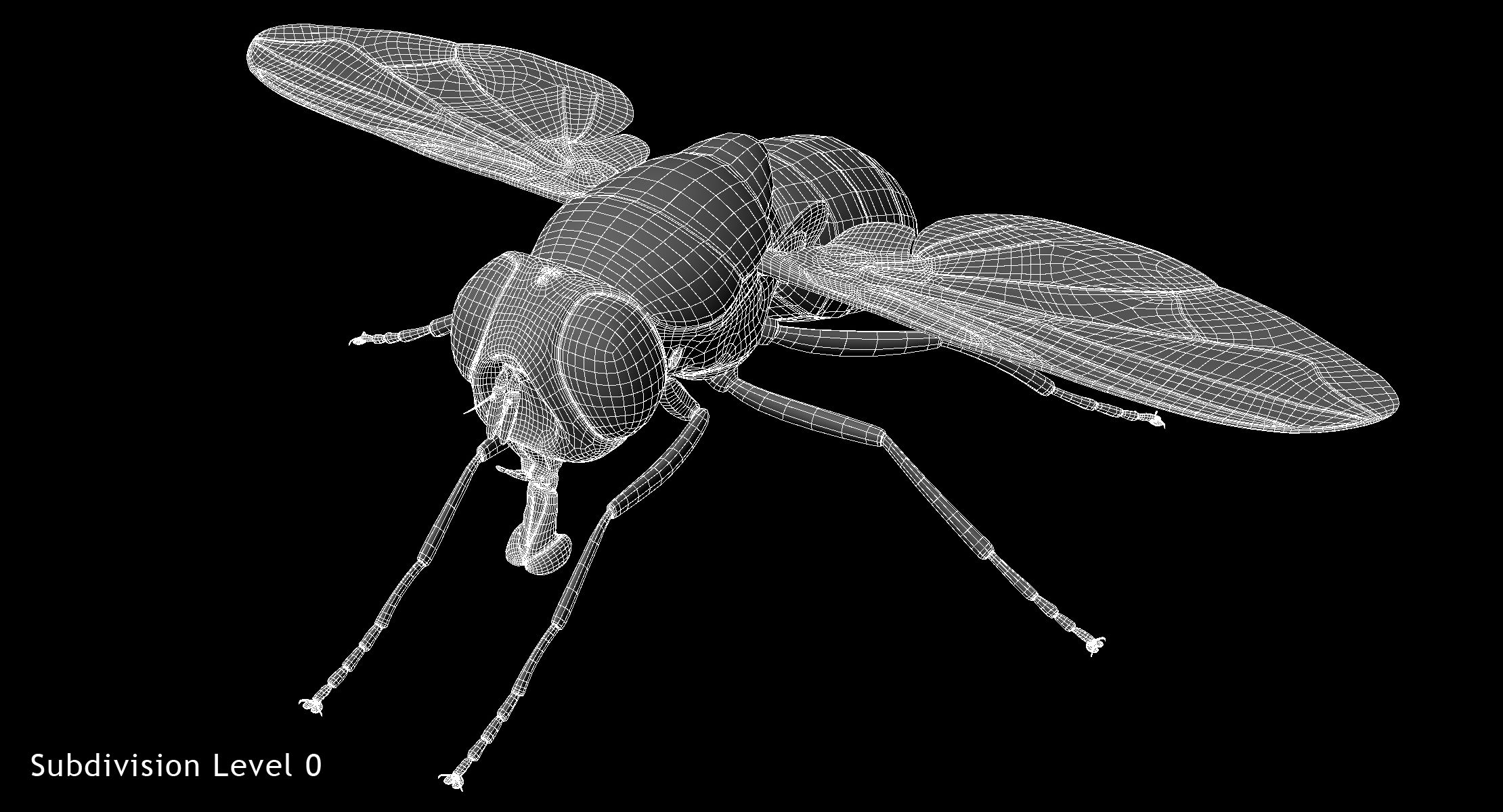
- Geometrypolygonal_quads only
- Polygons30,168
- Vertices30,182
- TexturesYes
- RiggedYes
- AnimatedNo
- 3D Printable ReadyNo
- Game Ready (low poly)No
- UV MappedYes
- Unwrapped UVsmixed
Description
3D model of Musca Domestica 'House Fly' created in Maya 2013.
Real-world scale.
Clean topology with quad polygons only.
All objects properly named.
Model fully rigged and ready for animation.
Please watch attached video with rig preview.
Also rig's readme file attached.
MODEL NOT ANIMATED!
No third party plugins were used, fur created with standard Maya tools.
PLEASE NOTE:
FIXING FUR MAPS PATH
Create new project. Copy .mb files to scenes folder, textures to sourceimages folder and owerwrite renderData folder from archive to projects folder.
Sometimes Maya not update relative path for fur maps and automatically convert them to absolute, you need to check and fix them manually.
In Attribute Editor open Fur properties.
Expand: Details -> Base Color -> Maps
Click on path and delete everything before renderData - this will make file path relative.
Scroll down and repeat this operation for all fur maps
Make sure that you checked all files connected to Fur, you can see all of them in renderData/fur/furAttrMap folder.
FUR_README file added to archive.
Model Exported to .obj format (without fur)
House_Fly_pose0-8.mb using House_Fly.mb as reference.
Polygons:
Faces: 30168
Vertices: 30182
Textures:
body_diff.jpeg (4096x4096)
body_specular.jpeg (1024x1024)
Body_NormalMap.png (4096x4096)
wings_diff.jpeg (2048x2048)
wings_opacity.jpeg (2048x2048)
Wings_NormalMap.png (2048x2048)
zstudiolight.tga (1024x1024) environment map
Rig description:
Main_Control - controls whole model position and rotation
Body_Control - controls body position and rotation
Head_Control - controls head rotation
lantenna_Control1-2 - control left antenna
rantenna_Control1-2 - control right antenna
MouthOpen_Control - opening mouth
Mouth_Control -controls mouth position
lmaxilla_Control - controls left maxillary palp
rmaxilla_Control - controls right maxillary palp
llablum_Control - controls left labial palp
rlablum_Control - controls right labial palp
Abdomen_Control - controls abdomen rotation
lfleg_Control - controls left front leg
lmleg_Control - controls left middle leg
lbleg_Control - controls left back leg
rfleg_Control - controls right front leg
rmleg_Control - controls right middle leg
rbleg_Control - controls right back leg
lfknee_Control1-2 - control left front leg knee
rfknee_Control1-2 - control right front leg knee
lmknee_Control - controls left middle leg knee
rmknee_Control - controls right middle leg knee
lbknee_Control - controls left back leg knee
rbknee_Control - controls right back leg knee
rfwing_Control - controls right wing rotation
lfwing_Control - controls left wing rotation
lcalypter_Control1-2 - controls left calypter rotation
rcalypter_Control1-2 - controls right calypter rotation
lwingbend_Control1-3 - control left wing bending
lwingbend_Control1-3 - control right wing bending
Sep 28, 2020
date added
Mar 01, 2022
last update
Reviews
There are currently no reviews for this product.
Why not be the first one to break the ice?