

-->
ArchitectureVehiclesCharactersAircraftFurnitureElectronicsAnimalsPlantsWeaponsSportsFoodAnatomy
Bookmarked
Bookmark removed

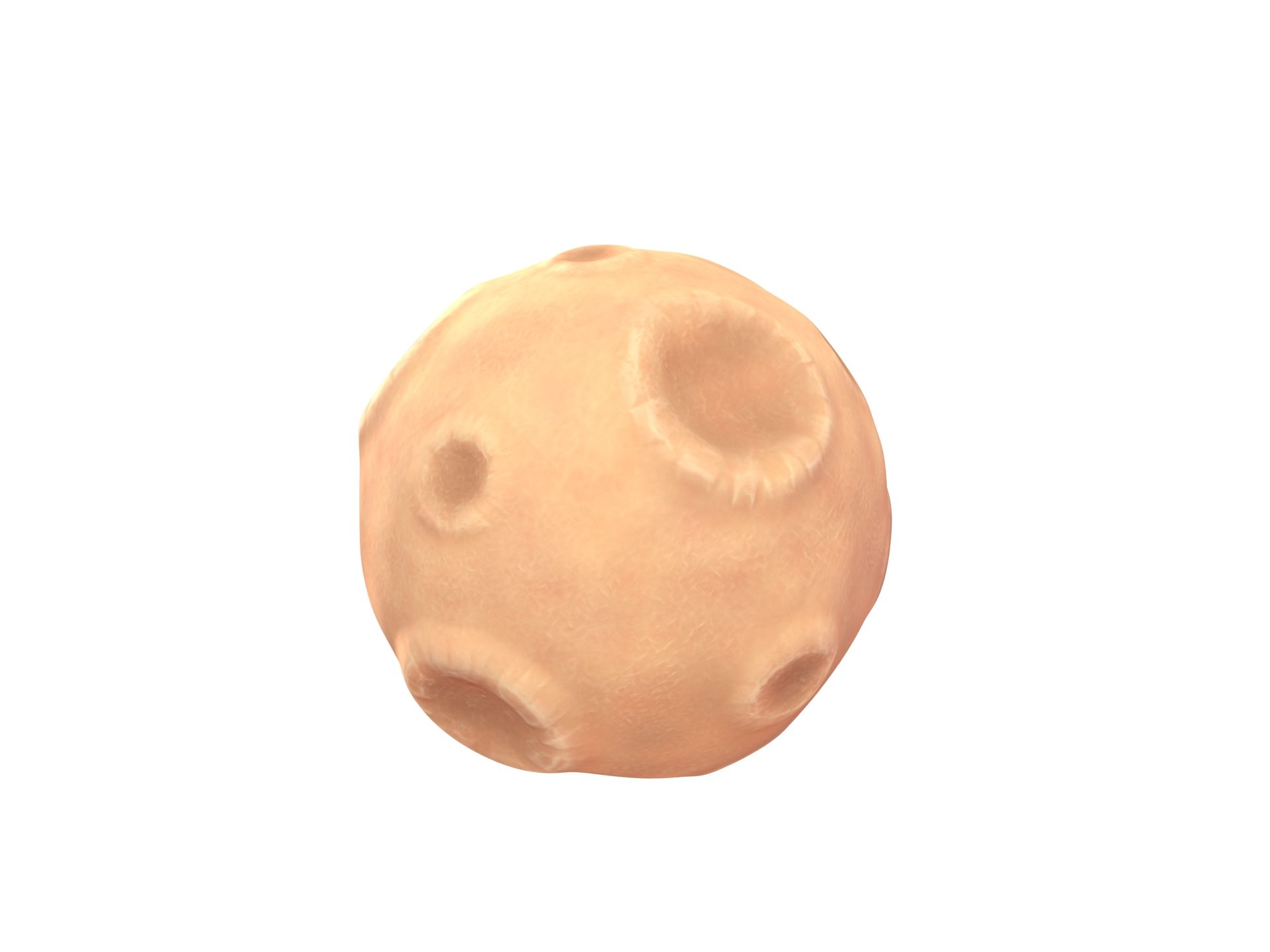
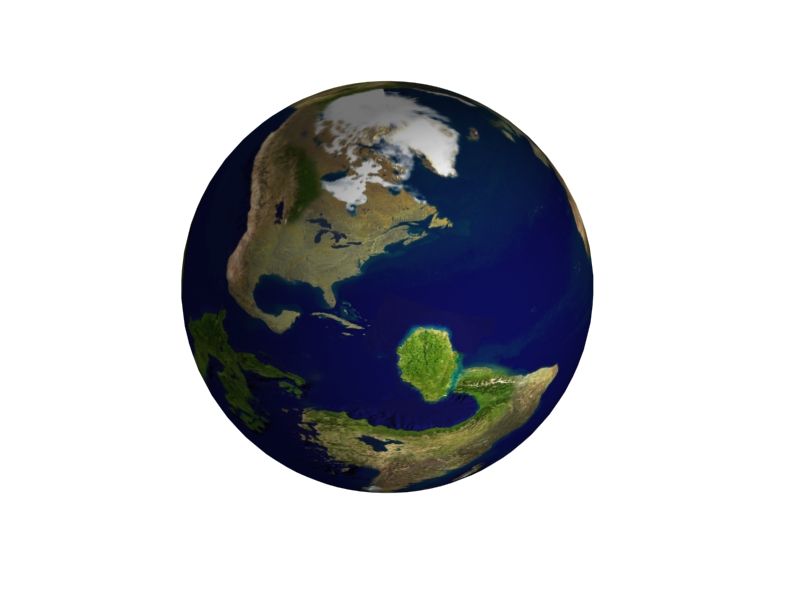
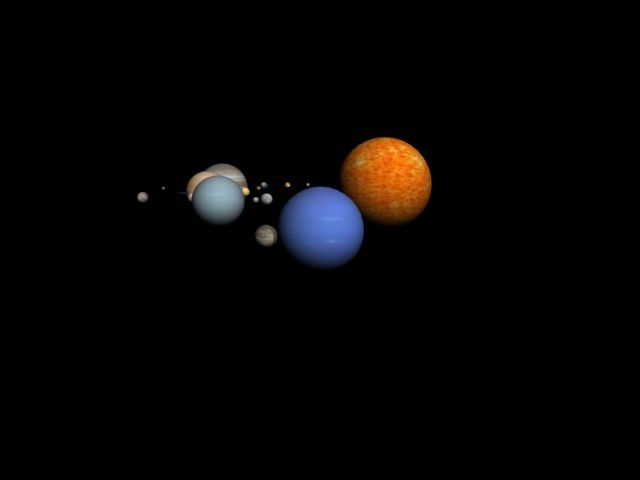
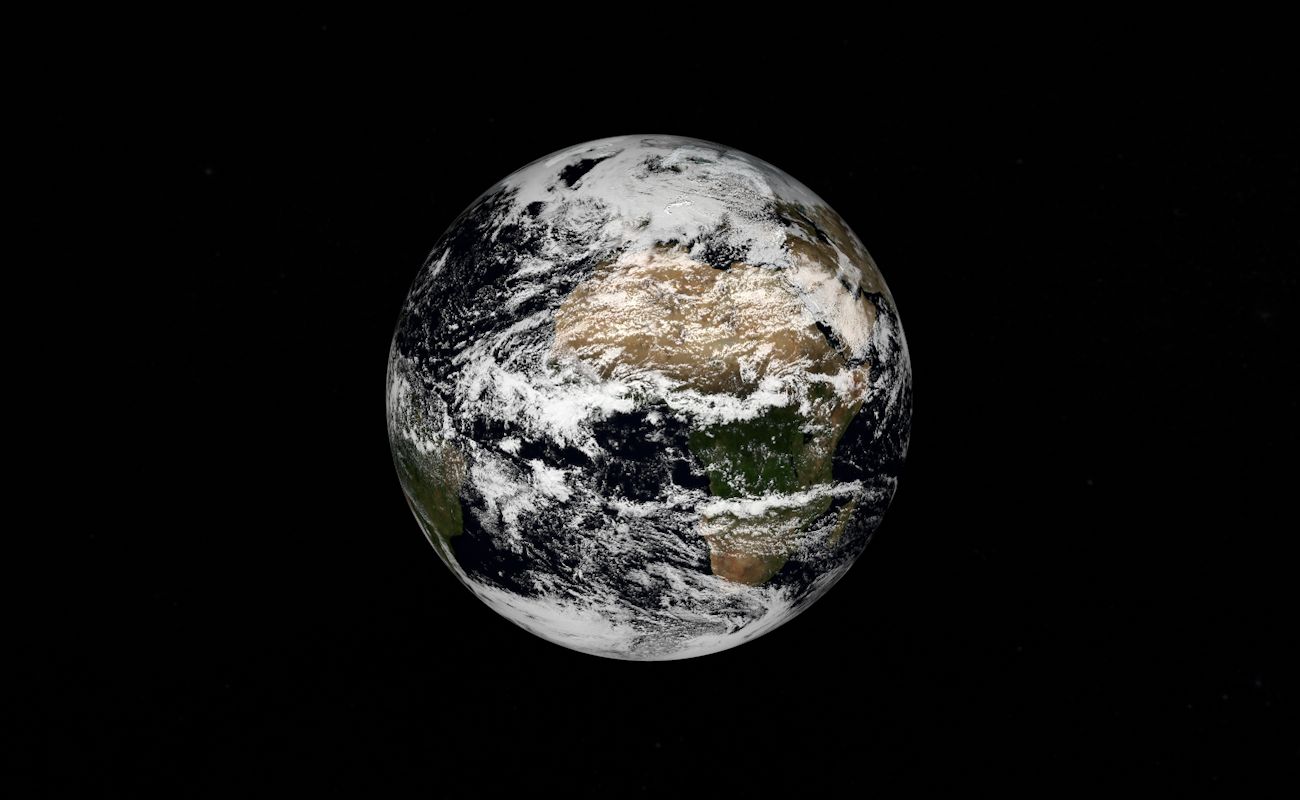
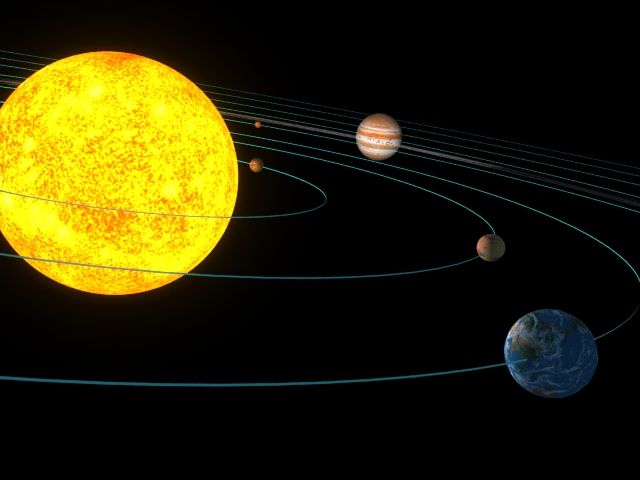
Planet Z7245 3D Model

0
Planet Z7245 royalty-free 3d model - Preview no. 1
Planet Z7245 royalty-free 3d model - Preview no. 2
Planet Z7245 royalty-free 3d model - Preview no. 3
Planet Z7245 royalty-free 3d model - Preview no. 4
Planet Z7245 royalty-free 3d model - Preview no. 5
Planet Z7245 royalty-free 3d model - Preview no. 6
Planet Z7245 royalty-free 3d model - Preview no. 7
Planet Z7245 royalty-free 3d model - Preview no. 8
Planet Z7245 royalty-free 3d model - Preview no. 9
Planet Z7245 royalty-free 3d model - Preview no. 10
Planet Z7245 royalty-free 3d model - Preview no. 11
Planet Z7245 royalty-free 3d model - Preview no. 1
Planet Z7245 royalty-free 3d model - Preview no. 2
Planet Z7245 royalty-free 3d model - Preview no. 3
Planet Z7245 royalty-free 3d model - Preview no. 4
Planet Z7245 royalty-free 3d model - Preview no. 5
Planet Z7245 royalty-free 3d model - Preview no. 6
Planet Z7245 royalty-free 3d model - Preview no. 7
Planet Z7245 royalty-free 3d model - Preview no. 8
Planet Z7245 royalty-free 3d model - Preview no. 9
Planet Z7245 royalty-free 3d model - Preview no. 10
Planet Z7245 royalty-free 3d model - Preview no. 11
Royalty Free LicenseAll extended uses
Simple returns
Best Price Guarantee
Works out of the box
151 visits
Seregamad

Specifications

  • Geometrypolygonal_quads/tris
  • Polygons4,850
  • Vertices4,722
  • TexturesYes
  • RiggedNo
  • AnimatedNo
  • 3D Printable ReadyNo
  • Game Ready (low poly)No
  • UV MappedYes
  • Unwrapped UVsmixed

Formats & Files

Rhino 3d
(.3dm)

Planet Z7245.3dm
Collada
(.dae)
1 MB

Planet Z7245.dae
FBX
(.fbx)

Planet Z7245.fbx
Lightwave
(.lwo)

default_scanline
Planet Z7245.lwo
Luxology Modo
(.lxo)
1 MB

Planet Z7245.lxo
OBJ
(.obj)
33 MB

Planet Z7245_OBJ.zip
OBJ
3 MB

DownCloudDiffusial.png
OBJ
3 MB

UpCloudDiffusial.png
OBJ
33 MB

Textures.zip

Description

Texture: 2x in sphere 2048 - 2048, diffuse, normal, specular, transparent If you use Unity use the Rim shader on material RimEffect When importing 3DS Max, you need to put the transparency texture yourself in the material editor. ready to be imported into the game, I check in Marmorset and KeyShot. Tested in Unity.
Sep 25, 2019 date added
Aug 26, 2021 last update

Reviews

There are currently no reviews for this product.
Why not be the first one to break the ice?