-->
ArchitectureVehiclesCharactersAircraftFurnitureElectronicsAnimalsPlantsWeaponsSportsFoodAnatomy
Bookmarked
Bookmark removed

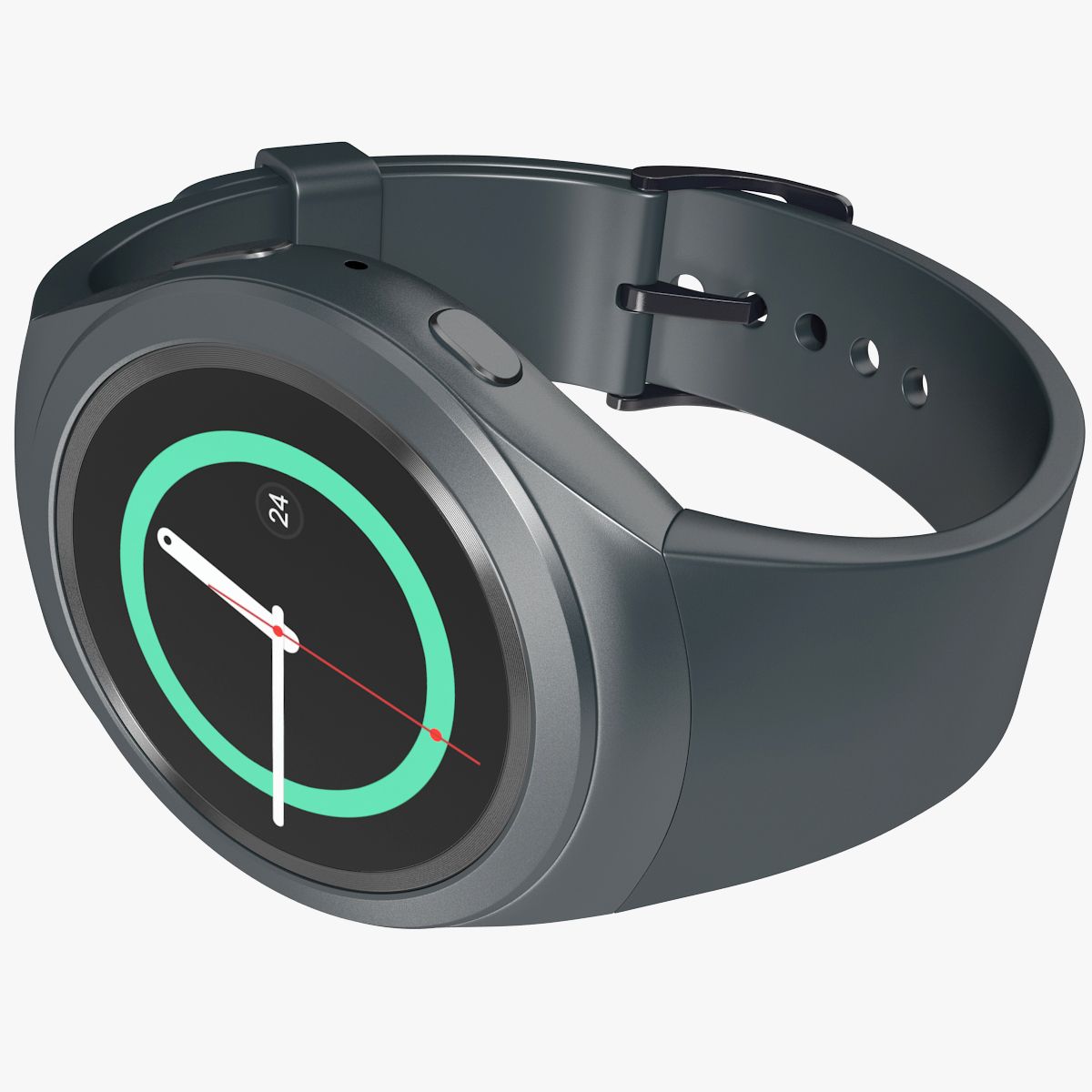
Samsung Gear S2 Element3D V2.2 3D Model

0
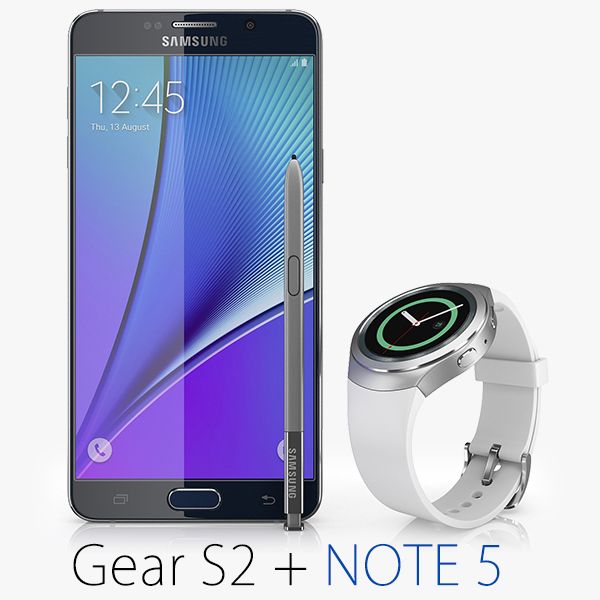
Samsung Gear S2 Element3D V2.2 royalty-free 3d model - Preview no. 1
Samsung Gear S2 Element3D V2.2 royalty-free 3d model - Preview no. 2
Samsung Gear S2 Element3D V2.2 royalty-free 3d model - Preview no. 3
Samsung Gear S2 Element3D V2.2 royalty-free 3d model - Preview no. 4
Samsung Gear S2 Element3D V2.2 royalty-free 3d model - Preview no. 5
Samsung Gear S2 Element3D V2.2 royalty-free 3d model - Preview no. 6
Samsung Gear S2 Element3D V2.2 royalty-free 3d model - Preview no. 7
Samsung Gear S2 Element3D V2.2 royalty-free 3d model - Preview no. 8
Samsung Gear S2 Element3D V2.2 royalty-free 3d model - Preview no. 1
Samsung Gear S2 Element3D V2.2 royalty-free 3d model - Preview no. 2
Samsung Gear S2 Element3D V2.2 royalty-free 3d model - Preview no. 3
Samsung Gear S2 Element3D V2.2 royalty-free 3d model - Preview no. 4
Samsung Gear S2 Element3D V2.2 royalty-free 3d model - Preview no. 5
Samsung Gear S2 Element3D V2.2 royalty-free 3d model - Preview no. 6
Samsung Gear S2 Element3D V2.2 royalty-free 3d model - Preview no. 7
Samsung Gear S2 Element3D V2.2 royalty-free 3d model - Preview no. 8
29
00
Royalty Free LicenseEditorial Only
Simple returns
Best Price Guarantee
Works out of the box
0 visits
Frezzy

Specifications

  • Geometrypolygonal_quads/tris
  • Polygons12,683
  • Vertices13,184
  • TexturesYes
  • RiggedNo
  • AnimatedNo
  • 3D Printable ReadyNo
  • Game Ready (low poly)No
  • UV MappedYes
  • Unwrapped UVsmixed

Formats & Files

OBJ
(.obj)
2 MB

Samsung Gear S2 - OBJ.rar
Cinema 4D
(.c4d)
3 MB

default_scanline R12
Samsung Gear S2 - C4D.rar
(.unknown)
6 MB

Samsung Gear S2 E3D.rar

Description

This pack: Element 3D V2.2 ( All colors ) models preset easy to use - 1 file OBJ High poly - 1 file OBJ standard - 1 file C4D R12 standard render - E3D file full materials set up like previews How to use it? 1. Open After Effects CC 2014 ( or higher) and create new composition ( You need Element3D V2.2 to use ) 2. Create new Solid layer and add Element effect. ( Effect/Video Copilot/ Element ) 3. Click Scene Setup 4. Click on IMPORT inside Element3D scene setup 5. Choose my .e3d preset for the model and press Open. If you dont see the model do not forget to right click on the model name and press Replace model then select the .obj model file in the respective models folder.
Aug 04, 2020 date added
Mar 01, 2022 last update

Reviews

There are currently no reviews for this product.
Why not be the first one to break the ice?