





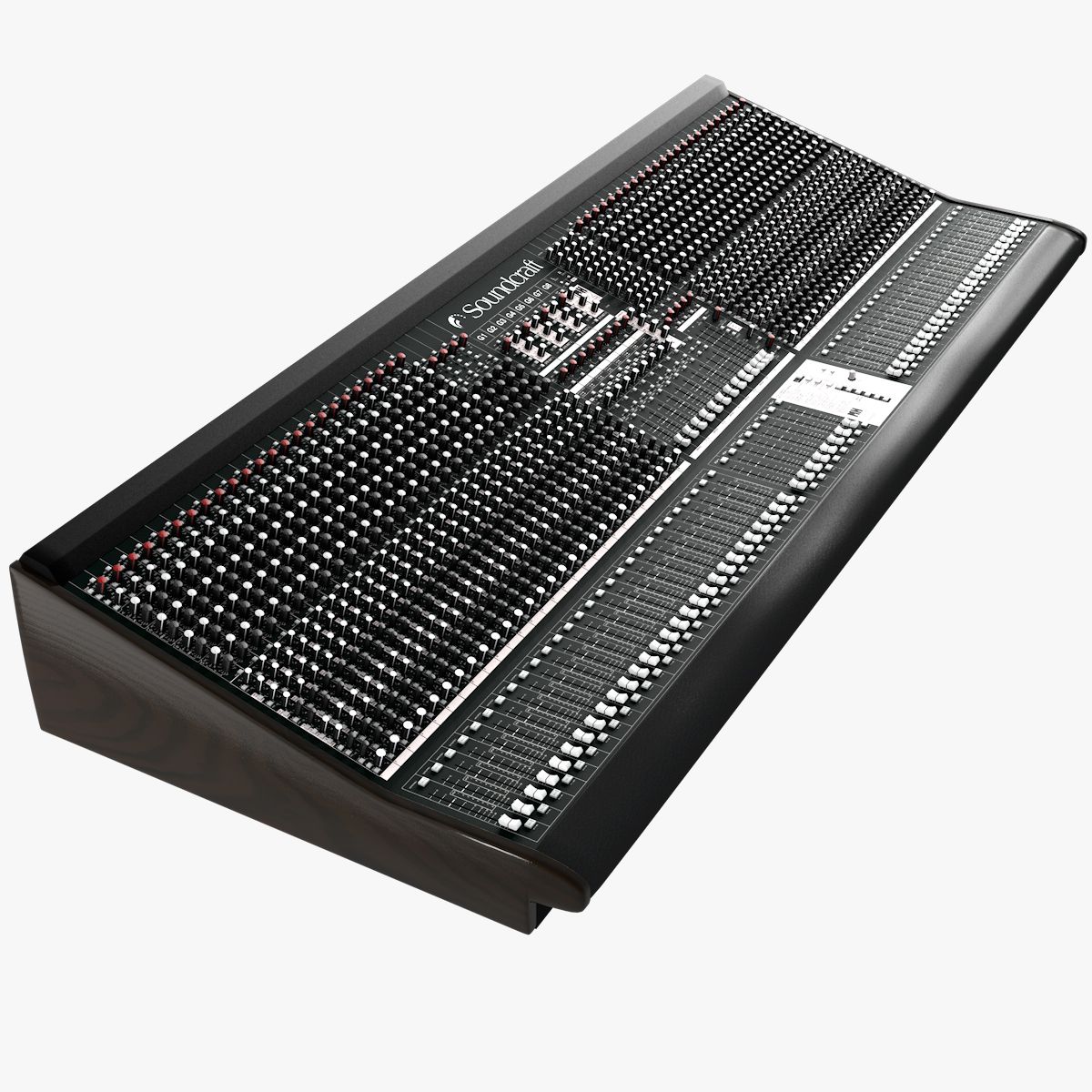
Sound Mixing Board 3D Model
0




0
visits

Submitted by
3D Shop
Specifications
- Geometrypolygonal_quads/tris
- Polygons207,761
- Vertices205,488
- TexturesYes
- RiggedNo
- AnimatedNo
- 3D Printable ReadyNo
- Game Ready (low poly)No
- UV MappedYes
- Unwrapped UVsnon-overlapping
Description
|| GENERAL ||
Originally created with Cinema 4D R14.025
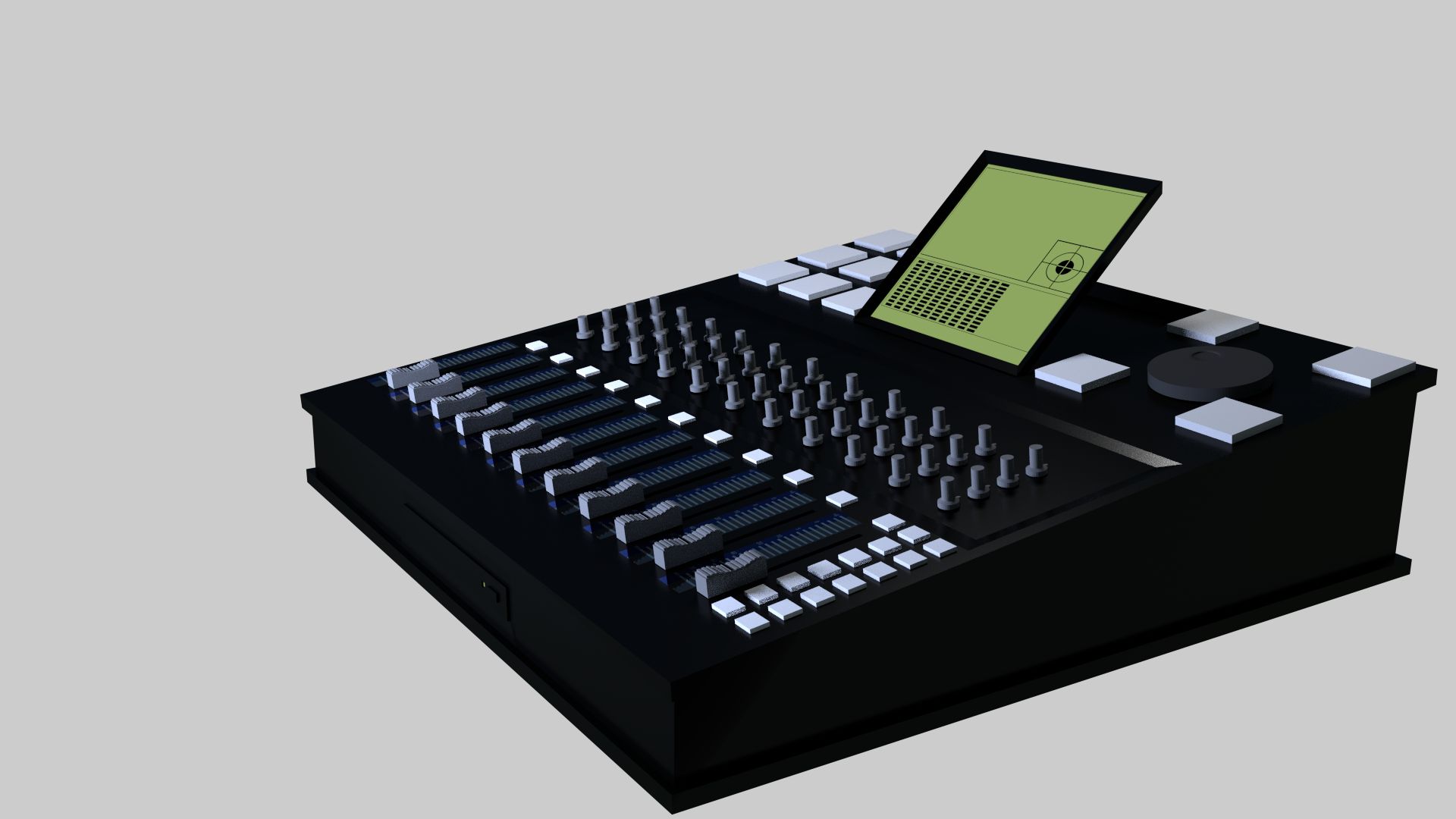
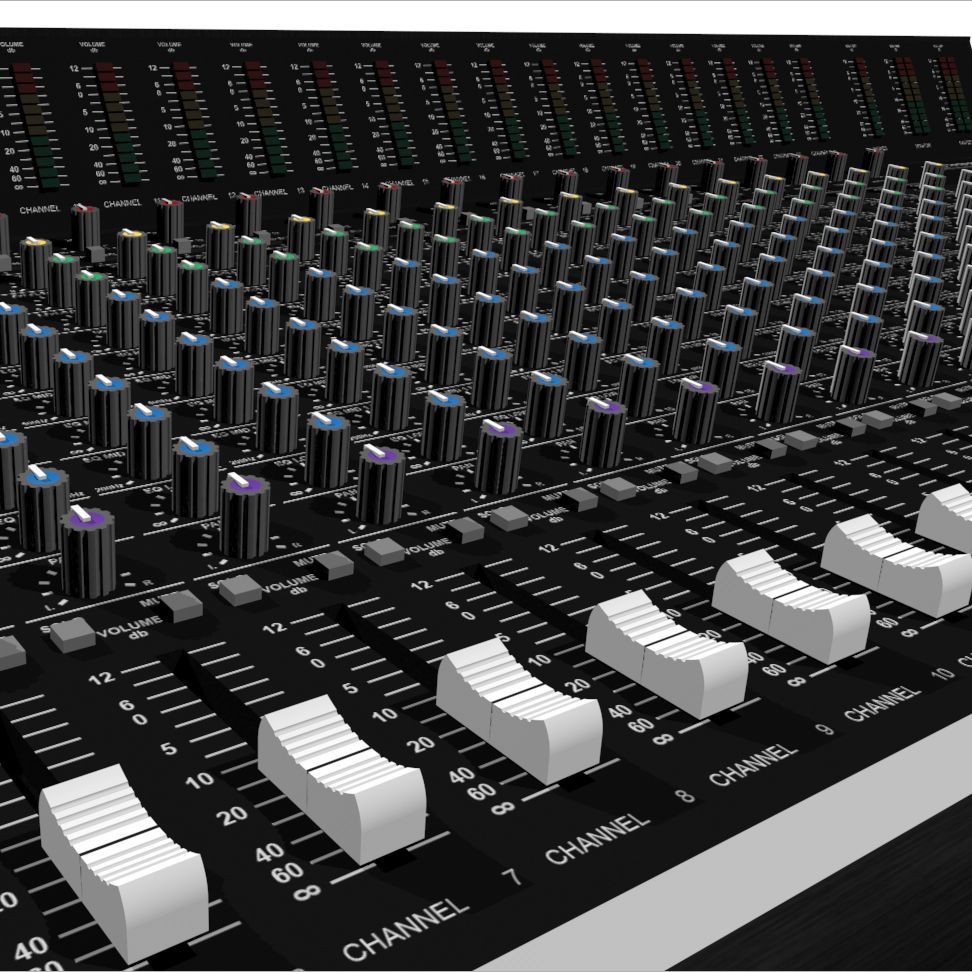
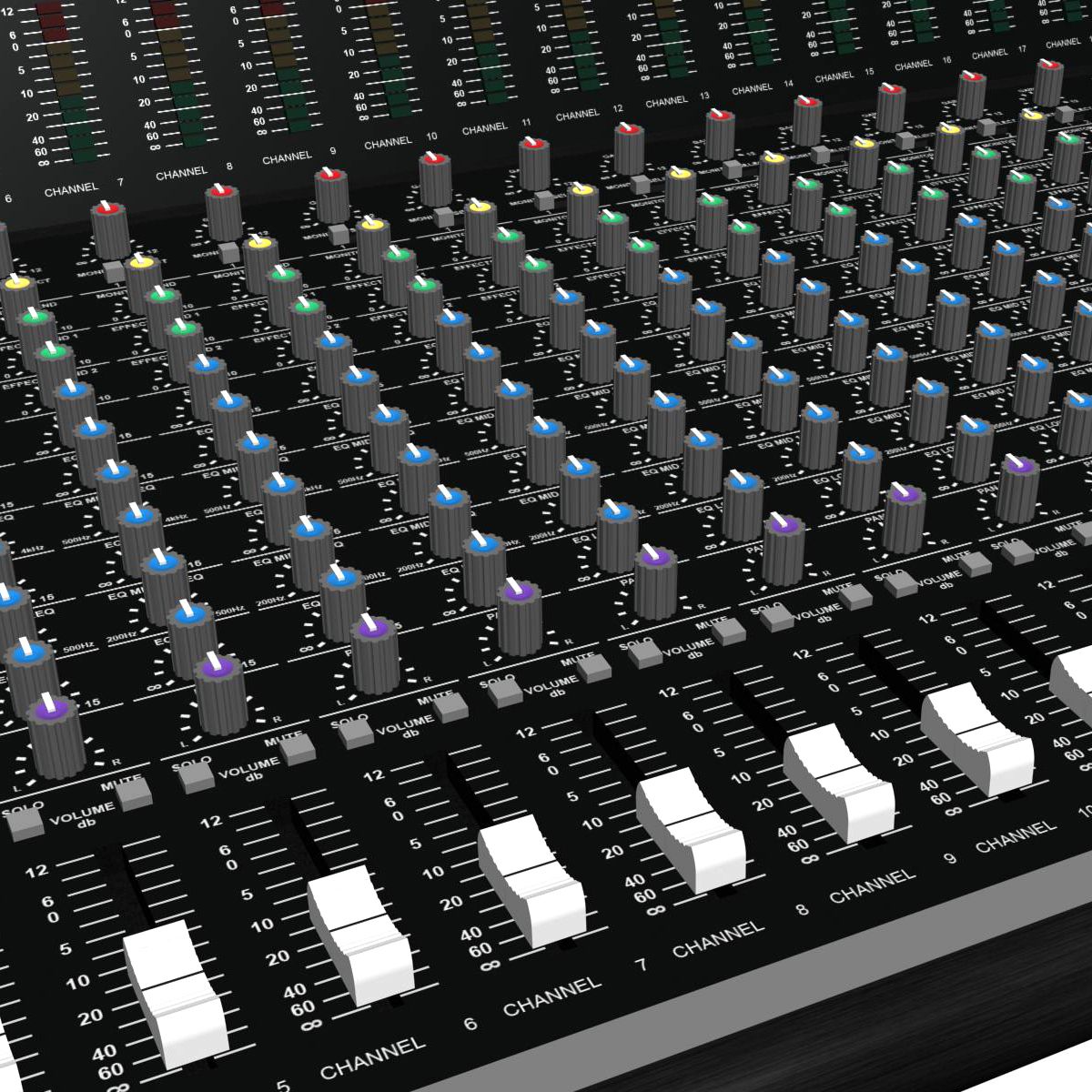
- This is a model of a 52 Channel Audio Mixing Console
- The model is based off of the Soundcraft MH2 but does not match exactly.
- Model is built to real-world scale. Units used: inches
- All materials are organized by layers.
- No third-party renderer or plug-ins needed.
- Extreme care put into clean edge-flow and topology.
- Objects are named and grouped appropriately.
- Subdivision level can be determined by object type i.e. knobs, sliders, buttons, body, etc.
- Optimized for smoothing so you can go as close up as you like or have lower smoothing levels for faster renders.
|| USAGE ||
This model is suitable for use in broadcast, high-res film close-ups, advertising, design, visualization, etc.
|| SPECS ||
This model contains:
7,212 separate objects
207,761 polygons
187,774 quads
19,987 tris
0 n-gons
|| PRESENTATION IMAGES ||
- Rendered with Cinema 4D's Advanced Render. If you render this file using a different version of this renderer, you may not have the same results as you see in the thumbnails.
- Product is ready to render out-of-the-box. LIghts and cameras are included in the file.
|| TEXTURES ||
Textures included are as follows:
TIFF Images at 8192 x 8192 resolution:
rear_panel_color
rear_panel_transparency
top_bump
top_color
wrist_pad_bump
wrist_pad_color
TIFF Images at 4086 x 4086 resolution:
side_panel_bump
side_panel_color
wood_bump
TIFF Images at 600 x 600 resolution:
button_blank
button_text_m1
button_text_m2
button_text_m3
button_text_m4
button_text_m5
button_text_m6
button_text_mute
button_text_solo
1 HDR image
2 .ai files for the Top and Rear Textures.
Original Adobe Illustrator files for the Top and Rear are included for easy changes.
|| ADDITIONAL NOTES ||
- File formats other than c4d exported as base mesh (not smoothed)
- By default objects other than the body will not be visible in the editor view. This is in order to optimize editor speed.
Aug 13, 2020
date added
Aug 03, 2023
last update
Reviews
There are currently no reviews for this product.
Why not be the first one to break the ice?