-->
ArchitectureVehiclesCharactersAircraftFurnitureElectronicsAnimalsPlantsWeaponsSportsFoodAnatomy
Bookmarked
Bookmark removed

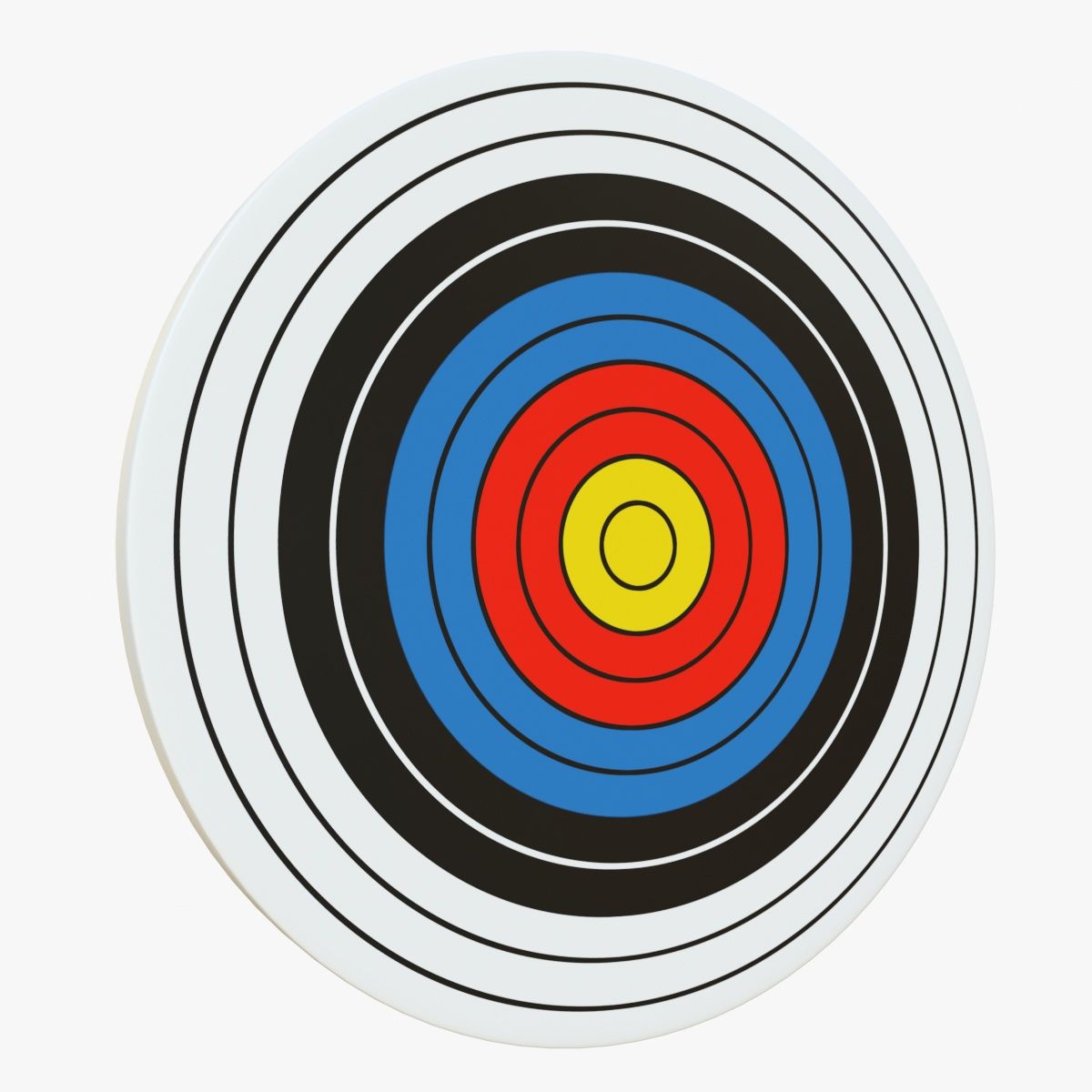
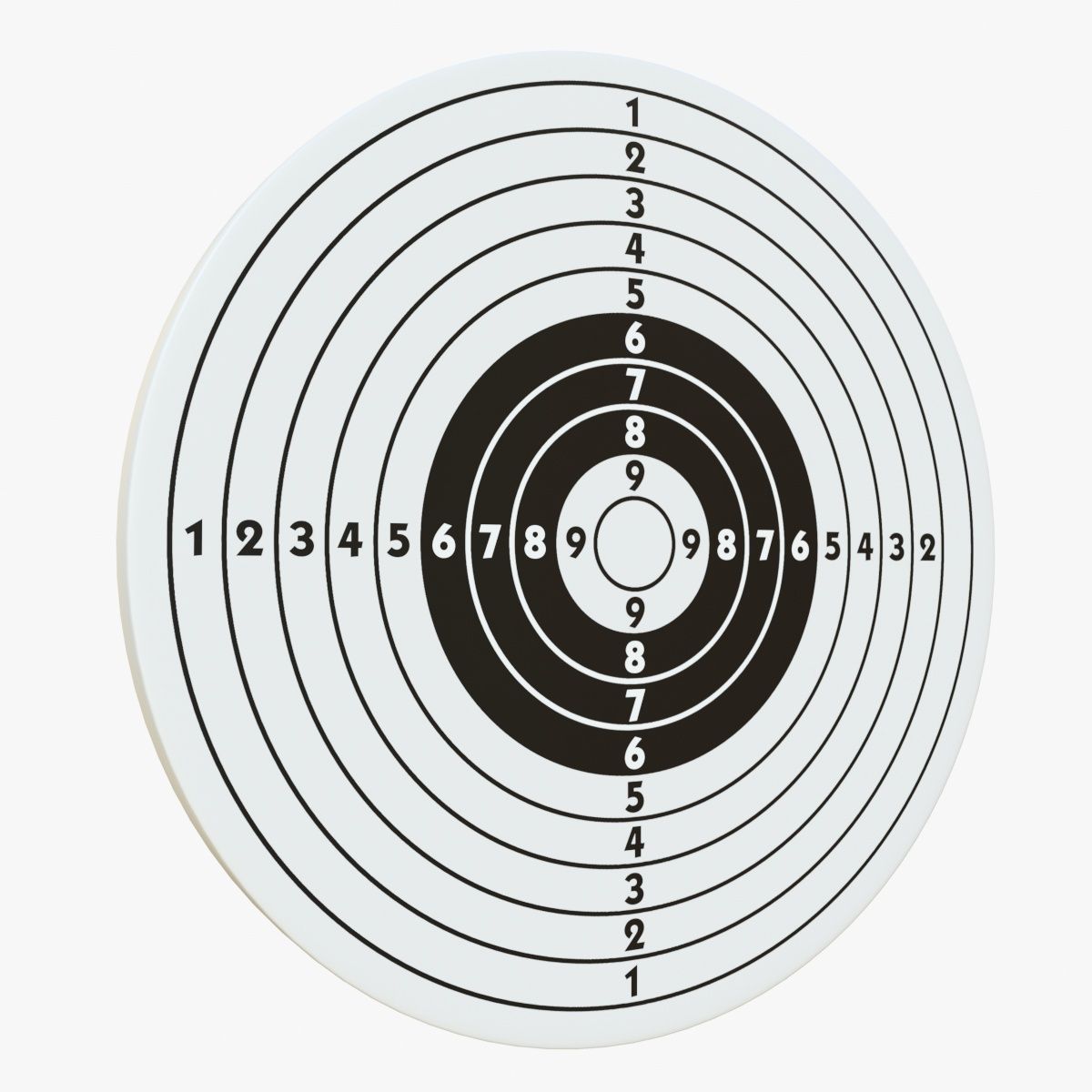
Target with arrows in the center 3D Model

0
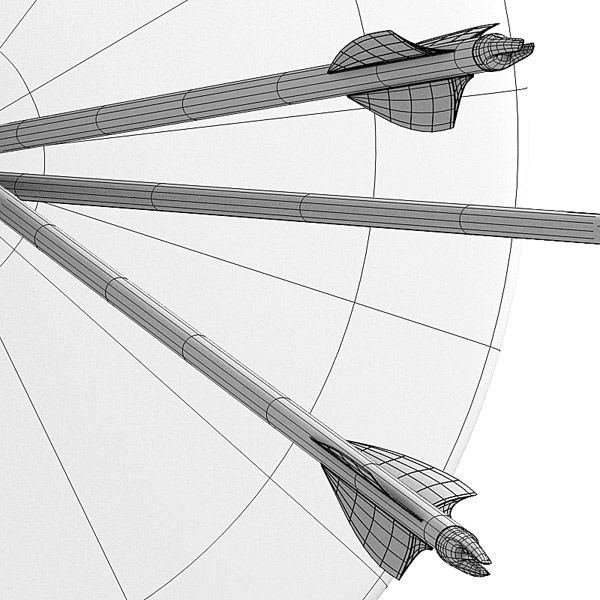
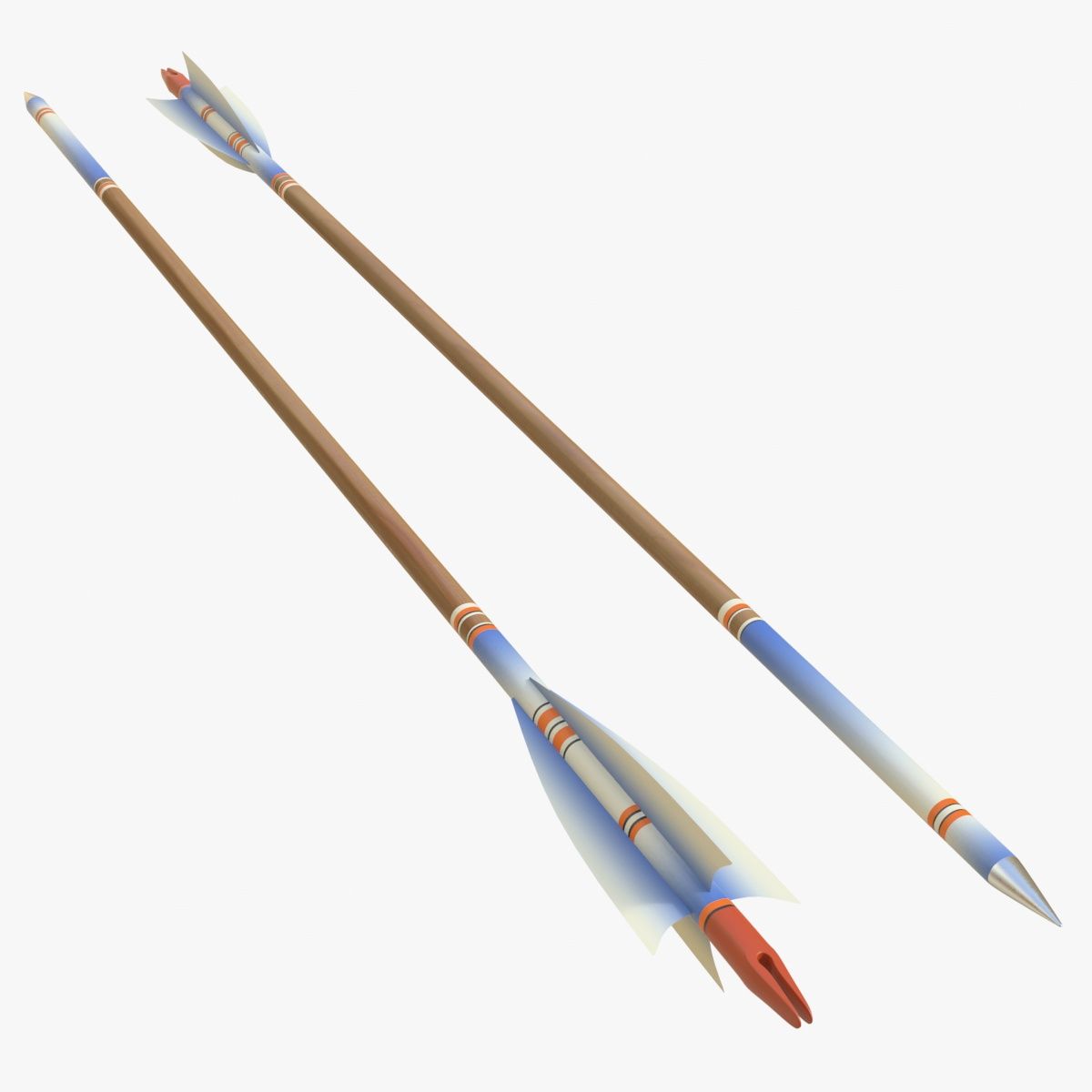
Target with arrows in the center royalty-free 3d model - Preview no. 1
Target with arrows in the center royalty-free 3d model - Preview no. 2
Target with arrows in the center royalty-free 3d model - Preview no. 3
Target with arrows in the center royalty-free 3d model - Preview no. 4
Target with arrows in the center royalty-free 3d model - Preview no. 5
Target with arrows in the center royalty-free 3d model - Preview no. 6
Target with arrows in the center royalty-free 3d model - Preview no. 1
Target with arrows in the center royalty-free 3d model - Preview no. 2
Target with arrows in the center royalty-free 3d model - Preview no. 3
Target with arrows in the center royalty-free 3d model - Preview no. 4
Target with arrows in the center royalty-free 3d model - Preview no. 5
Target with arrows in the center royalty-free 3d model - Preview no. 6
24
00
Royalty Free LicenseAll extended uses
Simple returns
Best Price Guarantee
Works out of the box
0 visits
Guido Vrola

Specifications

  • Geometrysubdivision
  • Polygons5,571
  • Vertices5,561
  • TexturesYes
  • RiggedNo
  • AnimatedNo
  • 3D Printable ReadyNo
  • Game Ready (low poly)No
  • UV MappedYes
  • Unwrapped UVsnon-overlapping

Formats & Files

OBJ
(.obj)
10 MB

Target_Arrows_OBJ.zip
FBX
(.fbx)
10 MB

Target_Arrows_FBX.zip
Blender
(.blend)
10 MB

Target_Arrows_BLEND.zip
3DS
(.3ds)
10 MB

Target_Arrows_3DS.zip

Description

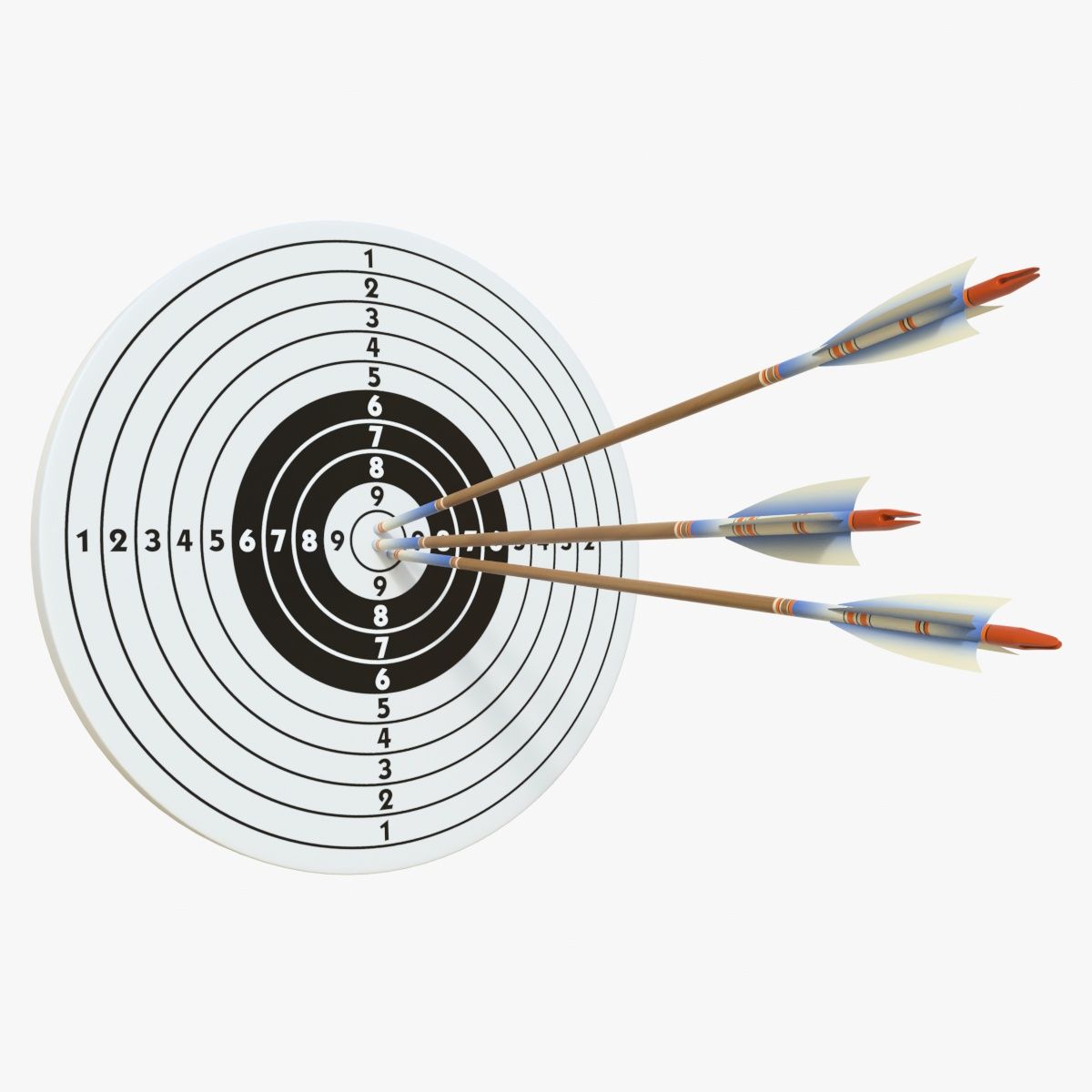
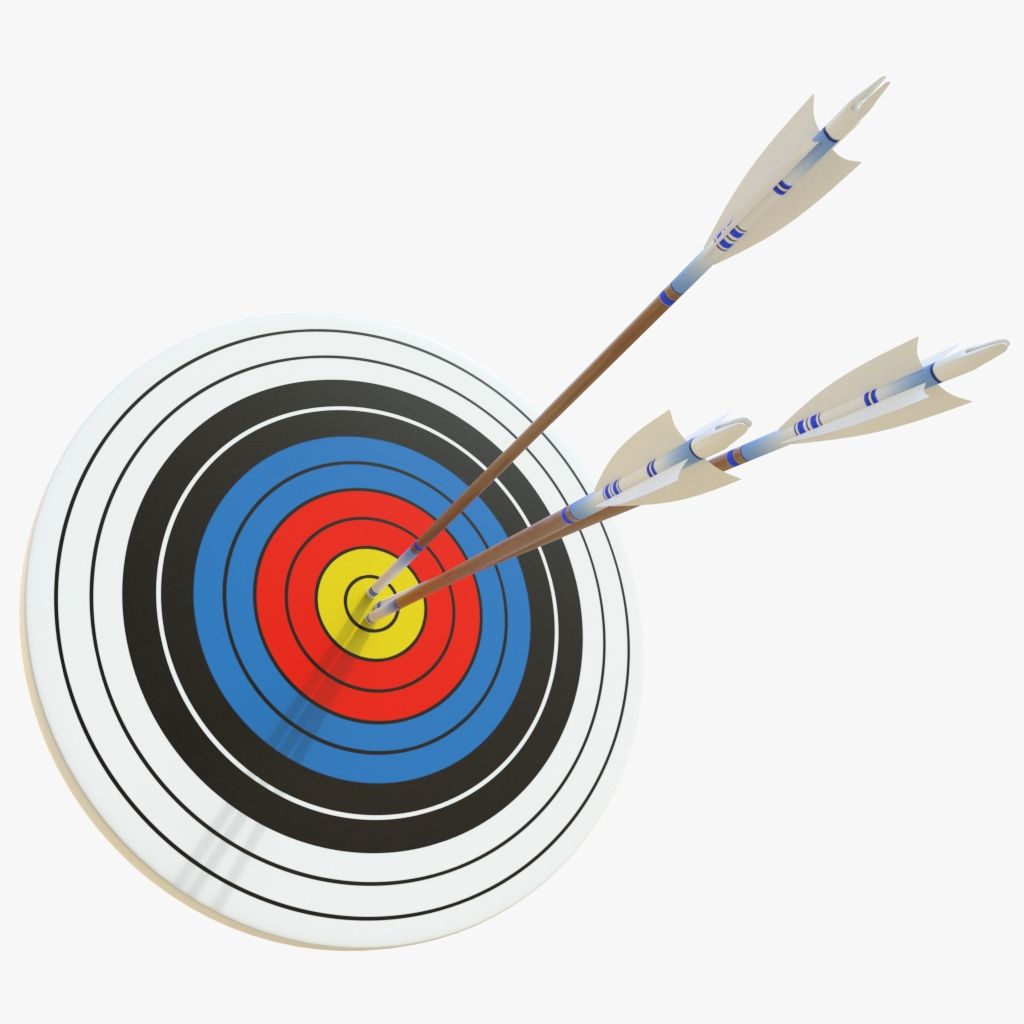
High resolution, very detailed 3D model of a target with three arrows in the center. Modelled in Blender 2.68 with materials and high resolution textures, for very accurate detail rendering. Ready to be rendered with Yafaray as shown in the pictures. This model require a 2.68 Blender built with Yafaray render plugin. Different builts can give a little different results. This model has a clean quads based geometry and it is exported in .3ds, .fbx and .obj. The model can be subdivided according to your needs. Subdivion surfaces methods such as Meshsmooth perfectly working. Materials only works in Blender, but textures are still usefull in other formats.
May 27, 2020 date added
Feb 05, 2022 last update

Reviews

There are currently no reviews for this product.
Why not be the first one to break the ice?