




Tür 02 3D-Modell
1


Royalty Free LicenseAlle erweiterten Anwendungen
Einfache Rückgabe
Best-Preis-Garantie
Funktioniert aus dem Kasten heraus
730
Besuche

Eingereicht von
Lauranar
Spezifikationen
- Geometriepolygonal
- Polygone5,132
- Scheitelpunkte4,848
- TexturenYes
- ManipuliertenNo
- AnimiertNo
- Bereit zum Drucken in 3DNo
- Spielbereit (low poly)No
- UV-kartiertYes
- Unverpackte UVsmixed
Beschreibung
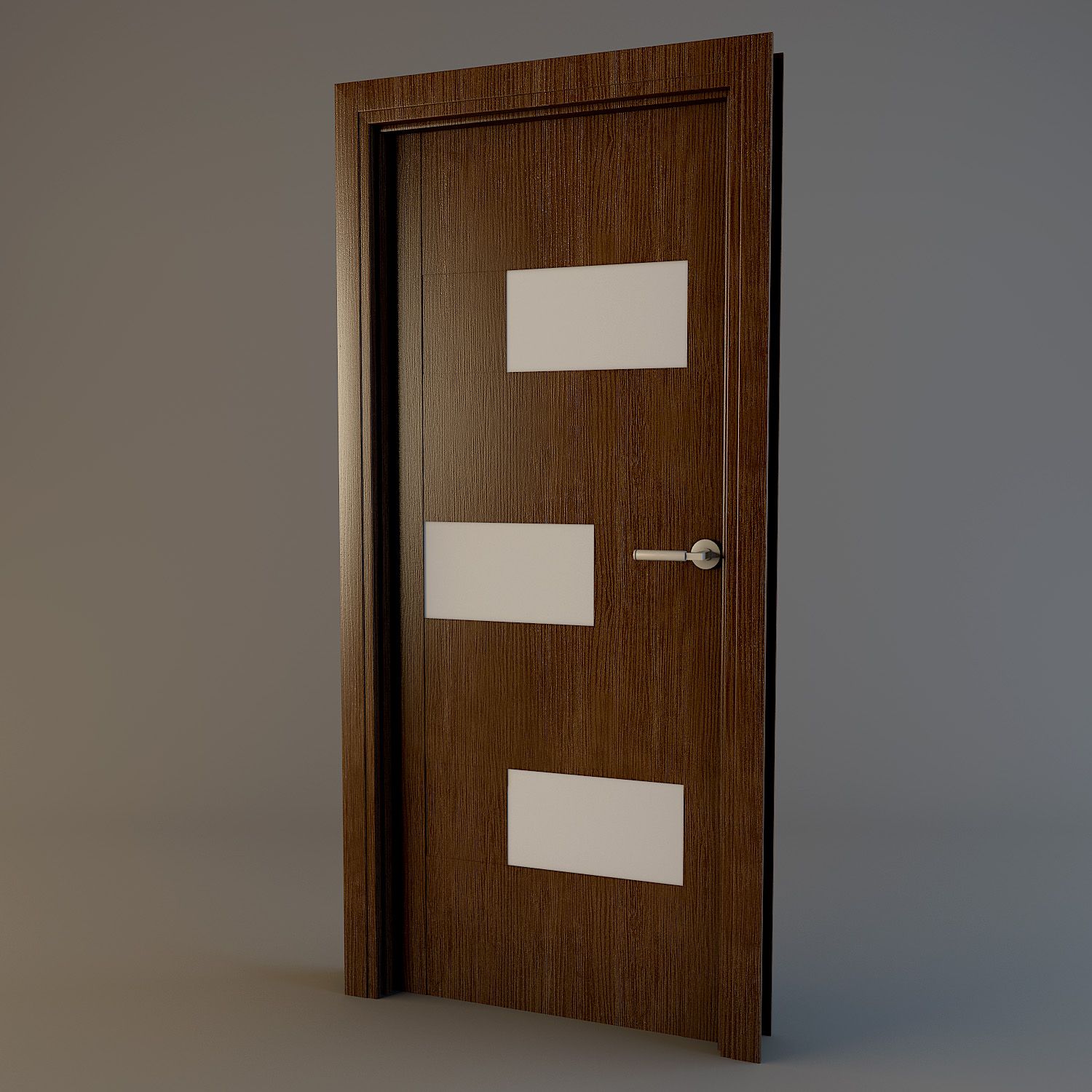
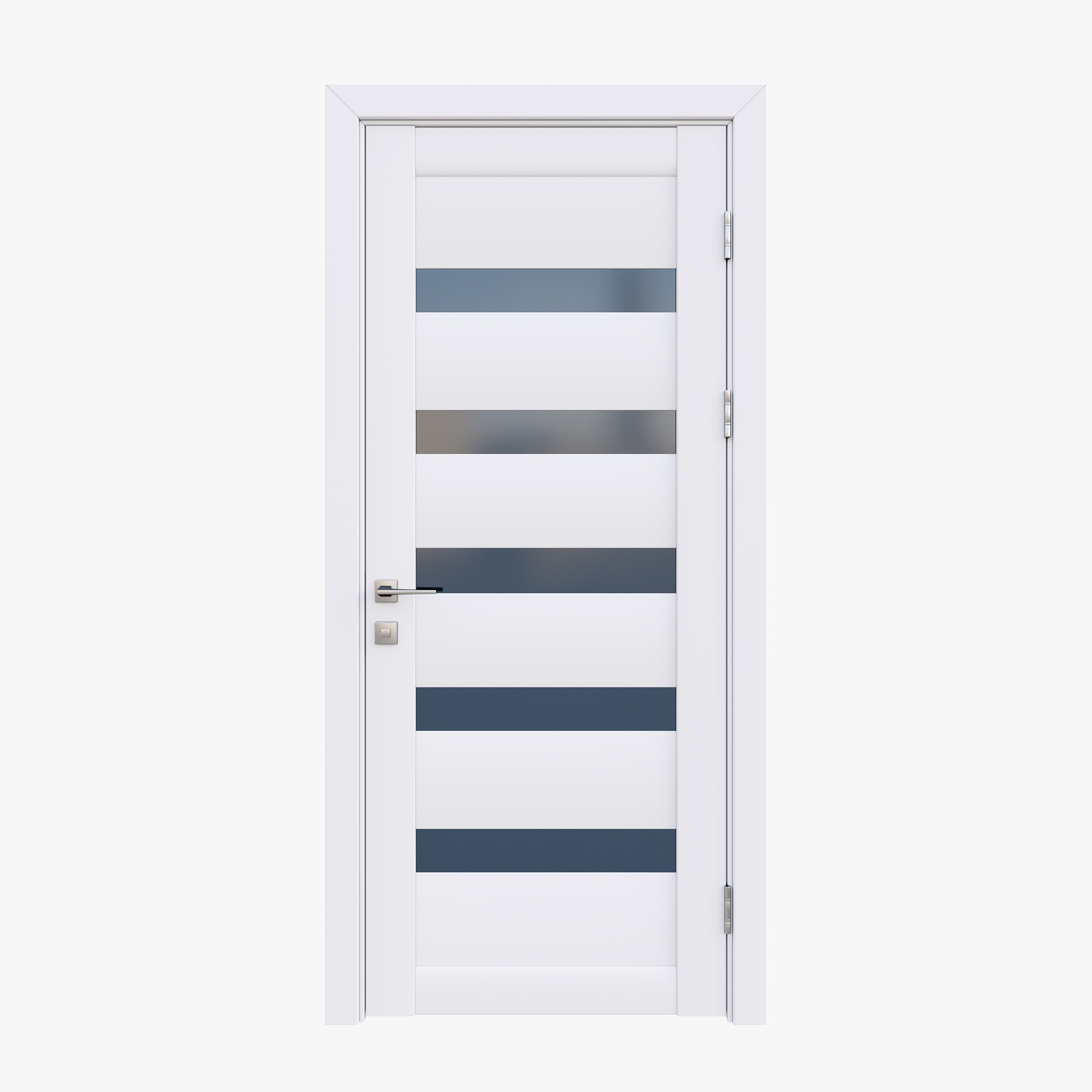
Detailed door provided with jamb, handle, lock, hinges and key.
The door is uv mapped and texture is included.
Easy to manipulate, to insert in your scenes and to rotate (instructions below)
Each zip contains:
- Complete scene with 1 closed door and 1 open door
- texture
3dstudio max: object are grouped, the groups are open. To rotate the door, just select the "Rotation Group" of the open door.
Lightwave: For rotation, edit the open door in modeler and select the "Door rotate" Part. Rotate it from the center of the hinge in top view.
Softimage: Objects are grouped in 2 Models. In the open door model, objects for rotation are linked to the "Hinge1 Rotate" object.
Apr 20, 2018
Datum hinzugefügt
Jan 23, 2022
letztes Update
Bewertungen
Es liegen noch keine Bewertungen für dieses Produkt vor.
Warum nicht der erste sein, der das Eis bricht?
