


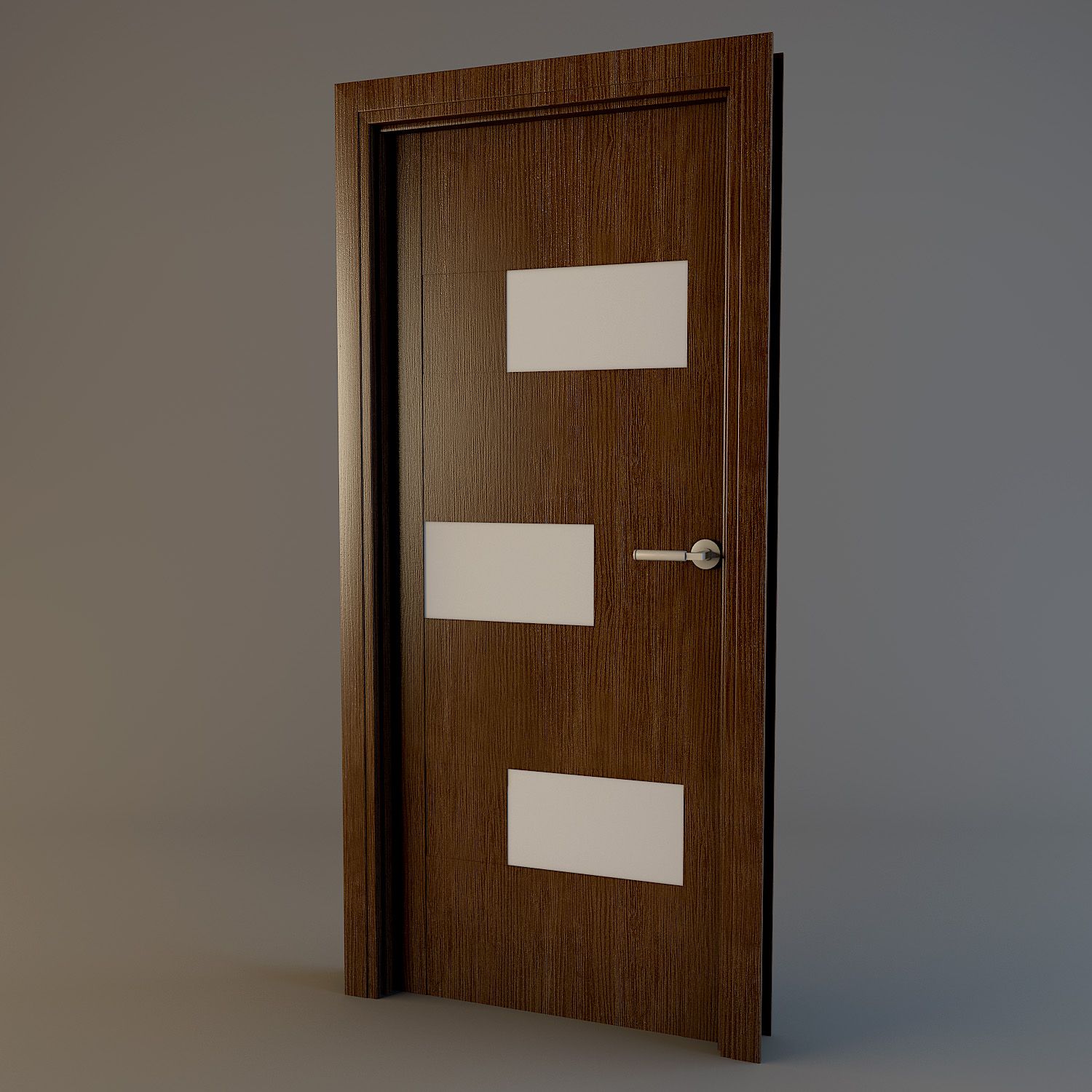
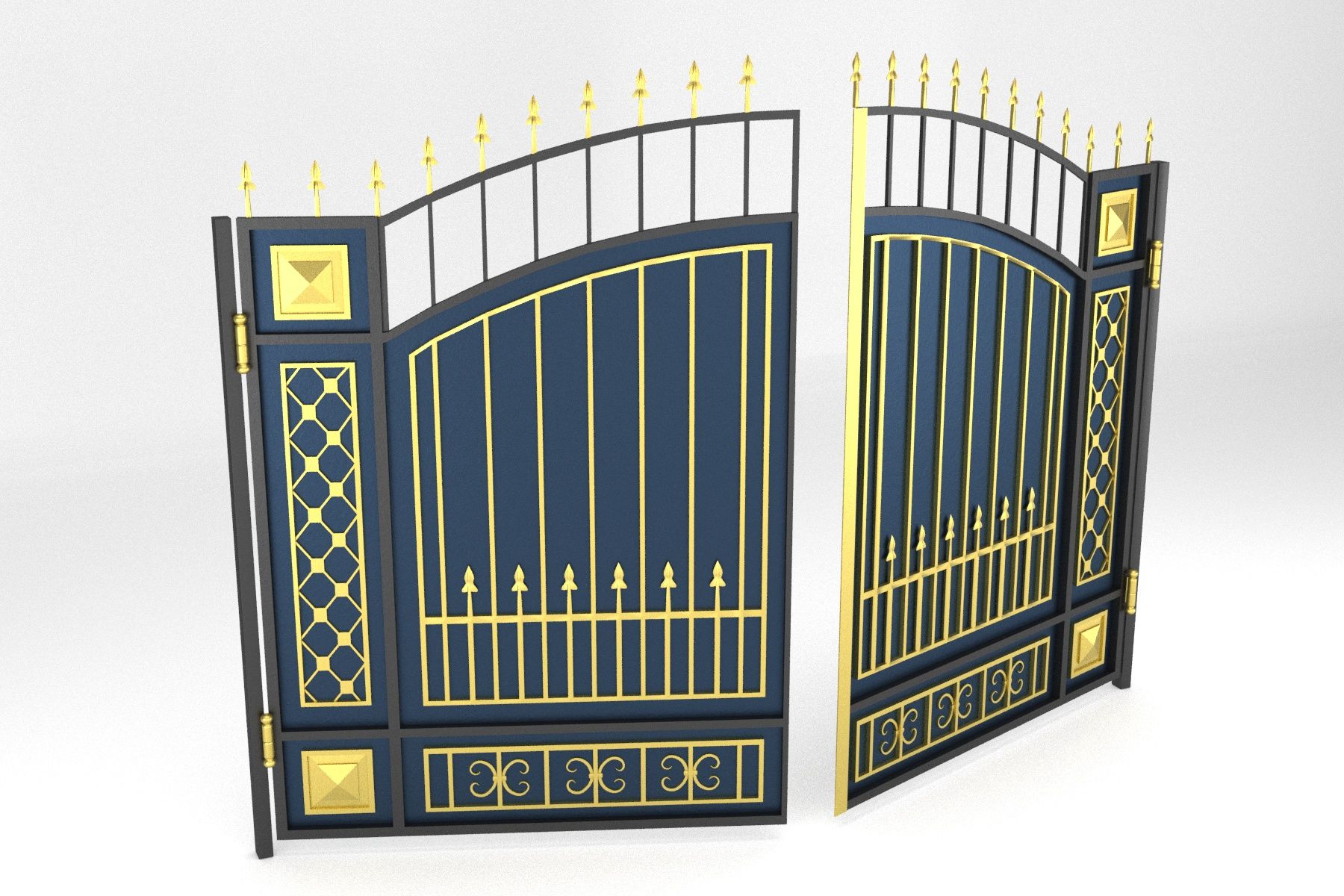


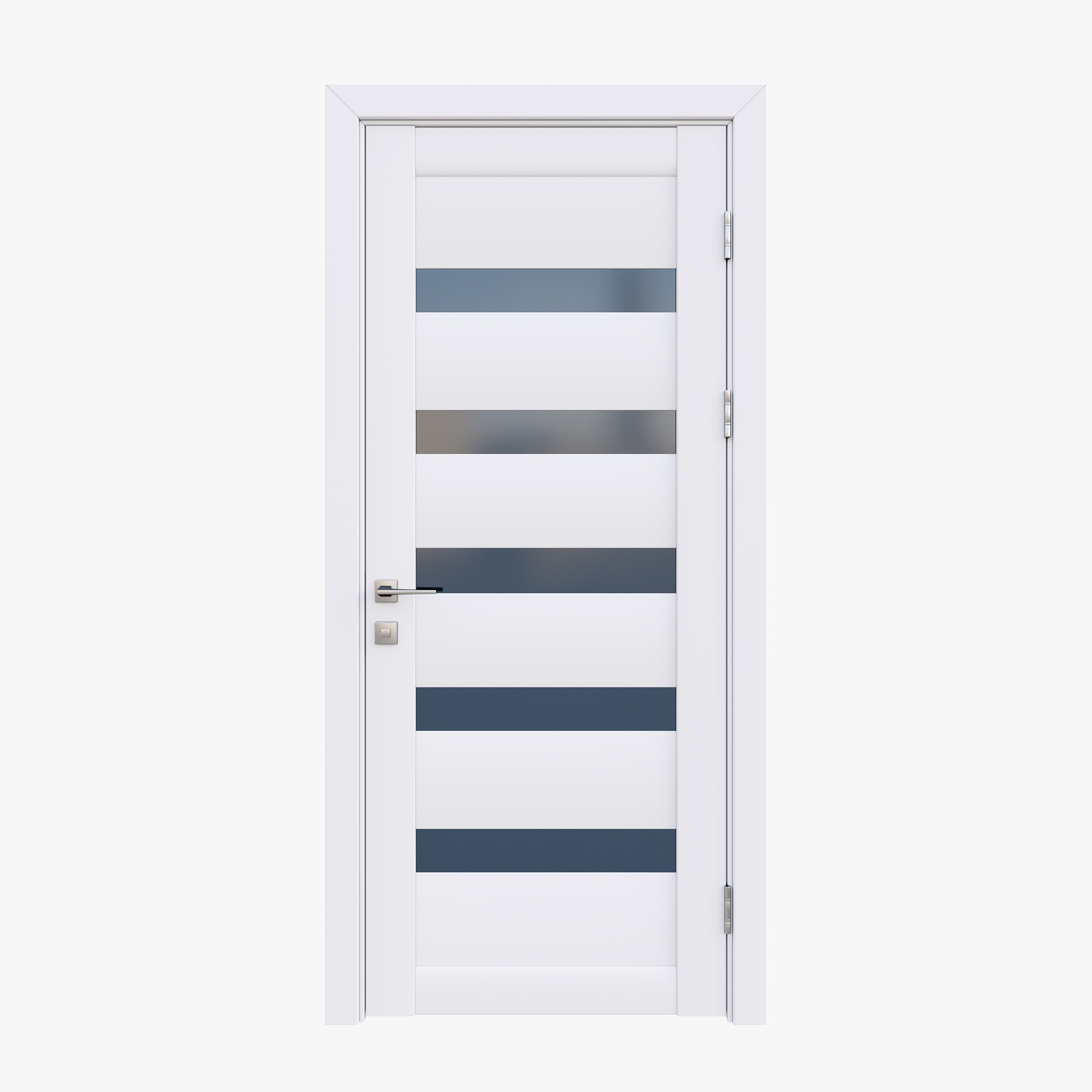


Puerta 02 modelo 3d
1


Licencia Libre de DerechosTodos los usos extendidos
Devoluciones simples
Mejor precio garantizado
Trabaja fuera de la caja
730
visitas

Presentado por
Lauranar
Presupuesto
- Geometríapolygonal
- Poligonos5,132
- Vértices4,848
- TexturasYes
- AparejadoNo
- AnimadoNo
- Listo para imprimir en 3DNo
- Juego listo (polietileno baja)No
- Mapeado UVYes
- UV sin envolvermixed
Descripción
Detailed door provided with jamb, handle, lock, hinges and key.
The door is uv mapped and texture is included.
Easy to manipulate, to insert in your scenes and to rotate (instructions below)
Each zip contains:
- Complete scene with 1 closed door and 1 open door
- texture
3dstudio max: object are grouped, the groups are open. To rotate the door, just select the "Rotation Group" of the open door.
Lightwave: For rotation, edit the open door in modeler and select the "Door rotate" Part. Rotate it from the center of the hinge in top view.
Softimage: Objects are grouped in 2 Models. In the open door model, objects for rotation are linked to the "Hinge1 Rotate" object.
Apr 20, 2018
Fecha Agregada
Jan 23, 2022
última actualización
Opiniones
Actualmente no hay opiniones para este producto.
¿Por qué no ser el primero en romper el hielo?