
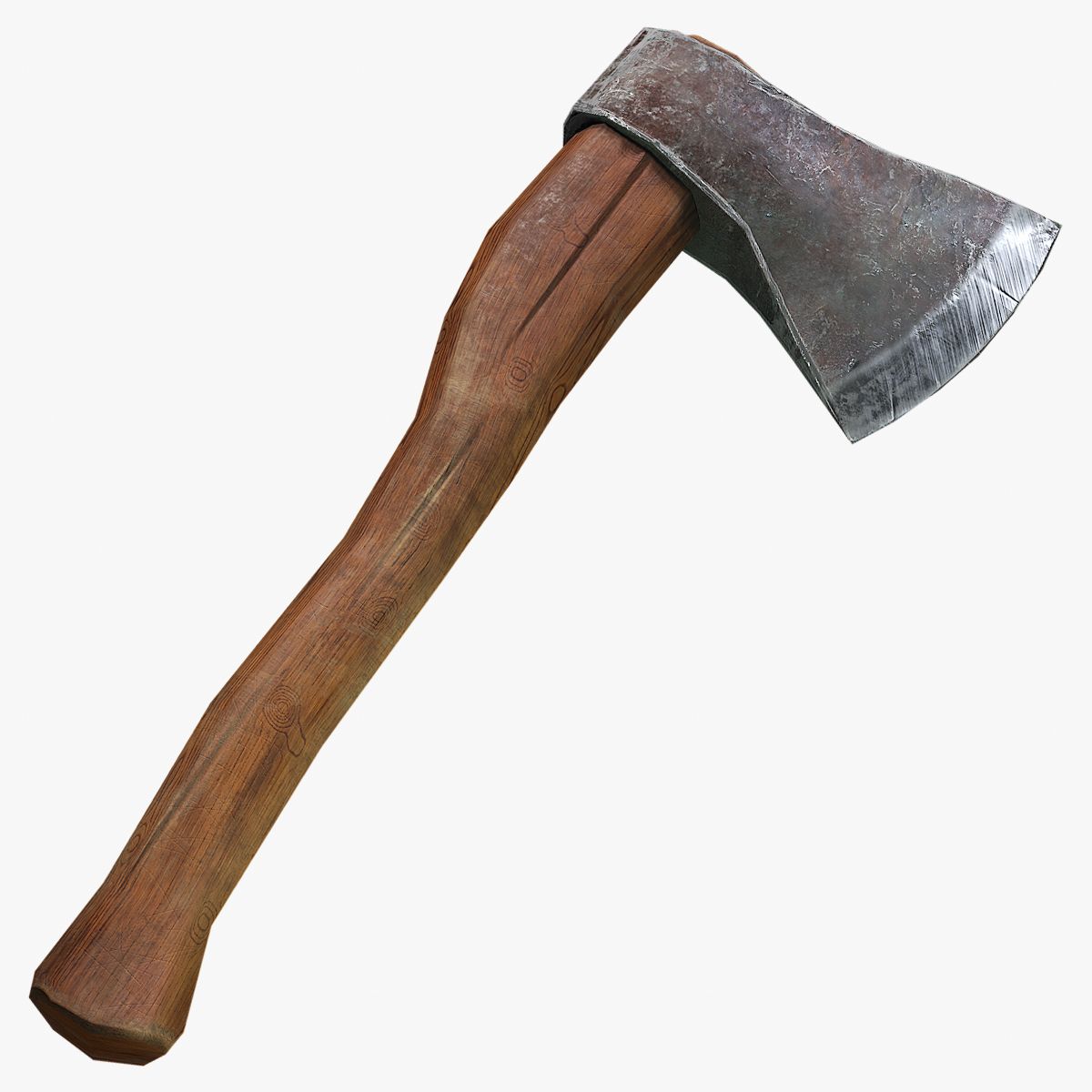

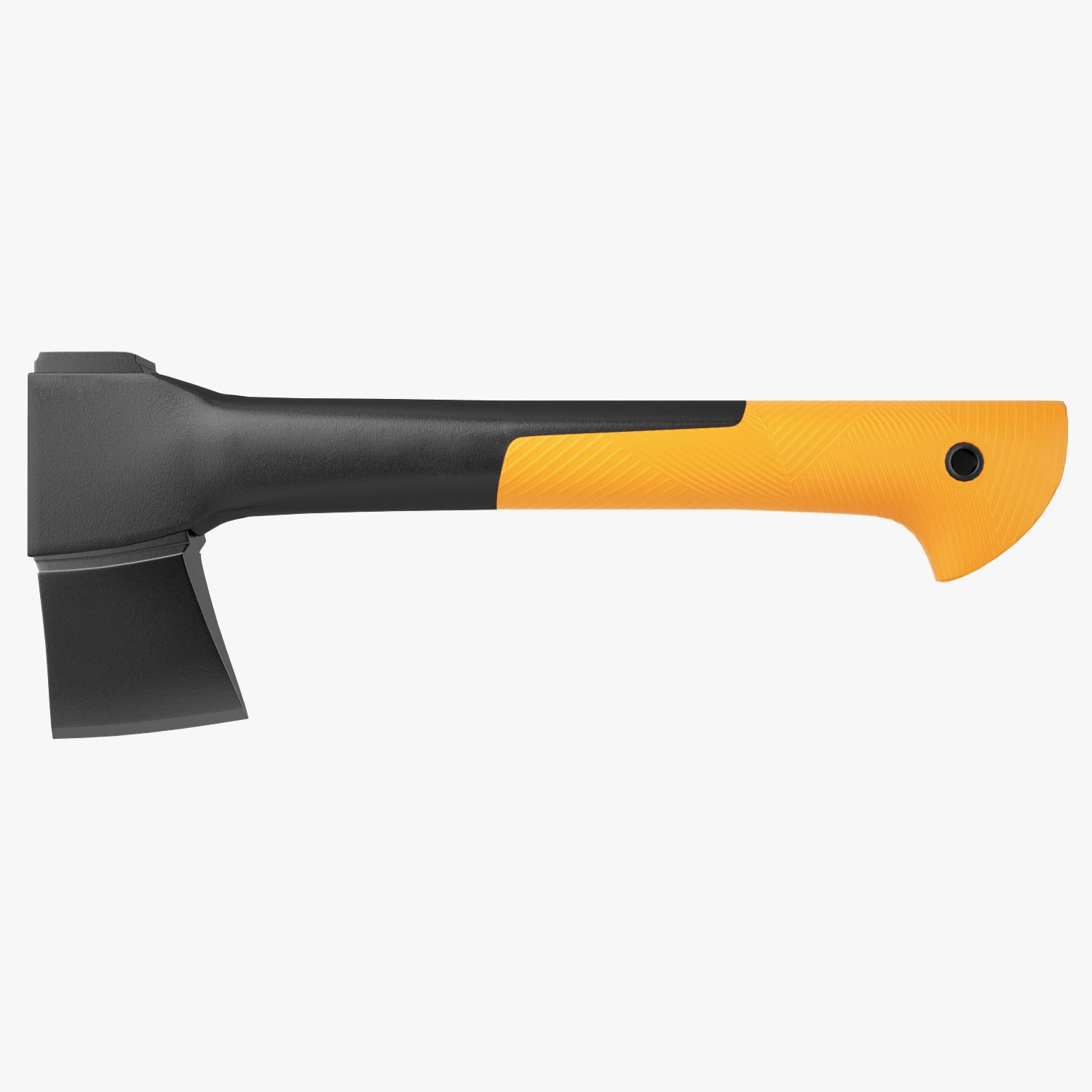


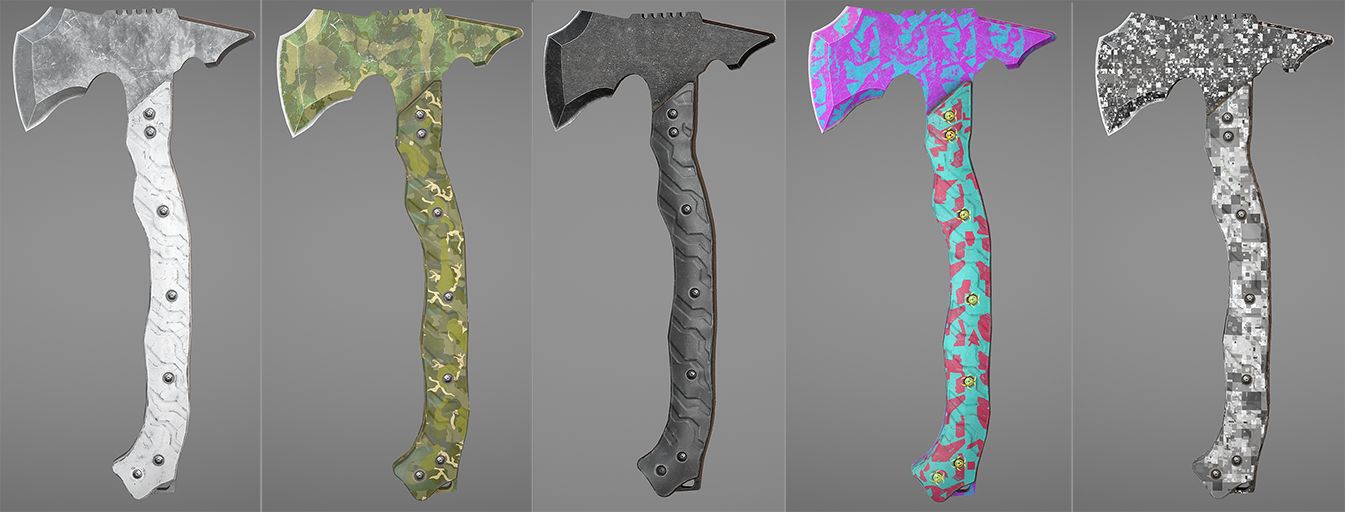


PBR Splitting Axe 3D-Modell
0


Royalty Free LicenseAlle erweiterten Anwendungen
Einfache Rückgabe
Best-Preis-Garantie
Funktioniert aus dem Kasten heraus
0
Besuche

Eingereicht von
warptarium
Spezifikationen
- Geometriepolygonal_quads/tris
- Polygone2,052
- Scheitelpunkte2,076
- TexturenYes
- ManipuliertenNo
- AnimiertNo
- Bereit zum Drucken in 3DNo
- Spielbereit (low poly)No
- UV-kartiertYes
- Unverpackte UVsmixed
Beschreibung
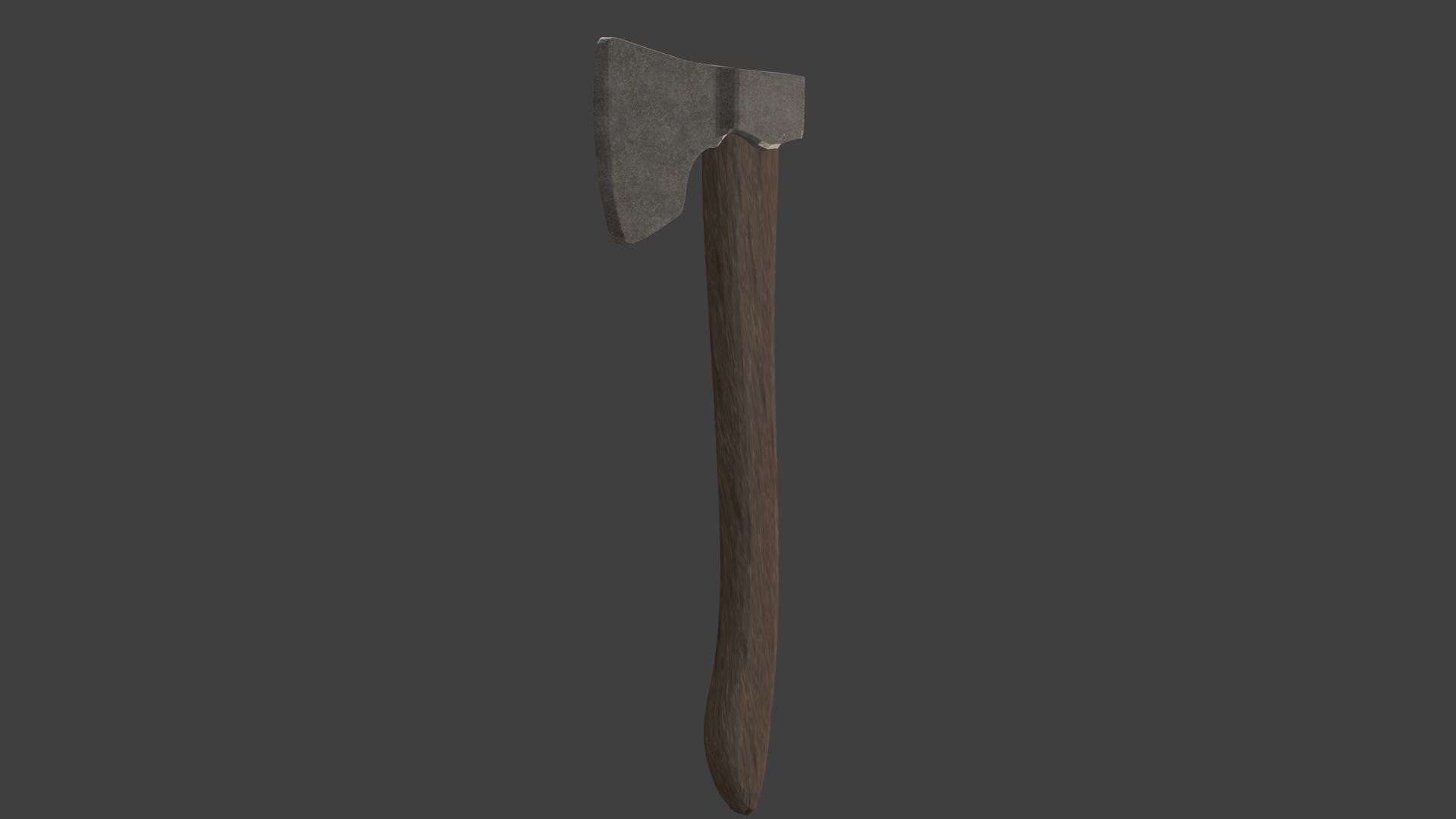
PBR splitting axe. For use in any projects.
Contains:
- 2 blend files:
Simplified axe. (For better performance).
Regular axe. (PBR textures)
FILE FORMATS:
- FBX
- COLLADA
- OBJ
Feel free to request format conversions. Do keep in mind that the source .blend file is included, so many other formats can be exported from blender. If you do not have Blender feel free to ask me for a file conversion.
- Texture Files (Albedo, Normal map, roughness etc)
The axe by default is only mapped with base + normal map textures. All other textures (roughness, displacement etc) can be found in the "Other Textures" folder.
This is due to compatibility. Not all softwares support every texture map. They can be applied in the software of your choice (Maya, 3DS Max, Unity and Unreal Engine)
May 27, 2020
Datum hinzugefügt
Oct 03, 2022
letztes Update
Bewertungen
Es liegen noch keine Bewertungen für dieses Produkt vor.
Warum nicht der erste sein, der das Eis bricht?