
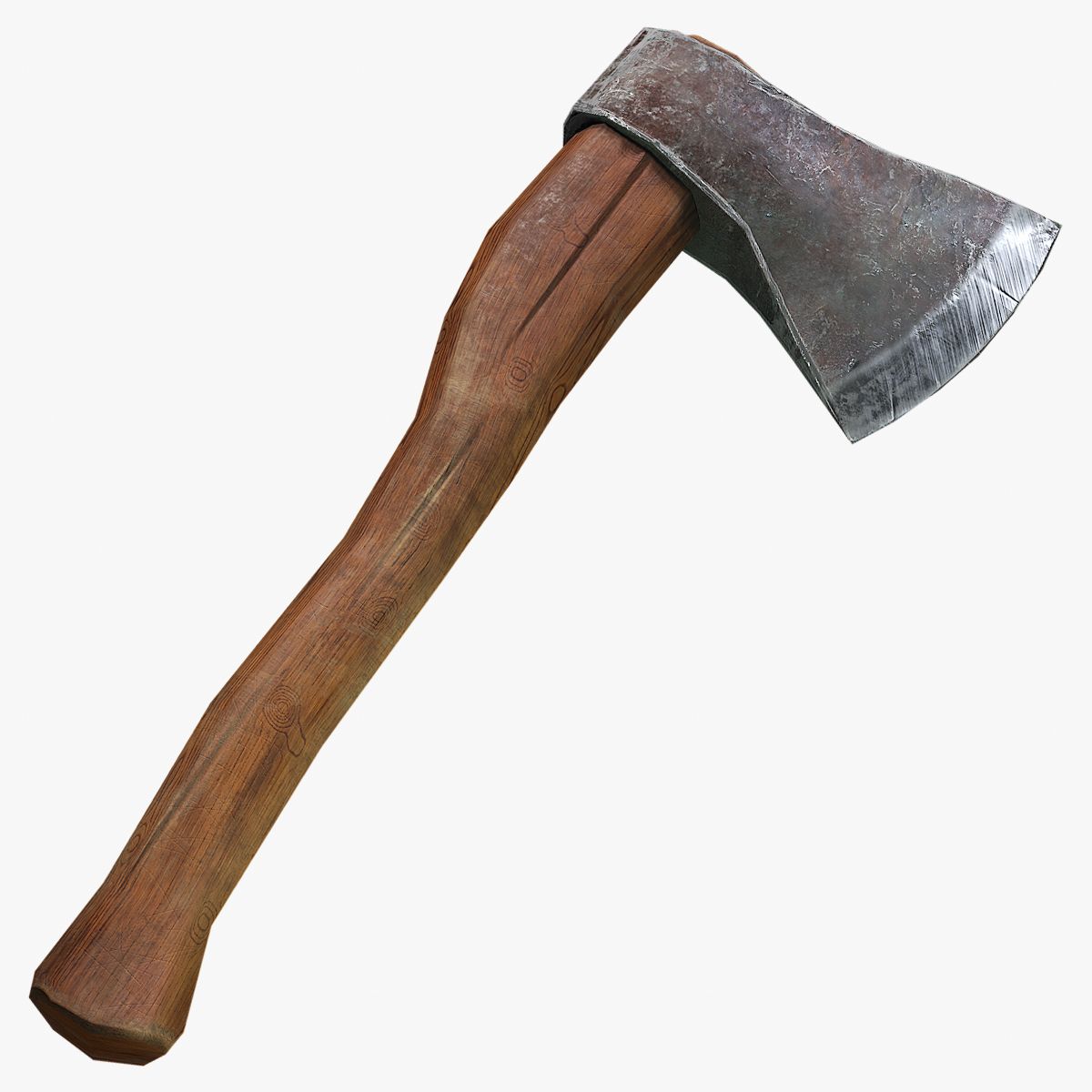

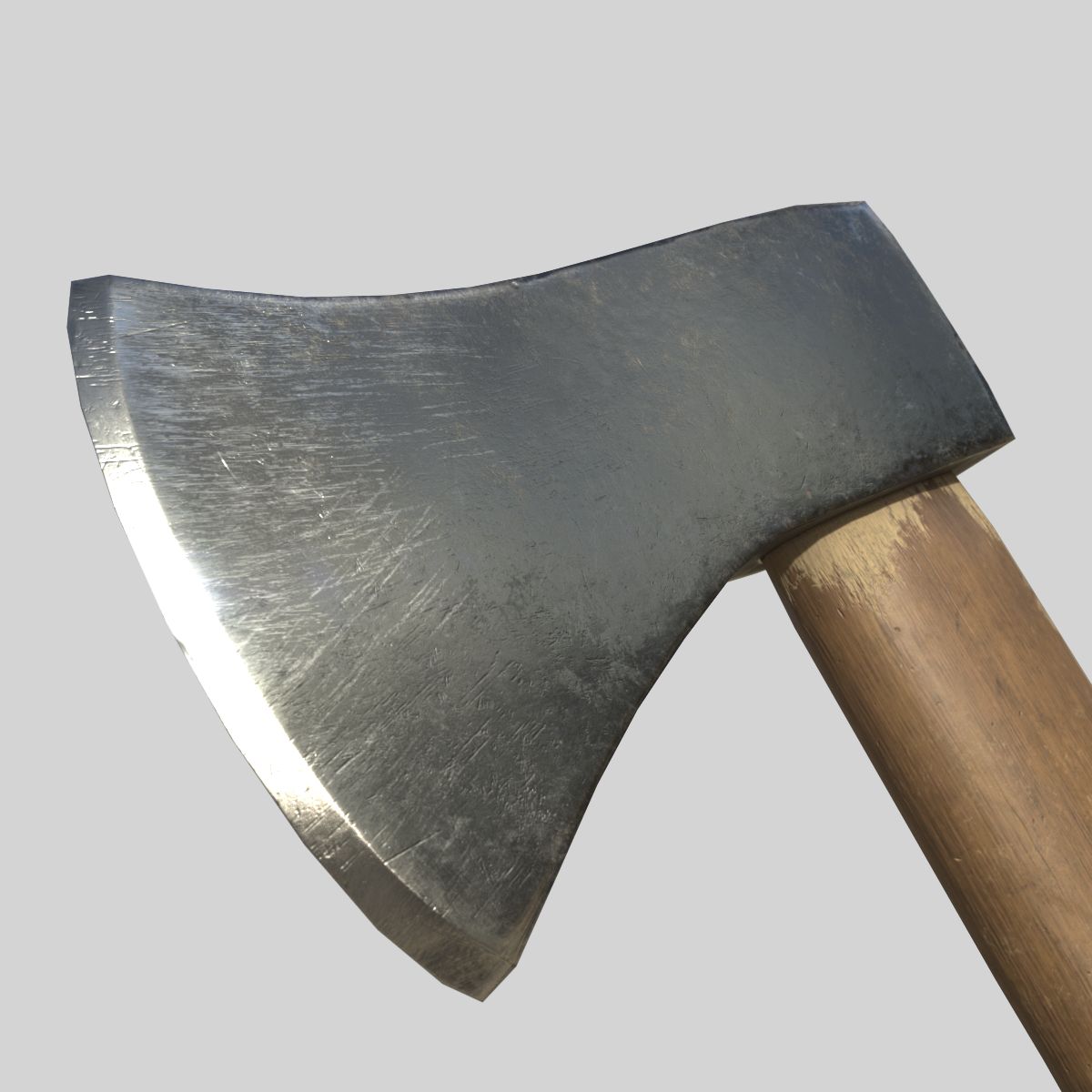


Расщепляющий топор PBR 3D модель
0


Бесплатная лицензияВсе расширенное использование
Простые возвращения
Гарантия лучшей цены
Работает из коробки
0
посещения

Представленный
warptarium
Характеристики
- Геометрияpolygonal_quads/tris
- Полигоны2,052
- вершины2,076
- текстурыYes
- подстроенныйNo
- мультипликационныйNo
- Готов к печати в 3DNo
- Игра готова (низкополигональная)No
- UV MappedYes
- Развернутые уфmixed
Описание
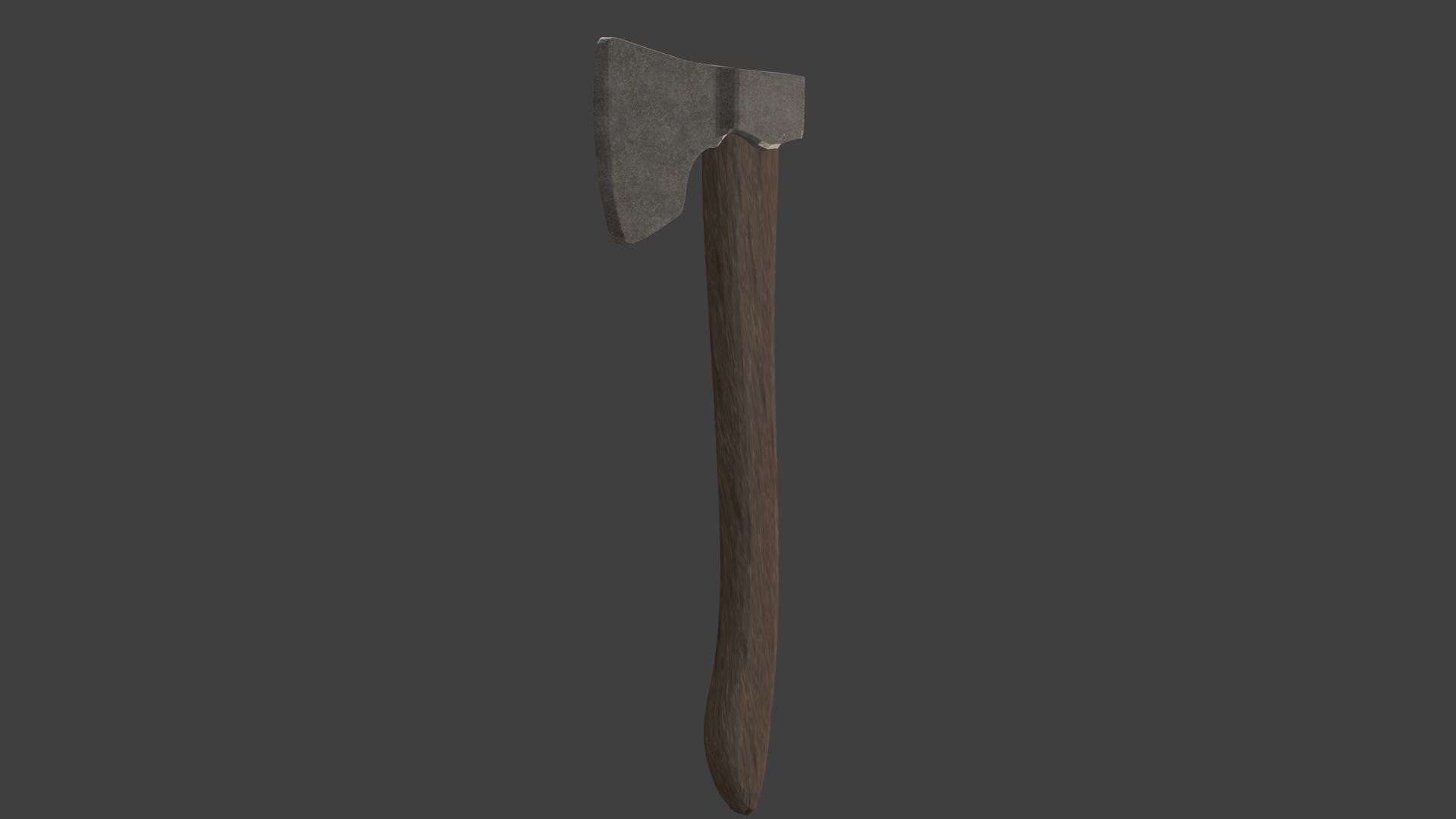
PBR splitting axe. For use in any projects.
Contains:
- 2 blend files:
Simplified axe. (For better performance).
Regular axe. (PBR textures)
FILE FORMATS:
- FBX
- COLLADA
- OBJ
Feel free to request format conversions. Do keep in mind that the source .blend file is included, so many other formats can be exported from blender. If you do not have Blender feel free to ask me for a file conversion.
- Texture Files (Albedo, Normal map, roughness etc)
The axe by default is only mapped with base + normal map textures. All other textures (roughness, displacement etc) can be found in the "Other Textures" folder.
This is due to compatibility. Not all softwares support every texture map. They can be applied in the software of your choice (Maya, 3DS Max, Unity and Unreal Engine)
May 27, 2020
Дата Добавлена
Oct 03, 2022
последнее обновление
Отзывы
На данный момент нет отзывов об этом продукте.
Почему бы не первым сломать лед?