




Pasarela industrial modular modelo 3d
0



Licencia Libre de DerechosTodos los usos extendidos
Devoluciones simples
Mejor precio garantizado
Trabaja fuera de la caja
0
visitas

Presentado por
AlanAldred
Presupuesto
- Geometríapolygonal_quads only
- Poligonos3,205
- Vértices3,386
- TexturasYes
- AparejadoNo
- AnimadoNo
- Listo para imprimir en 3DNo
- Juego listo (polietileno baja)No
- Mapeado UVYes
- UV sin envolvernon-overlapping
Descripción
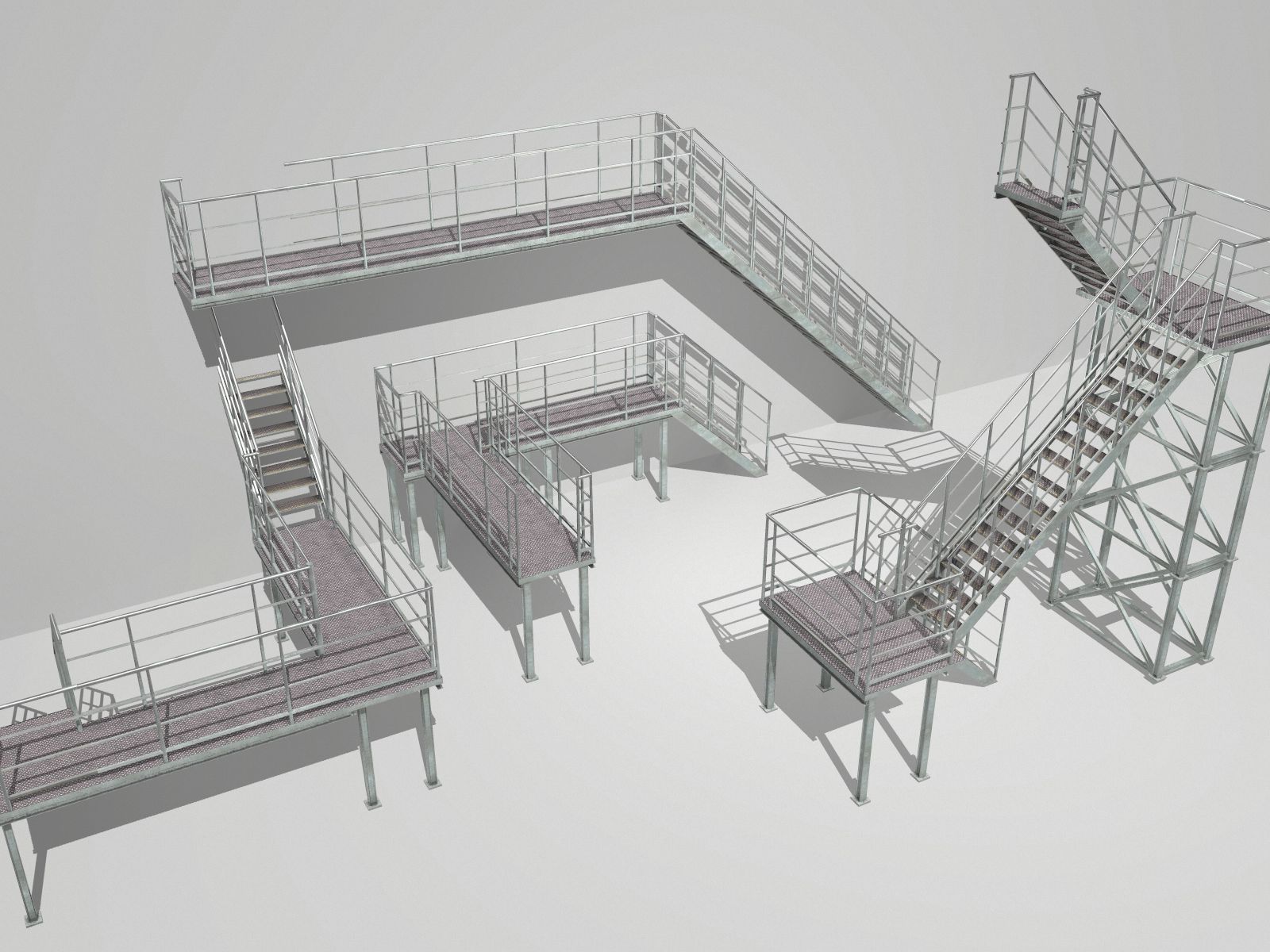
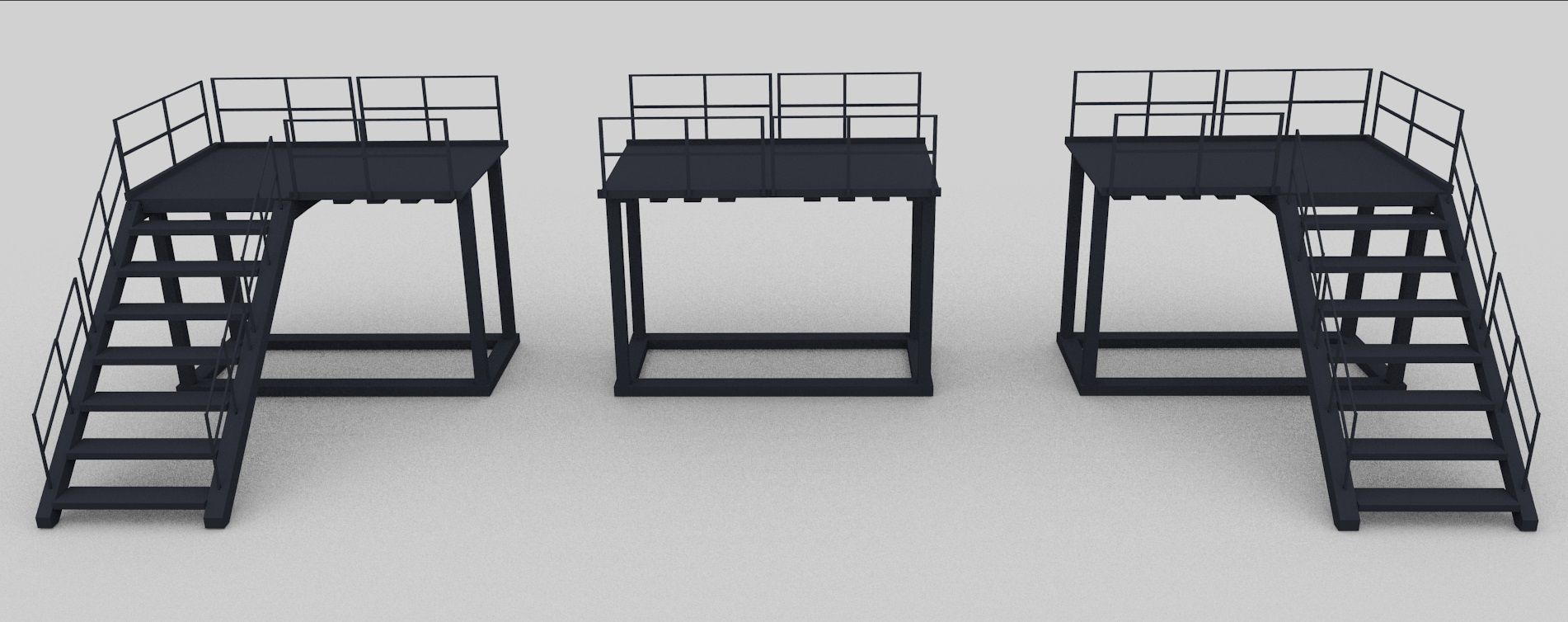
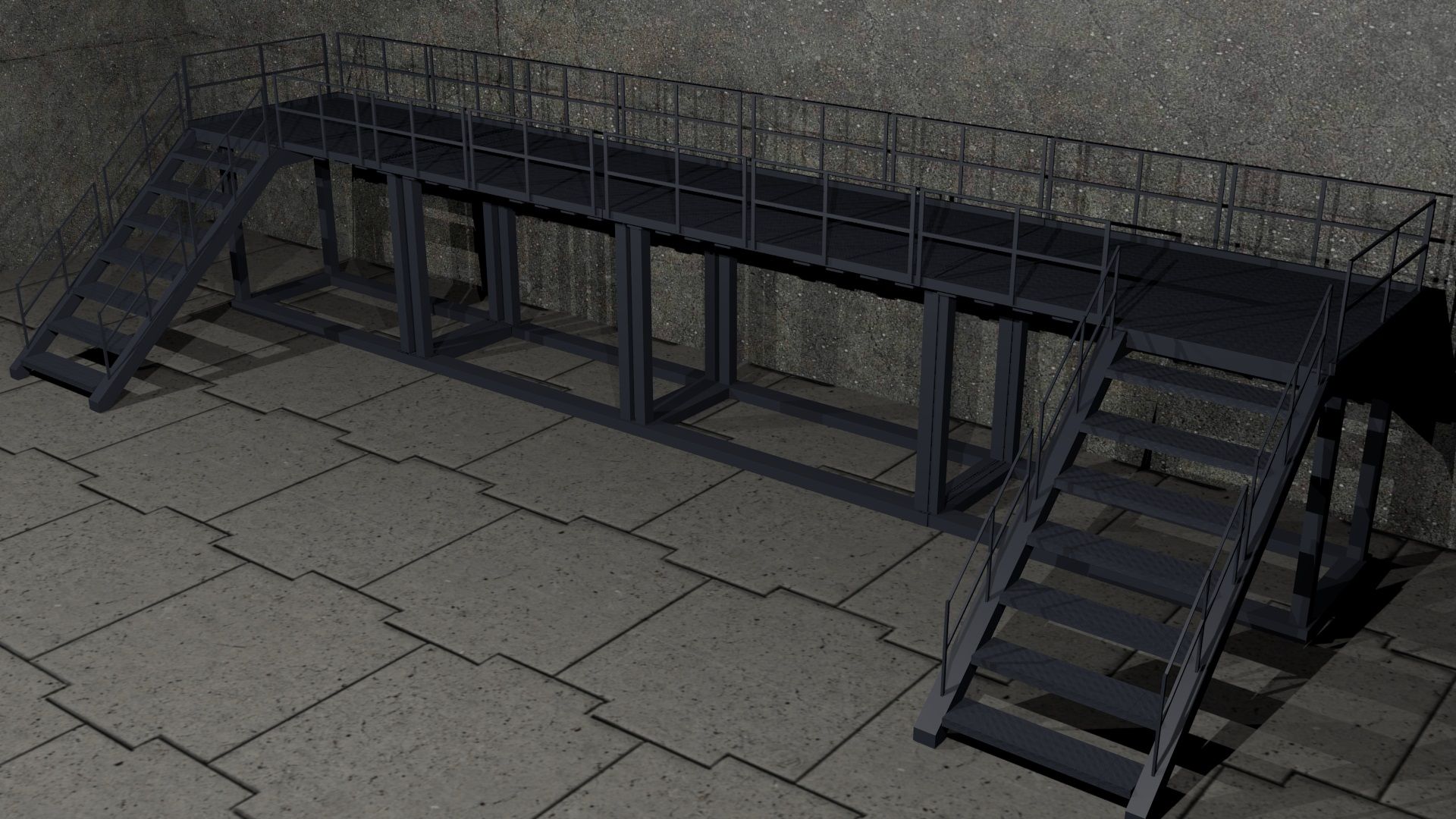
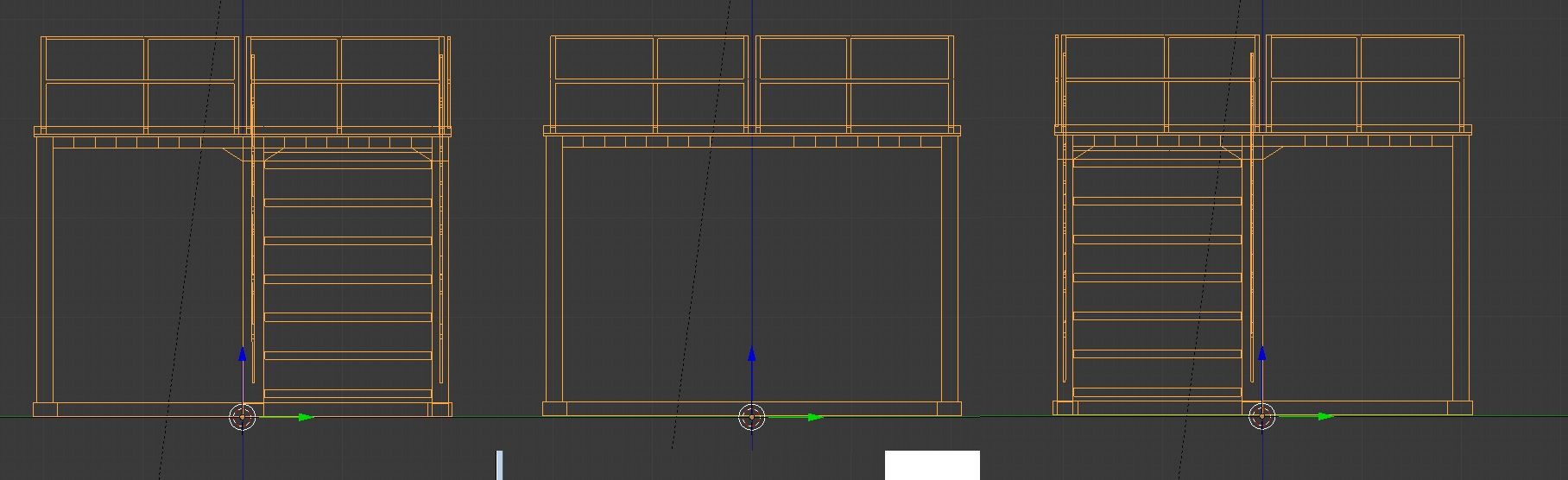
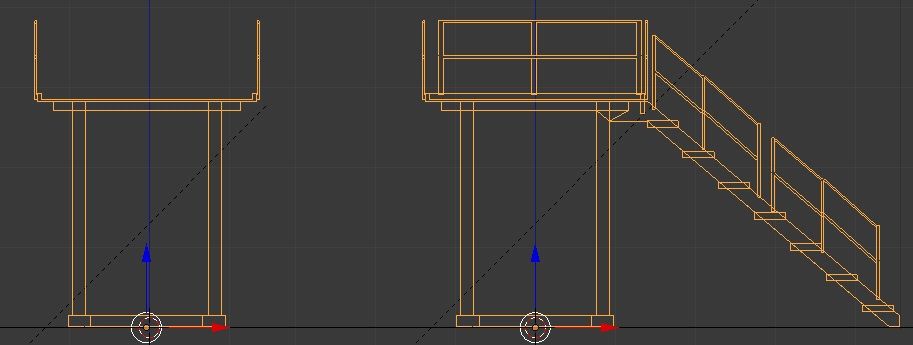
Modular catwalk sections.
Easy to use with array modifiers + end caps as displayed in the scene renders.
Verts: 3386
Faces: 3205
Formats:
Blend file containing all three objects,
Individual OBJ/MTL files for each segment.
Texture:
CatWalkCrossHatch_n.jpg 564KB 1024x1024
Note: Backdrop scene is not included.
Note: Exported from Blender 'Z-up'. This means correct rotation is applied when importing so that modifiers work correctly. It does mean however, that when you import the object, it will be on it's side. Simply rotate to how you want it, but you don't need to apply the rotation.
Aug 06, 2020
Fecha Agregada
Oct 19, 2021
última actualización
Opiniones
Actualmente no hay opiniones para este producto.
¿Por qué no ser el primero en romper el hielo?