
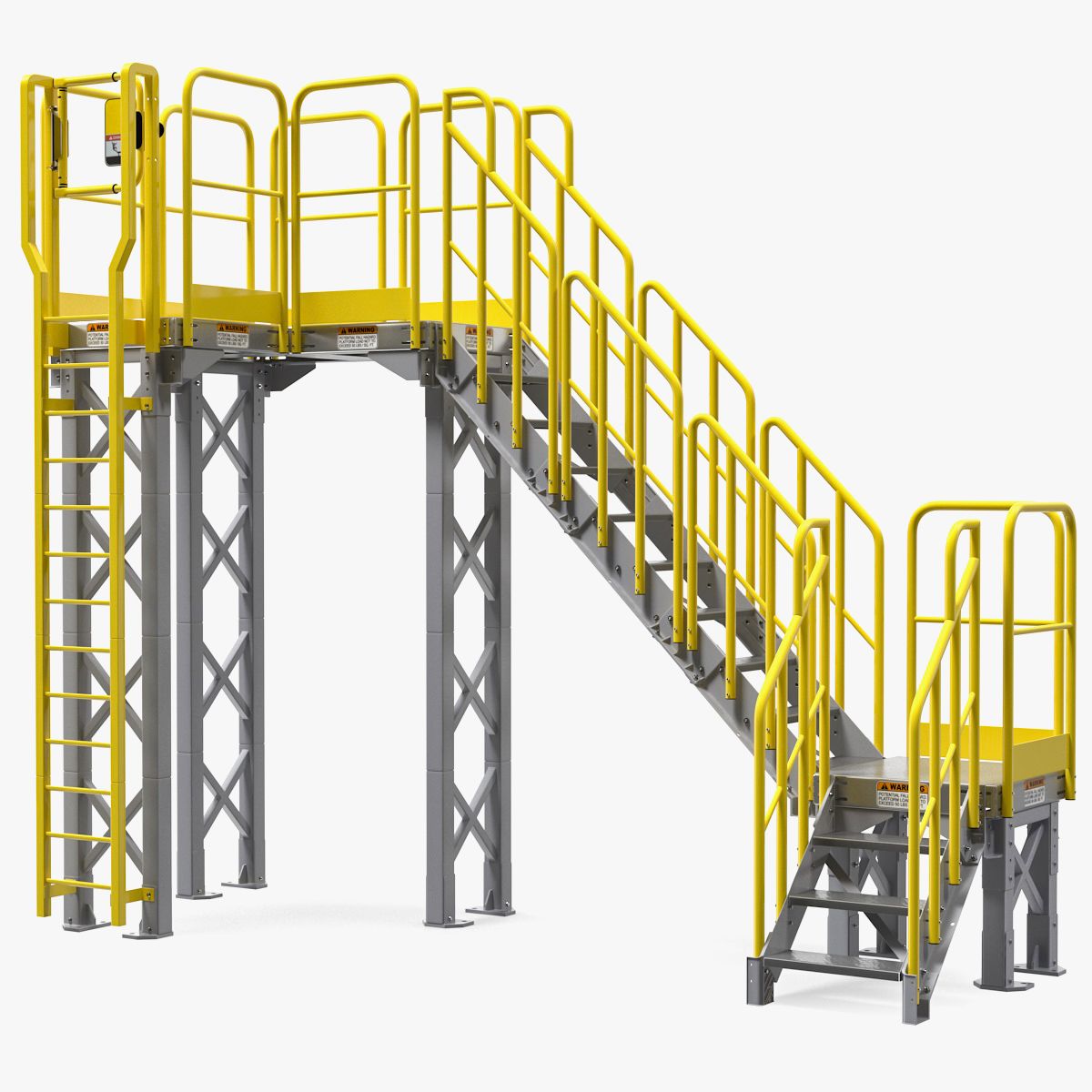
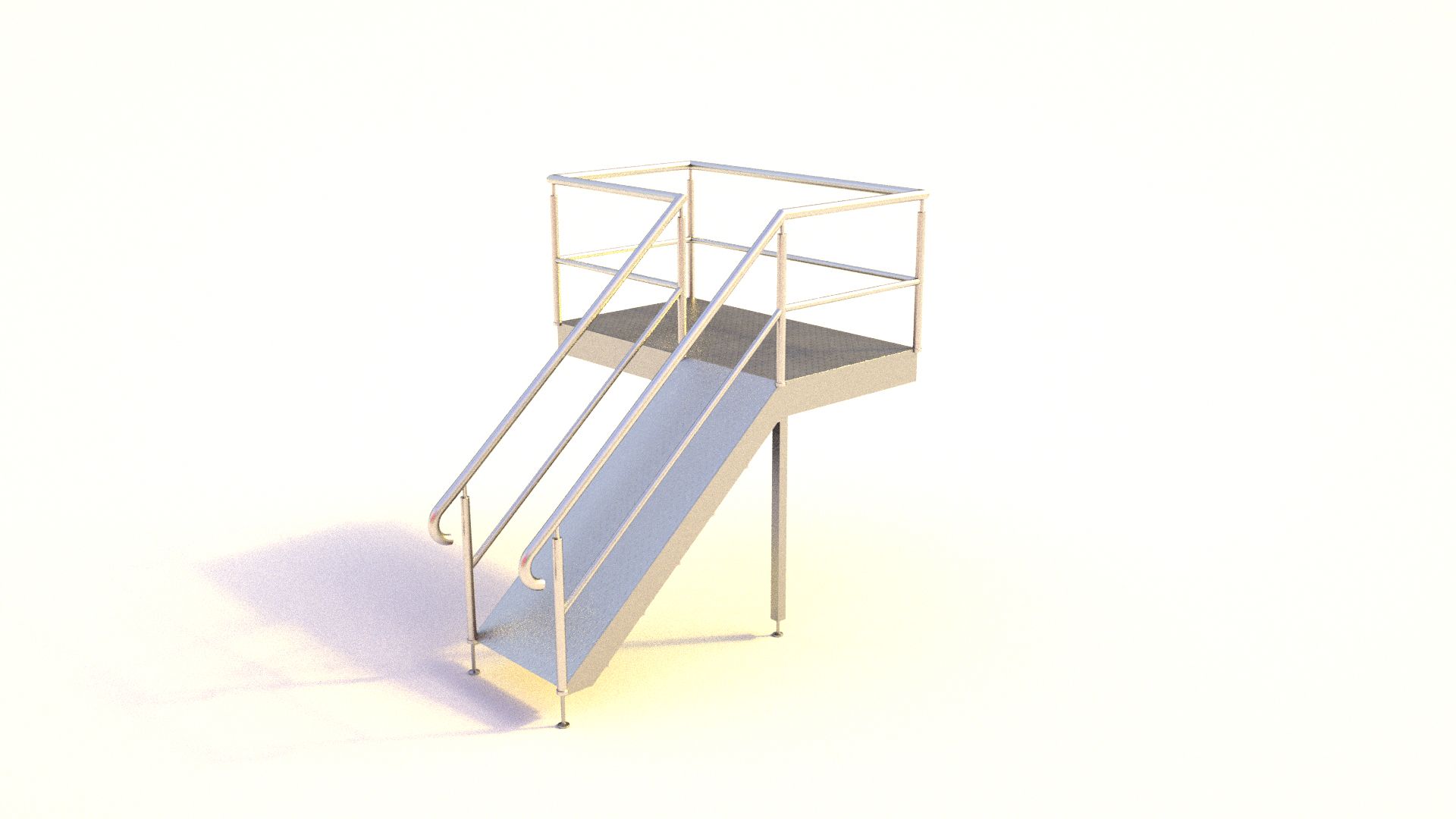




Modulaire industriële catwalk 3d model
0



Royalty-vrije LicentieAlle uitgebreide toepassingen
Eenvoudig rendement
Beste prijsgarantie
Werkt uit de doos
0
bezoeken

Ingezonden door
AlanAldred
bestek
- Geometriepolygonal_quads only
- polygonen3,205
- hoekpunten3,386
- texturesYes
- opgetuigdNo
- AnimatedNo
- Geschikt voor 3D-afdrukNo
- Game Ready (laag poly)No
- UV-gemappedYes
- Onverpakte UV'snon-overlapping
Omschrijving
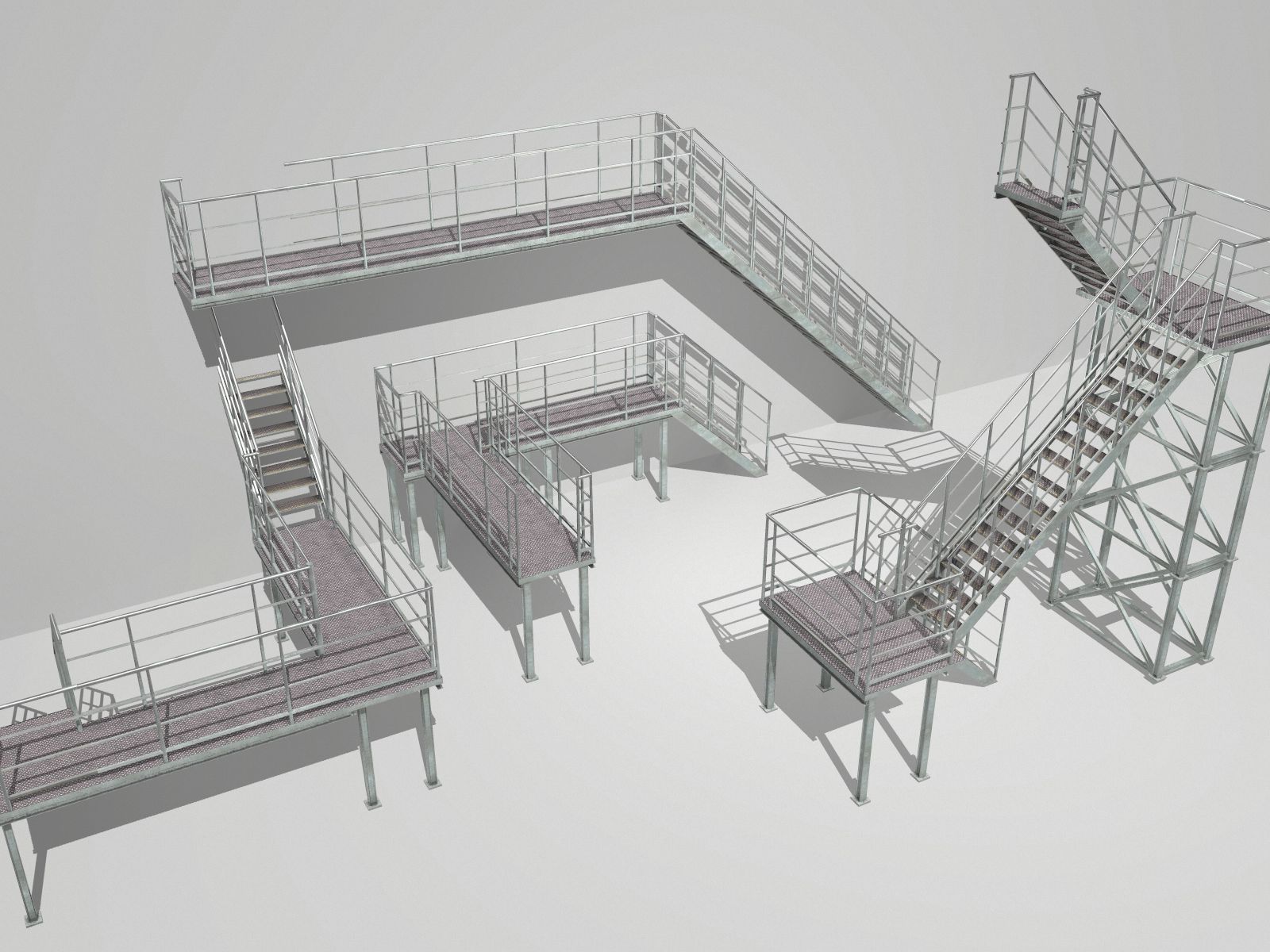
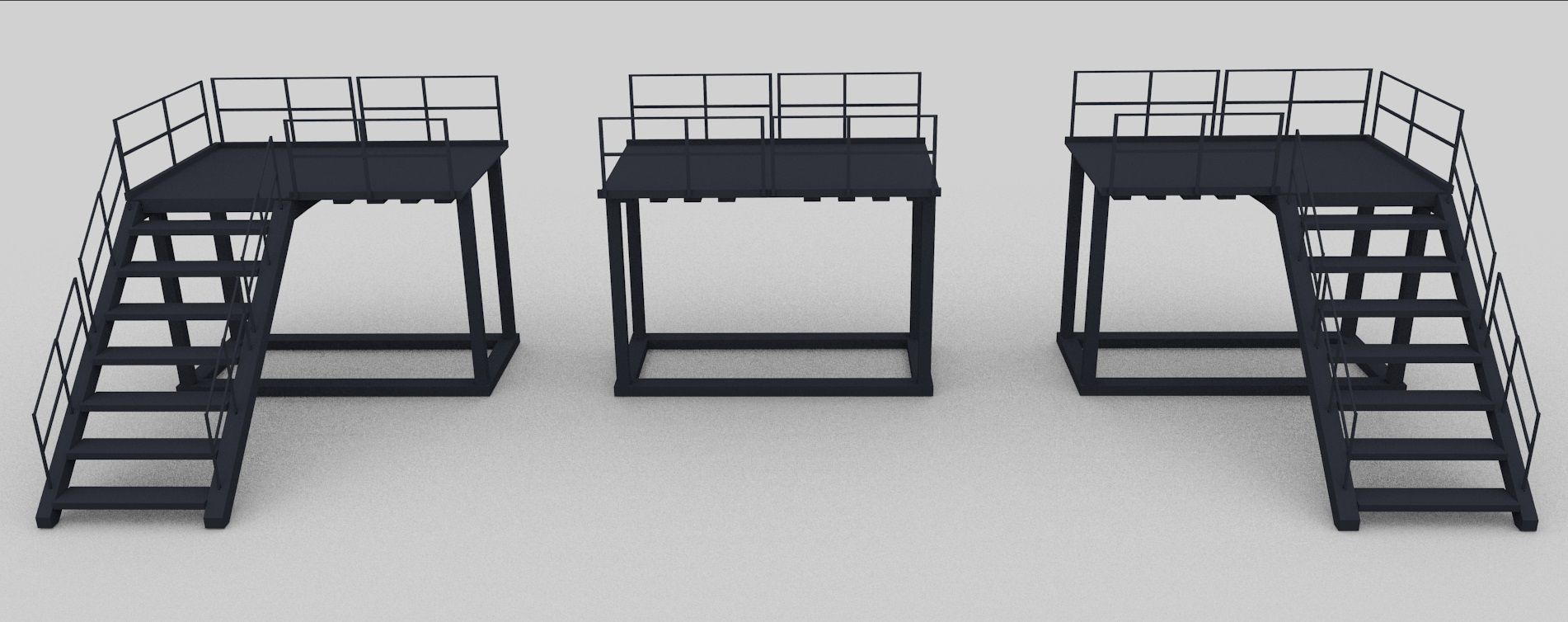
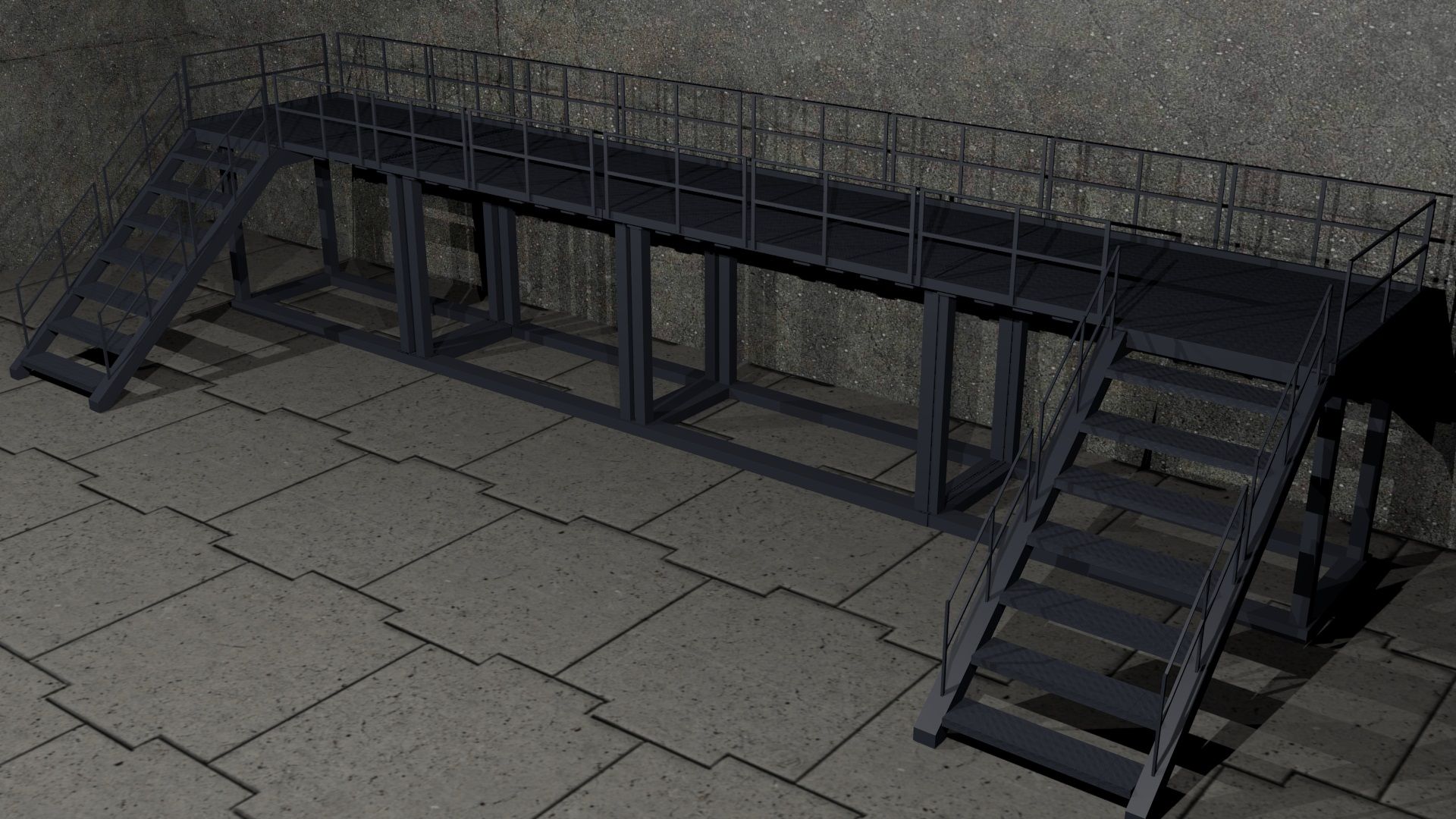
Modular catwalk sections.
Easy to use with array modifiers + end caps as displayed in the scene renders.
Verts: 3386
Faces: 3205
Formats:
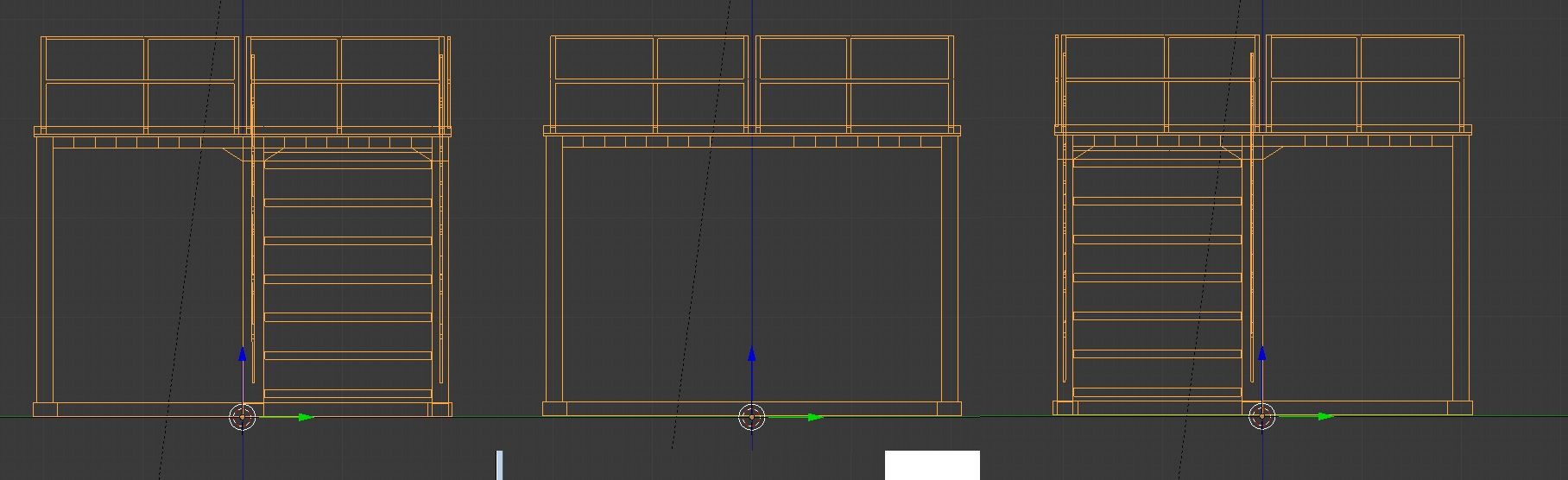
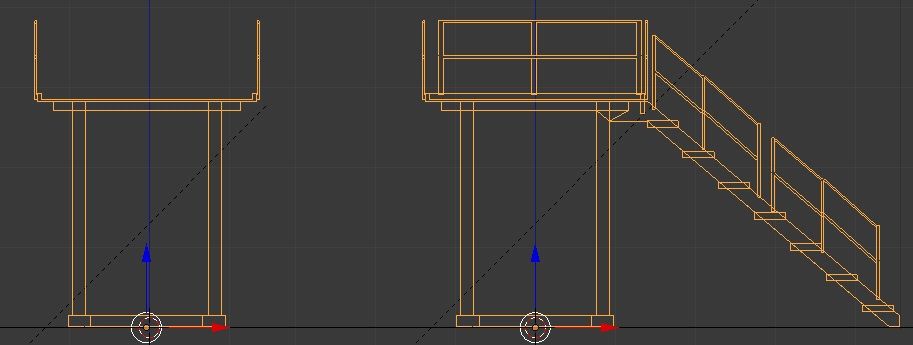
Blend file containing all three objects,
Individual OBJ/MTL files for each segment.
Texture:
CatWalkCrossHatch_n.jpg 564KB 1024x1024
Note: Backdrop scene is not included.
Note: Exported from Blender 'Z-up'. This means correct rotation is applied when importing so that modifiers work correctly. It does mean however, that when you import the object, it will be on it's side. Simply rotate to how you want it, but you don't need to apply the rotation.
Aug 06, 2020
Datum toegevoegd
Oct 19, 2021
laatste update
beoordelingen
Er zijn momenteel geen beoordelingen voor dit product.
Waarom niet de eerste zijn om het ijs te breken?