






Door 04 modèle 3D
0


Licence Libre de DroitsToutes les utilisations prolongées
Retours simples
Garantie du meilleur prix
Fonctionne hors de la boîte
586
visites

Proposé par
Lauranar
Caractéristiques
- Géométriepolygonal
- Des polygones5,054
- Sommets4,870
- Les texturesYes
- GrééNo
- AniméNo
- Prêt pour l'impression 3DNo
- Jeu Prêt (low poly)No
- UV mappéYes
- UV non emballésmixed
La description
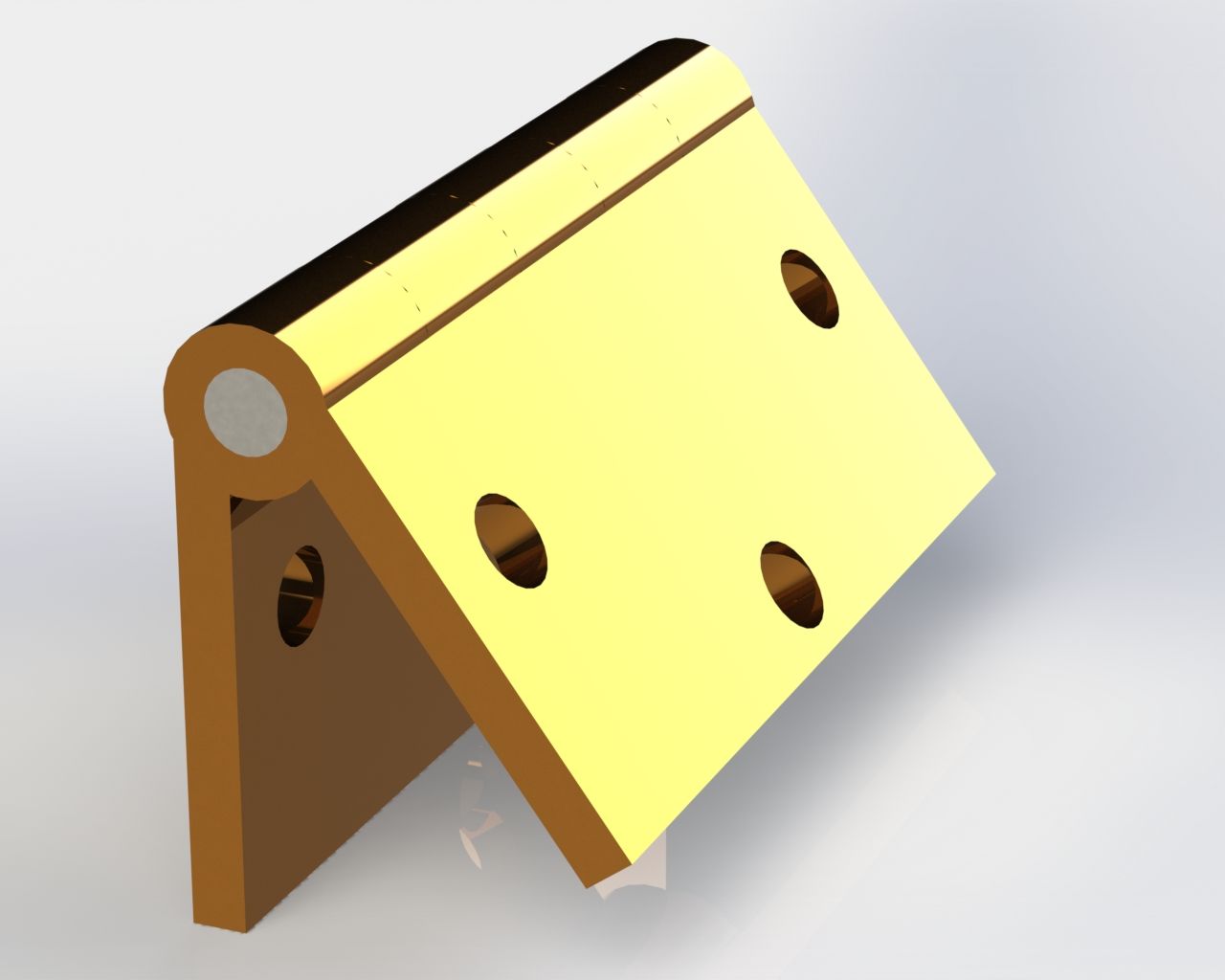
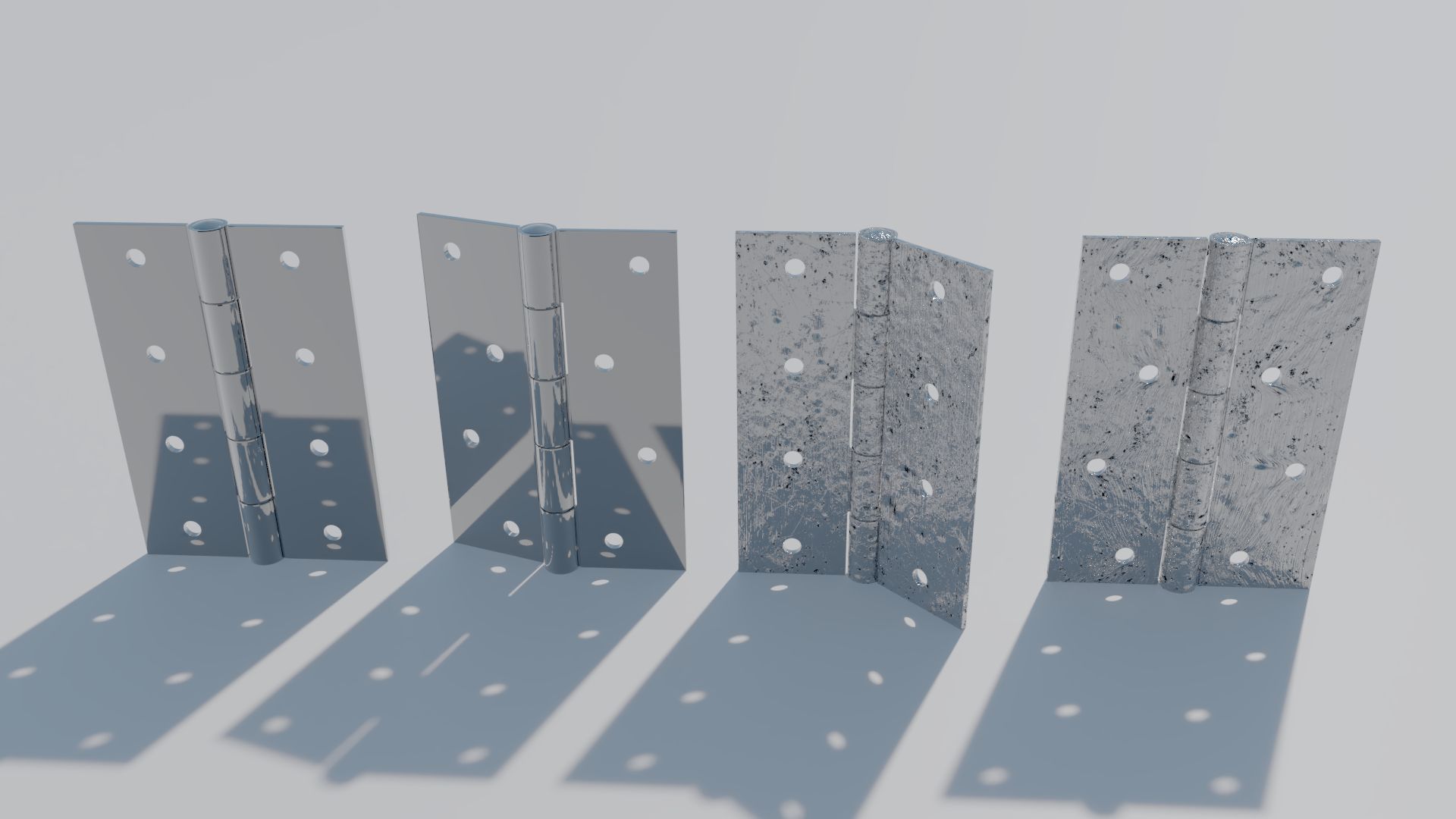
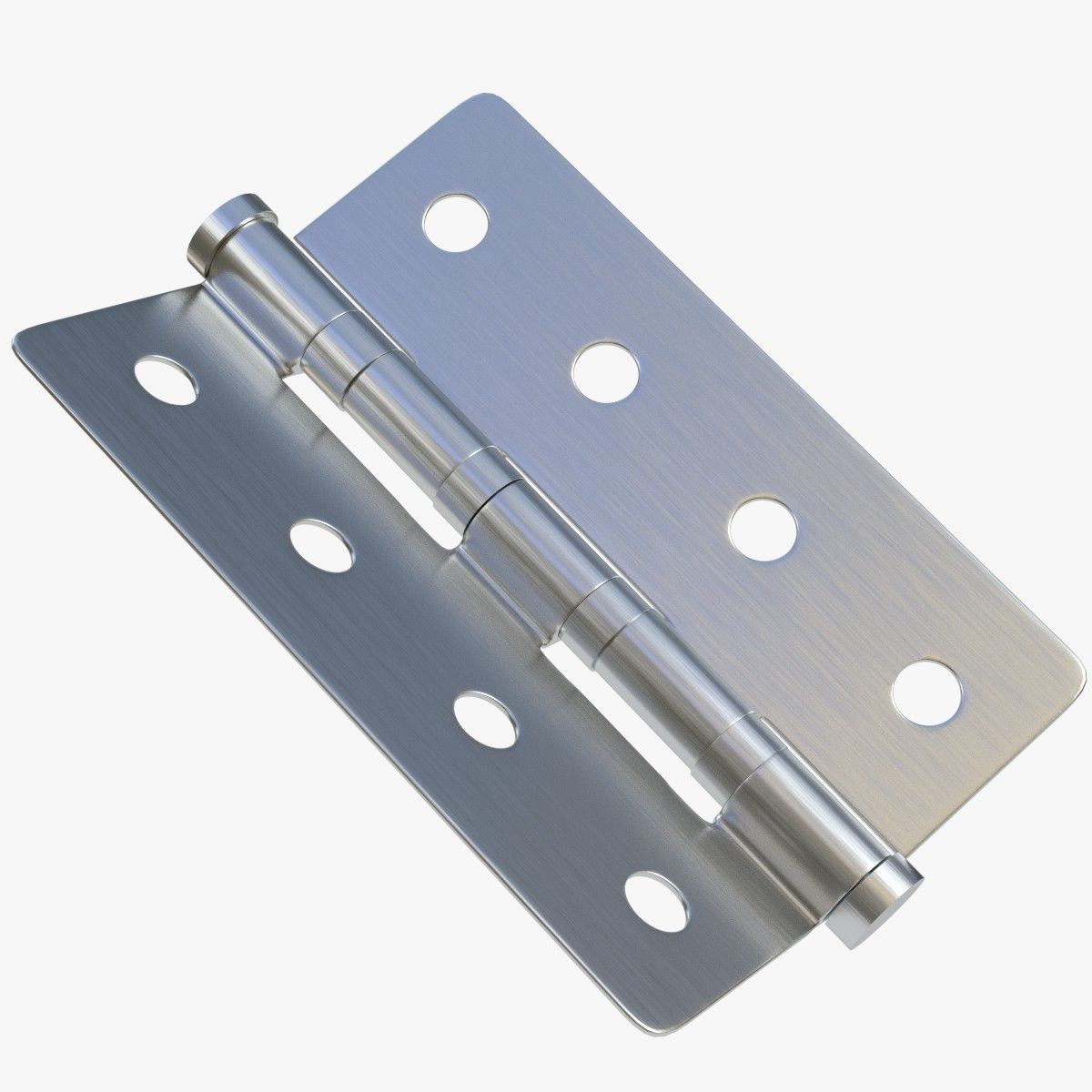
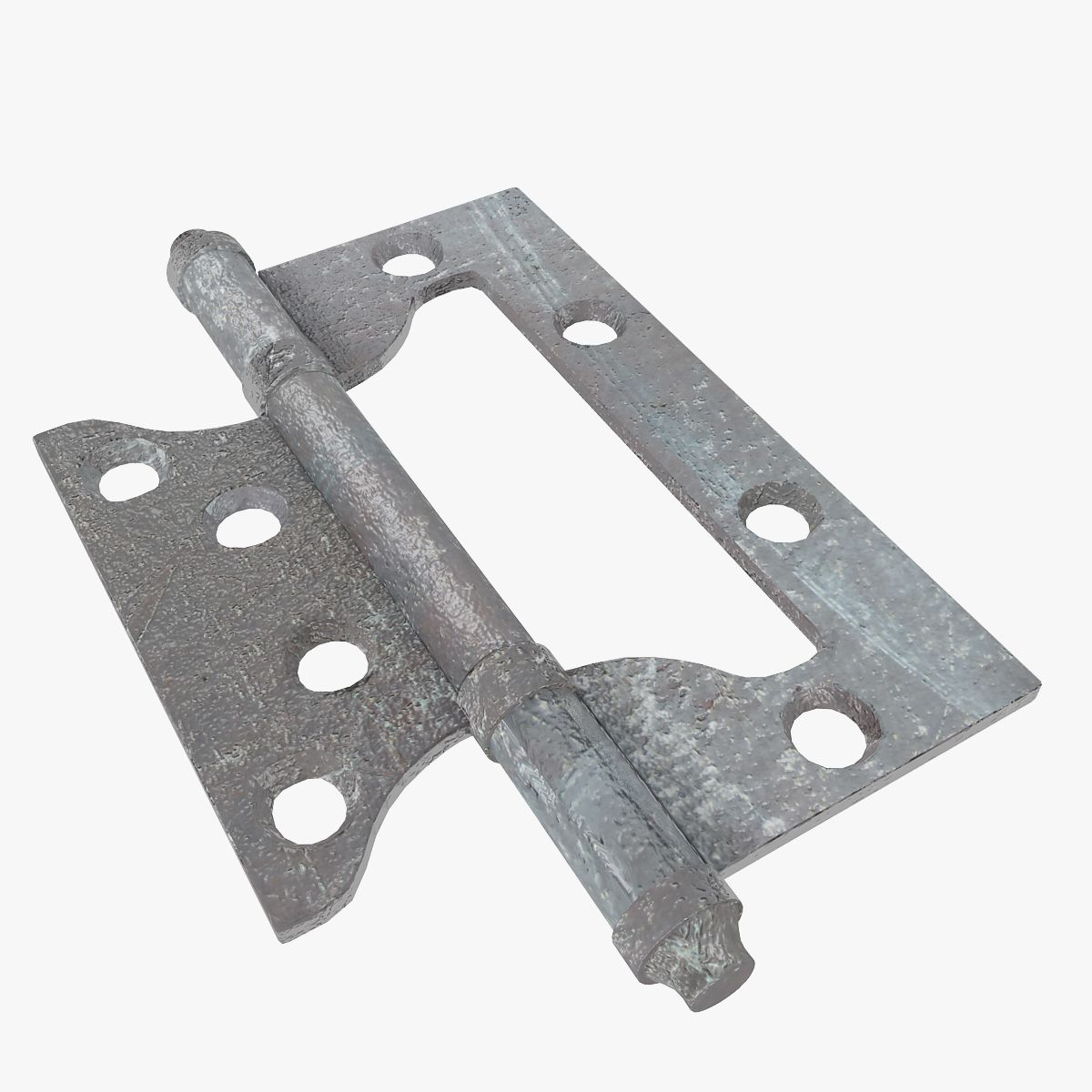
Detailed door provided with jamb, handle, lock, hinges and key.
The door is uv mapped.
Easy to manipulate, to insert in your scenes and to rotate (instructions below)
Each zip contains:
- Complete scene with 1 closed door and 1 open door
- 1 wood example texture
3dstudio max: object are grouped, the groups are open. To rotate the door, just select the "Rotation Group" of the open door.
Lightwave: For rotation, edit the open door in modeler and select the "Door rotate" Part. Rotate it from the center of the hinge in top view.
Softimage: Objects are grouped in 2 Models. In the open door model, objects for rotation are linked to the "Hinge1 Rotate" object.
Feb 26, 2018
date ajoutée
Jan 24, 2022
dernière mise à jour
Avis
Il n'y a actuellement aucun avis sur ce produit.
Pourquoi ne pas être le premier à briser la glace?