





Door 04 3D Model
0


586
visits

Submitted by
Lauranar
Specifications
- Geometrypolygonal
- Polygons5,054
- Vertices4,870
- TexturesYes
- RiggedNo
- AnimatedNo
- 3D Printable ReadyNo
- Game Ready (low poly)No
- UV MappedYes
- Unwrapped UVsmixed
Description
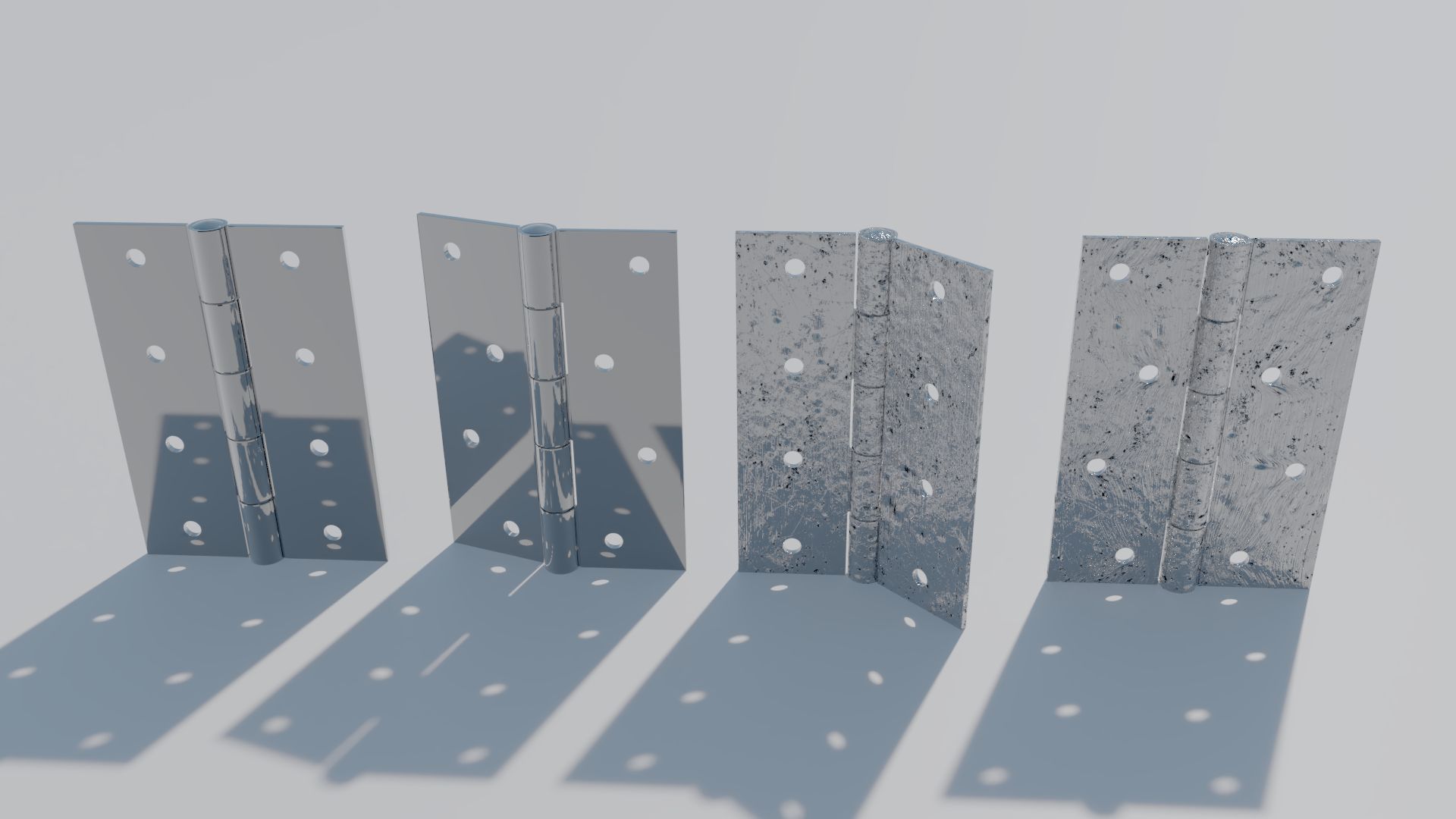
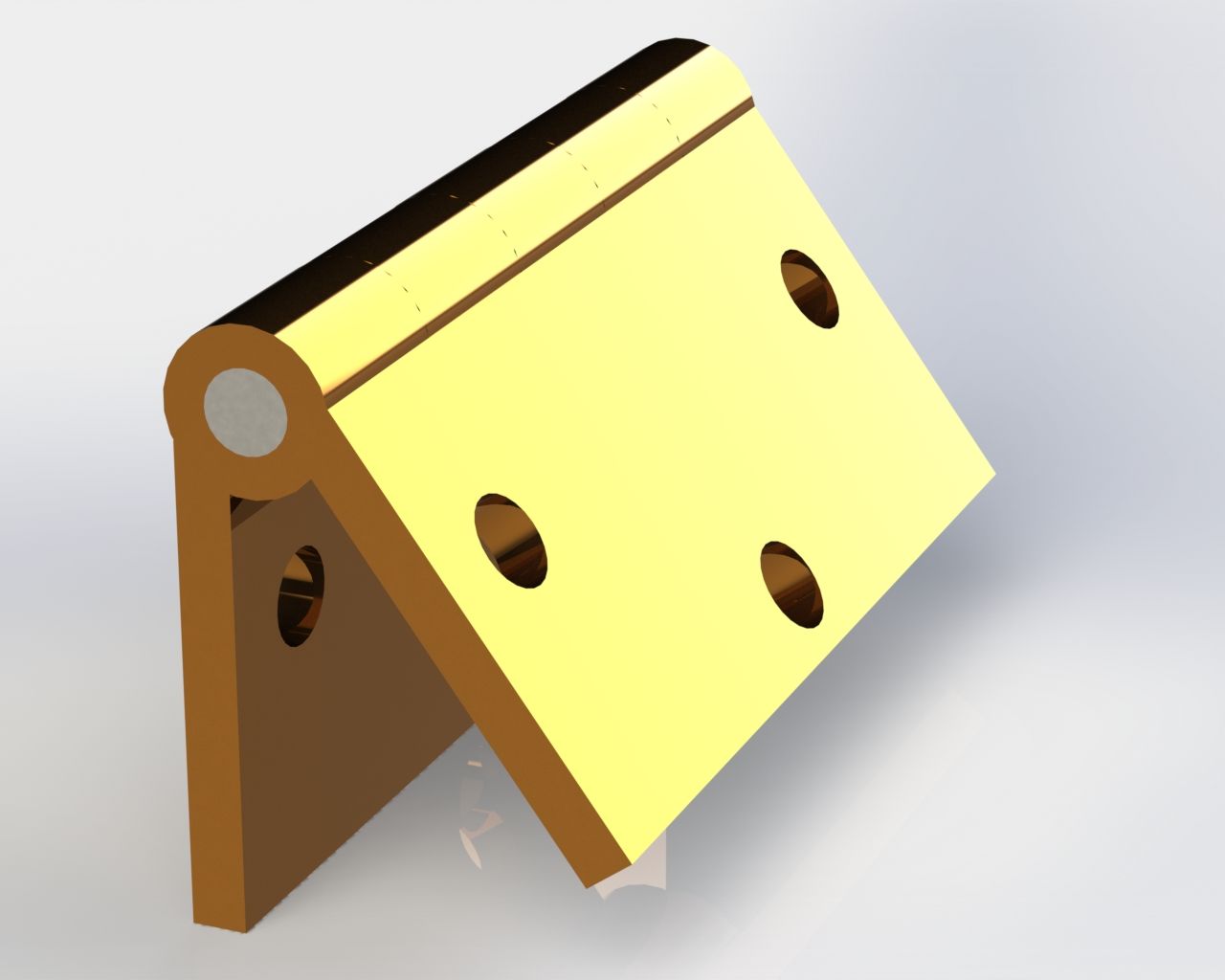
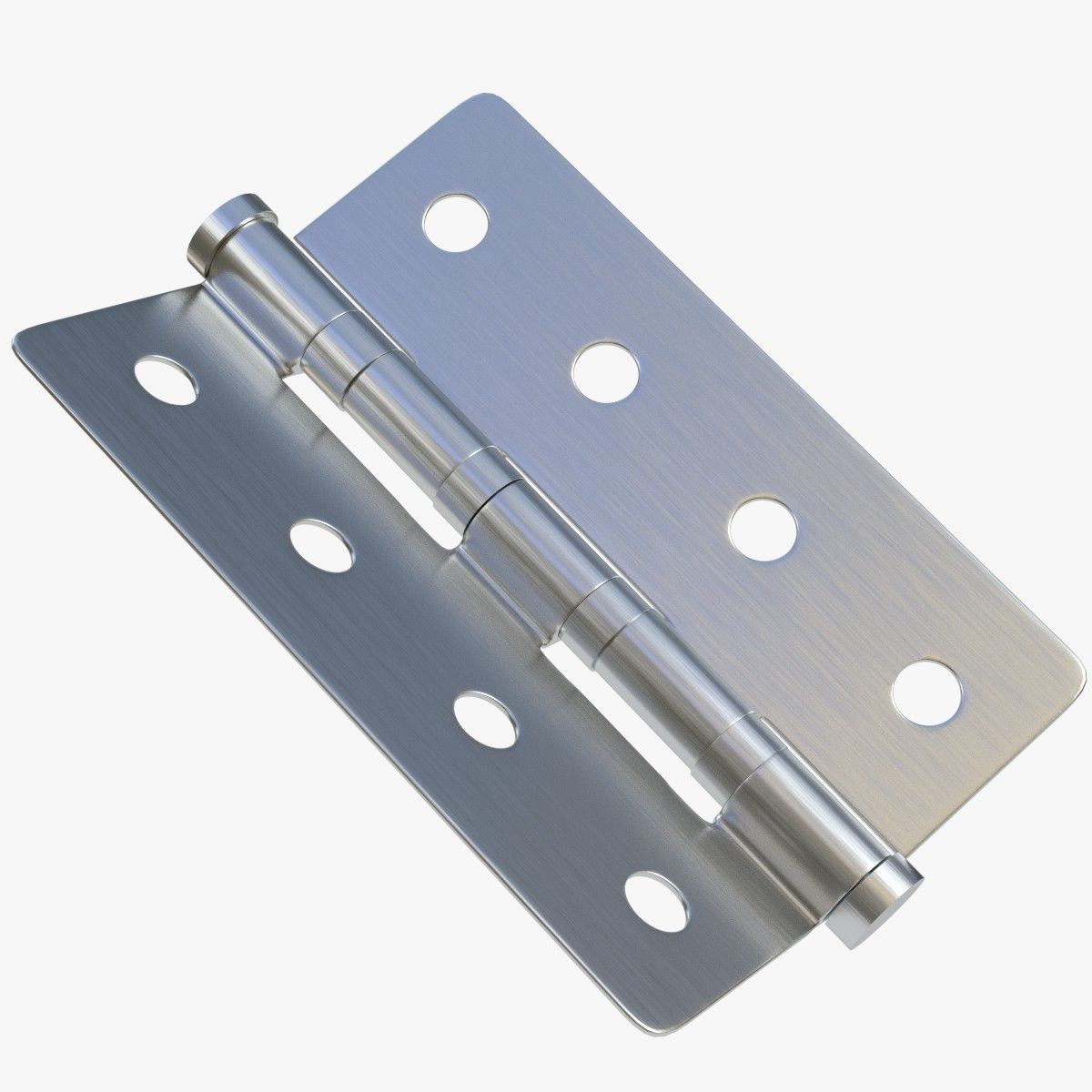
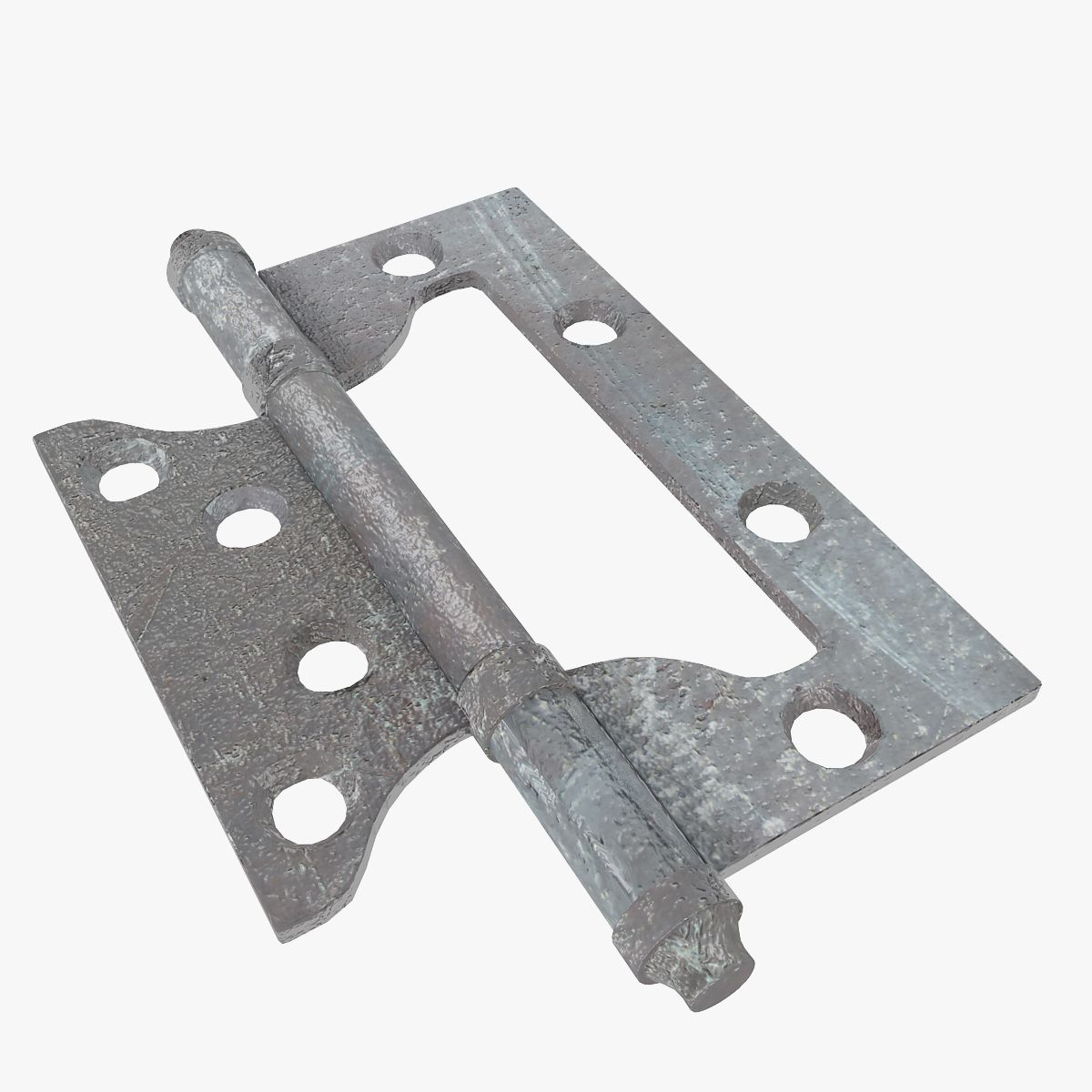
Detailed door provided with jamb, handle, lock, hinges and key.
The door is uv mapped.
Easy to manipulate, to insert in your scenes and to rotate (instructions below)
Each zip contains:
- Complete scene with 1 closed door and 1 open door
- 1 wood example texture
3dstudio max: object are grouped, the groups are open. To rotate the door, just select the "Rotation Group" of the open door.
Lightwave: For rotation, edit the open door in modeler and select the "Door rotate" Part. Rotate it from the center of the hinge in top view.
Softimage: Objects are grouped in 2 Models. In the open door model, objects for rotation are linked to the "Hinge1 Rotate" object.
Feb 26, 2018
date added
Jan 24, 2022
last update
Reviews
There are currently no reviews for this product.
Why not be the first one to break the ice?