
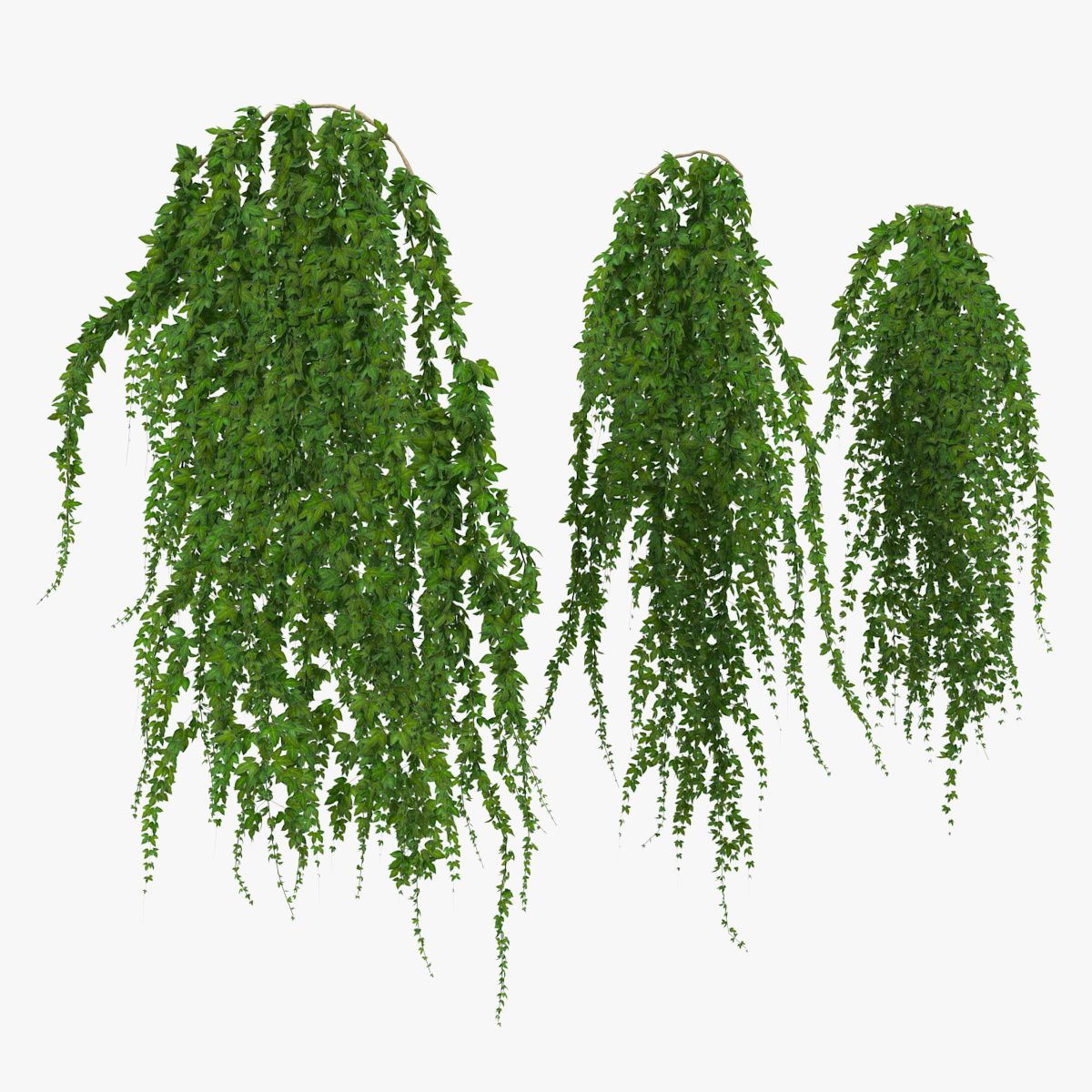


IvyClumps modèle 3D
0


Licence Libre de DroitsToutes les utilisations prolongées
Retours simples
Garantie du meilleur prix
Fonctionne hors de la boîte
0
visites

Proposé par
alaskandesign
Caractéristiques
- Géométriepolygonal
- Des polygones452
- Sommets1,062
- Les texturesYes
- GrééNo
- AniméNo
- Prêt pour l'impression 3DNo
- Jeu Prêt (low poly)No
- UV mappéYes
- UV non emballésoverlapping
La description
Contents:
* Two low poly mesh files.
*** Each has 3 levels of detail.
*** Poly and vert count listed includes all levels of detail for both meshes.
* Materials for each
* 4 texture maps for each
Meshes can be combined to create more complex clusters of vines.
The zip file contains all the files and is organized into three folders:
* Exports
* Materials
* Textures
*************
* Exports *
*************
Contains exported meshes and .fbms and .mtls associated with exported .fbx and .obj files
Mesh file types include:
3dsMax scene file
.3DS
.FBX
.OBJ
Each mesh file contains three levels of detail.
*HangingIvy
** HangingIvy00_LOD00 : 112 tris
** HangingIvy00_LOD01 : 32 tris
** HangingIvy00_LOD02 : 8 tris
*IvyTop
** ivyTop_LOD00 : 376 tris
** ivyTop_LOD01 : 168 tris
** ivyTop_LOD02 : 136 tris
***************
* Materials *
***************
Contains 3ds Max material libraries.
Each of these files includes a standard material as well as an optional, alternative mental ray material.
The mental ray renderer must be active in the Render Settings dialog in order to view the mental ray materal
If using .fbx or .obj files, standard materials should automatically be included on import.
If using .3ds or .max, you may need to open the material libraries into the material/map browser to add them to the mesh.
* HangingIvy_mat
** ivy_mat
** ivy_mat_mr
* IvyTop_mat
** ivyTop_mat
** ivyTop_mat_mr
**************
* Textures *
**************
Contains diffuse, alpha, normal, and ambient occlusion maps.
The ambient occlusion map is only used in the mental ray material.
HangingIvy Textures
* ivy_alpha : alpha map
* ivy_ao : occlusion map
* ivy_diffuse : diffuse/color map
* ivy_normals : normal map
IvyTop textures
* ivyTop_alpha : alpha map
* ivyTop_ao : occlusion map
* ivyTop_diffuse : diffuse/color map
* ivyTop_normals : normal map
Jul 30, 2020
date ajoutée
Mar 10, 2022
dernière mise à jour
Avis
Il n'y a actuellement aucun avis sur ce produit.
Pourquoi ne pas être le premier à briser la glace?