
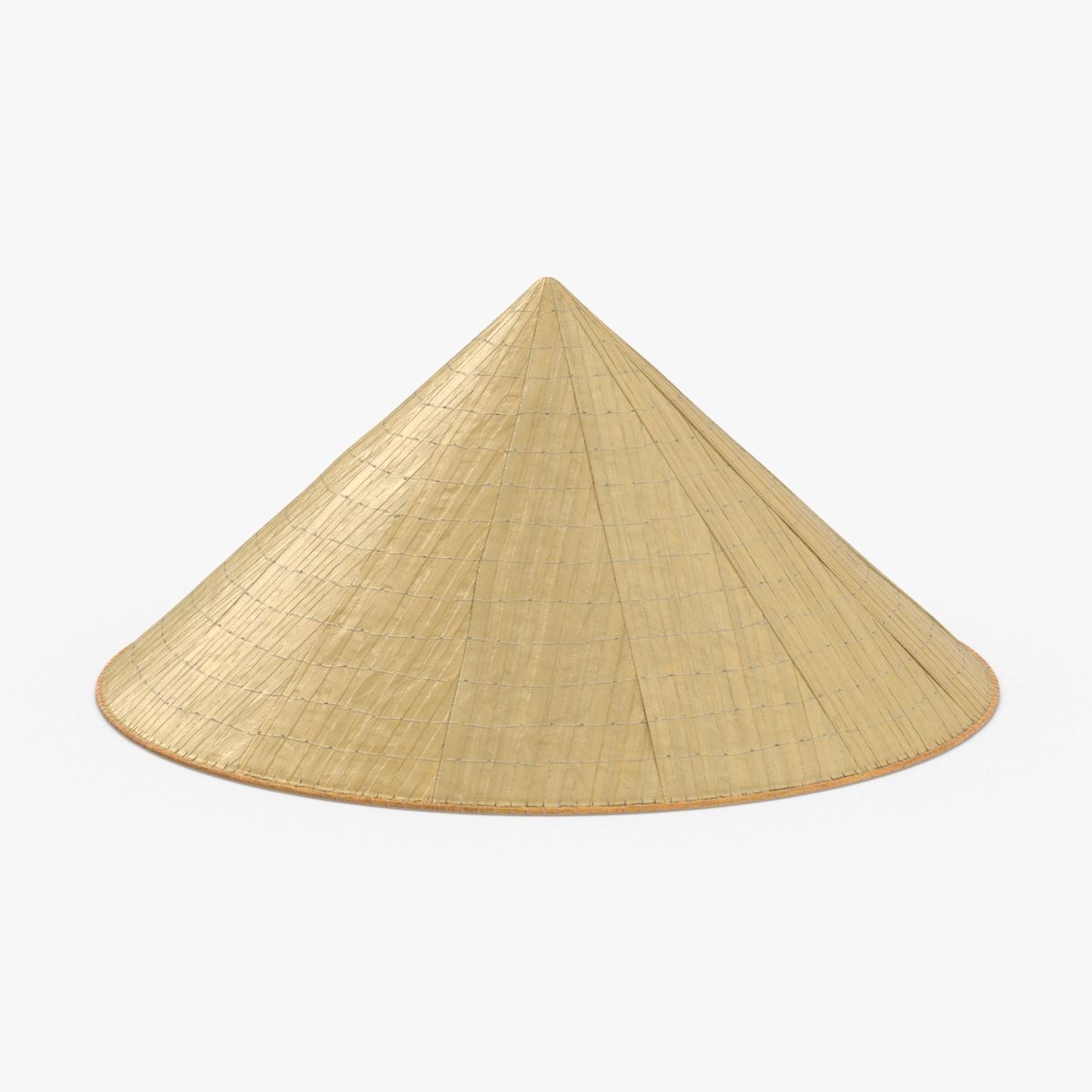


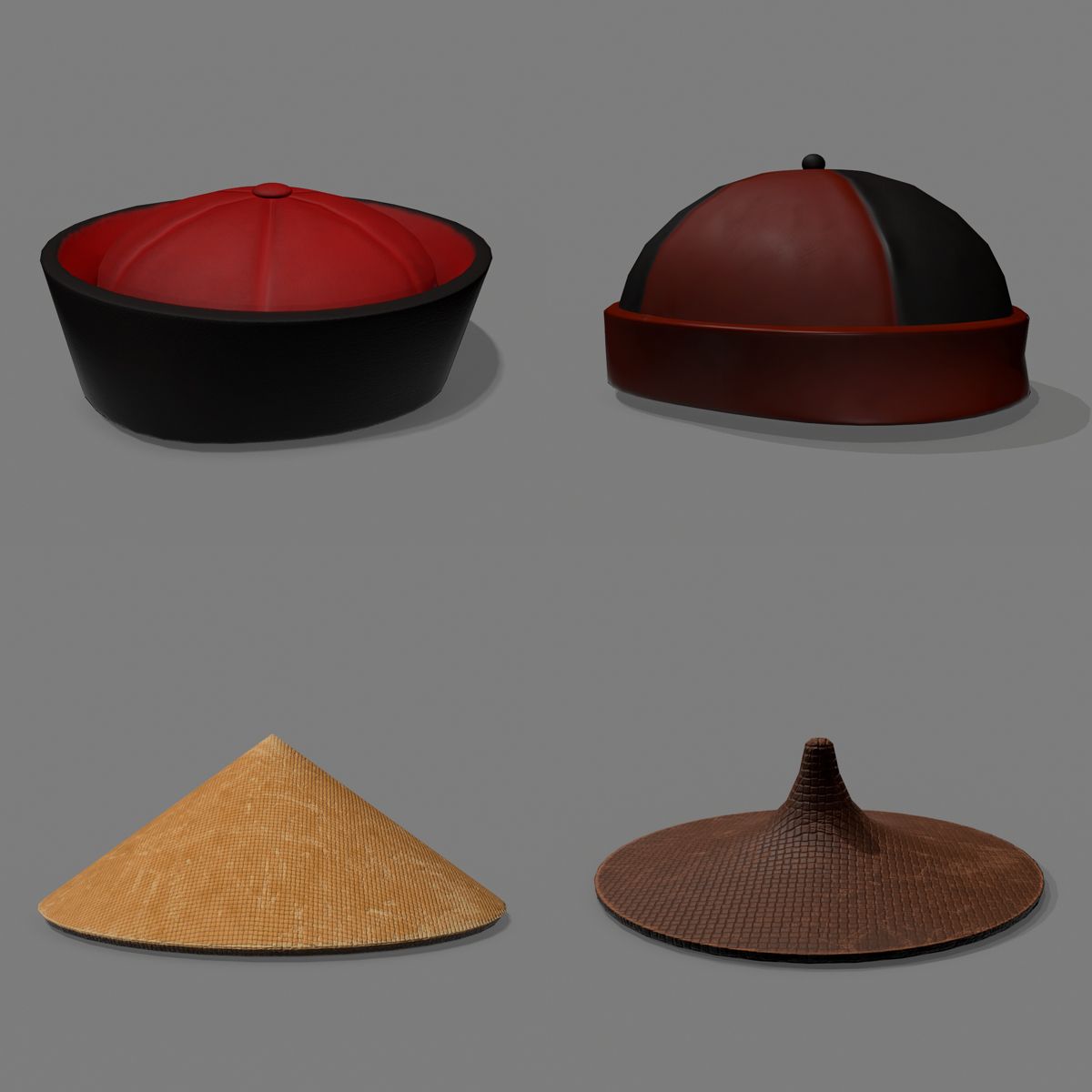

Cappello cinese Modello 3D
0


Licenza RoyaltyTutti gli usi estesi
Ritorni semplici
Miglior prezzo garantito
Funziona fuori dalla scatola
24
visite

Inviato da
Witherstone
specificazioni
- Geometriapolygonal
- poligoni76,600
- vertici76,620
- TexturesYes
- riggedNo
- AnimatoNo
- Prontabile in 3DNo
- Gioco pronto (low poly)No
- UV mappatoNo
- UV non avvoltounknown
Descrizione
A textured model of a conical Asian hat.
Model
- Textured
- Created in Maya, tested only in Maya.
- Textures are to be applied manually.
Instructions
- Open .mb file in Maya
- Click individual model parts and open Attribute Editor (Window > Attribute Editor)
- Click on Lambert tab (far right).
- Click on the arrow on the far right of the Color attribute.
- Under "File Attributes", click the folder on the far right of "Image Name".
- Find the appropriate image file (there are only 2) for that model part you have selected and open it.
- Model now has textures attached.
Textures
- Image files for textures are named appropriately.
- "Hat - Straw.jpg" belongs to the hat object.
- "Strings - Rope.jpg" belongs to the string objects.
Thank you!
Oct 02, 2019
Data aggiunta
Oct 02, 2022
ultimo aggiornamento
Recensioni
Al momento non ci sono commenti per questo prodotto.
Perché non essere il primo a rompere il ghiaccio?