
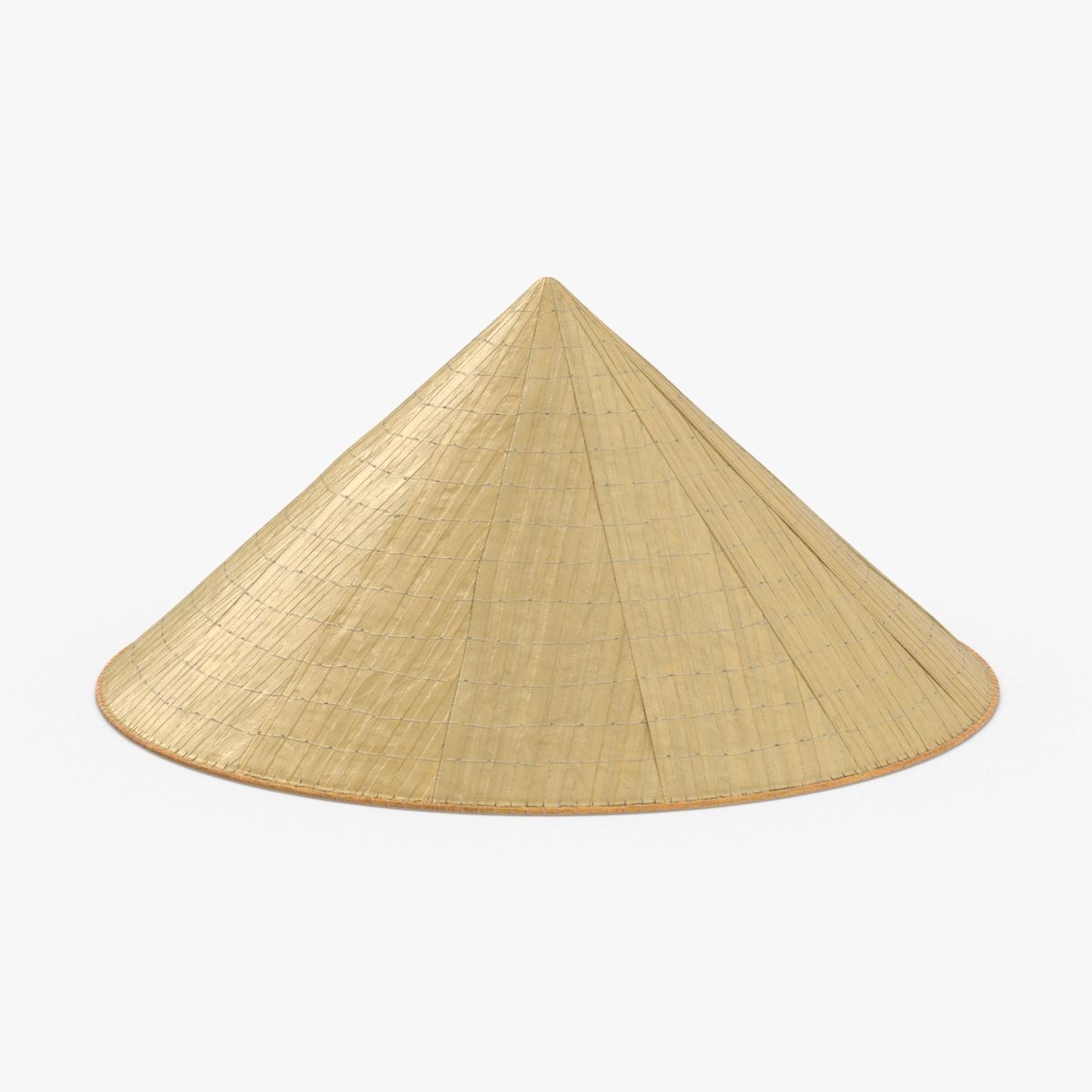


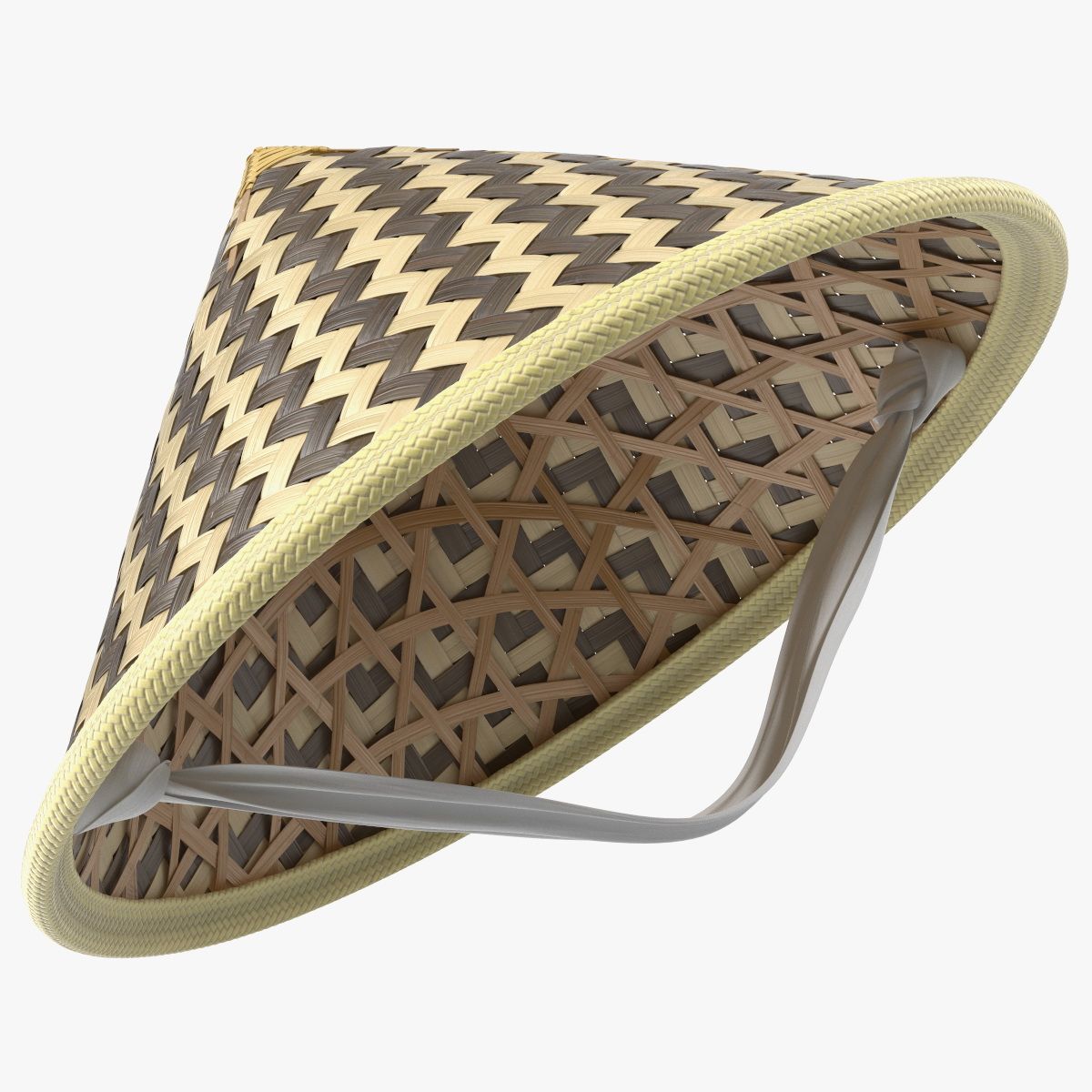
Chapéu chinês Modelo 3D
0


Licença isenta de direitosTodos os usos estendidos
Retornos simples
Melhor Preço Garantido
Trabalha fora da caixa
24
visitas

Enviado por
Witherstone
Especificações
- Geometriapolygonal
- Polígonos76,600
- Vértices76,620
- TexturasYes
- RiggedNo
- AnimadoNo
- Pronto para impressão em 3DNo
- Jogo pronto (baixo poli)No
- Mapeado por UVNo
- UVs não enroladosunknown
Descrição
A textured model of a conical Asian hat.
Model
- Textured
- Created in Maya, tested only in Maya.
- Textures are to be applied manually.
Instructions
- Open .mb file in Maya
- Click individual model parts and open Attribute Editor (Window > Attribute Editor)
- Click on Lambert tab (far right).
- Click on the arrow on the far right of the Color attribute.
- Under "File Attributes", click the folder on the far right of "Image Name".
- Find the appropriate image file (there are only 2) for that model part you have selected and open it.
- Model now has textures attached.
Textures
- Image files for textures are named appropriately.
- "Hat - Straw.jpg" belongs to the hat object.
- "Strings - Rope.jpg" belongs to the string objects.
Thank you!
Oct 02, 2019
data adicionada
Oct 02, 2022
última atualização
Rever
Atualmente não há comentários para este produto.
Por que não ser o primeiro a quebrar o gelo?