


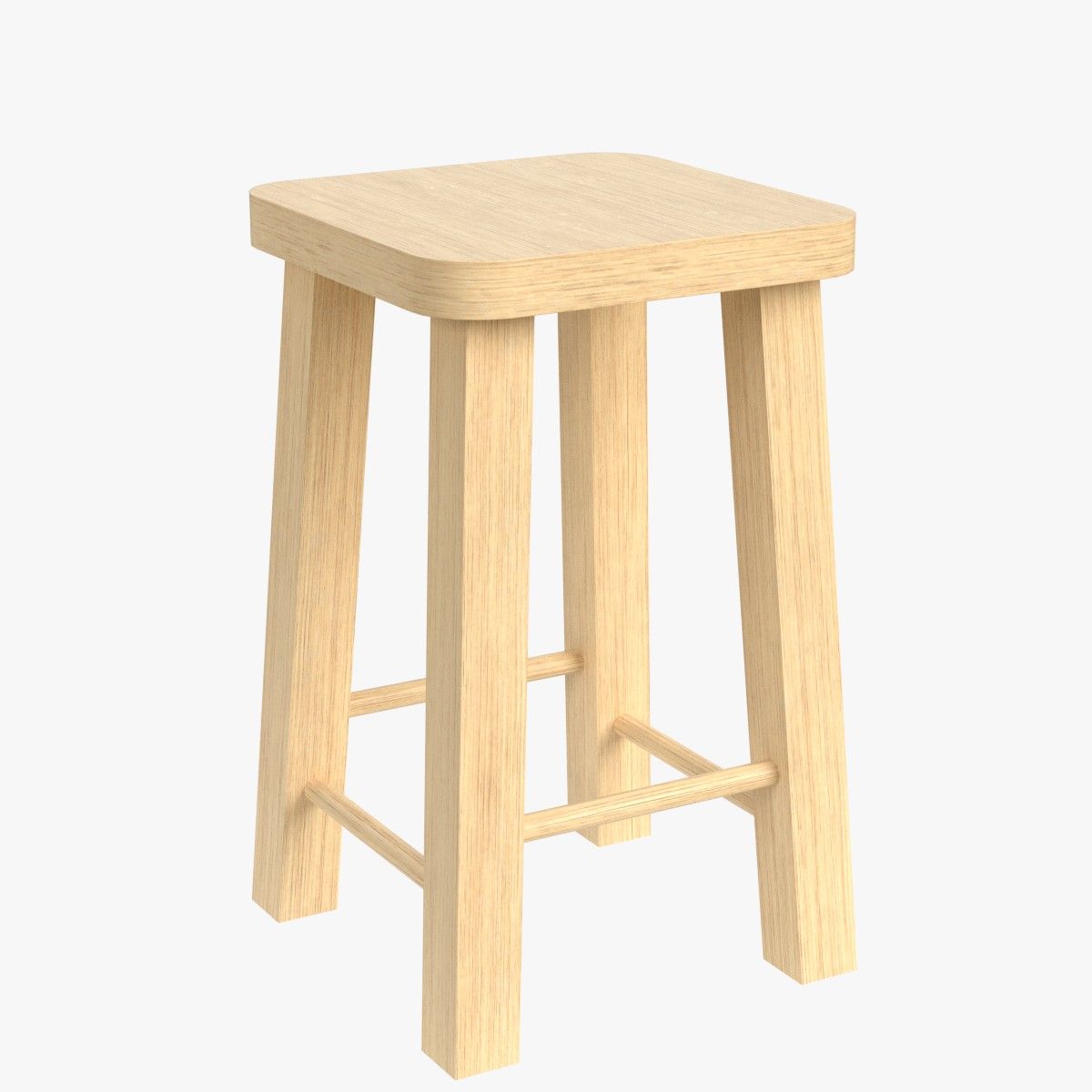

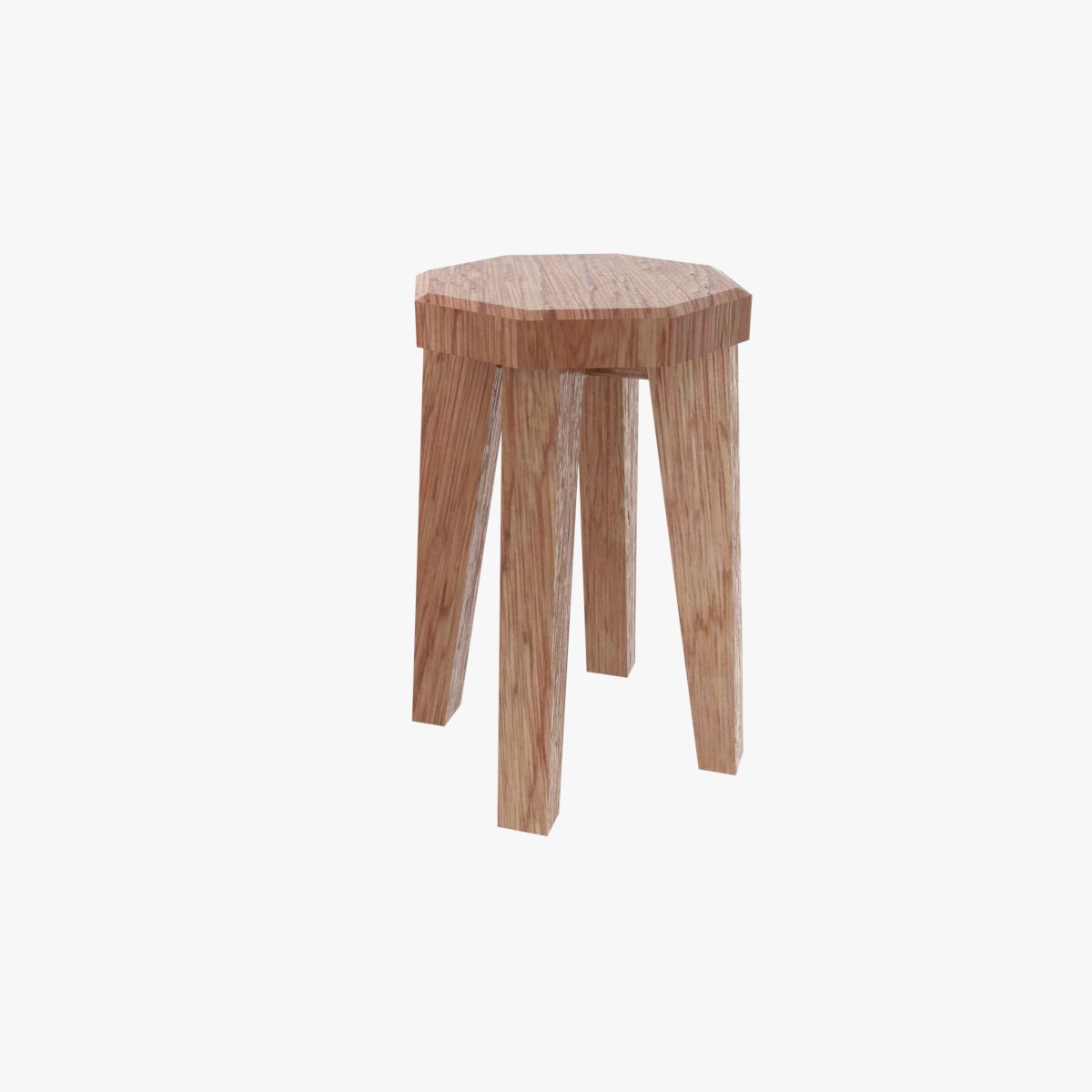

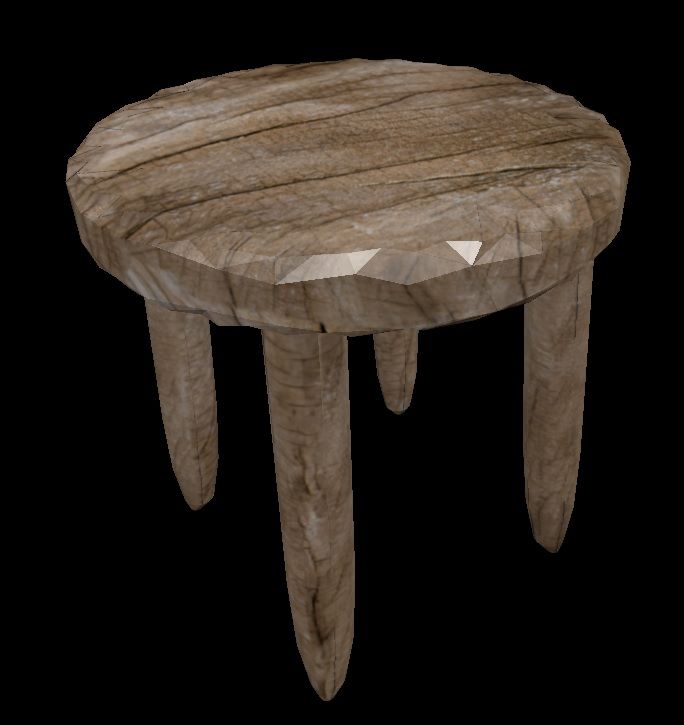
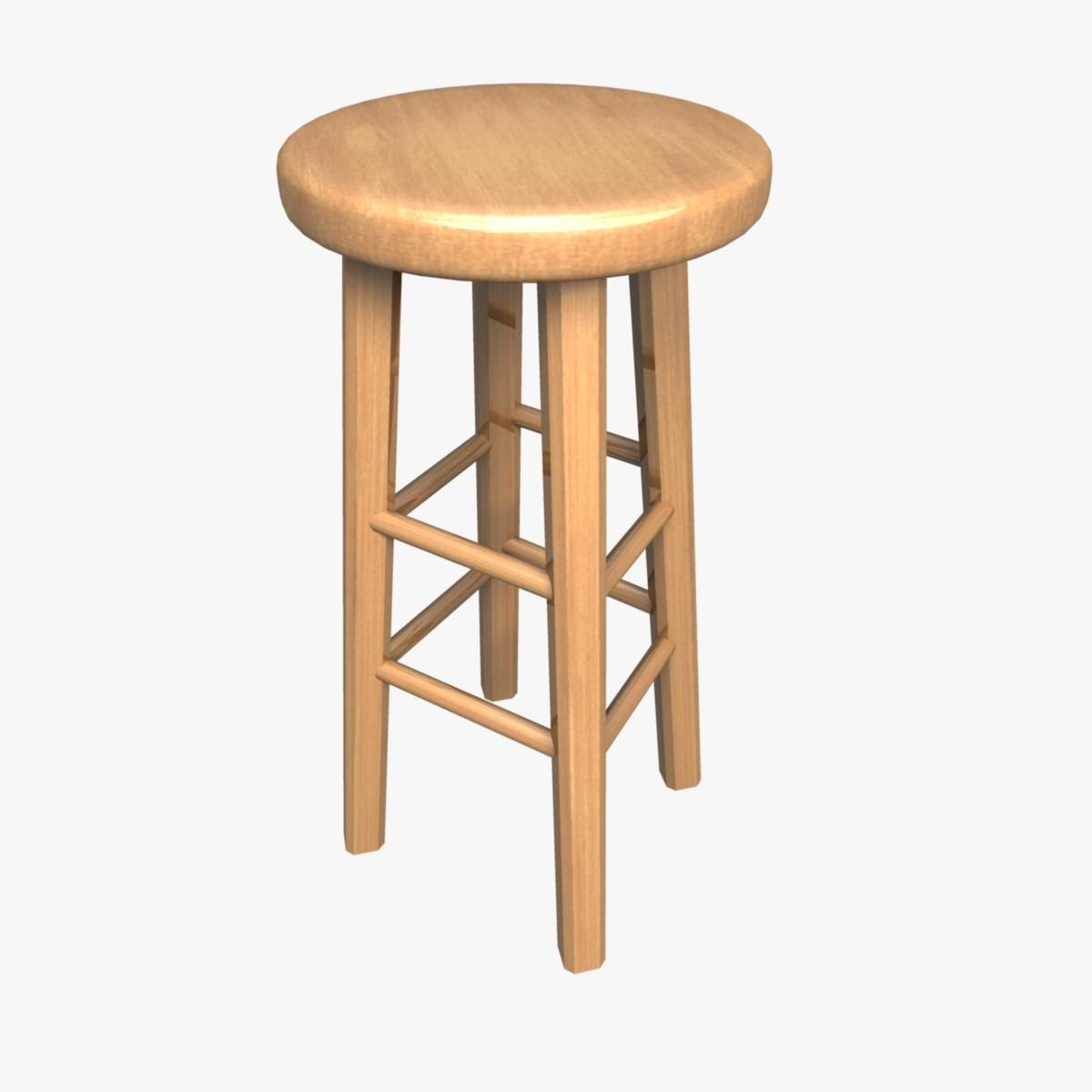
Sgabello in legno Modello 3D
0


Licenza RoyaltyTutti gli usi estesi
Ritorni semplici
Miglior prezzo garantito
Funziona fuori dalla scatola
29
visite

Inviato da
Broadcast Media
specificazioni
- Geometriapolygonal
- poligoni8,384
- vertici8,155
- TexturesYes
- riggedNo
- AnimatoNo
- Prontabile in 3DNo
- Gioco pronto (low poly)No
- UV mappatoNo
- UV non avvoltounknown
Descrizione
PRODUCT ORIGIN
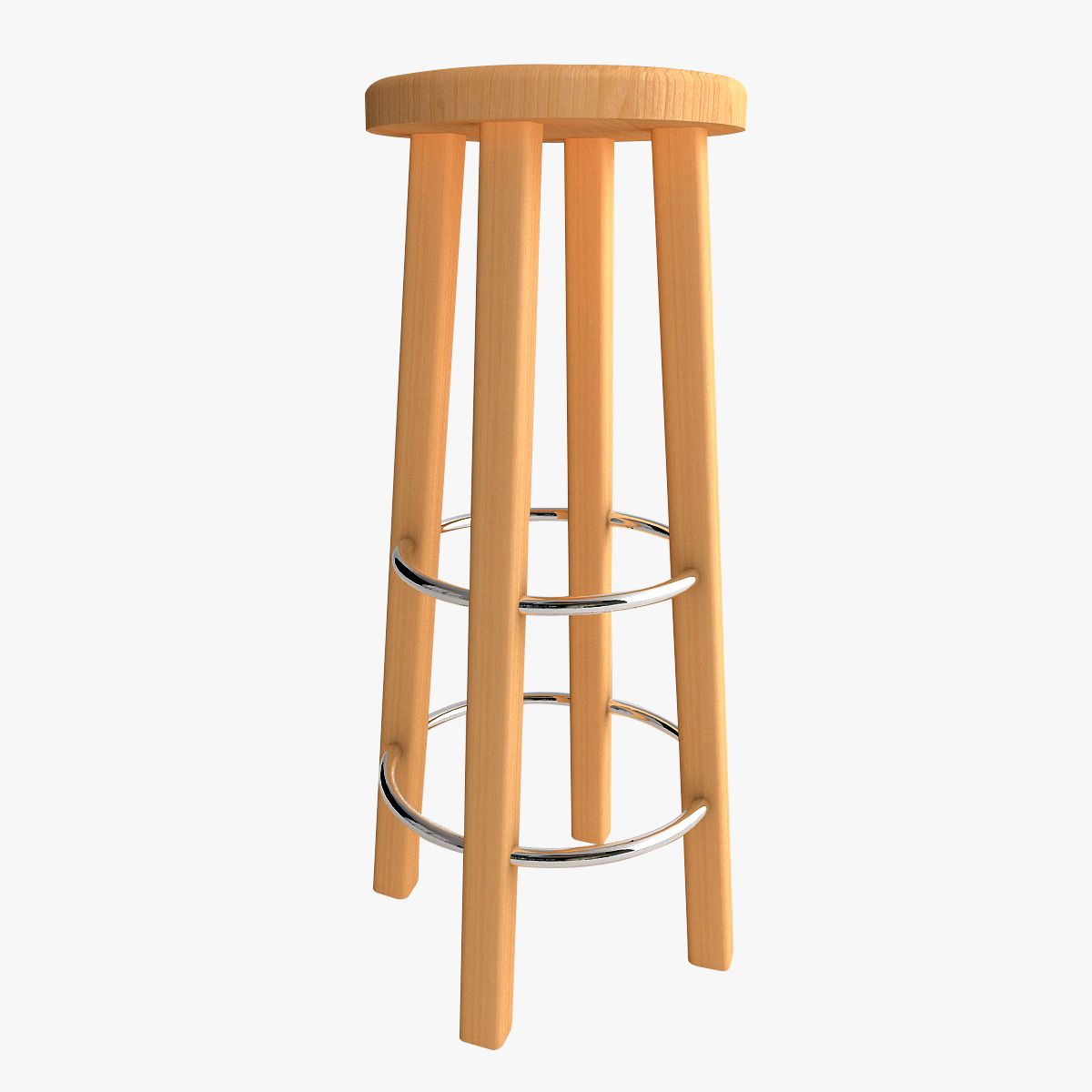
This product was modeled with precision and was created using 'REAL-WORLD' scale. The original file was created and used for TV/FILM/VIDEO. The model is based on the measurements and technical specs of an actual stool.
PRODUCT DETAILS
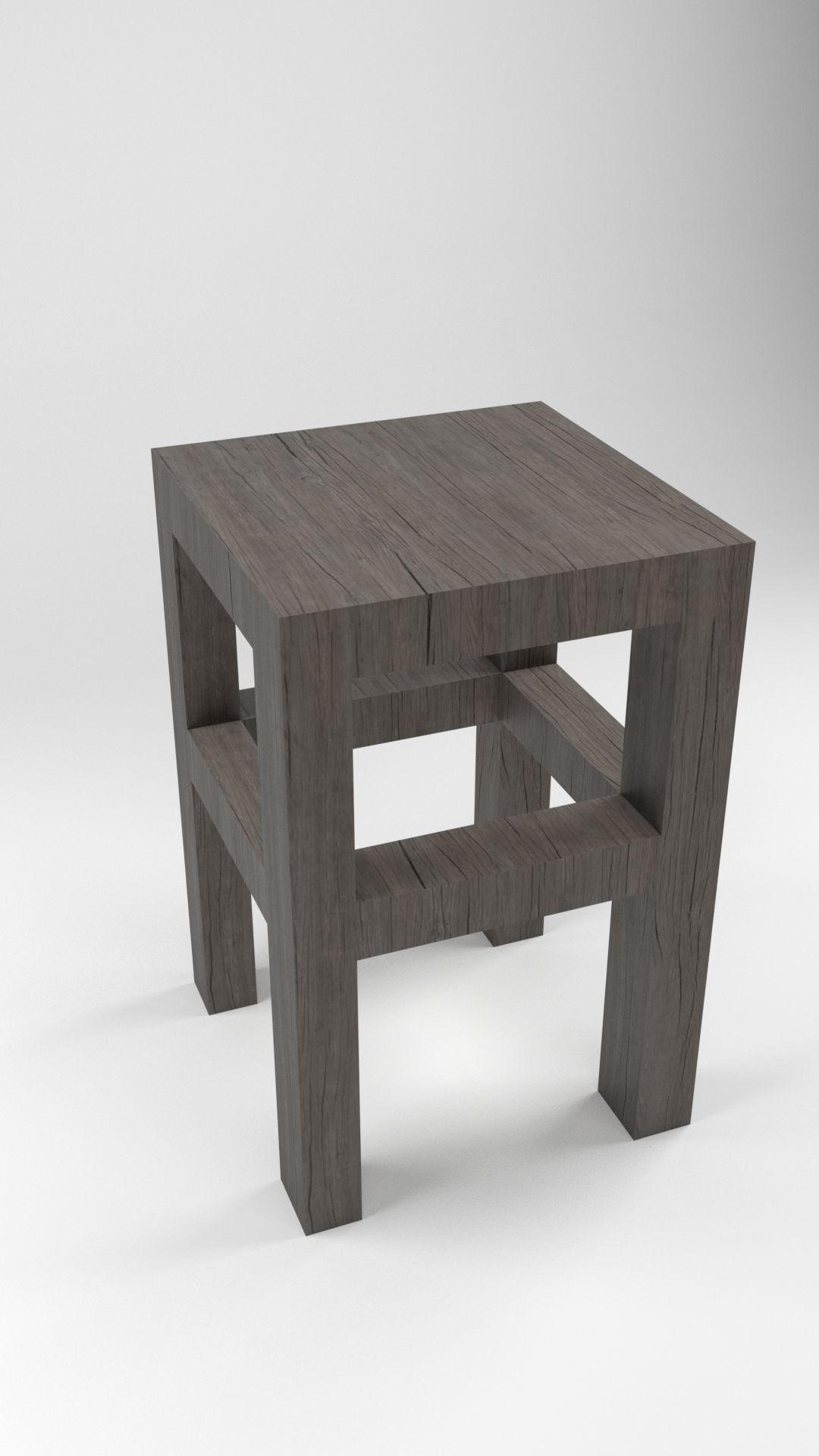
The stool is ready to go as is! The model was created in 3DS Max. The original file was used for a cool, rapid assembly animation, so all the parts are "individual" but grouped together. This allows the option of manipulating the stool as one object or as individual "parts". NOTE: If you un-group and move the stool parts, don't forget the tiny little feet/scuff pads. Yes there are even the little scuff pads that you'd find on the real stool...in the real world.
ALTERNATE FORMATS
The main file is the 3DS MAX version but other formats have been included. There's an FBX, 3DS, DWG and several OBJ files. There are OBJ files exported with the following presets: C4D, MAYA, BLENDER and even one using the LIGHTWAVE preset in the OBJ exporter. The OBJ files are named to indicate which preset was used for their respective exports.
MATERIAL/SURFACE DETAILS
The materials and mapping are set for the MAX version but you may have to re-apply the materials/bitmap if using the other versions. The Bitmap for the wood seat is included.
SPECIAL BONUS
This product also comes with a very basic cyc/background model that can be used to render other objects with high quality results. Simply import your objects and render with nice studio lighting. Very useful!!!
HDRI NOTE
Some of the sample renders made use of HDRI maps for reflections. Those HDRI images are not included because of copyright. However, you can simply add an HDRI from your own collection to the 'environment' slot in the VRay render options. If you do not have any HDRIs, there are many for sale here on TurboSquid. The material for adding an HDRI is already setup in the material editor. Just click "BROWSE" and point it to the HDRI of your choosing and you're all set.
Oct 04, 2019
Data aggiunta
Dec 24, 2022
ultimo aggiornamento
Recensioni
Al momento non ci sono commenti per questo prodotto.
Perché non essere il primo a rompere il ghiaccio?