



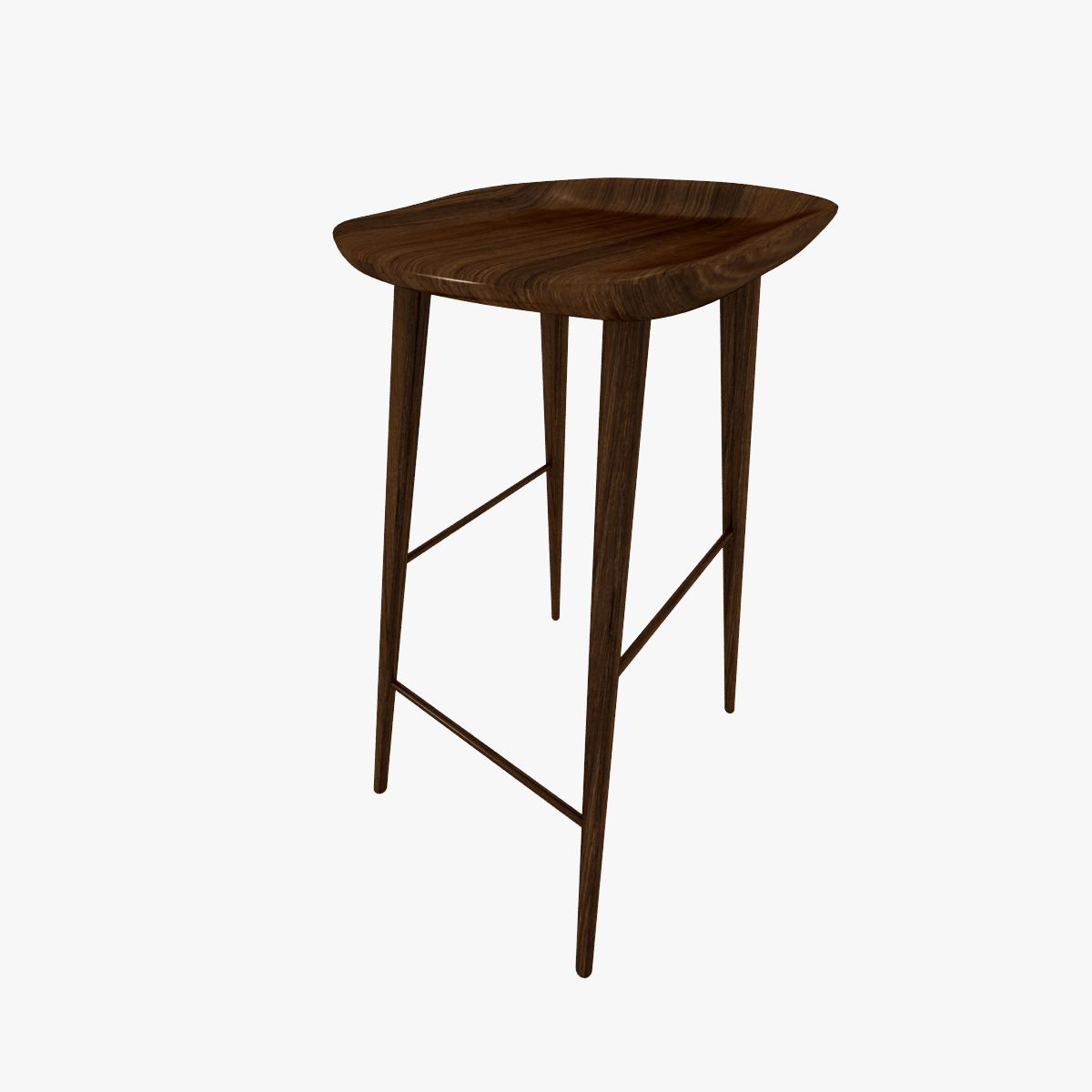

Stool Wooden 3D model
0


Royalty Free LisansTüm genişletilmiş kullanımlar
Basit iadeler
En iyi fiyat garantisi
Kutunun dışında çalışır
29
ziyaret

Tarafından gönderilmiştir
Broadcast Media
Özellikler
- Geometripolygonal
- Çokgenler8,384
- Tepe Noktaları8,155
- DokularYes
- hileliNo
- canlandırılmışNo
- 3D Yazdırılabilir HazırNo
- Oyuna Hazır (düşük poli)No
- UV HaritalıNo
- Sarılmamış UV'lerunknown
Açıklama
PRODUCT ORIGIN
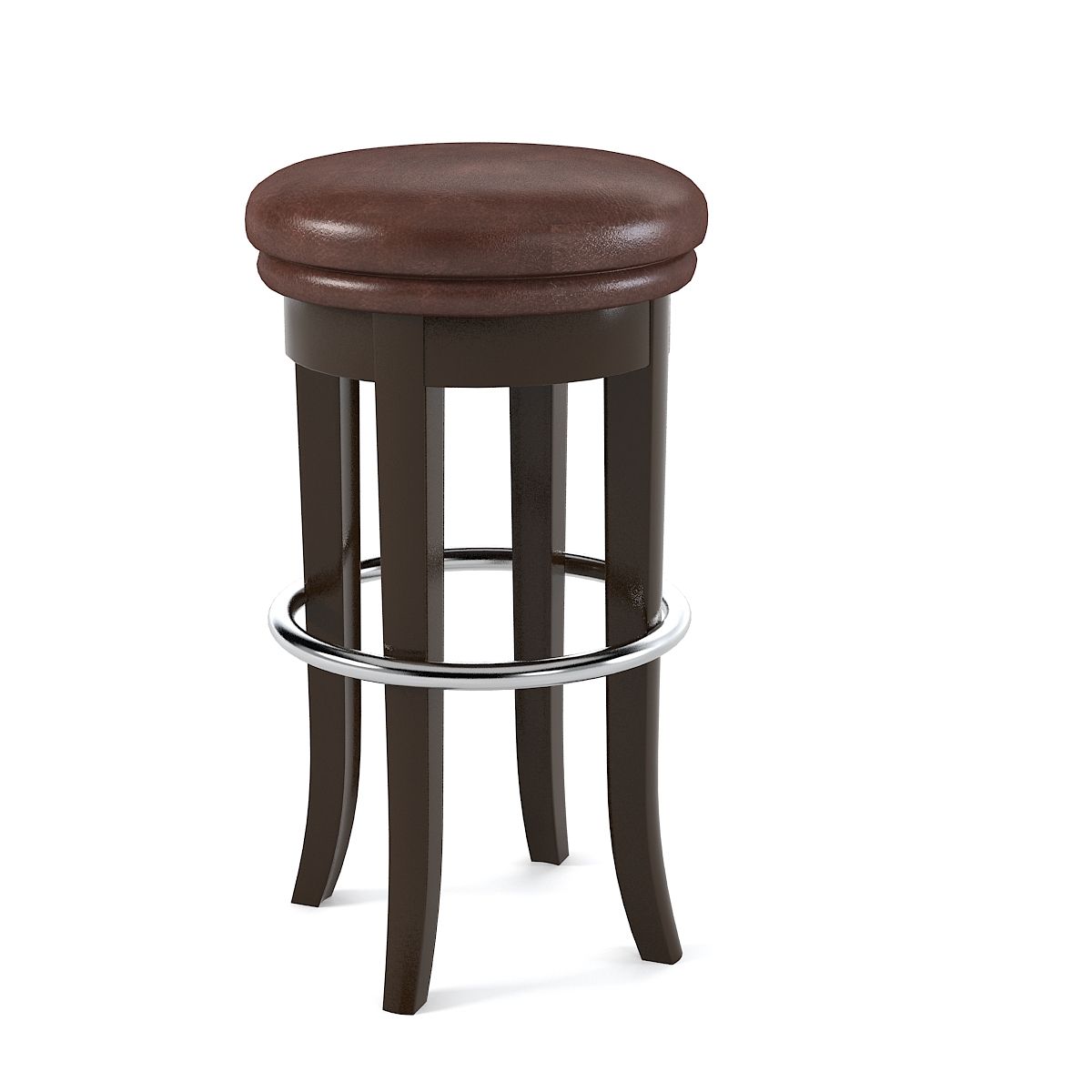
This product was modeled with precision and was created using 'REAL-WORLD' scale. The original file was created and used for TV/FILM/VIDEO. The model is based on the measurements and technical specs of an actual stool.
PRODUCT DETAILS
The stool is ready to go as is! The model was created in 3DS Max. The original file was used for a cool, rapid assembly animation, so all the parts are "individual" but grouped together. This allows the option of manipulating the stool as one object or as individual "parts". NOTE: If you un-group and move the stool parts, don't forget the tiny little feet/scuff pads. Yes there are even the little scuff pads that you'd find on the real stool...in the real world.
ALTERNATE FORMATS
The main file is the 3DS MAX version but other formats have been included. There's an FBX, 3DS, DWG and several OBJ files. There are OBJ files exported with the following presets: C4D, MAYA, BLENDER and even one using the LIGHTWAVE preset in the OBJ exporter. The OBJ files are named to indicate which preset was used for their respective exports.
MATERIAL/SURFACE DETAILS
The materials and mapping are set for the MAX version but you may have to re-apply the materials/bitmap if using the other versions. The Bitmap for the wood seat is included.
SPECIAL BONUS
This product also comes with a very basic cyc/background model that can be used to render other objects with high quality results. Simply import your objects and render with nice studio lighting. Very useful!!!
HDRI NOTE
Some of the sample renders made use of HDRI maps for reflections. Those HDRI images are not included because of copyright. However, you can simply add an HDRI from your own collection to the 'environment' slot in the VRay render options. If you do not have any HDRIs, there are many for sale here on TurboSquid. The material for adding an HDRI is already setup in the material editor. Just click "BROWSE" and point it to the HDRI of your choosing and you're all set.
Oct 04, 2019
Ekleme Tarihi
Dec 24, 2022
son Güncelleme
Yorumlar
Bu ürün için henüz hiç yorum yapılmamış.
Neden buzu kıran ilk kişi değilsin?