



装甲トラック-ゲームレディ 3Dモデル
0


0
訪問

から提出された
MeshMagnet
仕様
- ジオメトリpolygonal
- 多角形30,199
- 頂点61,652
- テクスチャYes
- 堅いNo
- アニメ化No
- 3Dプリント可能No
- ゲームレディ(低ポリ)No
- UVマップYes
- ラップされていないUVnon-overlapping
説明
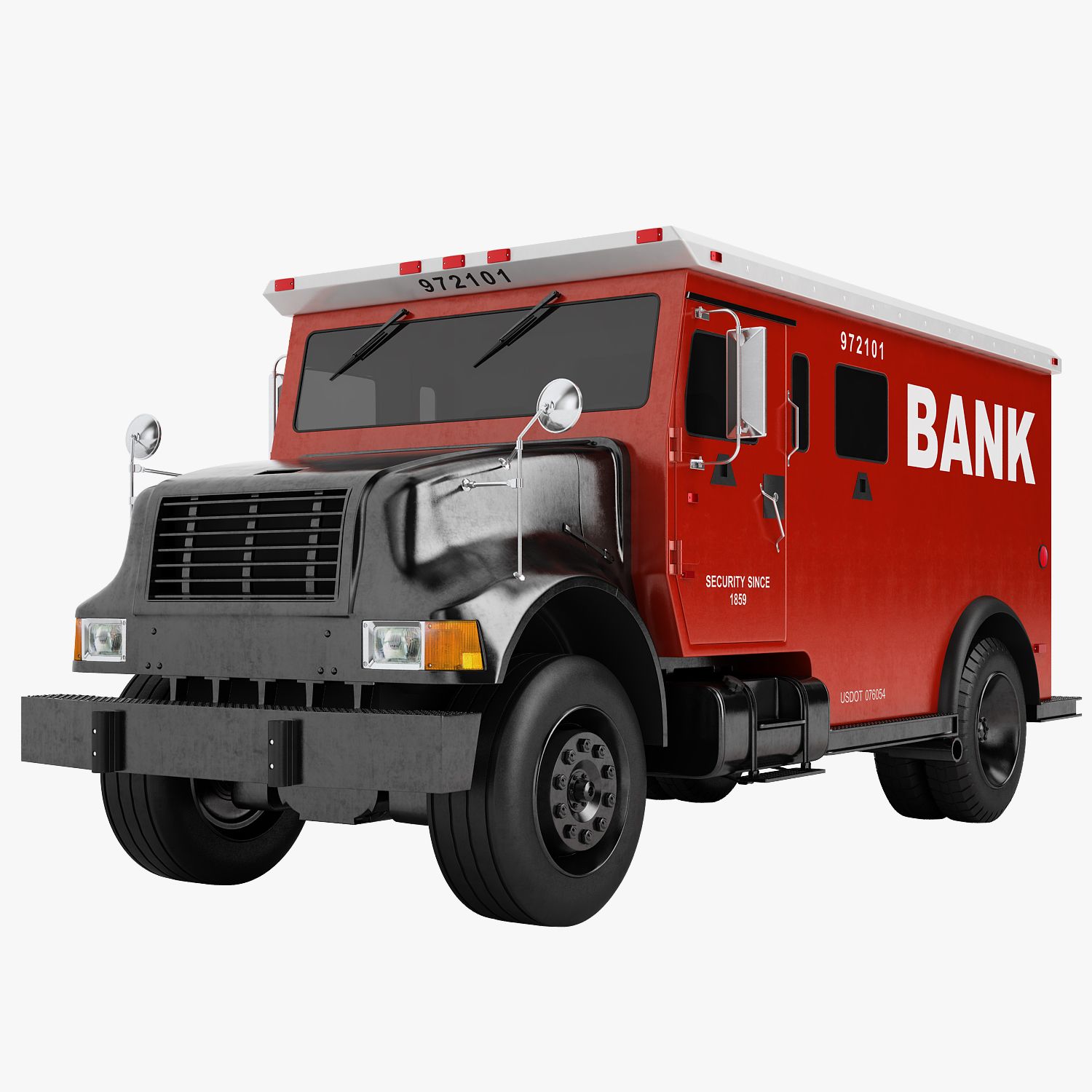
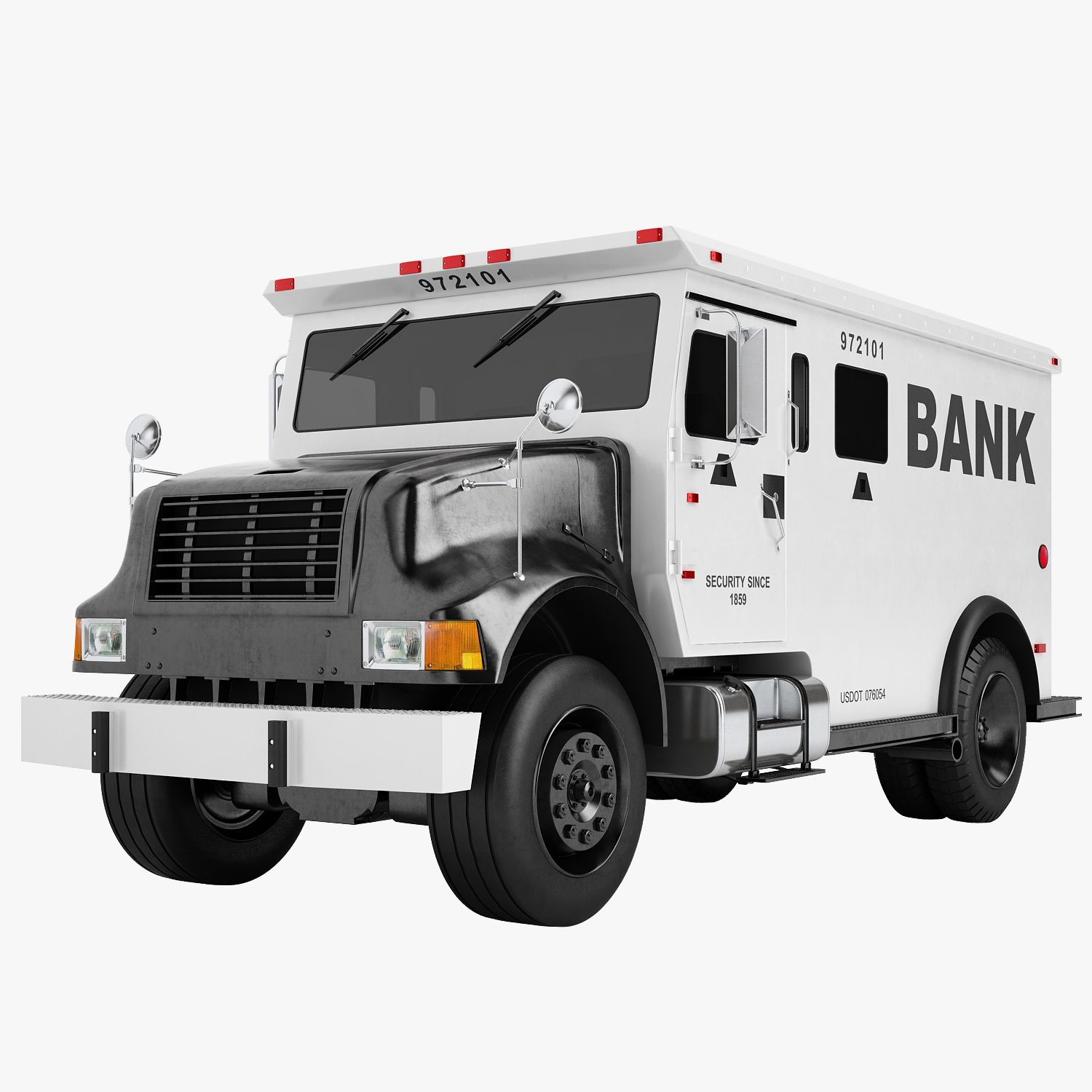
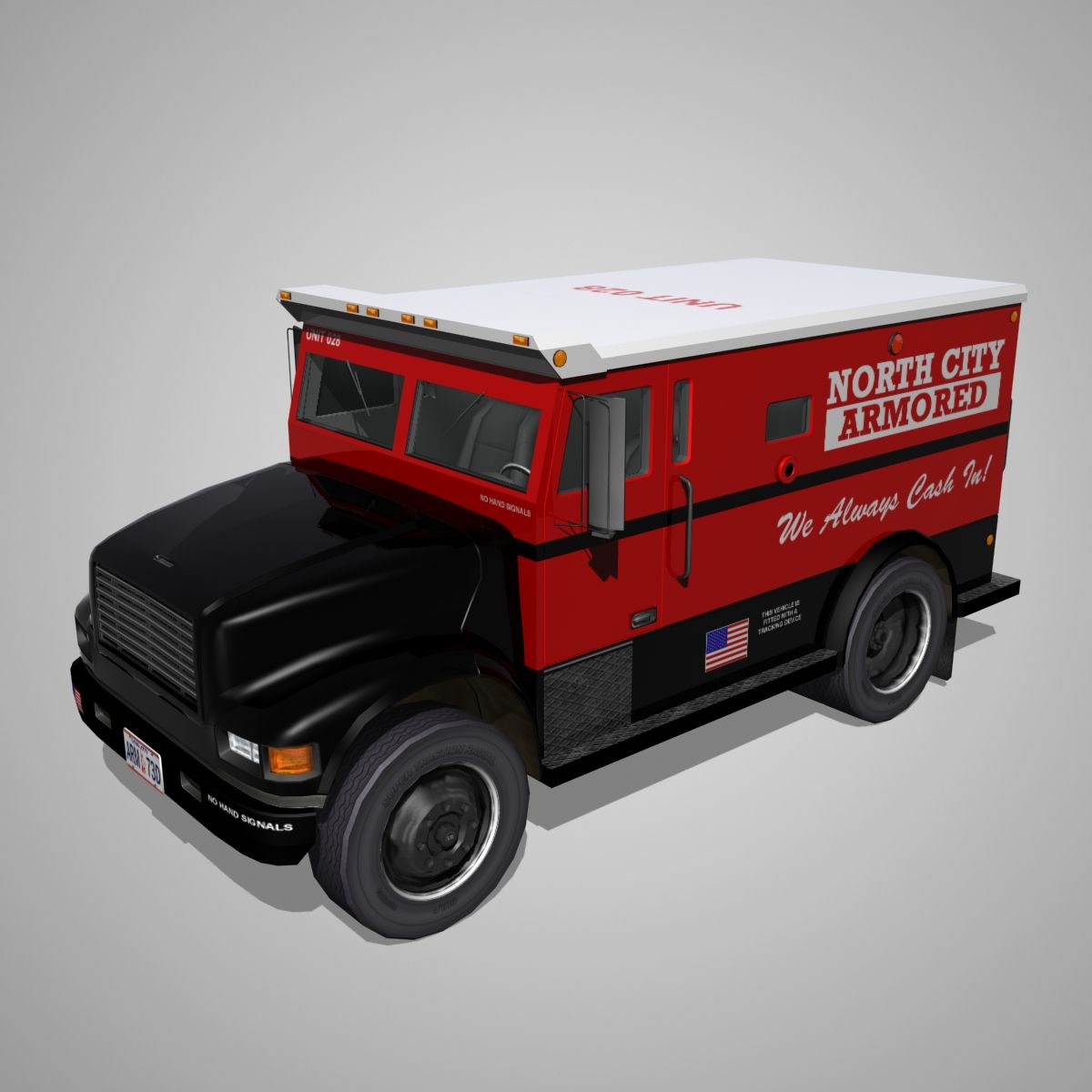
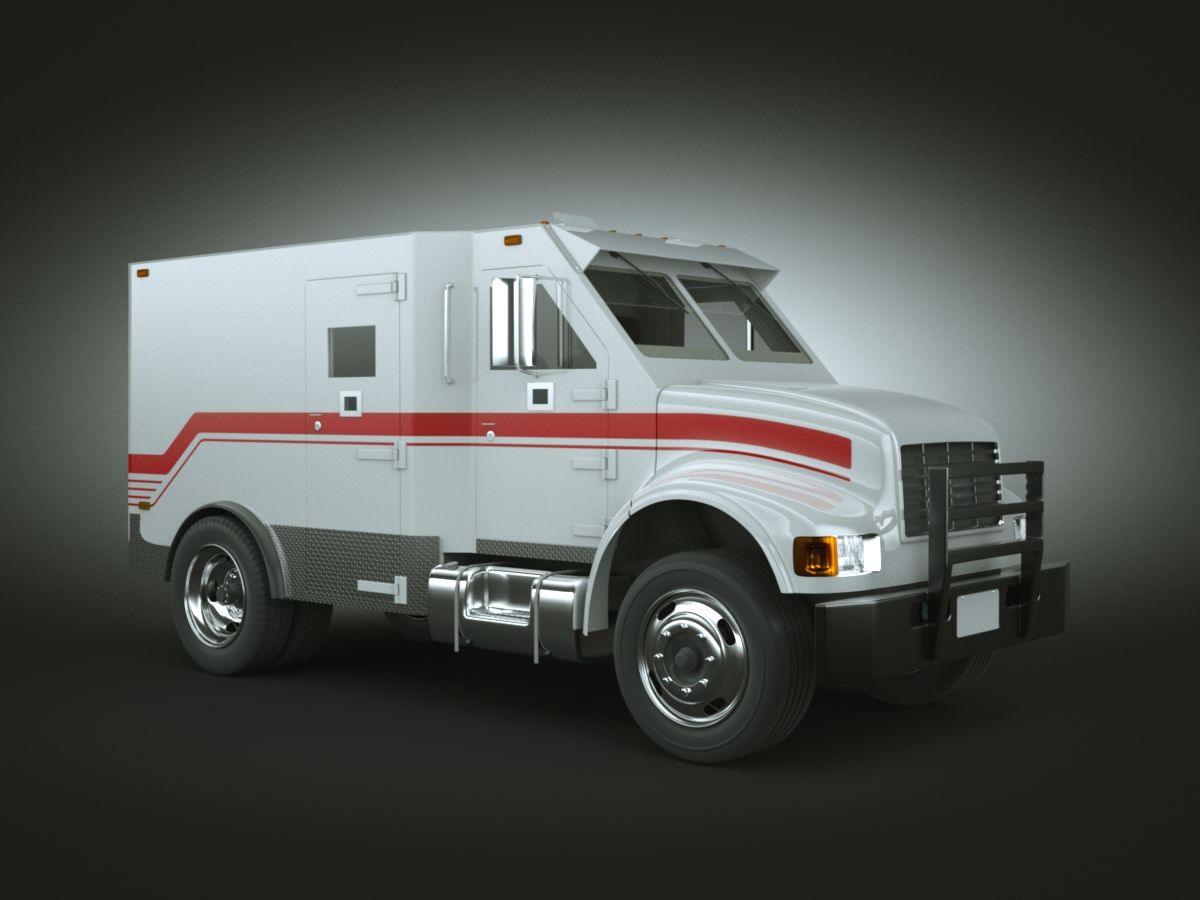
Game Ready Armored Truck, similar to the Dunbar security truck... Comes equipped with both interior and exterior textures. Multiple file types are also included in the .zip file so you can open this in just about any 3d program or game engine.
Display images were rendered in Marmoset Toolbag.
Normal maps were baked from a high poly model.
Includes the following 3d file types:
Max 2014 file
Maya 2014 file
.FBX 2014
.OBJ 2014
and separate Exterior, Interior and Glass .OBJ files.
Marmoset 2 file.
Includes the following PBR texture types (BOTH Metalness and Specular, perfect for Unity, Cryengine and UE4):
4096x4096 exterior diffuse
4096x4096 exterior ambient occlusion
4096x4096 exterior base color
4096x4096 exterior gloss
4096x4096 exterior metalness
4096x4096 exterior normal (-y)
4096x4096 exterior roughness
4096x4096 exterior specular
4096x4096 exterior wire frame
2048x2048 glass diffuse
2048x2048 glass base color
2048x2048 gloss
2048x2048 metalness
2048x2048 normal (-y)
2048x2048 roughness
2048x2048 specular
4096x4096 interior diffuse
4096x4096 interior ambient occlusion
4096x4096 interior base color
4096x4096 interior gloss
4096x4096 interior metalness
4096x4096 interior normal (-y)
4096x4096 interior roughness
4096x4096 interior specular
4096x4096 interior wire frame
Note about textures. The Normal maps are -y, this is fine for directx. If they look flipped, just highlight the green channel in photoshop and hit ctrl+i.
If the roughness and metalness look too shiny in say, UE4, you'll have to make sure they are set to linear. Just double click the texture and uncheck the sRGB box.
You can also fix that by combining maps in an image editor like Photoshop.
UV's are mostly flat with a few pieces overlapping where necessary.
Units are Metric.
Game Ready!
Sep 13, 2020
追加日
Mar 02, 2022
最後の更新
レビュー
この商品のレビューはまだありません。
氷を砕いた最初の人になろう。