




Element 3D-MacBook Pro 2016 3Dモデル
0


0
訪問

から提出された
3D Galaxy
仕様
- ジオメトリpolygonal_quads/tris
- 多角形1
- 頂点1
- テクスチャYes
- 堅いNo
- アニメ化No
- 3Dプリント可能No
- ゲームレディ(低ポリ)No
- UVマップYes
- ラップされていないUVnon-overlapping
説明
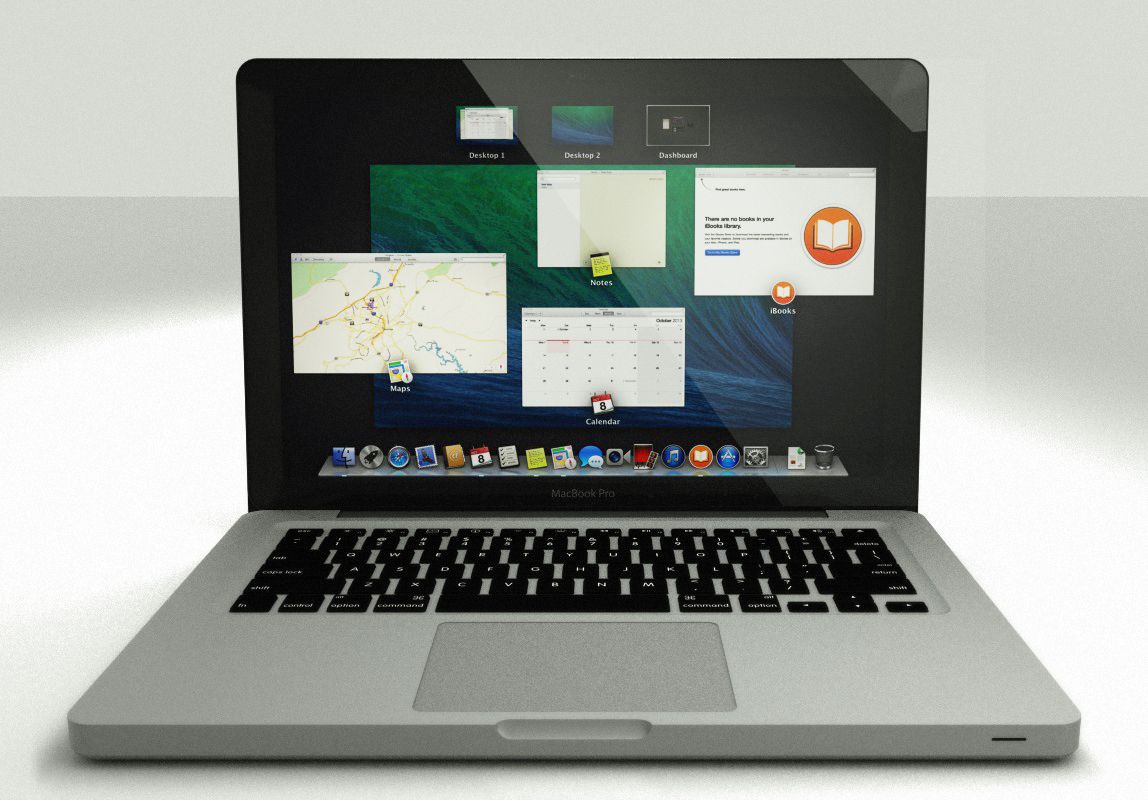
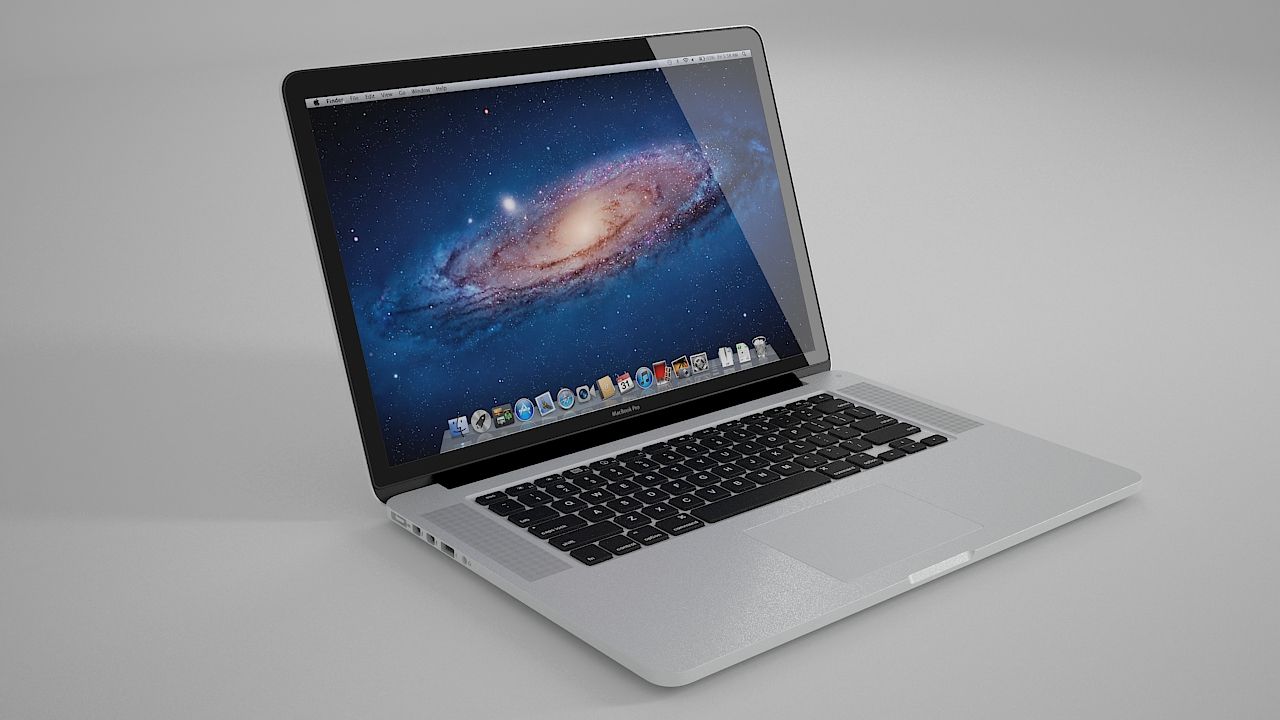
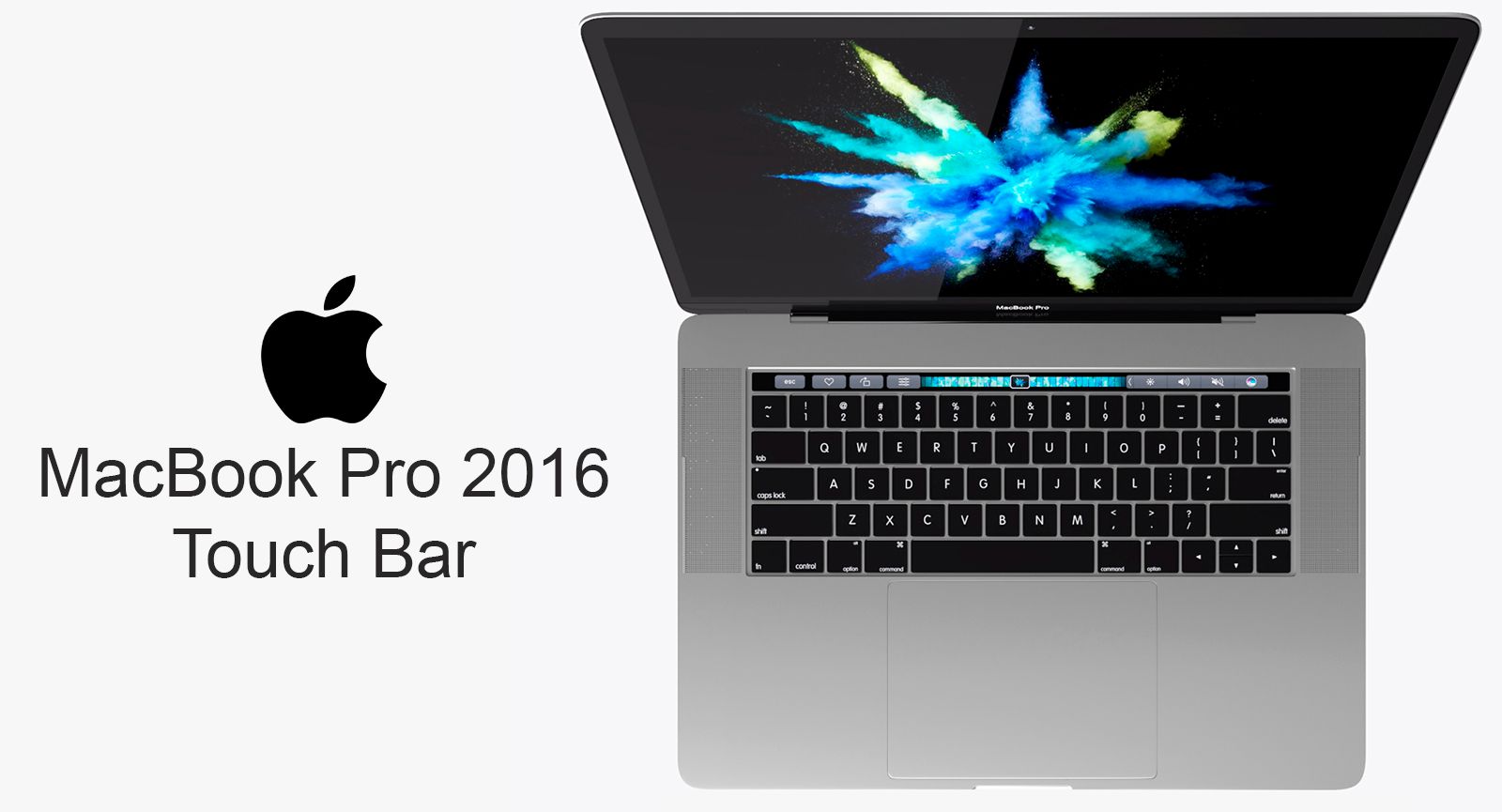
- Realistic, Detailed Element 3D model of MacBook Pro 2016 13-Inch.
- The screen was separated.
- The preview images were rendered on Aftereffects Element3D .
- Short guide:-
1- Copy E3D, C4D, OBJ files and tex folder to: C:\Users\computer name\Documents\VideoCopilot\Models
2- Open After Effects.
3- click > Composition> New Composition-> Ok.
4-click-> Layer-> New-> Solid-> Ok.
5-click-> Effect-> Video Copilot-> Element-> Scene Setup.
6- In Model browser tab click models folder and select E3D file,Enjoy.
- Available in the following file formats:
- Element 3D (.e3d) . - Cinema 4D R14 (.c4d) - OBJ (.obj)
- All the materials are named.
- Thanks for purchasing, Please rate if you like it.
Nov 13, 2021
追加日
Nov 23, 2021
最後の更新
レビュー
この商品のレビューはまだありません。
氷を砕いた最初の人になろう。