




Element 3D - MacBook Pro 2016 3D 모델
0


0
방문

에 의해 제출 된
3D Galaxy
명세서
- 기하학polygonal_quads/tris
- 다각형1
- 정점들1
- 텍스처Yes
- 딱딱한No
- 생기 있는No
- 3D 인쇄 가능 준비No
- 게임 준비 (낮은 폴리)No
- UV 매핑 됨Yes
- 포장되지 않은 자외선non-overlapping
기술
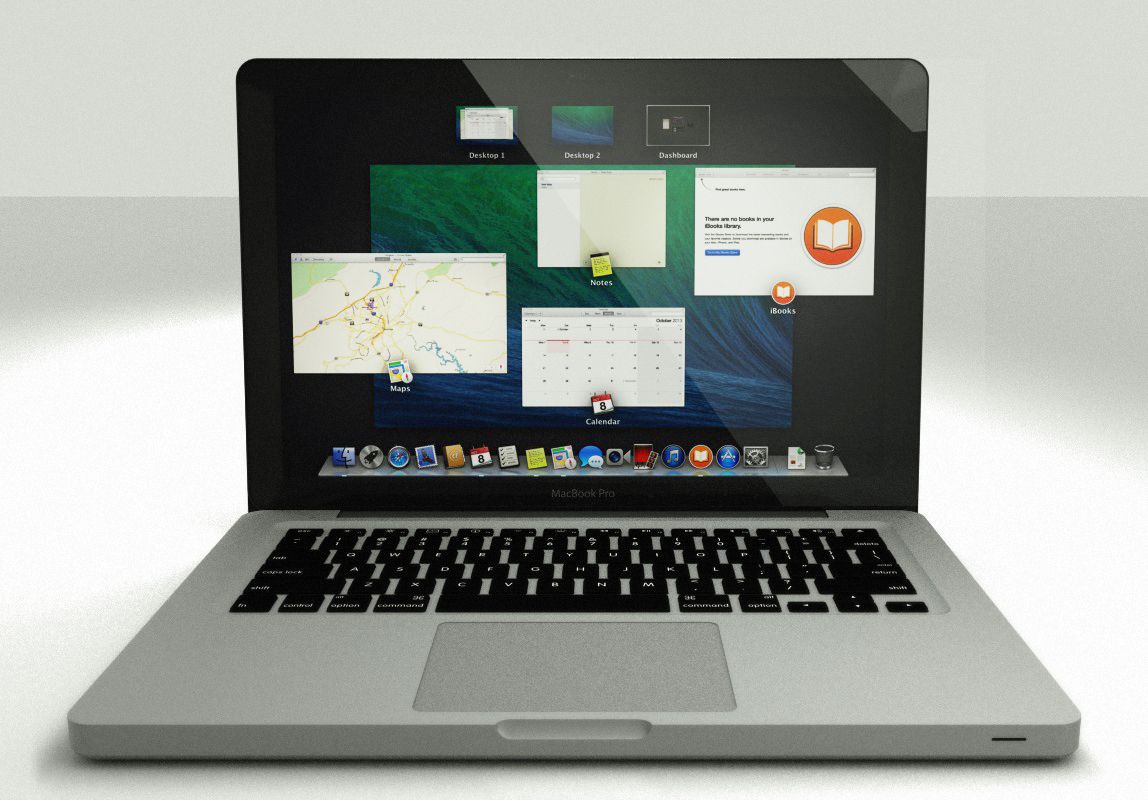
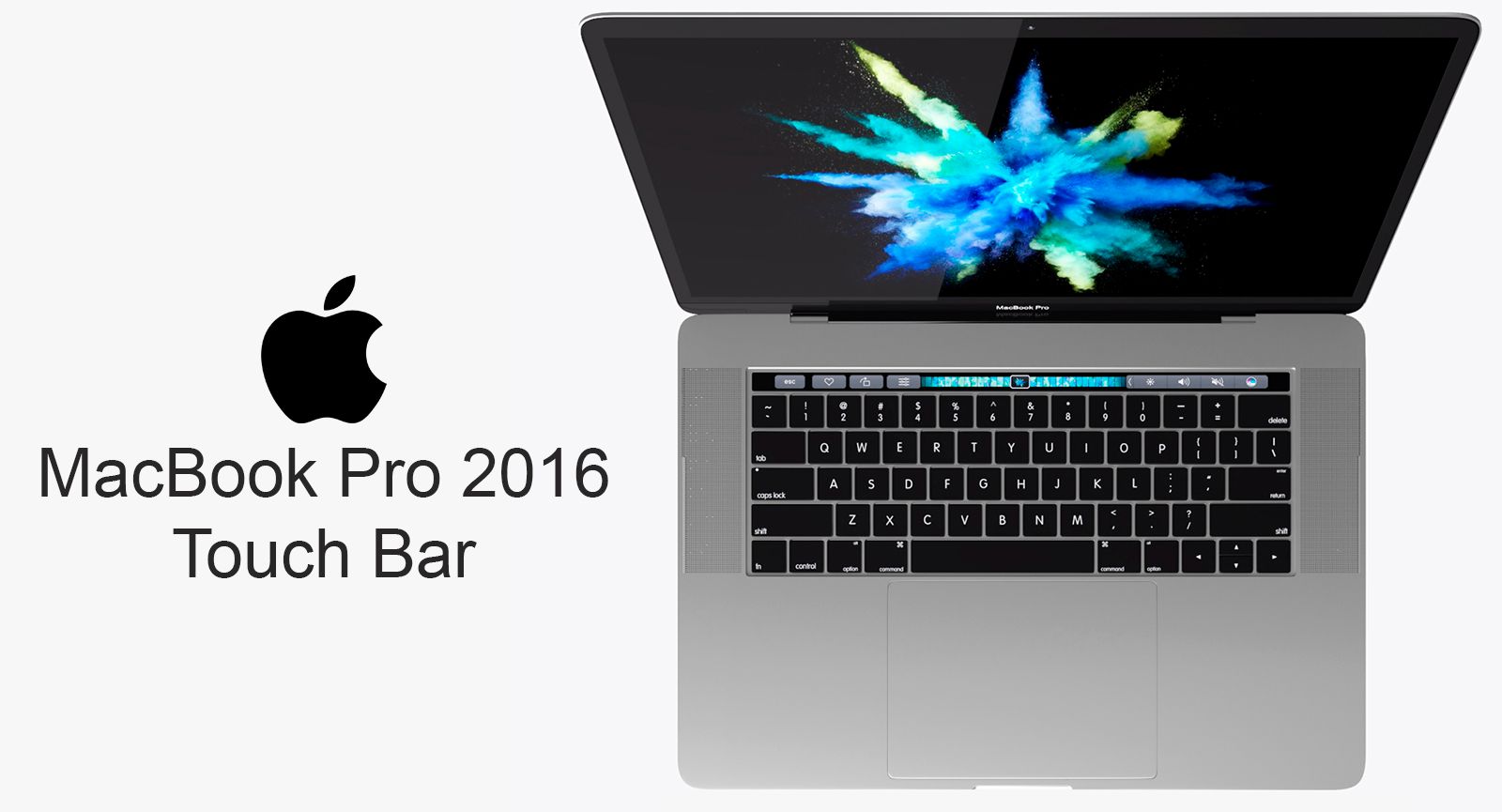
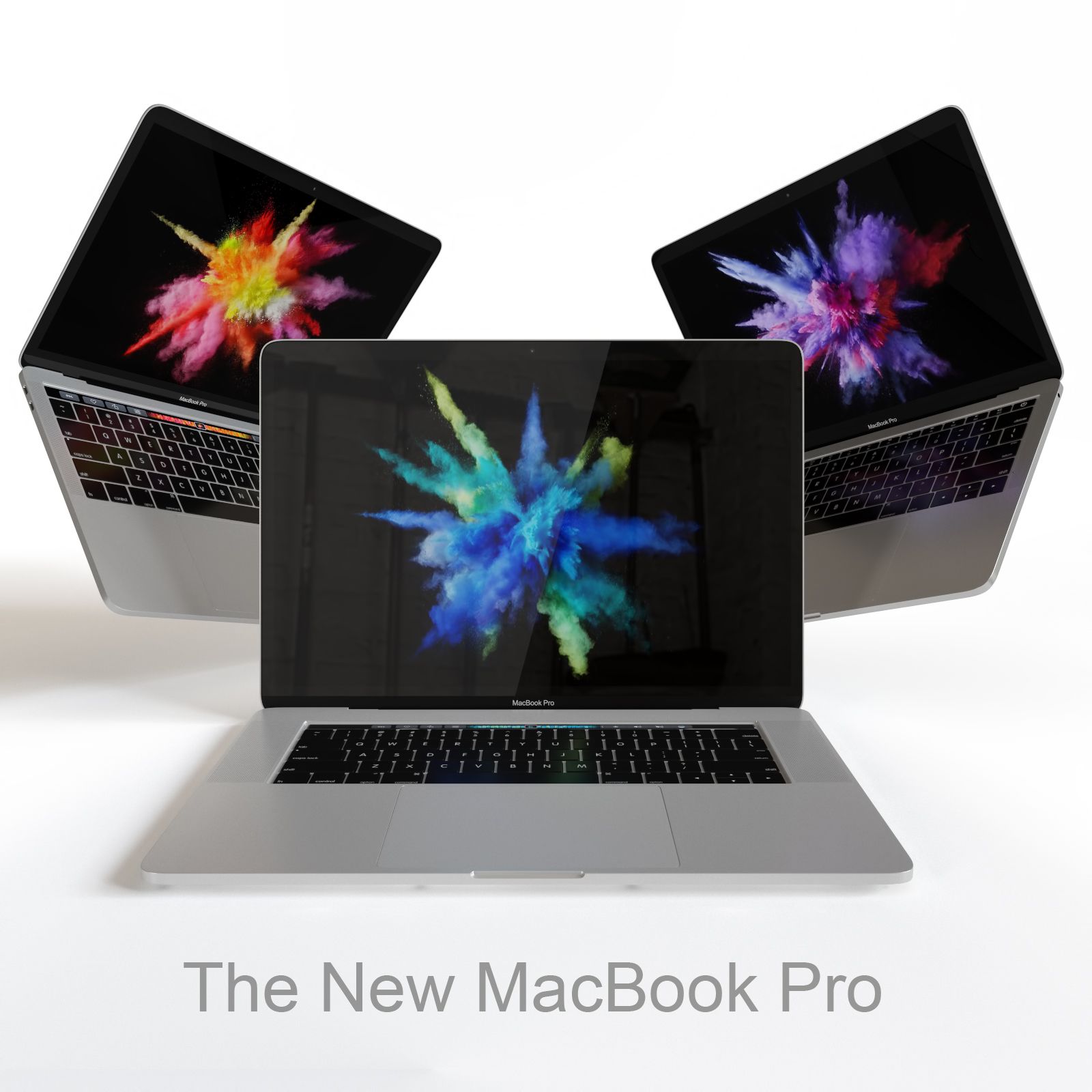
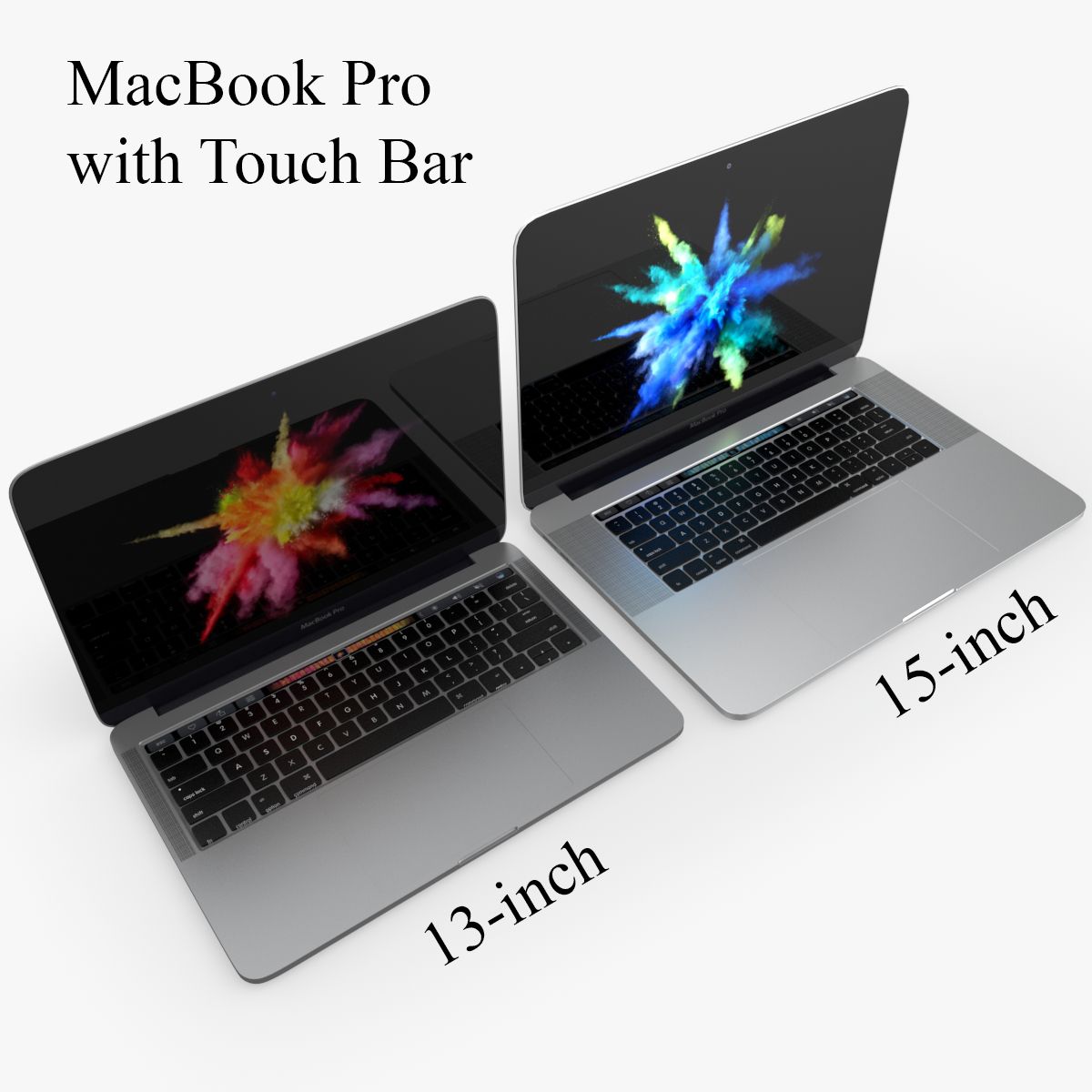
- Realistic, Detailed Element 3D model of MacBook Pro 2016 13-Inch.
- The screen was separated.
- The preview images were rendered on Aftereffects Element3D .
- Short guide:-
1- Copy E3D, C4D, OBJ files and tex folder to: C:\Users\computer name\Documents\VideoCopilot\Models
2- Open After Effects.
3- click > Composition> New Composition-> Ok.
4-click-> Layer-> New-> Solid-> Ok.
5-click-> Effect-> Video Copilot-> Element-> Scene Setup.
6- In Model browser tab click models folder and select E3D file,Enjoy.
- Available in the following file formats:
- Element 3D (.e3d) . - Cinema 4D R14 (.c4d) - OBJ (.obj)
- All the materials are named.
- Thanks for purchasing, Please rate if you like it.
Nov 13, 2021
추가 된 날짜
Nov 23, 2021
마지막 업데이트
리뷰
현재이 제품에 대한 리뷰가 없습니다.
얼음을 깬 첫 번째 사람이되지 않겠습니까?