-->
建築乗り物キャラクター航空機家具エレクトロニクス動物たち植物兵器スポーツのフード解剖学
ブックマーク済み
ブックマークを削除しました

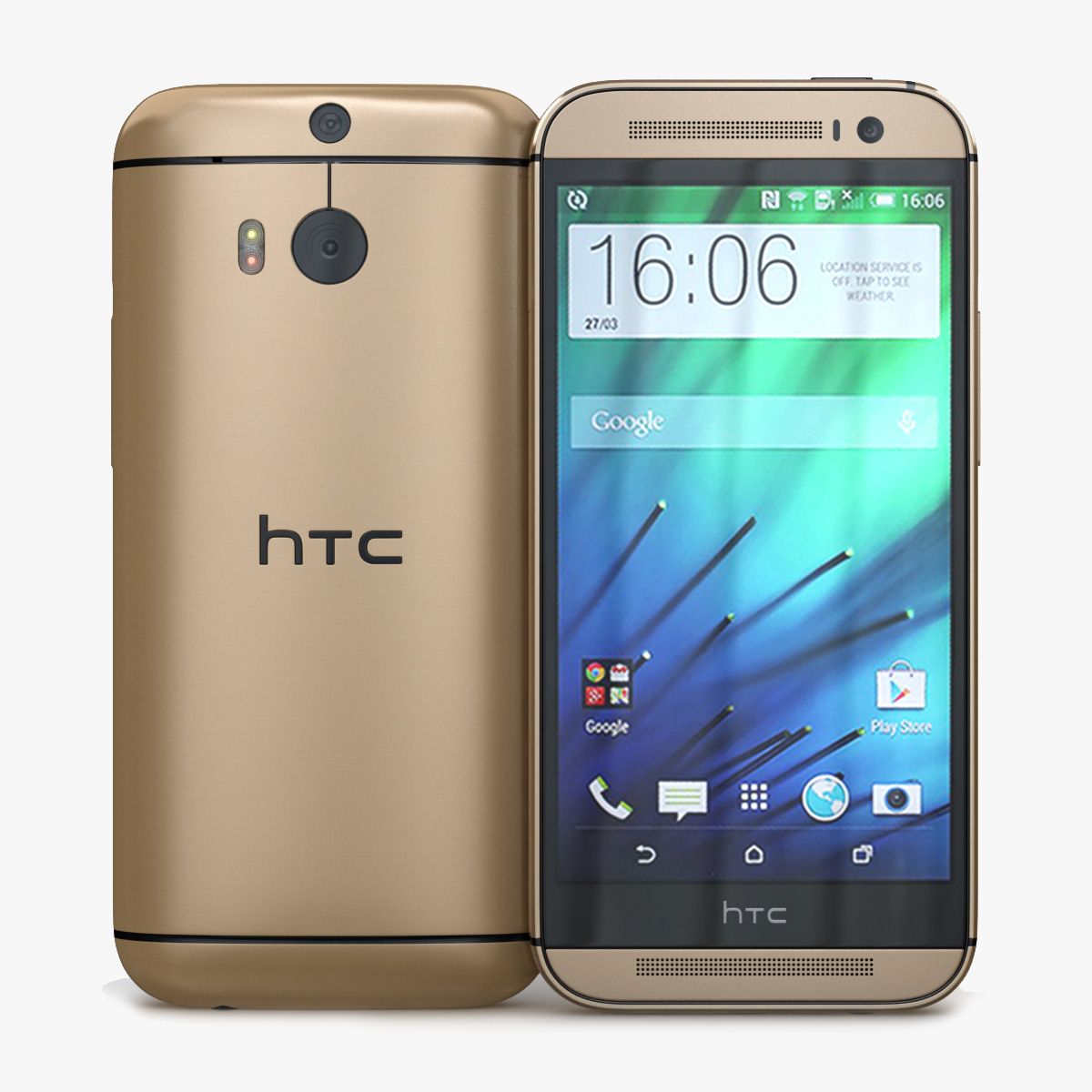
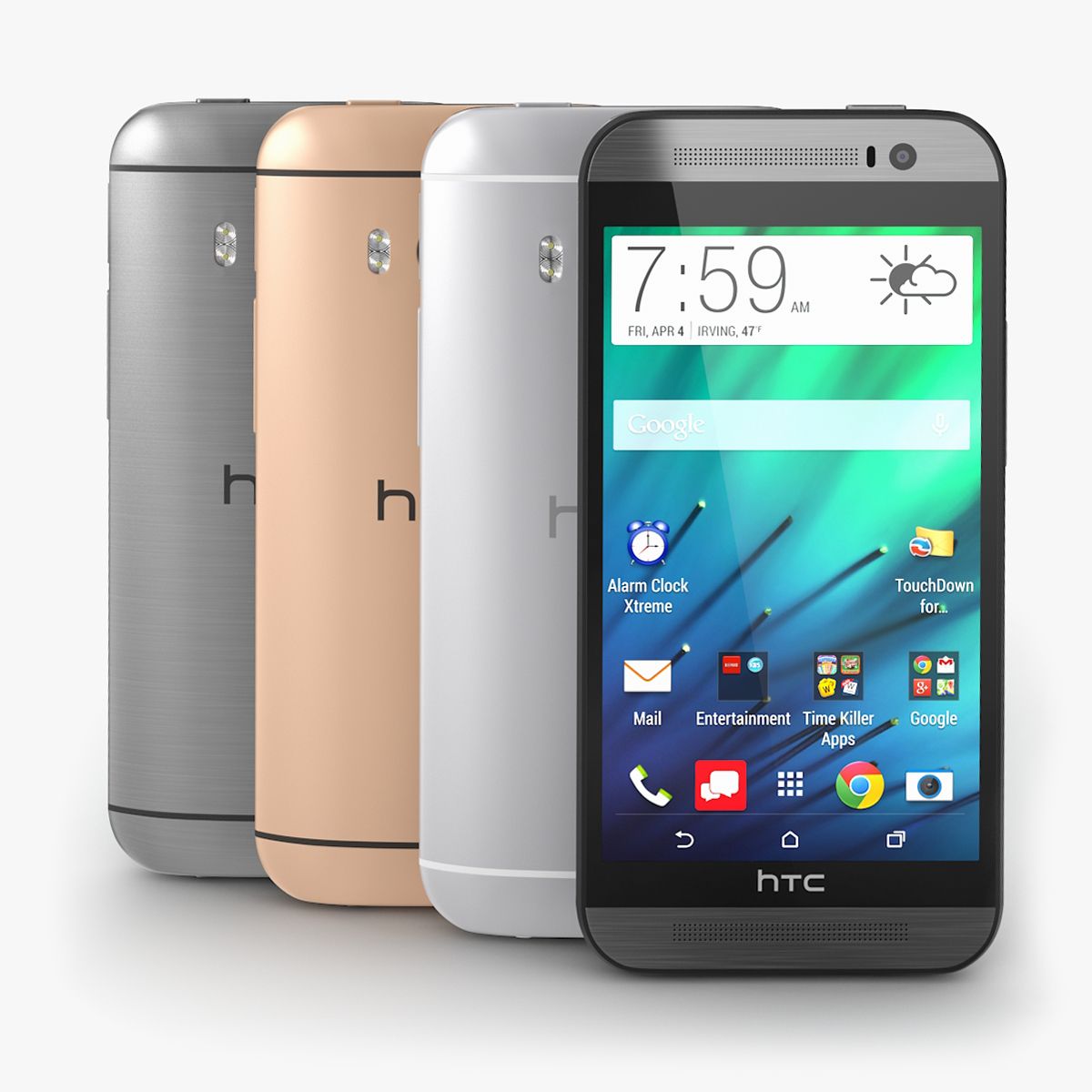
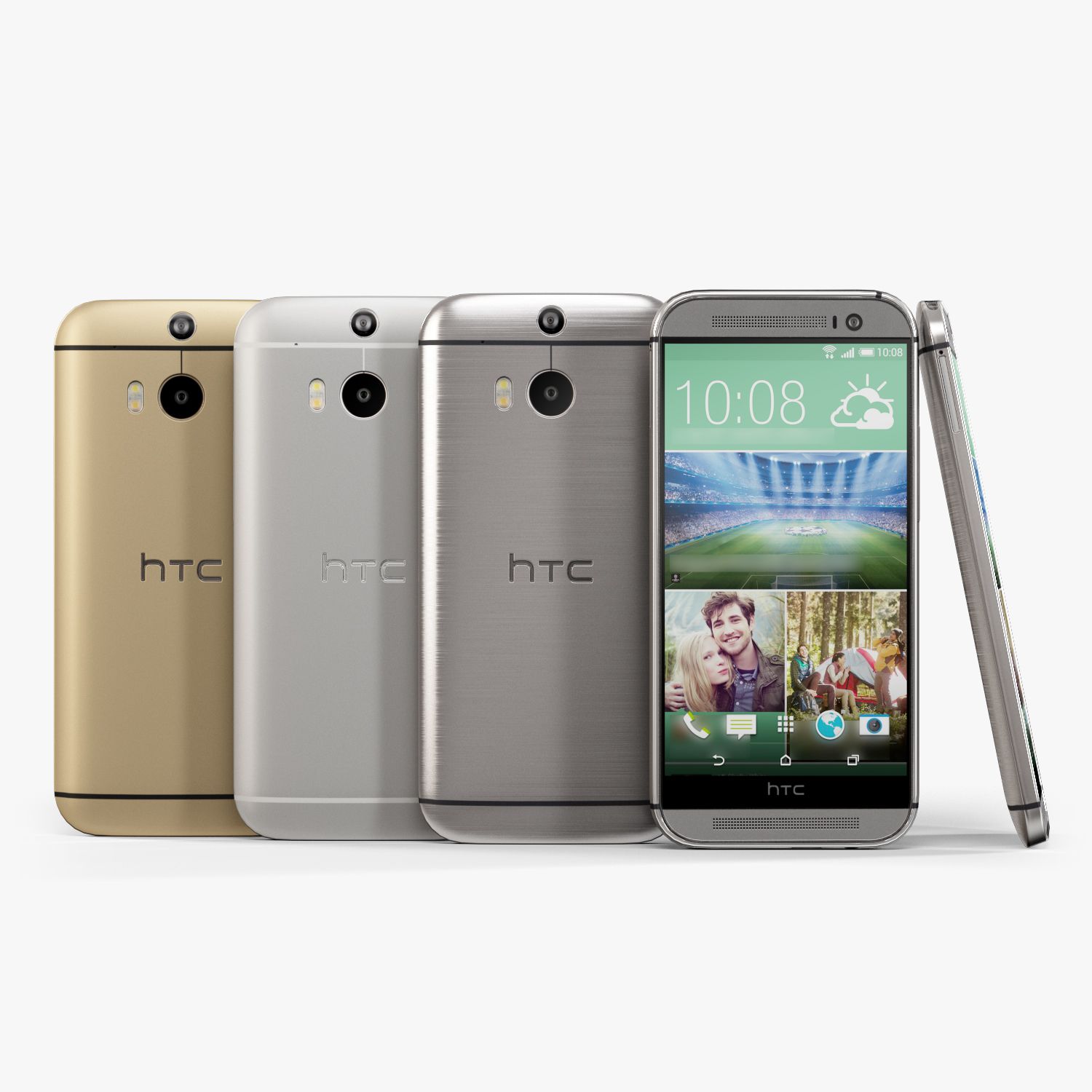
HTC One M8ゴールド-Elements 3D 3Dモデル

0
HTC One M8ゴールド-Elements 3D royalty-free 3d model - Preview no. 1
HTC One M8ゴールド-Elements 3D royalty-free 3d model - Preview no. 2
HTC One M8ゴールド-Elements 3D royalty-free 3d model - Preview no. 3
HTC One M8ゴールド-Elements 3D royalty-free 3d model - Preview no. 4
HTC One M8ゴールド-Elements 3D royalty-free 3d model - Preview no. 5
HTC One M8ゴールド-Elements 3D royalty-free 3d model - Preview no. 6
HTC One M8ゴールド-Elements 3D royalty-free 3d model - Preview no. 7
HTC One M8ゴールド-Elements 3D royalty-free 3d model - Preview no. 8
HTC One M8ゴールド-Elements 3D royalty-free 3d model - Preview no. 9
HTC One M8ゴールド-Elements 3D royalty-free 3d model - Preview no. 10
HTC One M8ゴールド-Elements 3D royalty-free 3d model - Preview no. 11
HTC One M8ゴールド-Elements 3D royalty-free 3d model - Preview no. 12
HTC One M8ゴールド-Elements 3D royalty-free 3d model - Preview no. 13
HTC One M8ゴールド-Elements 3D royalty-free 3d model - Preview no. 1
HTC One M8ゴールド-Elements 3D royalty-free 3d model - Preview no. 2
HTC One M8ゴールド-Elements 3D royalty-free 3d model - Preview no. 3
HTC One M8ゴールド-Elements 3D royalty-free 3d model - Preview no. 4
HTC One M8ゴールド-Elements 3D royalty-free 3d model - Preview no. 5
HTC One M8ゴールド-Elements 3D royalty-free 3d model - Preview no. 6
HTC One M8ゴールド-Elements 3D royalty-free 3d model - Preview no. 7
HTC One M8ゴールド-Elements 3D royalty-free 3d model - Preview no. 8
HTC One M8ゴールド-Elements 3D royalty-free 3d model - Preview no. 9
HTC One M8ゴールド-Elements 3D royalty-free 3d model - Preview no. 10
HTC One M8ゴールド-Elements 3D royalty-free 3d model - Preview no. 11
HTC One M8ゴールド-Elements 3D royalty-free 3d model - Preview no. 12
HTC One M8ゴールド-Elements 3D royalty-free 3d model - Preview no. 13
単純な返品
ベストプライスギャランティ
箱から出して動作
0 訪問
Frezzy

仕様

  • ジオメトリpolygonal_quads/tris
  • 多角形20,000
  • 頂点20,000
  • テクスチャYes
  • 堅いNo
  • アニメ化No
  • 3Dプリント可能No
  • ゲームレディ(低ポリ)No
  • UVマップYes
  • ラップされていないUVmixed

フォーマットとファイル

(.unknown)
9 MB

E3D.rar

説明

Let you know what you're buying: - 3Ds Max file with standard materials - Obj file with standard materials - E3D file full materials set up like previews How to use it? Coppy E3D files to: Libraries/Documents/VideoCopilot/Model 1. Open After Effect CS6. Creat new composition. Add Solid layer. Add Element 3D affect 2. In Model Browser, you need find name the model and click to load. Wait to load! 3. Enjoy! NOTE: If you need support about this item, please leave your contact ( email ) in product rating. I will check it soon as soon! Thanks for purchasing!
May 26, 2020 追加日
Feb 12, 2022 最後の更新

レビュー

この商品のレビューはまだありません。
氷を砕いた最初の人になろう。