-->
건축물차량문자항공기가구전자 제품동물식물무기스포츠식품해부
북마크 됨
북마크 삭제됨

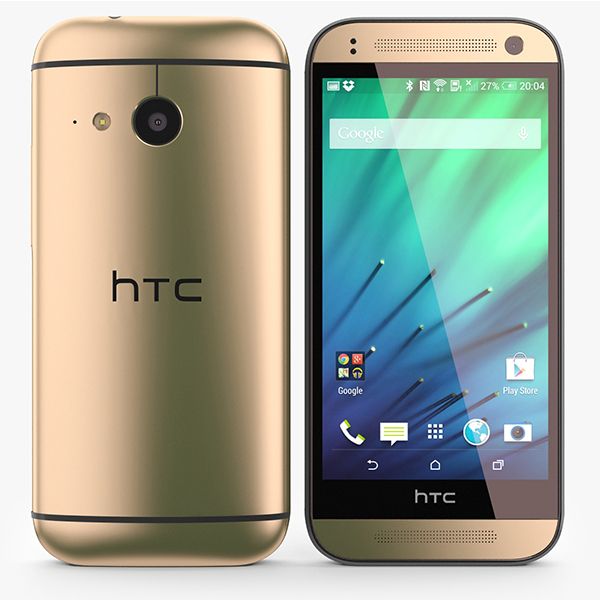
HTC One M8 Gold-Elements 3D 3D 모델

0
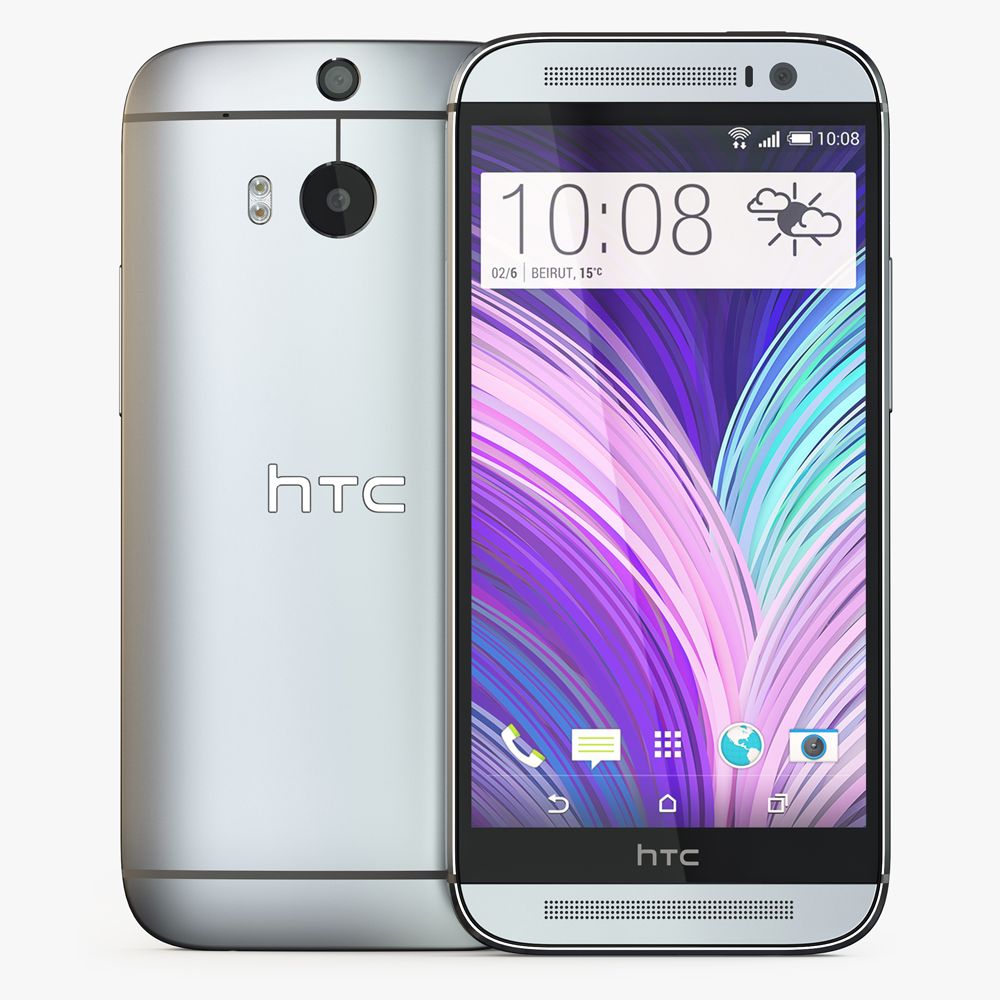
HTC One M8 Gold-Elements 3D royalty-free 3d model - Preview no. 1
HTC One M8 Gold-Elements 3D royalty-free 3d model - Preview no. 2
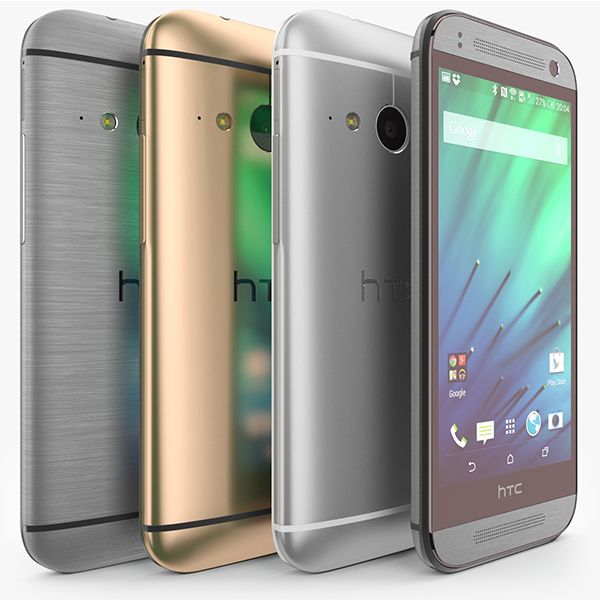
HTC One M8 Gold-Elements 3D royalty-free 3d model - Preview no. 3
HTC One M8 Gold-Elements 3D royalty-free 3d model - Preview no. 4
HTC One M8 Gold-Elements 3D royalty-free 3d model - Preview no. 5
HTC One M8 Gold-Elements 3D royalty-free 3d model - Preview no. 6
HTC One M8 Gold-Elements 3D royalty-free 3d model - Preview no. 7
HTC One M8 Gold-Elements 3D royalty-free 3d model - Preview no. 8
HTC One M8 Gold-Elements 3D royalty-free 3d model - Preview no. 9
HTC One M8 Gold-Elements 3D royalty-free 3d model - Preview no. 10
HTC One M8 Gold-Elements 3D royalty-free 3d model - Preview no. 11
HTC One M8 Gold-Elements 3D royalty-free 3d model - Preview no. 12
HTC One M8 Gold-Elements 3D royalty-free 3d model - Preview no. 13
HTC One M8 Gold-Elements 3D royalty-free 3d model - Preview no. 1
HTC One M8 Gold-Elements 3D royalty-free 3d model - Preview no. 2
HTC One M8 Gold-Elements 3D royalty-free 3d model - Preview no. 3
HTC One M8 Gold-Elements 3D royalty-free 3d model - Preview no. 4
HTC One M8 Gold-Elements 3D royalty-free 3d model - Preview no. 5
HTC One M8 Gold-Elements 3D royalty-free 3d model - Preview no. 6
HTC One M8 Gold-Elements 3D royalty-free 3d model - Preview no. 7
HTC One M8 Gold-Elements 3D royalty-free 3d model - Preview no. 8
HTC One M8 Gold-Elements 3D royalty-free 3d model - Preview no. 9
HTC One M8 Gold-Elements 3D royalty-free 3d model - Preview no. 10
HTC One M8 Gold-Elements 3D royalty-free 3d model - Preview no. 11
HTC One M8 Gold-Elements 3D royalty-free 3d model - Preview no. 12
HTC One M8 Gold-Elements 3D royalty-free 3d model - Preview no. 13
로열티 무료 라이센스광고 작성 전용
단순 반품
최저가 보장
상자에서 작동 함
0 방문
Frezzy

명세서

  • 기하학polygonal_quads/tris
  • 다각형20,000
  • 정점들20,000
  • 텍스처Yes
  • 딱딱한No
  • 생기 있는No
  • 3D 인쇄 가능 준비No
  • 게임 준비 (낮은 폴리)No
  • UV 매핑 됨Yes
  • 포장되지 않은 자외선mixed

형식 및 파일

(.unknown)
9 MB

E3D.rar

기술

Let you know what you're buying: - 3Ds Max file with standard materials - Obj file with standard materials - E3D file full materials set up like previews How to use it? Coppy E3D files to: Libraries/Documents/VideoCopilot/Model 1. Open After Effect CS6. Creat new composition. Add Solid layer. Add Element 3D affect 2. In Model Browser, you need find name the model and click to load. Wait to load! 3. Enjoy! NOTE: If you need support about this item, please leave your contact ( email ) in product rating. I will check it soon as soon! Thanks for purchasing!
May 26, 2020 추가 된 날짜
Feb 12, 2022 마지막 업데이트

리뷰

현재이 제품에 대한 리뷰가 없습니다.
얼음을 깬 첫 번째 사람이되지 않겠습니까?