





モニター 3Dモデル
0




98
訪問

から提出された
wingsandstache
仕様
- ジオメトリpolygonal_quads/tris
- 多角形13,312
- 頂点13,401
- テクスチャYes
- 堅いNo
- アニメ化No
- 3Dプリント可能No
- ゲームレディ(低ポリ)No
- UVマップYes
- ラップされていないUVnon-overlapping
説明
For All Versions--
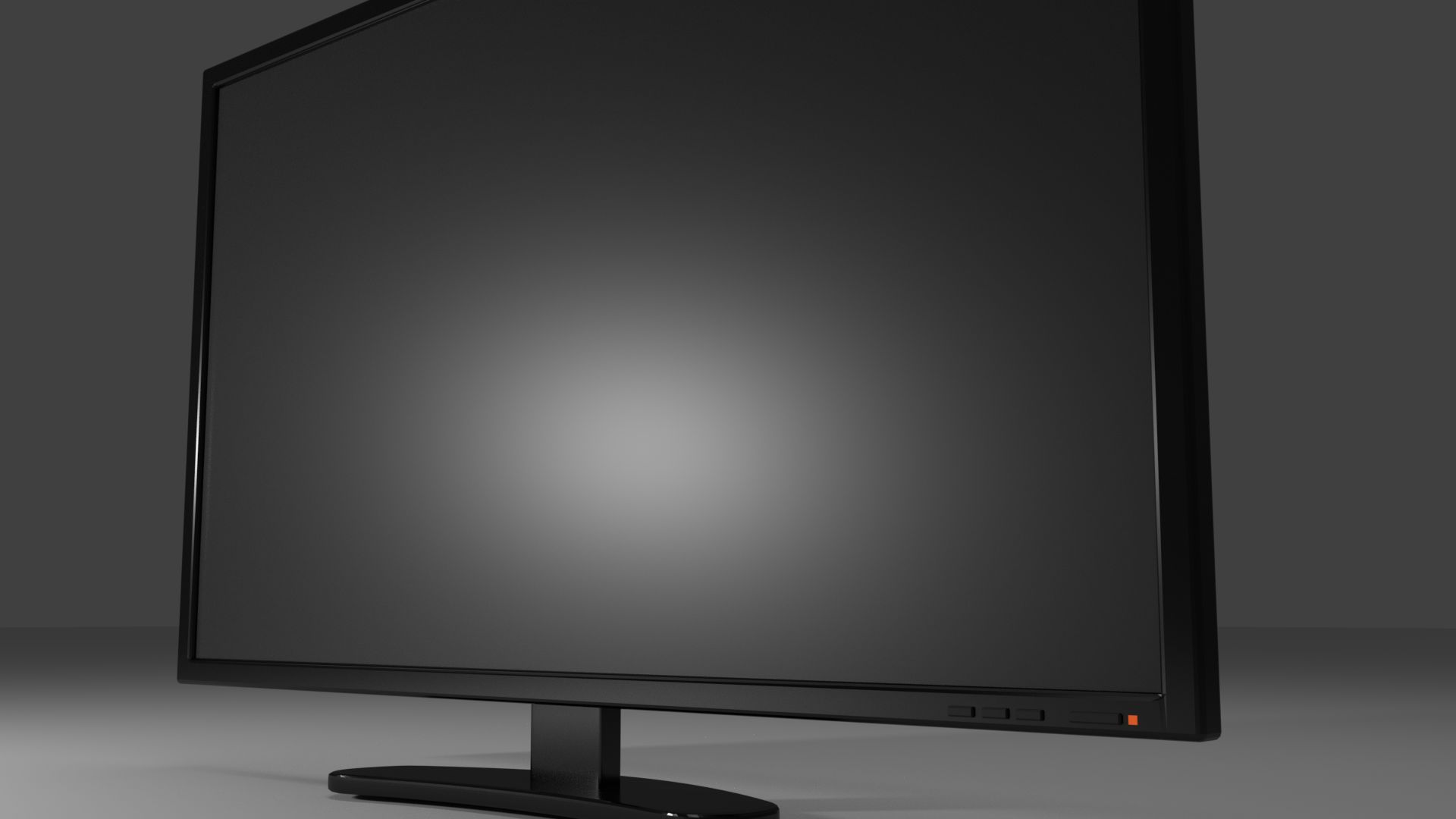
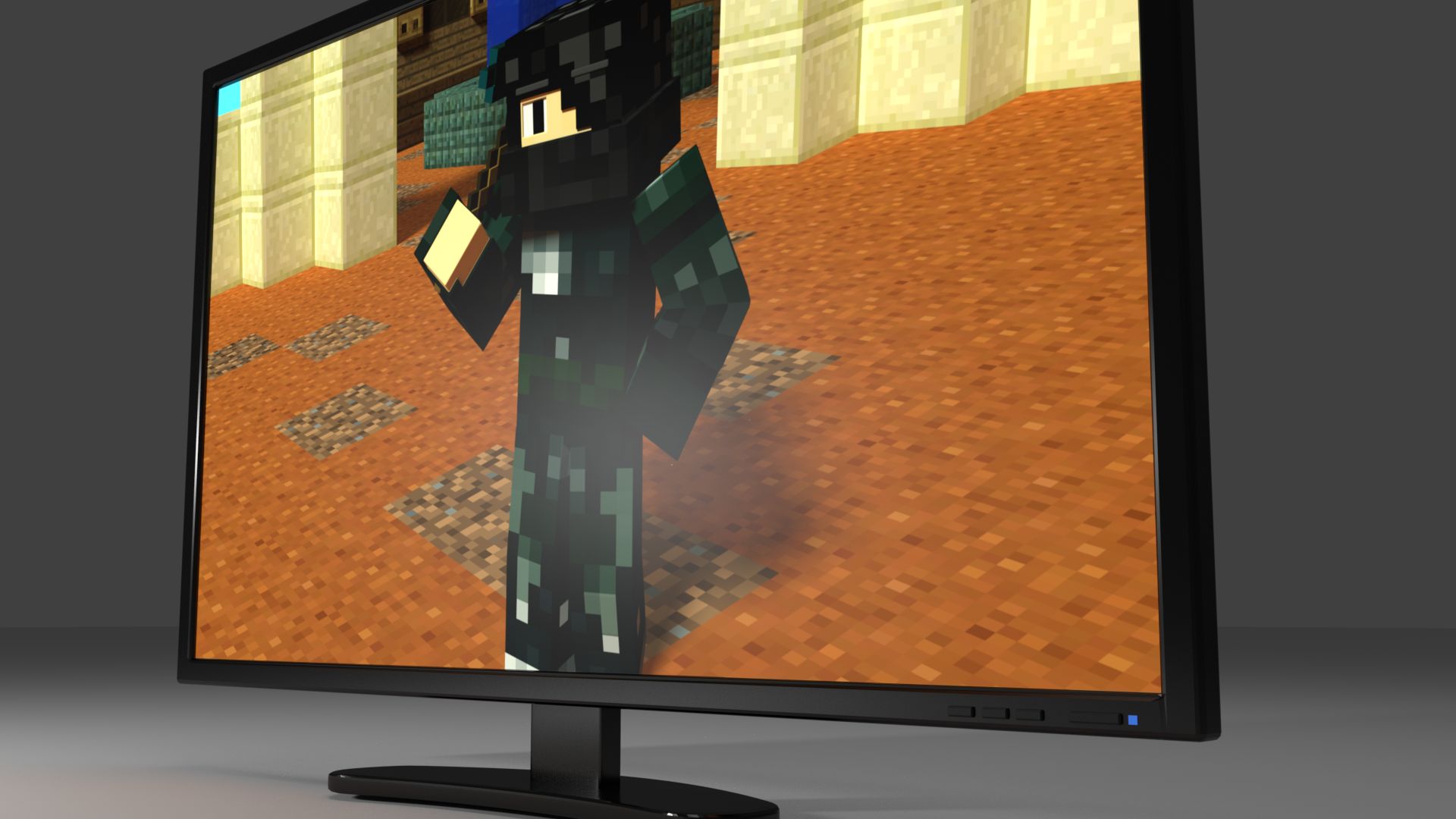
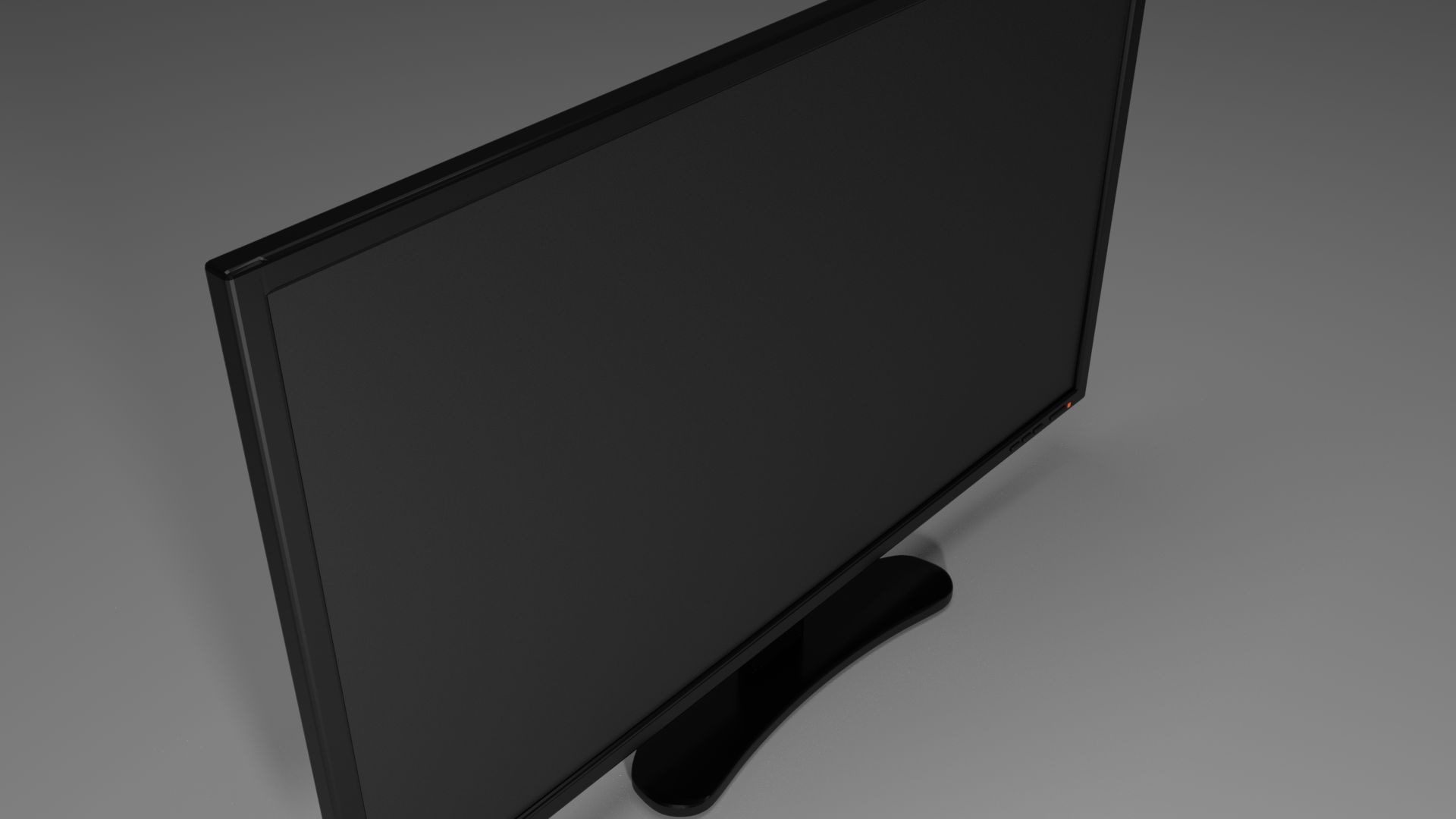
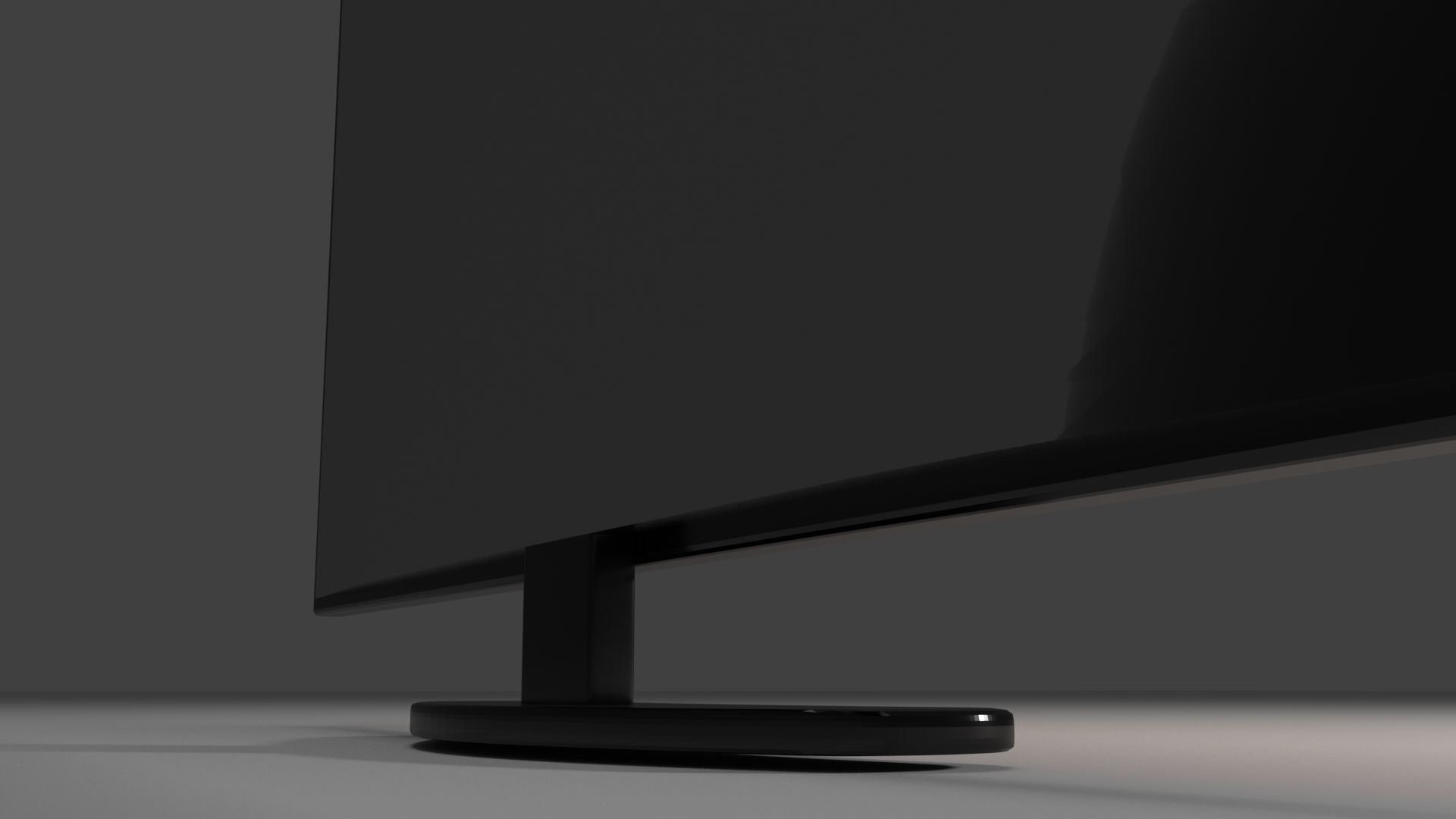
This is a high-detail monitor with screen, body, buttons and light. It is made to not be too striking, but could also actually exist.
For Blender--
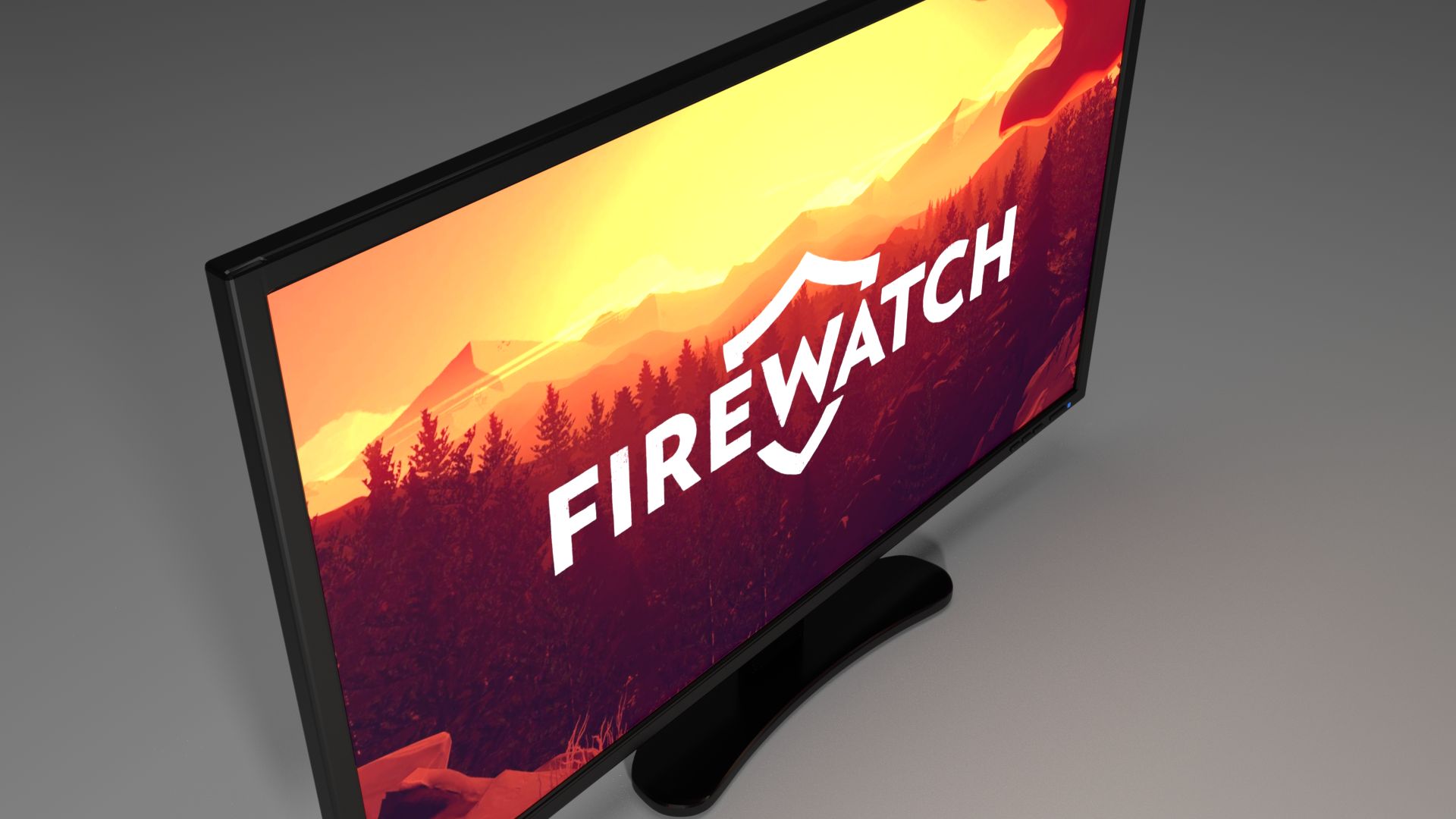
There is a different material for each the screen, body, buttons and light. The screen is capable of displaying actual images and video by simply adding the desired image/video to a node in the screen material. Fingerprint textures were added to the screen and body to make it seem more realistic. There are several settings that can be changed in the materials tab for the monitor:
Screen- Image/Video On/Off- Able to have a dark screen or an Image/Video displayed.
Screen- Fingerprints On/Off- Able to turn fingerprints On or Off or have it somewhere in between.
Body- Fingerprints On/Off- Same description as for the screen fingerprints.
Light- Power On/Off- Able to have the light off as though the power is off and have the light on to emit light.
Light- Screen On/Off- Able to have the monitor on while still having a computer off, the light will be orange. You can turn the light to blue when the screen is on, as an indicator. The screen On/Off option will only work when the power setting is turned on.
Sep 24, 2019
追加日
Mar 08, 2022
最後の更新
レビュー
この商品のレビューはまだありません。
氷を砕いた最初の人になろう。