


감시 장치 3D 모델
0





98
방문

에 의해 제출 된
wingsandstache
명세서
- 기하학polygonal_quads/tris
- 다각형13,312
- 정점들13,401
- 텍스처Yes
- 딱딱한No
- 생기 있는No
- 3D 인쇄 가능 준비No
- 게임 준비 (낮은 폴리)No
- UV 매핑 됨Yes
- 포장되지 않은 자외선non-overlapping
기술
For All Versions--
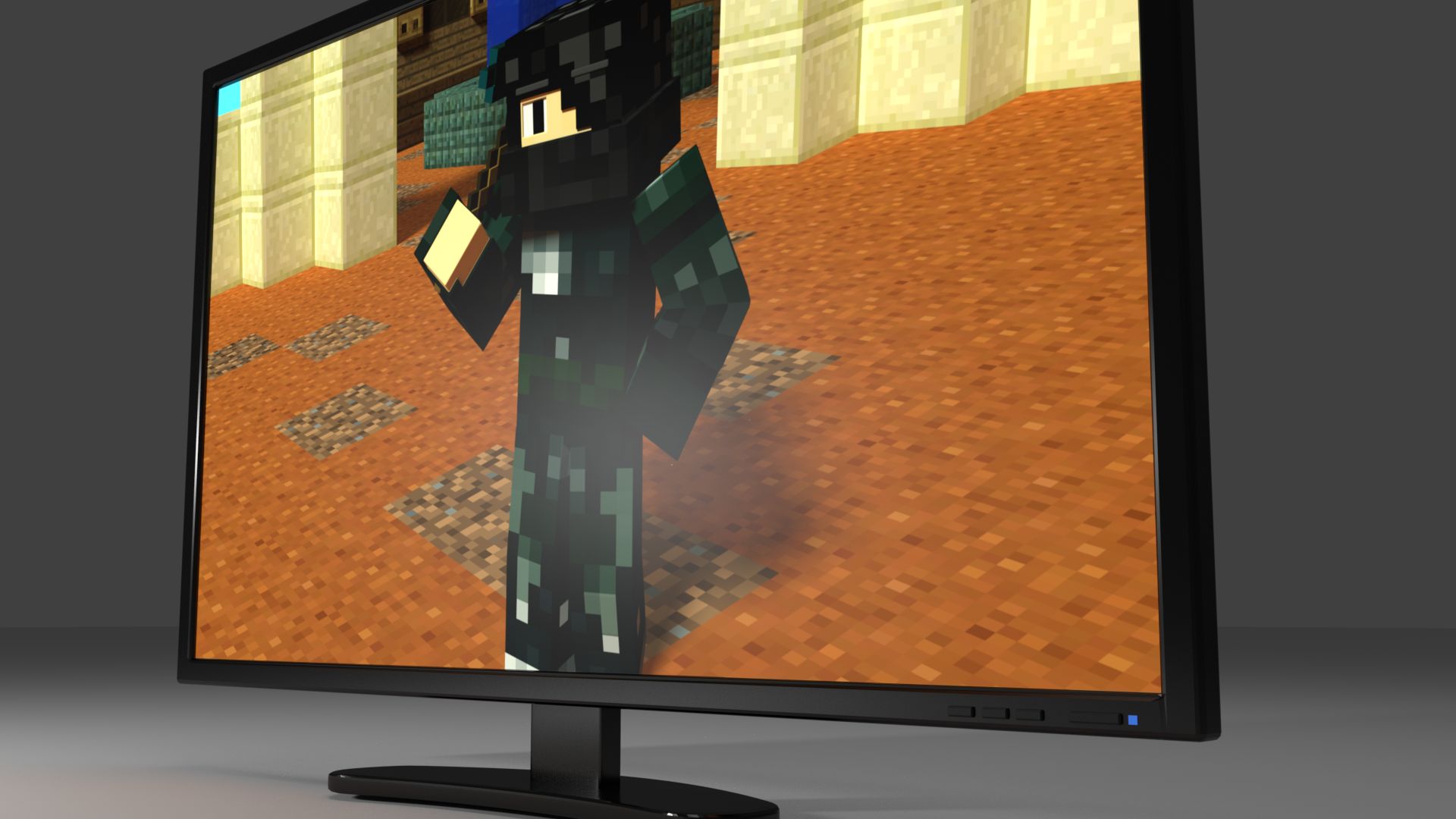
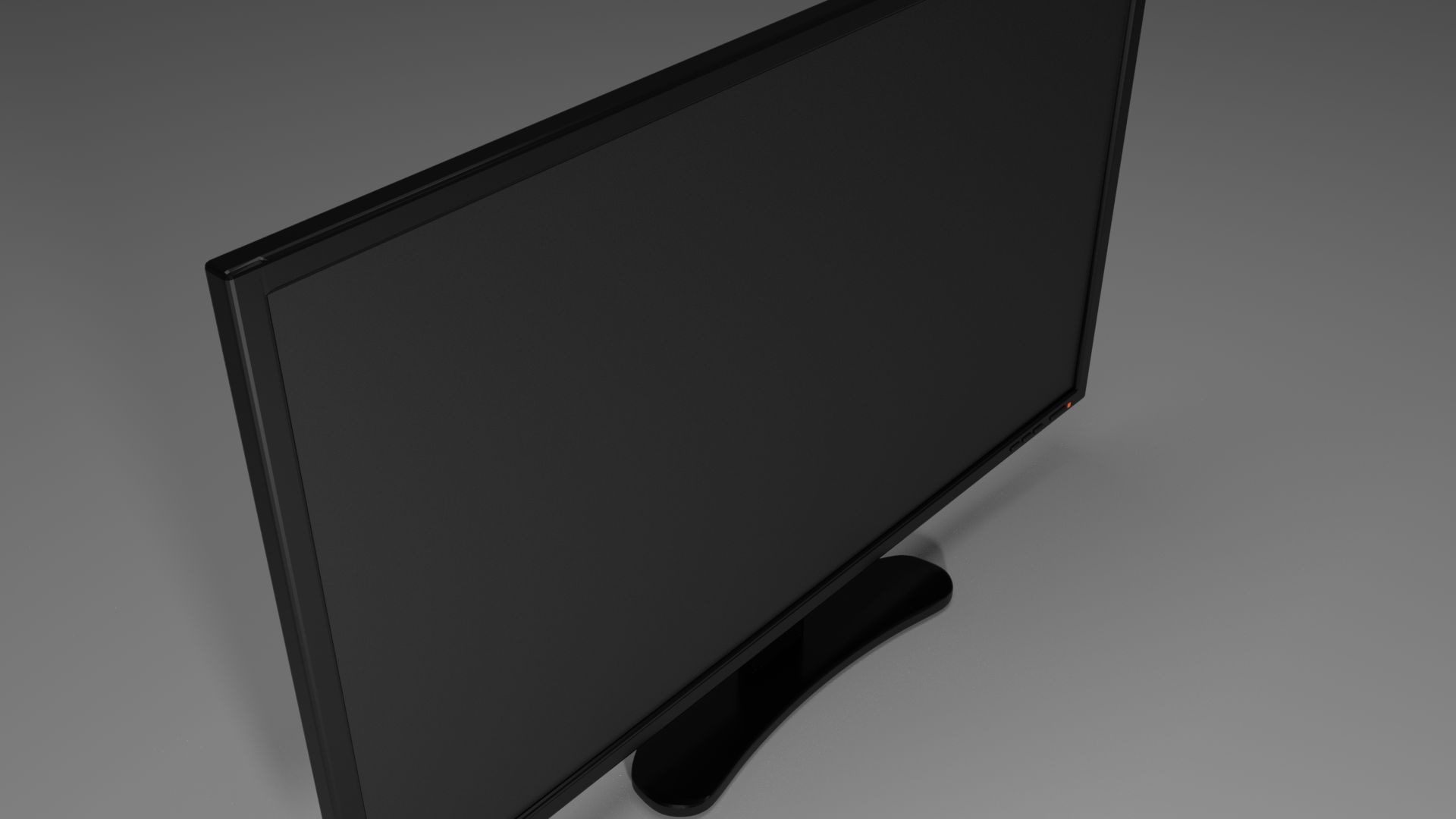
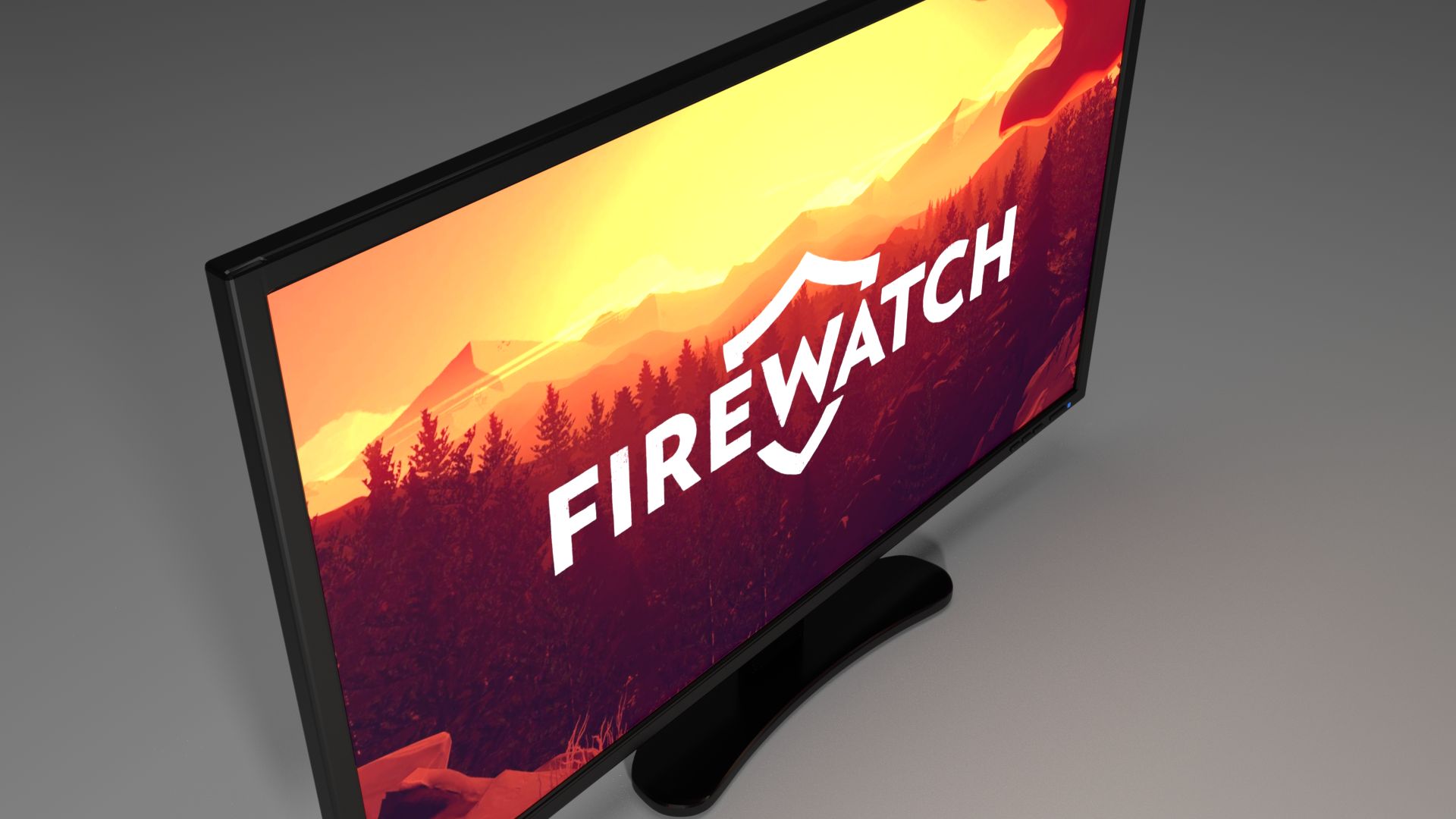
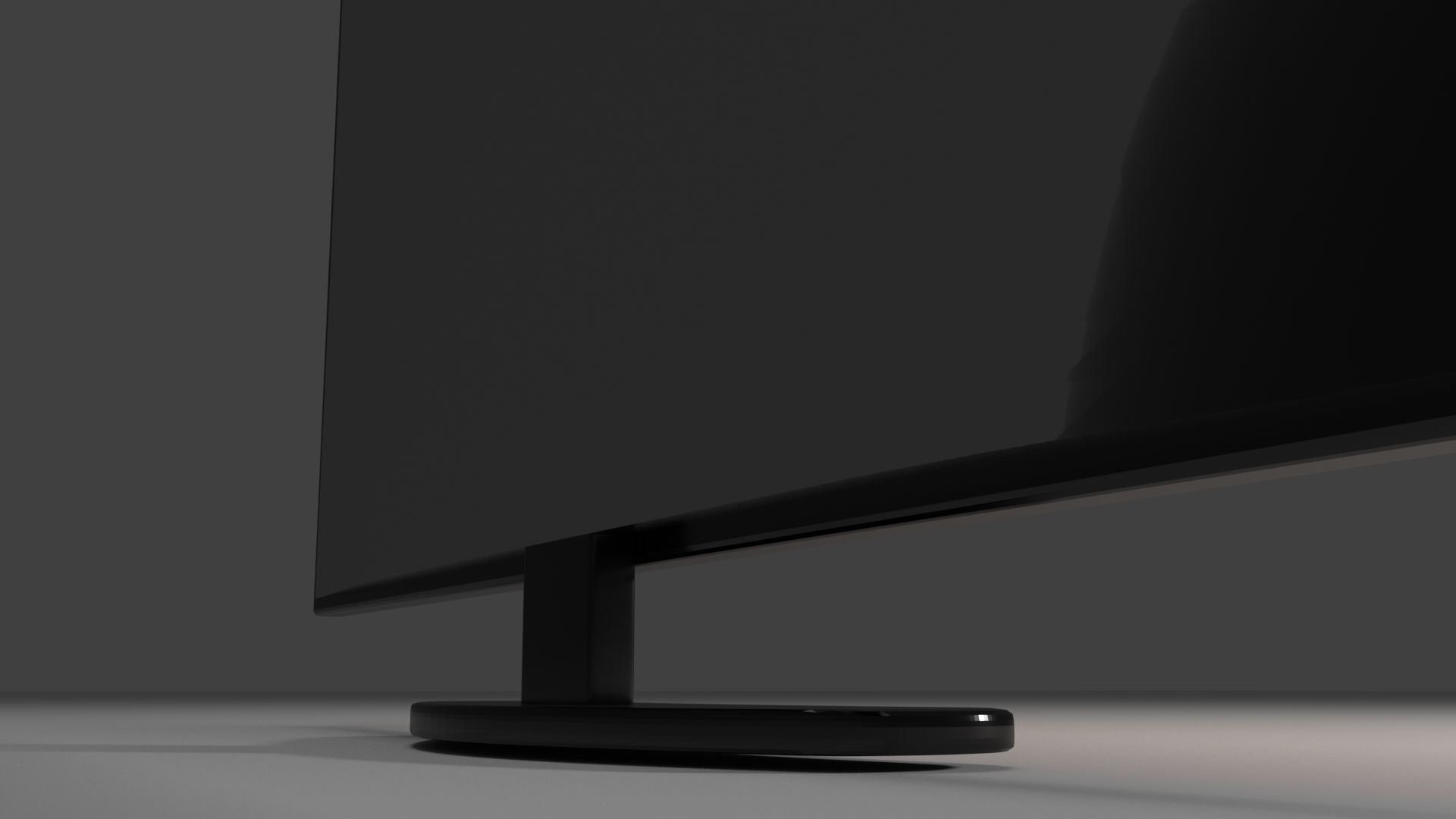
This is a high-detail monitor with screen, body, buttons and light. It is made to not be too striking, but could also actually exist.
For Blender--
There is a different material for each the screen, body, buttons and light. The screen is capable of displaying actual images and video by simply adding the desired image/video to a node in the screen material. Fingerprint textures were added to the screen and body to make it seem more realistic. There are several settings that can be changed in the materials tab for the monitor:
Screen- Image/Video On/Off- Able to have a dark screen or an Image/Video displayed.
Screen- Fingerprints On/Off- Able to turn fingerprints On or Off or have it somewhere in between.
Body- Fingerprints On/Off- Same description as for the screen fingerprints.
Light- Power On/Off- Able to have the light off as though the power is off and have the light on to emit light.
Light- Screen On/Off- Able to have the monitor on while still having a computer off, the light will be orange. You can turn the light to blue when the screen is on, as an indicator. The screen On/Off option will only work when the power setting is turned on.
Sep 24, 2019
추가 된 날짜
Mar 08, 2022
마지막 업데이트
리뷰
현재이 제품에 대한 리뷰가 없습니다.
얼음을 깬 첫 번째 사람이되지 않겠습니까?
