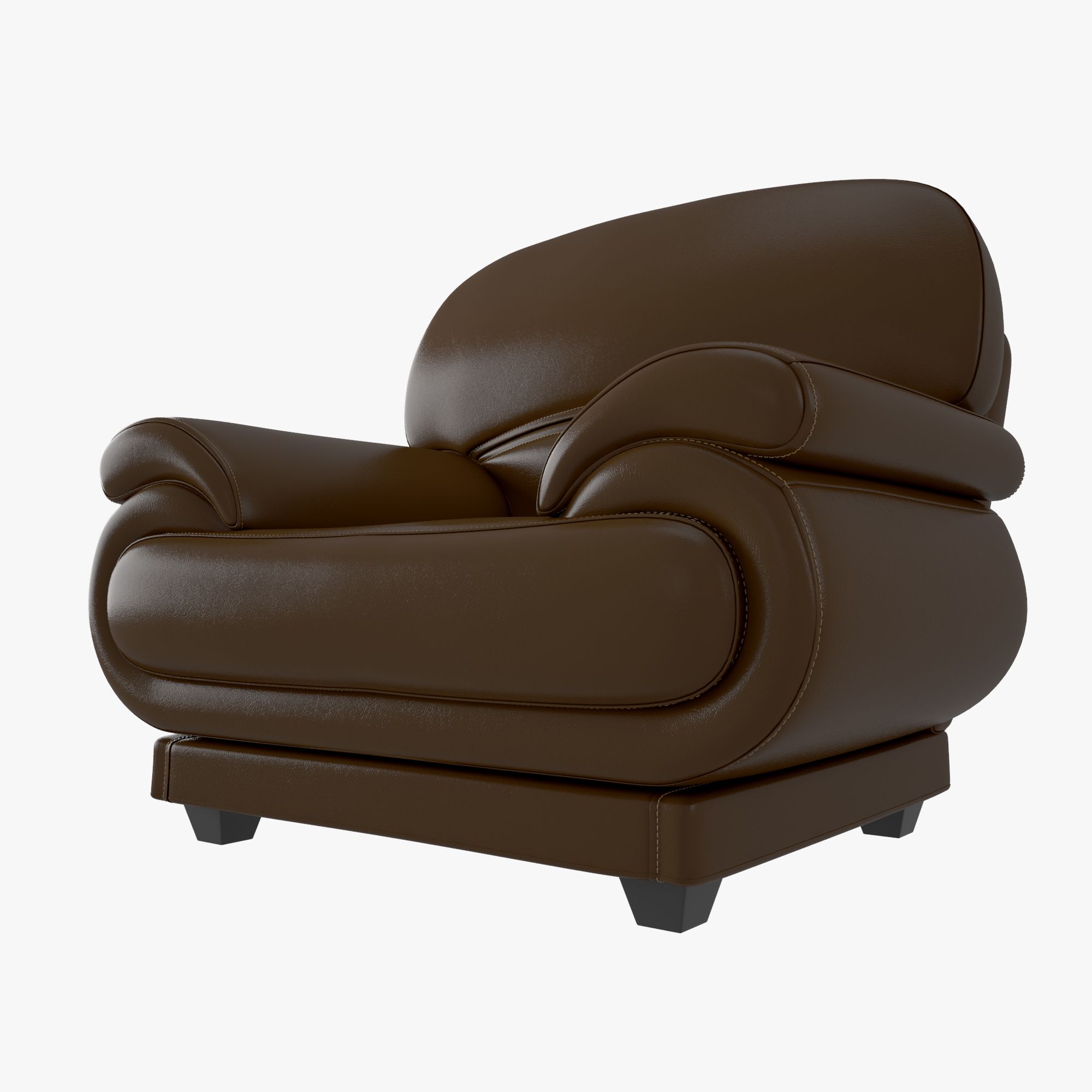


ソファシングルチェア 3Dモデル
0


0
訪問

から提出された
guido.salimbeni
仕様
- ジオメトリpolygonal_quads only
- 多角形8,494
- 頂点8,612
- テクスチャYes
- 堅いNo
- アニメ化No
- 3Dプリント可能No
- ゲームレディ(低ポリ)No
- UVマップYes
- ラップされていないUVnon-overlapping
説明
3d Model of a Single Sofa Chair. The model has been built using a real object as a reference.
Completely UV mapped, smoothable, made with Maya.
Ready to render. All UVs grouped into one 0 to 1 UV space. Suitable for every kind of rendering, close-up stills and animations.
Faces and vertices count:
sofa_front_left_step number of faces = 156
sofa_back_left_step number of faces = 156
sofa_front_right_step number of faces = 156
sofa_back_right_step number of faces = 156
sofa_lower_block number of faces = 520
sofa_lower_pillow number of faces = 1616
sofa_upper_ring_lower_pillow number of faces = 480
sofa_lower_ring_lower_pillow number of faces = 240
sofa_upper_pillow number of faces = 1072
sofa_upper_ring_upper_pillow number of faces = 366
sofa_lower_ring_upper_pillow number of faces = 468
sofa_right_side_outer_ring number of faces = 372
sofa_right_side number of faces = 292
sofa_right_side_inner_ring number of faces = 372
sofa_left_side_outer_ring number of faces = 372
sofa_left_side number of faces = 292
sofa_left_side_inner_ring number of faces = 372
sofa_back_side_outer_ring number of faces = 372
sofa_back_side number of faces = 292
sofa_back_side_inner_ring number of faces = 372
total faces count 8494
total vertices count 8612
High resolution textures:
Maya file format and FBX file format use:
sofa_color 4096 x4096 (TGA file format)
sofa_specular 4096 x4096 (TGA file format)
sofa_bump 4096 x4096 (TGA file format)
The 3d Max file uses :
sofa_color 2048x2048 (PNG file format)
sofa_specular 2048x2048 (PNG file format)
sofa_bump 2048x2048 (PNG file format)
The Maya scene also includes a light rig setup, which uses two polygon spheres- one for Final Gather illumination and the other for the reflection, plus a ground plane to catch the shadow in rendering. Two HDR images are linked to the material of the 2 spheres and they are included in the download.
In Maya the model can be used without the smooth mesh preview as a background character or with the smooth applied as a hero character, all the presentation images are rendered with the smooth turned on, with the exception of the wireframes images
Correct Color Management has been set for the Maya Scene.
Dec 01, 2019
追加日
May 18, 2022
最後の更新
レビュー
この商品のレビューはまだありません。
氷を砕いた最初の人になろう。