




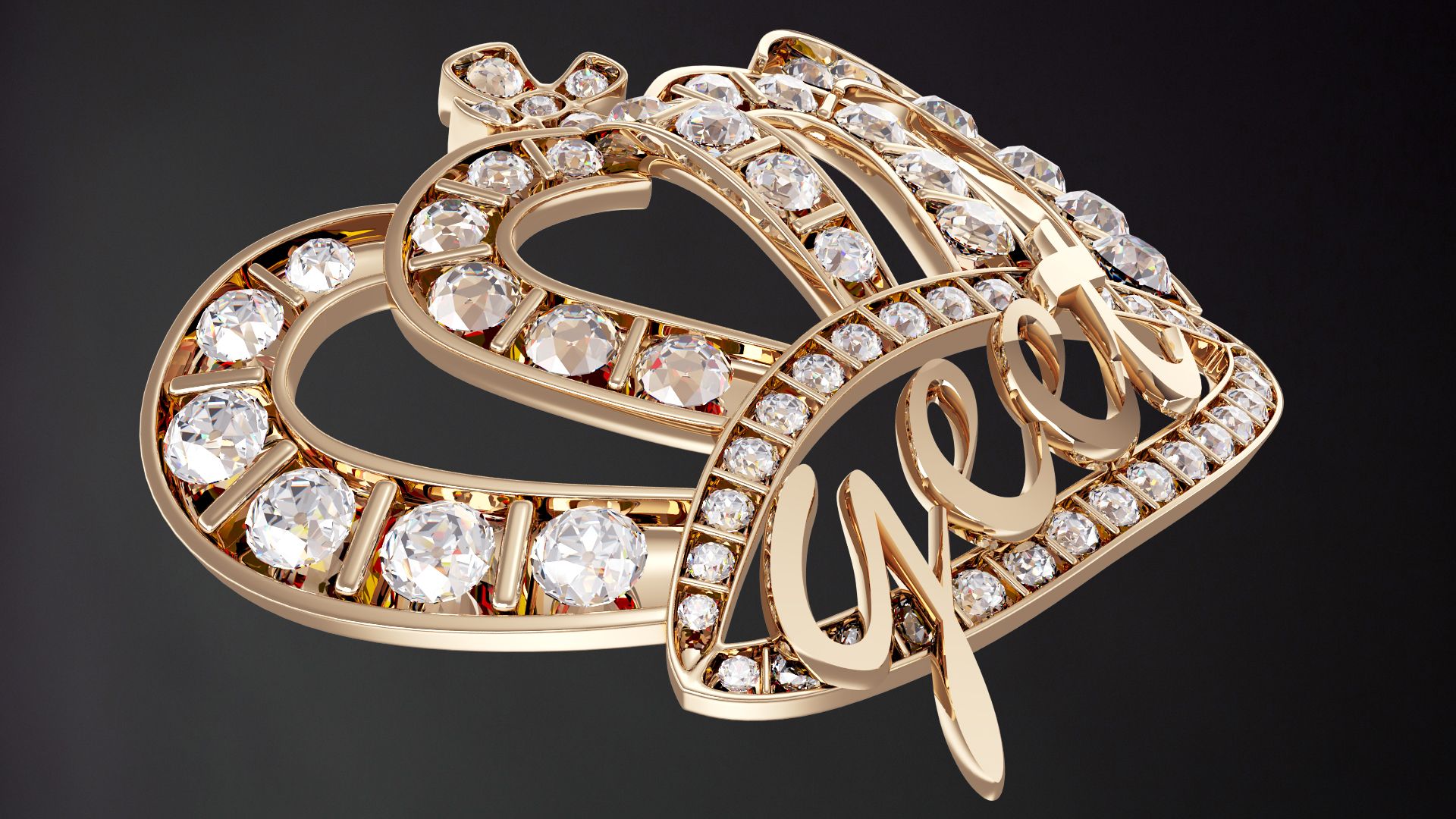


保証バッジ 3Dモデル
0


57
訪問

から提出された
Broadcast Media
仕様
- ジオメトリpolygonal_quads/tris
- 多角形13,980
- 頂点8,398
- テクスチャYes
- 堅いYes
- アニメ化Yes
- 3Dプリント可能No
- ゲームレディ(低ポリ)No
- UVマップNo
- ラップされていないUVunknown
説明
PRODUCT ORIGIN
This product was modeled with precision and was created and used for TV/FILM/VIDEO.
MATERIAL/SURFACE DETAILS
The materials/shaders are all set and ready to go for VRay.
ALTERNATE FORMATS
The main file is the 3DS MAX version but other formats have been included. There's an FBX, 3DS, OBJ
SPECIAL BONUS
This product also comes with a very basic cyc/background model and lighting setup that can be used to render other objects with high quality results. Simply import your objects and render with nice studio lighting. Very useful!!!
HDRI NOTE
Some of the sample renders made use of HDRI maps for lighting and reflections. Those HDRI images are not included because of copyright. However, you can simply add an HDRI from your own collection to the 'environment' slot in the VRay render options. If you do not have any HDRIs, there are many for sale here on TurboSquid. The material for adding an HDRI is already setup in the material editor. It's in the material editor and is called 'ENVIRO' Just click 'BROWSE' and point it to the HDRI of your choosing and you're all set.
Oct 02, 2019
追加日
Mar 06, 2022
最後の更新
レビュー
この商品のレビューはまだありません。
氷を砕いた最初の人になろう。