



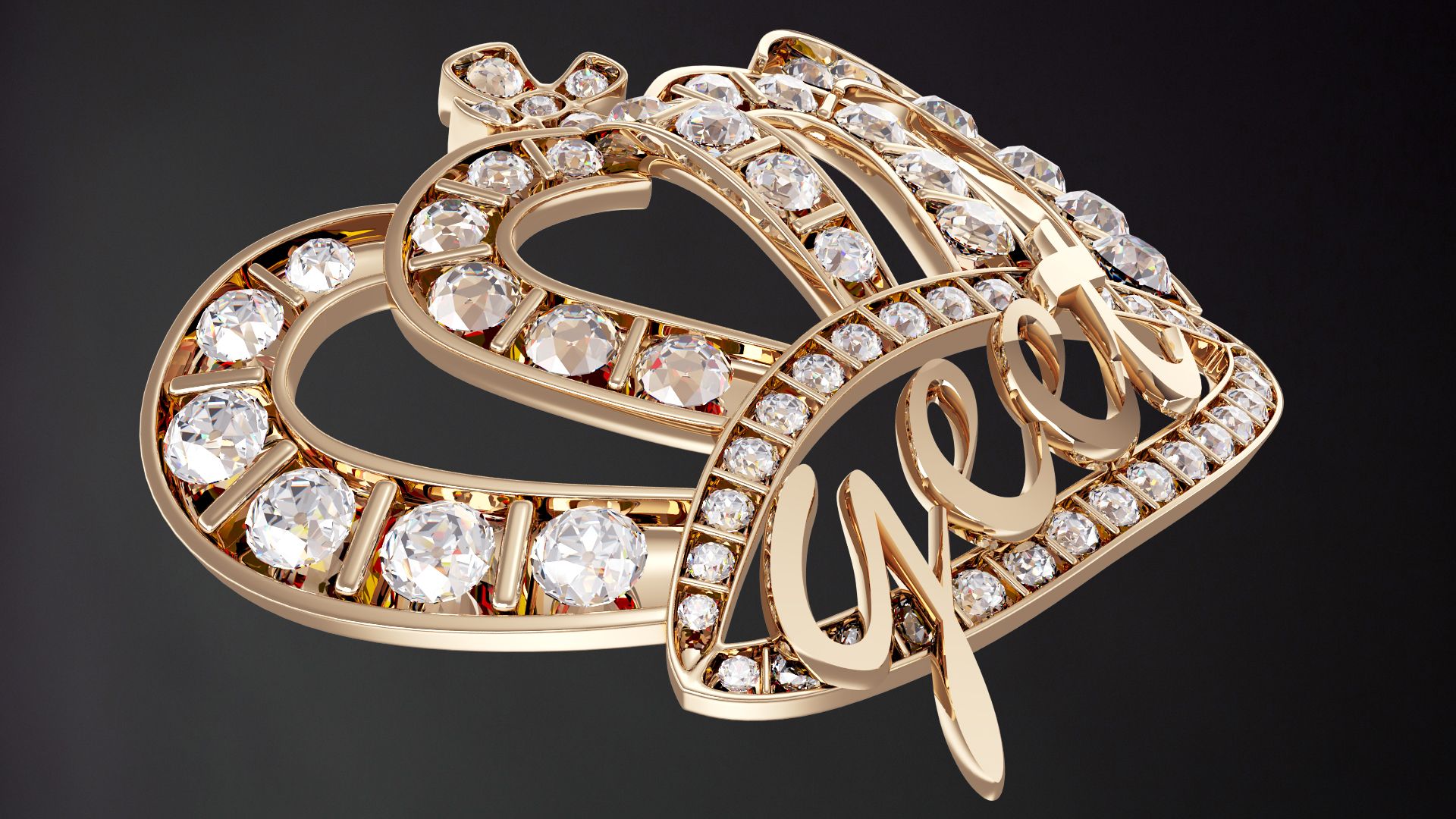


Warranty Badge 3D 모델
0


57
방문

에 의해 제출 된
Broadcast Media
명세서
- 기하학polygonal_quads/tris
- 다각형13,980
- 정점들8,398
- 텍스처Yes
- 딱딱한Yes
- 생기 있는Yes
- 3D 인쇄 가능 준비No
- 게임 준비 (낮은 폴리)No
- UV 매핑 됨No
- 포장되지 않은 자외선unknown
기술
PRODUCT ORIGIN
This product was modeled with precision and was created and used for TV/FILM/VIDEO.
MATERIAL/SURFACE DETAILS
The materials/shaders are all set and ready to go for VRay.
ALTERNATE FORMATS
The main file is the 3DS MAX version but other formats have been included. There's an FBX, 3DS, OBJ
SPECIAL BONUS
This product also comes with a very basic cyc/background model and lighting setup that can be used to render other objects with high quality results. Simply import your objects and render with nice studio lighting. Very useful!!!
HDRI NOTE
Some of the sample renders made use of HDRI maps for lighting and reflections. Those HDRI images are not included because of copyright. However, you can simply add an HDRI from your own collection to the 'environment' slot in the VRay render options. If you do not have any HDRIs, there are many for sale here on TurboSquid. The material for adding an HDRI is already setup in the material editor. It's in the material editor and is called 'ENVIRO' Just click 'BROWSE' and point it to the HDRI of your choosing and you're all set.
Oct 02, 2019
추가 된 날짜
Mar 06, 2022
마지막 업데이트
리뷰
현재이 제품에 대한 리뷰가 없습니다.
얼음을 깬 첫 번째 사람이되지 않겠습니까?