


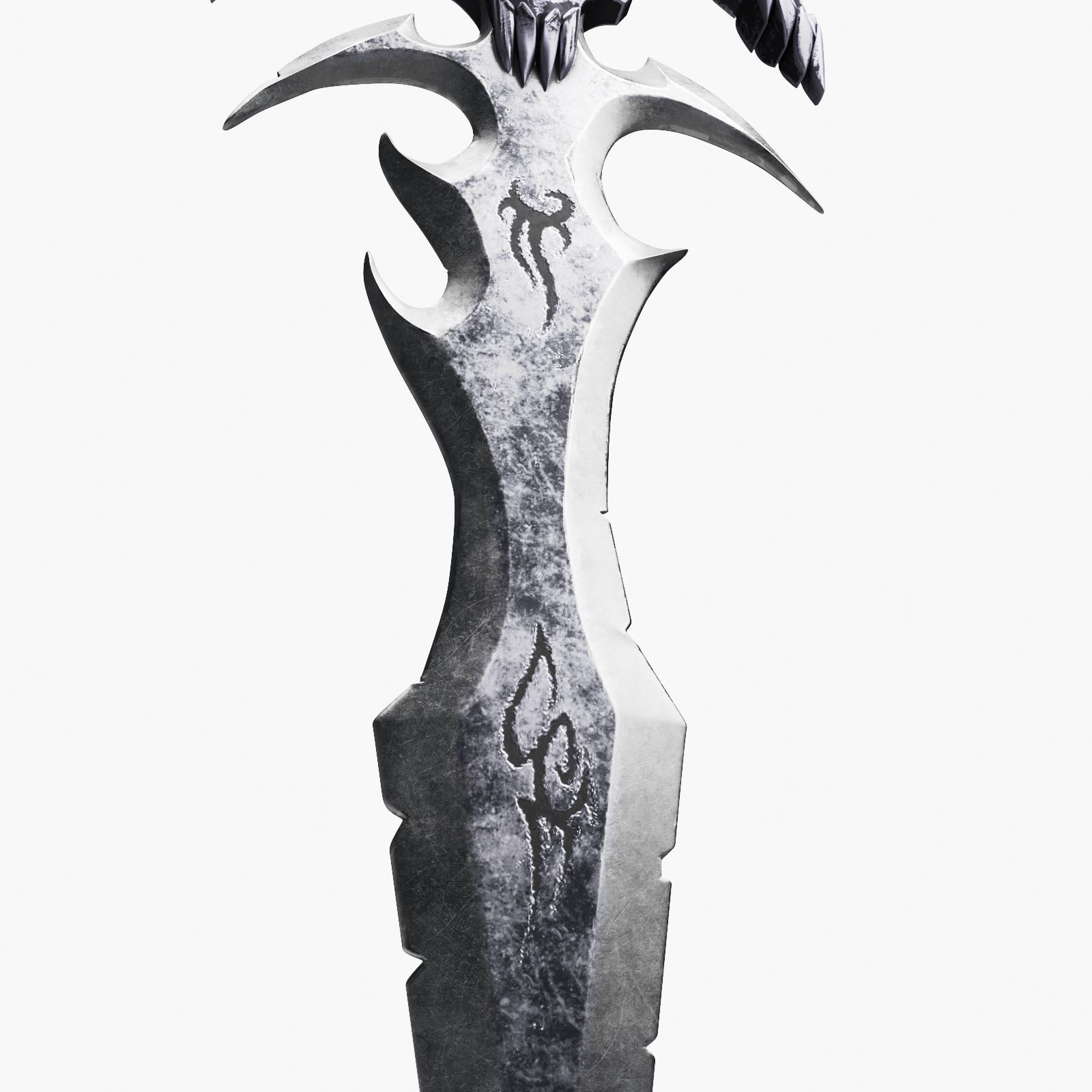


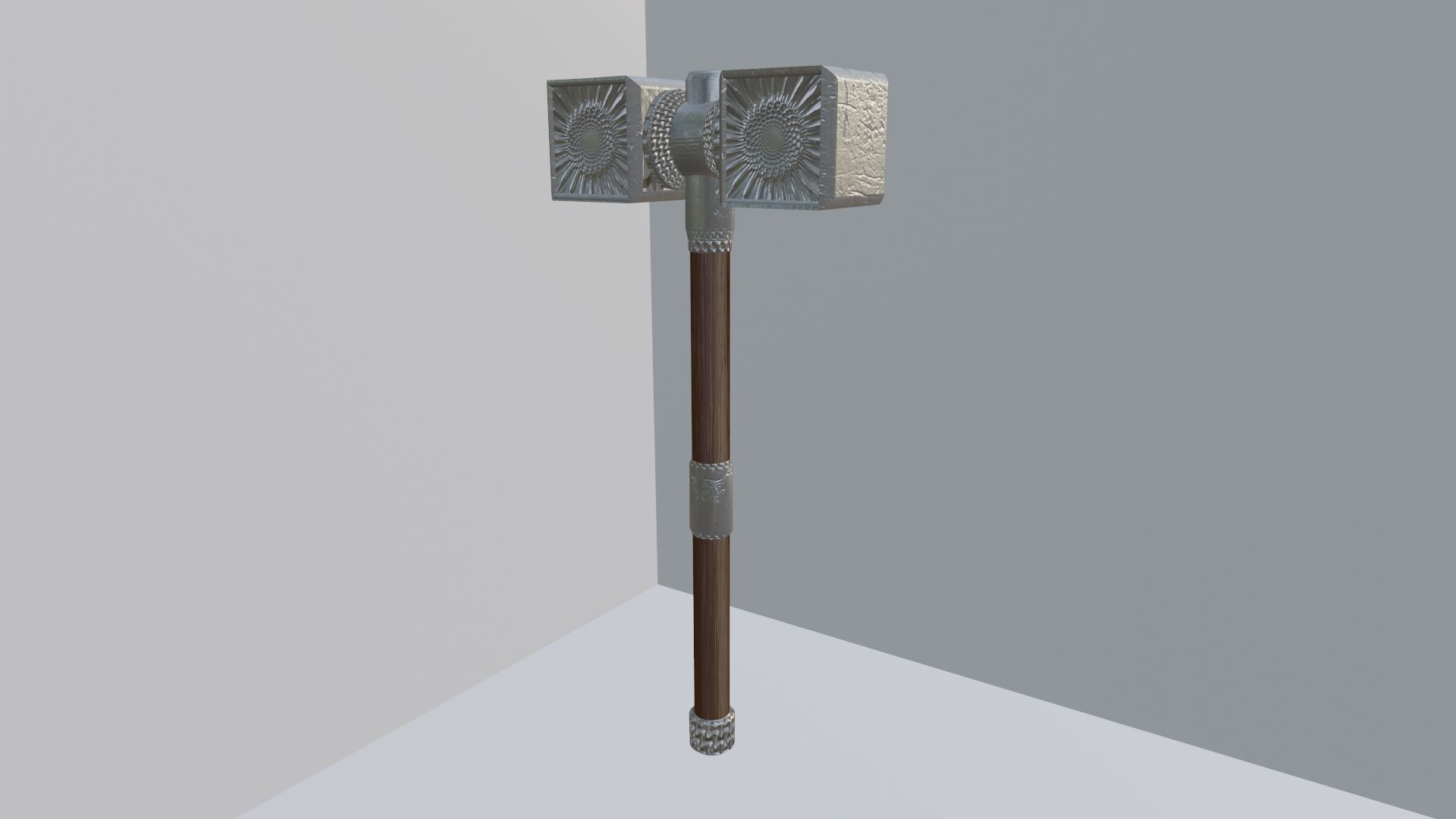
전투 망치 대표성 3D 모델
0




0
방문

에 의해 제출 된
TheresNoGhost
명세서
- 기하학polygonal_quads/tris
- 다각형858
- 정점들896
- 텍스처Yes
- 딱딱한No
- 생기 있는No
- 3D 인쇄 가능 준비No
- 게임 준비 (낮은 폴리)No
- UV 매핑 됨Yes
- 포장되지 않은 자외선mixed
기술
Pound Cake Surprise
====================
LowPoly battle hammer. Apply the texture to get the full effect.
*********************************
File Formats:
- .blend (blender 2.81)
- OBJ (Multi Format)
- FBX
- DAE (collada)
Made in blender, blend file used to render images. Other software and formats will need some assembly with the material, but the stitches are mapped and found working in all formats.
*********************************
How-To:
Depending on software used to load this model, you may need to apply norms and colors manually. Normal located in PoundCakeSurpise.jpg, color can be anything you like.
Other formats, such as fbx and obj, will need these norms applied to the mats you make for them in software you choose.
For example, in unity you would make a material, set albedo to any color, choose normal image 'PoundCakeSurprise.jpg', set it as Normal Map, and in the material apply it as the normal. The Stitches will apply to the appropriate areas over the color.
*********************************
Textures:
- PoundCakeSurpise.jpg, 1024x1024
- Wood.jpg, 1024x1024
*********************************
Apr 04, 2020
추가 된 날짜
Sep 02, 2021
마지막 업데이트
리뷰
현재이 제품에 대한 리뷰가 없습니다.
얼음을 깬 첫 번째 사람이되지 않겠습니까?