


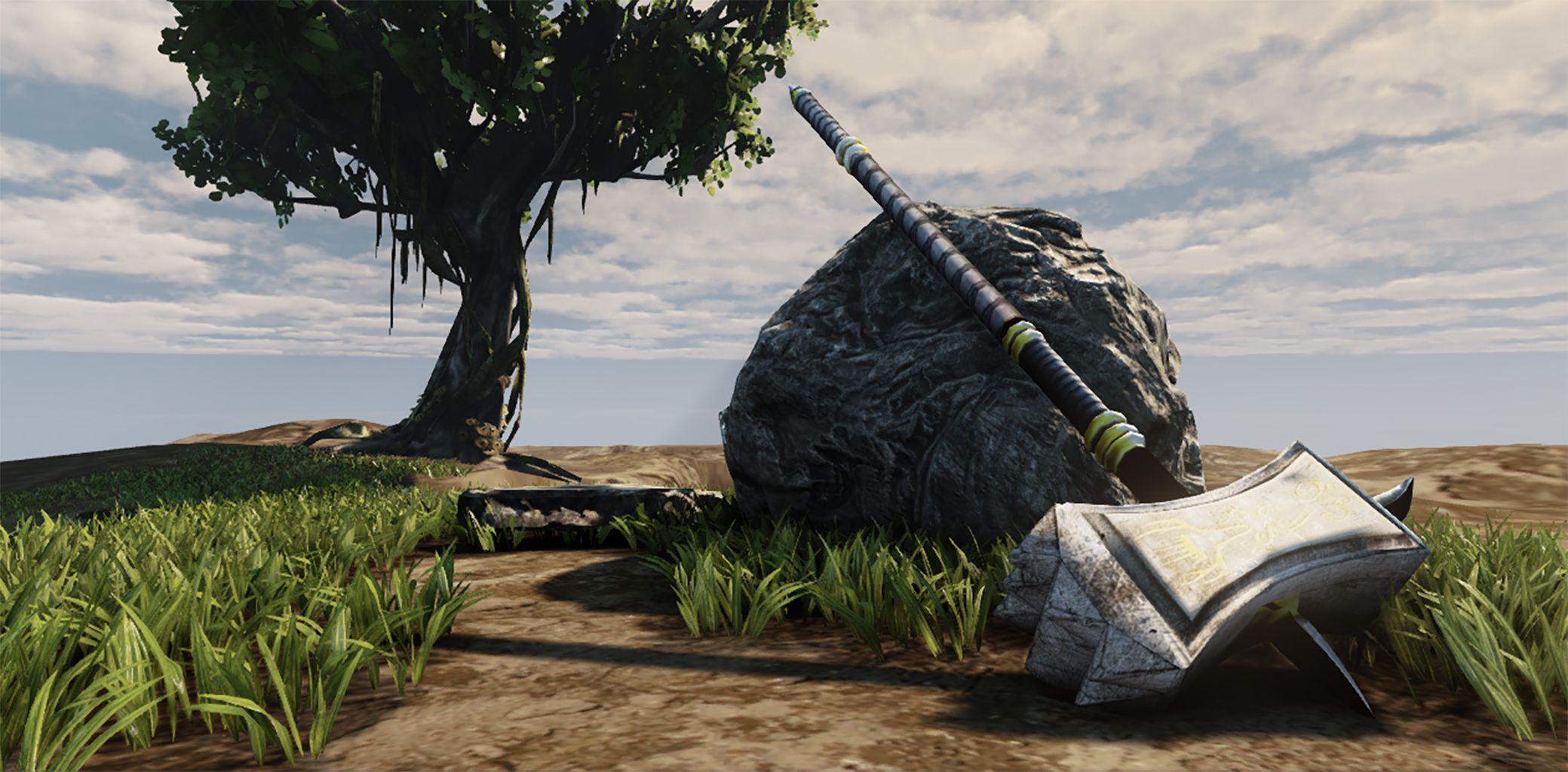

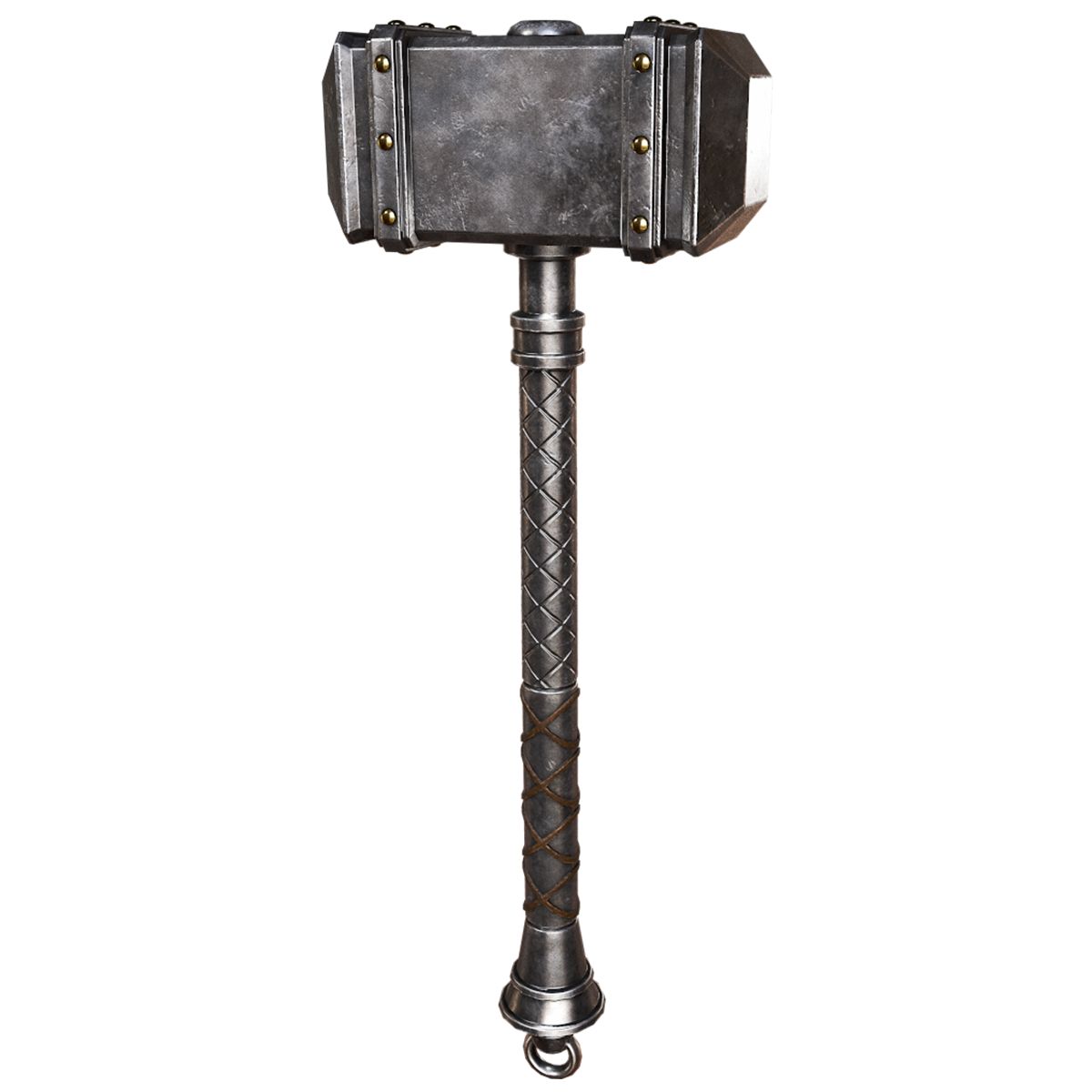


Savaş Çekiç Lowpoly 3D model
0




Royalty Free LisansTüm genişletilmiş kullanımlar
Basit iadeler
En iyi fiyat garantisi
Kutunun dışında çalışır
0
ziyaret

Tarafından gönderilmiştir
TheresNoGhost
Özellikler
- Geometripolygonal_quads/tris
- Çokgenler858
- Tepe Noktaları896
- DokularYes
- hileliNo
- canlandırılmışNo
- 3D Yazdırılabilir HazırNo
- Oyuna Hazır (düşük poli)No
- UV HaritalıYes
- Sarılmamış UV'lermixed
Açıklama
Pound Cake Surprise
====================
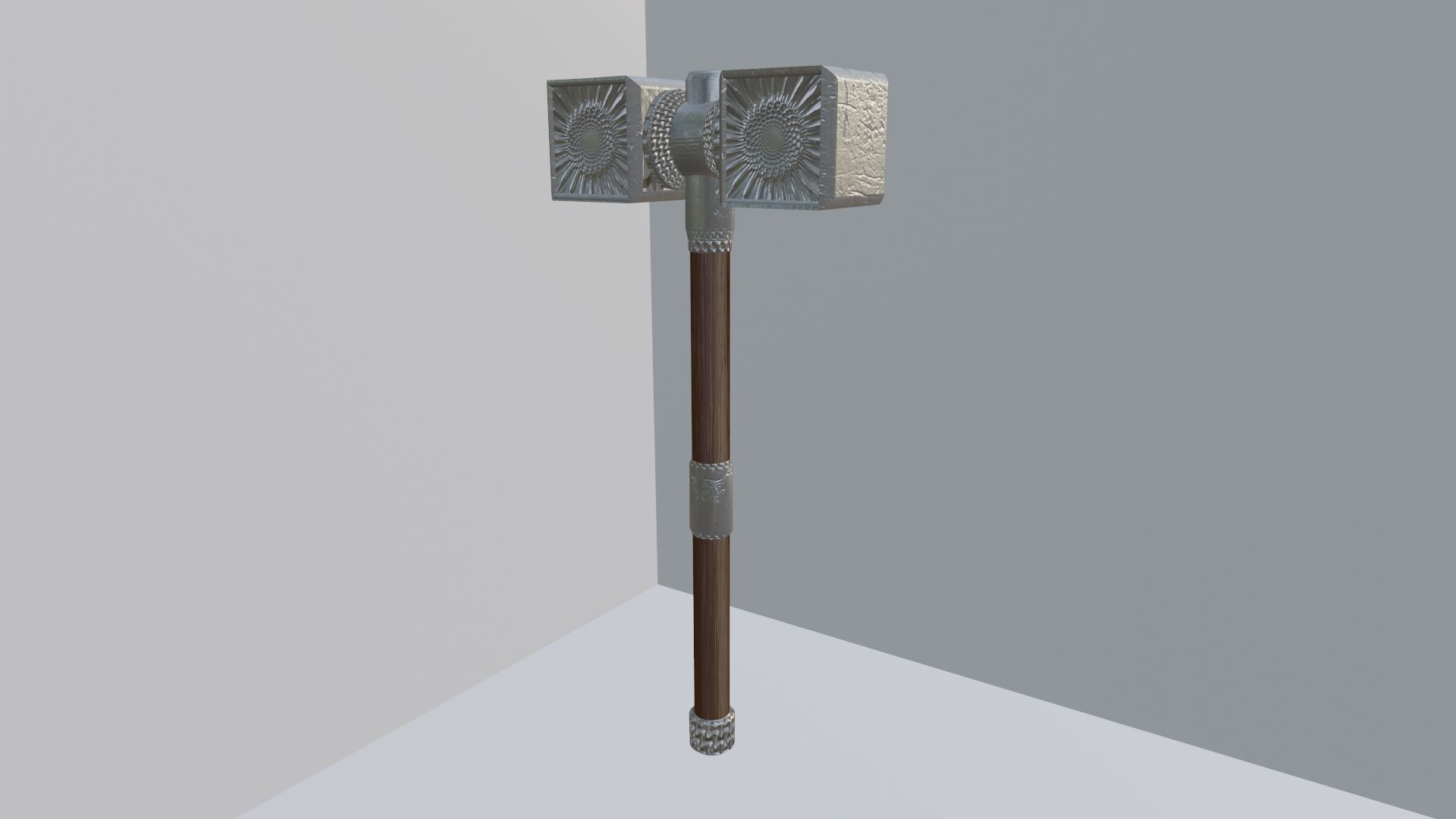
LowPoly battle hammer. Apply the texture to get the full effect.
*********************************
File Formats:
- .blend (blender 2.81)
- OBJ (Multi Format)
- FBX
- DAE (collada)
Made in blender, blend file used to render images. Other software and formats will need some assembly with the material, but the stitches are mapped and found working in all formats.
*********************************
How-To:
Depending on software used to load this model, you may need to apply norms and colors manually. Normal located in PoundCakeSurpise.jpg, color can be anything you like.
Other formats, such as fbx and obj, will need these norms applied to the mats you make for them in software you choose.
For example, in unity you would make a material, set albedo to any color, choose normal image 'PoundCakeSurprise.jpg', set it as Normal Map, and in the material apply it as the normal. The Stitches will apply to the appropriate areas over the color.
*********************************
Textures:
- PoundCakeSurpise.jpg, 1024x1024
- Wood.jpg, 1024x1024
*********************************
Apr 04, 2020
Ekleme Tarihi
Sep 02, 2021
son Güncelleme
Yorumlar
Bu ürün için henüz hiç yorum yapılmamış.
Neden buzu kıran ilk kişi değilsin?